C# LINQ Reverse: Reversing Sequences
c# linq reverse: Learn how LINQ Reverse() works in C#: its deferred execution behavior, buffering cost, and when to choose it over in-place reversal methods.
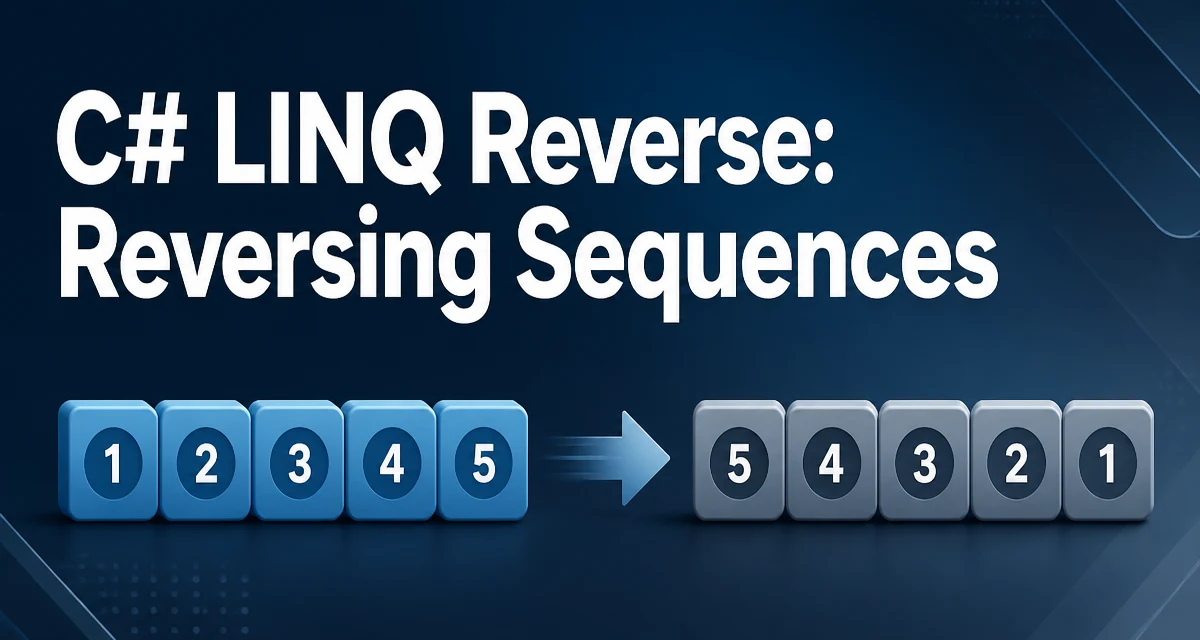
LINQ Reverse() returns a new sequence with elements in the opposite order. It is part of System.Linq and works on any IEnumerable<T>. The signature is:
public static IEnumerable<TSource> Reverse<TSource>(this IEnumerable<TSource> source)
The method does not modify the original collection. Instead, it produces a new sequence that yields elements from the end to the beginning.
What LINQ Reverse() Actually Does
The Reverse() extension method is defined in the System.Linq namespace and extends IEnumerable<T>. When you call it, you get back an IEnumerable<T> that, when enumerated, produces the elements of the source sequence in reverse order.
using System.Linq;

int[] numbers = { 1, 2, 3, 4, 5 };
var reversed = numbers.Reverse();

foreach (var number in reversed)
{
    Console.WriteLine(number);
}
// Output: 5, 4, 3, 2, 1
The original numbers array remains unchanged. This is a key distinction from in-place reversal methods like Array.Reverse() or List<T>.Reverse(), which modify the underlying collection.
Reversing an Array or List
Arrays and List<T> both implement IEnumerable<T>, so LINQ Reverse() can be used with either. For an array, the extension-method syntax is direct:
int[] numbers = { 1, 2, 3 };
var reversed = numbers.Reverse();
For a List<T>, call Enumerable.Reverse(names) or cast to IEnumerable<T> before calling Reverse(). A plain names.Reverse() call binds to the List<T>.Reverse() instance method, which reverses the list in place and returns void.
List<string> names = new List<string> { "Alice", "Bob", "Carol" };
var reversedNames = Enumerable.Reverse(names); // or ((IEnumerable<string>)names).Reverse()

Console.WriteLine(string.Join(", ", reversedNames));
// Output: Carol, Bob, Alice
If you need the result as a list or array, materialize it explicitly:
var reversedList = Enumerable.Reverse(names).ToList();
var reversedArray = Enumerable.Reverse(names).ToArray();
The ToList() and ToArray() calls force immediate evaluation. This matters when you need the data for multiple iterations or want to avoid re-enumerating the source.
Deferred Execution and Materialization
Reverse() uses deferred execution. The source sequence is not enumerated until you iterate over the result. For a general IEnumerable<T> source, this has an important consequence: the method must buffer the entire source sequence before it can yield the first reversed element.
Consider this:
IEnumerable<int> source = GetNumbers(); // some lazy sequence
var reversed = source.Reverse();

// Nothing has been enumerated yet
When you start iterating reversed, the implementation first pulls every element from source and stores it in an internal buffer. Only after the source is exhausted can it start yielding elements from the buffer in reverse order.
This behavior differs from methods like Where() or Select(), which stream elements one at a time. For a general IEnumerable<T> source, Reverse() is a buffering operation, so its memory cost can scale with the size of the source sequence.
Reversing Strings with LINQ
string implements IEnumerable<char>, so you can reverse a string with LINQ:
string text = "hello";
string reversed = new string(text.Reverse().ToArray());
// reversed = "olleh"
The Reverse() call produces an IEnumerable<char>, and the new string(...) constructor rebuilds a string from the reversed character sequence. This works, but for simple string reversal, a for loop or Array.Reverse() on a character array is usually more efficient because it avoids the LINQ overhead and intermediate allocations.
Reverse() vs In-Place Reversal Methods
| Approach | Modifies original? | Returns new sequence? | Best for |
|---|---|---|---|
LINQ Reverse() | No | Yes | Immutable pipelines, chaining with other LINQ operators |
Array.Reverse() | Yes | No | In-place reversal of arrays |
List<T>.Reverse() | Yes | No | In-place reversal of lists |
| Manual loop | Depends | Depends | Tight loops where allocation matters |
Choose Reverse() when you are building a LINQ query pipeline and the original collection should stay untouched. Choose in-place methods when you own the collection, do not need the original order afterward, and want to avoid allocating a new sequence.
Performance and Memory Characteristics
The main cost of Reverse() is the buffering it needs for a source that is not already randomly accessible. For a general IEnumerable<T> source of n elements, the method must read and store all n items before it can yield the first reversed element.
- Time complexity is O(n), since every element is visited exactly once.
- Memory usage is O(n) for a general enumerable source, because the entire sequence is stored before enumeration starts.
For small in-memory collections like arrays or lists, the practical cost is usually negligible. For large or lazily generated sequences, the buffering cost can be significant. If the source is a List<T> or array and you can tolerate modifying it, List<T>.Reverse() or Array.Reverse() changes the collection in place and can be a better choice.
There is also a subtle point about re-enumeration. If you iterate the reversed result multiple times, the source is read again on each pass. Materializing the result with ToList() once and reusing that list avoids repeated work.
Common Mistakes and Edge Cases
One frequent mistake is expecting the LINQ Reverse() result to modify the original collection:
int[] numbers = { 1, 2, 3 };
numbers.Reverse(); // result is discarded, numbers is unchanged
The return value must be assigned or consumed. The original array still contains 1, 2, 3 in the original order.
With a List<T>, the same syntax has the opposite effect:
List<int> numbers = new List<int> { 1, 2, 3 };
numbers.Reverse(); // List<T>.Reverse() changes the list to 3, 2, 1
If you want the LINQ behavior on a list, use Enumerable.Reverse(numbers).
Another edge case is calling Reverse() on an empty sequence. The method returns an empty sequence without throwing. A sequence with a single element returns a sequence with that same single element.
Null handling: Reverse() throws ArgumentNullException if the source is null, consistent with other LINQ operators.