Git switch, checkout, and Detached HEAD Recovery
switch moves HEAD, restore touches files, checkout does both badly. How to leave a detached HEAD with your commits intact, and how to get back.
Quick Summary
git switch and git restore split what git checkout used to do; checkout still works and still overloads branch switching with file restoration, which is why the split happened in Git 2.23. switch only moves HEAD between branches, restore only touches files, and checkout --detach remains the way to detach deliberately.
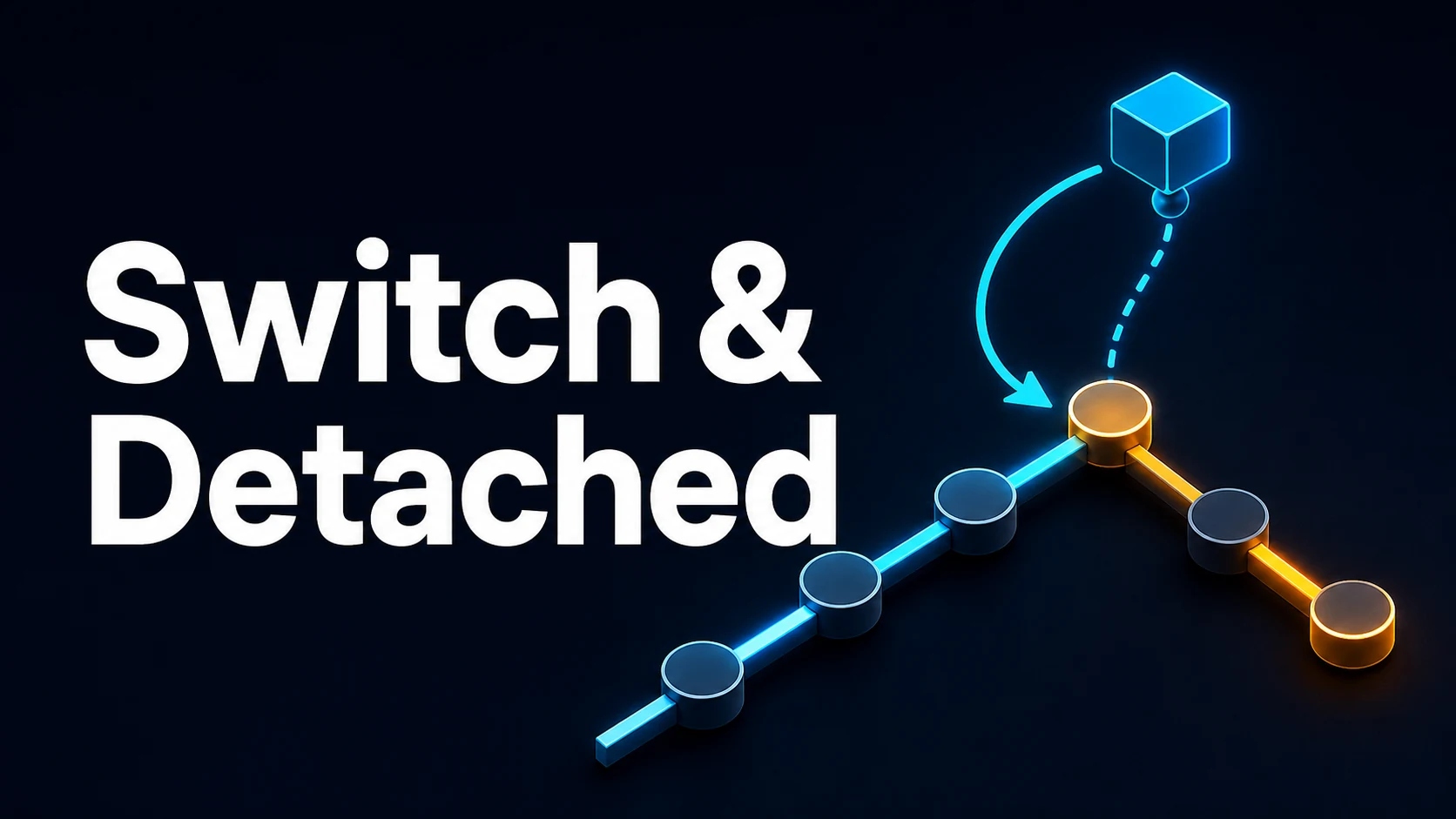
Detached HEAD means HEAD points at a commit instead of a branch. You get there by checking out a tag, a commit hash, or a remote branch by its full remote-tracking name. Commits made there are real commits with no branch pointing at them: they survive in the reflog until garbage collection, and they can be saved by creating a branch afterwards.
git switch - returns to the previously checked-out branch and is the fastest way back from an accidental detour.
Basic Syntax & Core Signatures
# Switching
git switch main
git switch feature/login              # must exist locally
git switch -c feature/login           # create and switch
git switch -C feature/login main      # create or reset to main, then switch
git switch -                          # previous branch (like cd -)
git switch --detach v2.4.0            # detached at a tag
git switch --detach 3f2a1b9
git switch --track origin/release/2.4 # local branch tracking a remote
git switch --discard-changes main     # throw away local changes to switch
git switch -m main                    # move uncommitted changes to main (2.30+)

# The old form, still supported
git checkout main
git checkout -b feature/login
git checkout -- .                     # restore files (prefer git restore)
git checkout 3f2a1b9 # detached at a commit# Branch management around switching
git branch # local branches, * marks current
git branch -vv # with upstream and ahead/behind
git branch -a --merged origin/main # already-merged branches, safe to delete
git branch -d feature/done # refuses if unmerged
git branch -D feature/abandoned # force
git branch --contains 3f2a1b9 # which branches include a commit
git branch -m old-name new-name # rename without switchingWhen a switch is refused because of local changes, Git lists the files that would be overwritten. The three legitimate outcomes are: commit, stash, or git switch --discard-changes — in that order of preference, because only the first two are recoverable.
Key Comparison Table
| Command | Moves HEAD | Touches working tree | Can detach | Typical use |
|---|---|---|---|---|
git switch <branch> | Yes | Only if clean | No | Normal branch change |
git checkout <branch> | Yes | Only if clean | Yes, with a hash or tag | Legacy scripts |
git switch --detach <ref> | Yes | Yes | Yes | Inspect an old commit or tag |
git restore <path> | No | Yes, discards changes | n/a | Undo edits |
git restore --staged <path> | No | No, index only | n/a | Unstage |
git reset --hard <ref> | Yes | Yes, discards everything | Possible | Move a branch and discard |
git stash && git switch x | Yes, after stash | No, cleaned | No | Switch with pending work |
| HEAD state | git commit result | Push works | Push needs |
|---|---|---|---|
| On a branch | Branch advances | Yes | Upstream set |
| Detached at a commit | New orphan commit, HEAD moves | Only with an explicit refspec | git push origin HEAD:refs/heads/name |
| Detached at a tag | Commits past the tag | Not by name | Create a branch first |
| Unborn branch (fresh init) | First commit on that branch | Yes | -u on first push |
Practical Edge Cases & Deep Dives
1. Rescuing work done in a detached HEAD
The recovery is a branch pointing at the current commit. Do it before switching away, because the commit hash is only easy to find while HEAD still points at it:
git switch --detach origin/main~5     # inspect
# ... commits happen
git switch -c hotfix/from-detached    # rescue: branch now owns the commits
If you switched away already, git reflog lists HEAD@{n} entries for the detached commits and git switch -c rescue HEAD@{1} restores them. Garbage collection eventually drops unreachable commits, so recovery is a matter of days, not months.
2. Switching with uncommitted changes
Git allows a switch when the changes do not conflict with the target branch, and carries them over. When they do conflict it refuses, and the error names the paths. git switch -m (Git 2.30+) performs a three-way merge of the local changes into the target, which is convenient and occasionally surprising:
git switch -m main
# local edits are preserved, but files may now contain a conflict-free merge
For anything larger than a line or two, git stash push -u then switch then git stash pop is easier to reason about, and it keeps the work recoverable if the switch is interrupted.
3. Checking out a remote branch: branch or detached?
git switch origin/main — with the remote prefix — detaches. git switch main, when no local main exists but exactly one remote has main, creates a local tracking branch automatically. The behaviour changed over versions; the explicit form works everywhere:
git switch --track origin/release/2.4
git switch -c release-2.4 --track origin/release/2.4   # different local name
git config --global branch.autoSetupMerge always       # default for new branches
When two remotes both have the branch (fork plus upstream), automatic creation is ambiguous and Git refuses; the --track form removes the ambiguity.
4. Deleting a branch you are standing on
git branch -d current fails. Switch first, then delete. The exception is the branch's own upstream deletion, which is a remote operation: git push origin --delete feature/x works no matter where you are, and it leaves the local branch and its remote-tracking ref behind until git fetch --prune.
git switch main
git branch -d feature/x
git push origin --delete feature/x
git fetch --prune
5. Detached HEAD in CI and submodules
CI checkout actions frequently leave a detached HEAD, and a build script that runs git push from there fails with "You are not currently on a branch". Fixes: git switch -c ci/${CI_COMMIT_REF_NAME} before pushing, or use an explicit refspec (git push origin HEAD:refs/heads/name). Submodules are always checked out detached by design, because the parent records a commit, not a branch — do not "fix" that by switching to a branch inside a submodule, or the recorded commit drifts on every build.
6. Renaming the default branch without breaking clones
Renaming locally, pushing, and updating the remote default are three separate steps, and skipping the last leaves origin/HEAD pointing at the old name:
git branch -m master main
git push -u origin main
git push origin --delete master        # if the remote allows it
git remote set-head origin -a
Everyone else needs git branch -m master main, git fetch --prune, and git remote set-head origin -a. Their local master will otherwise keep tracking a ref that no longer exists.
Branch names and case. Feature/Login and feature/login are different refs in Git and the same directory on macOS and Windows, where the filesystem is case-insensitive. A branch created on Linux with different capitalization becomes a .git/refs collision on a colleague's laptop, and the symptom is a "branch already exists" error that cannot be reproduced. The habit that avoids it: lowercase branch names with a slash prefix (feat/, fix/, chore/), enforced by a server-side rule or a pre-push hook.
Common Git Operation Mistakes
| Symptom | Cause | Fix |
|---|---|---|
| "You are in detached HEAD state" after checkout | Hash or tag checked out | git switch -c name to keep work, or git switch - to leave |
| Switch refused: local changes would be overwritten | Pending edits touch the same files | Commit, stash, or --discard-changes |
| Commits vanished after switching branches | They were made in a detached HEAD | git reflog, then git switch -c rescue <hash> |
git switch origin/main detached unexpectedly | Remote-tracking refs detach by design | git switch main, or --track |
| Branch delete refused | Not fully merged | Merge, rebase, or -D after confirming in the reflog |
| Old branch still listed on the remote | Deleting locally does not delete remotely | git push origin --delete <branch> |
origin/HEAD points at a deleted branch | Default branch renamed | git remote set-head origin -a |
| Submodule flips to a different commit on every build | Switched to a branch inside the submodule | Leave it detached, commit the parent's pointer |
Try matching browser tools
All toolsSmall utilities that fit Git work — they run entirely in this browser tab, so nothing you paste leaves your device.
Related Git guides
All Git guidesGit config: Aliases, rerere, and Credential Helpers
Five config scopes decide one value at a time. Aliases are user-level shorthand, rerere records conflict resolutions, and credential helpers choose where your secret lives.
Git Hooks: pre-commit, commit-msg, and Husky Automation
Hooks live in .git/hooks, which a clone never receives, so core.hooksPath and Husky are how they travel. Exit codes abort the operation, and every hook is bypassable.
Git bisect: Binary Search, Automated Scripts, and Bug Hunting
Mark one bad and one good commit and Git halves the range each step. bisect run automates it through exit codes, and monotonicity is the assumption that must hold.
Git ignore: Patterns, Negation, and Untracking Cached Files
Patterns are relative and last match wins, but a negation cannot revive a file inside an excluded directory. Ignore rules never touch tracked files: rm --cached first.
More in Git
All Git guidesThe guides filed next to this one in Git, in library order.