Java HashMap vs Hashtable: Key Differences
HashMap and Hashtable both implement the Map interface in Java, but they differ in synchronization, null support, iteration, and performance. Learn when to use HashMap, Hashtable, or ConcurrentHashMap.
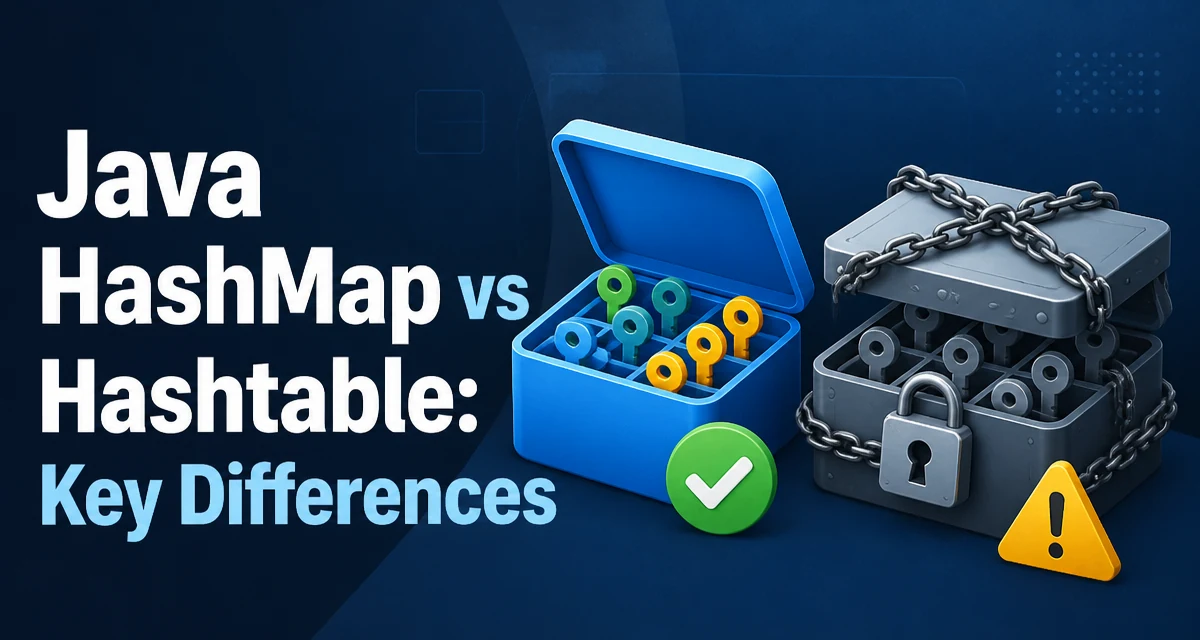
Java's HashMap and Hashtable both store key-value pairs and implement the Map interface, but they differ in synchronization, null handling, iteration behavior, and performance. In modern Java, use HashMap for single-threaded code and ConcurrentHashMap for concurrent code; treat Hashtable as a legacy class.
Synchronization and Thread Safety
The most fundamental difference is that Hashtable is synchronized: its methods are guarded by a lock on the entire table. This makes the class thread-safe for individual operations, but it also means every read and write acquires the same lock, serializing access. In a multi-threaded application, this can become a bottleneck if the map is heavily accessed.
HashMap, on the other hand, is not synchronized. It offers no thread-safety guarantees. If multiple threads access a HashMap concurrently and at least one thread modifies it structurally, you must synchronize externally. Structural modification includes adding or removing entries, but not updating an existing value.
Consider this example where a shared HashMap is used without external synchronization:
Map<String, Integer> map = new HashMap<>();

// Thread A
map.put("key", 42);

// Thread B
Integer value = map.get("key");
The concurrent, unsynchronized access is unsafe and can produce inconsistent results. To make a HashMap thread-safe, you can wrap it using Collections.synchronizedMap, as shown below:
Map<String, Integer> syncMap = Collections.synchronizedMap(new HashMap<>());
This wrapper synchronizes every method call, but compound operations like "check then put" still require manual synchronization. For many concurrent scenarios, ConcurrentHashMap is a better choice because it coordinates access more finely and provides better throughput under contention. Note that ConcurrentHashMap does not allow null keys or values.
Null Keys and Values
Hashtable does not allow null as a key or a value. Attempting to insert a null key or value throws NullPointerException. This restriction is a legacy from the original Java 1.0 collections.
HashMap, in contrast, allows one null key and any number of null values. This is convenient when you need to represent absent values or use a null sentinel.
Map<String, String> map = new HashMap<>();
map.put(null, "value");   // allowed
map.put("key", null);    // allowed
If your code relies on null support, HashMap is the only choice between the two. This difference becomes critical when you are migrating legacy code that uses Hashtable: you must handle nulls explicitly before switching.
Performance Characteristics
Because Hashtable synchronizes each method, it incurs overhead from acquiring and releasing locks on every operation. In single-threaded code, this overhead is purely wasteful. HashMap has no such locking, so it generally provides better performance for single-threaded access.
Even in multi-threaded environments, Hashtable is often outperformed by ConcurrentHashMap, which allows concurrent reads and coordinates writes more finely. Therefore, Hashtable is rarely the best performance choice.
It's worth noting that both HashMap and Hashtable rely on the hashCode() and equals() methods of keys. If those methods are implemented poorly, lookup performance can degrade sharply, especially when many keys land in the same bucket. The practical performance difference between the two comes mainly from synchronization, not from the underlying data structure.
Iteration Behavior
HashMap uses a fail-fast iterator that throws ConcurrentModificationException if the map is structurally modified during iteration. This is a safety measure but can be surprising to developers who modify a map while iterating over it.
Hashtable also provides a fail-fast iterator in modern Java, but the older Enumeration interface it additionally supports does not have this behavior. If you use Hashtable's keys() or elements() methods, you get an Enumeration that may silently produce inconsistent results if the map is modified.
For most code, using the Map interface's entrySet() or forEach is recommended regardless of the implementation.
Legacy API and Naming
The naming convention is a clue: Hashtable is spelled with a lowercase t in "table", not HashTable, reflecting its age. It was part of Java 1.0, before the collections framework was introduced in Java 1.2. HashMap was added in Java 1.2 as part of the modern Java Collections Framework.
You should avoid the legacy Hashtable class unless you are maintaining older code. Modern Java code should use HashMap for single-threaded contexts and ConcurrentHashMap for multi-threaded contexts.
Decision Guidance
The choice depends on your concurrency requirements:
- If your map is only accessed by one thread, use
HashMapfor simplicity and performance. - If you need a thread-safe map with good concurrency, use
ConcurrentHashMapinstead ofHashtable. - If a legacy API requires
Hashtable, keep it only at the integration boundary and preferMapin new code.
Here is a quick comparison table:
| Feature | HashMap | Hashtable |
|---|---|---|
| Synchronization | No | Yes (whole map lock) |
| Null key | Allowed (one) | Not allowed |
| Null value | Allowed | Not allowed |
| Introduced in | Java 1.2 | Java 1.0 |
| Recommended for | Single-threaded code | Legacy code only |
Production Considerations
Using Hashtable in a highly concurrent system can create lock-contention issues that are hard to diagnose. The lock on the entire table means that even reads for unrelated keys are serialized, leading to unexpected latency under load. ConcurrentHashMap avoids this by allowing concurrent reads and coordinating writes more finely.
Another production concern is null handling. If a Hashtable stores values that can be null, the application will throw NullPointerException at an unpredictable point. This often surfaces during data processing when a blank field is encountered.
Before adopting a map implementation, you should also consider the equals() and hashCode() implementations of your keys. If keys are mutable and their hash codes change after insertion, the map may fail to locate them, causing memory leaks visible only in long-running services.
Migrating From Hashtable
When migrating code from Hashtable to HashMap or ConcurrentHashMap, pay attention to the following:
- Replace
Hashtabletype references with the new interface type (Map). - Check for reliance on
nullkeys or values and validate input data. - Ensure iteration code uses the modern
MapAPI rather thanEnumeration. - If thread safety is required, choose
ConcurrentHashMapand adjust any assumptions about iteration order.
A simple migration might look like this:
// Before
Hashtable<String, Integer> table = new Hashtable<>();
table.put("a", 1);

// After
Map<String, Integer> map = new HashMap<>(table);
The copy constructor is convenient, but if you are replacing a synchronized structure with a non-synchronized one, you must verify that no other threads are relying on implicit synchronization.
When Hashtable Still Makes Sense
Despite its drawbacks, Hashtable remains in the JDK for backward compatibility. If you are maintaining a library that must run on very old Java versions or must interoperate with legacy code that expects a Hashtable, you might have to use it internally. In that case, document why you are using it and avoid exposing it in public APIs.
For new development, none of these reasons justify choosing Hashtable over HashMap or ConcurrentHashMap. The performance and flexibility advantages of modern maps are too significant.