Java: HikariPool connection is not available, request timed out
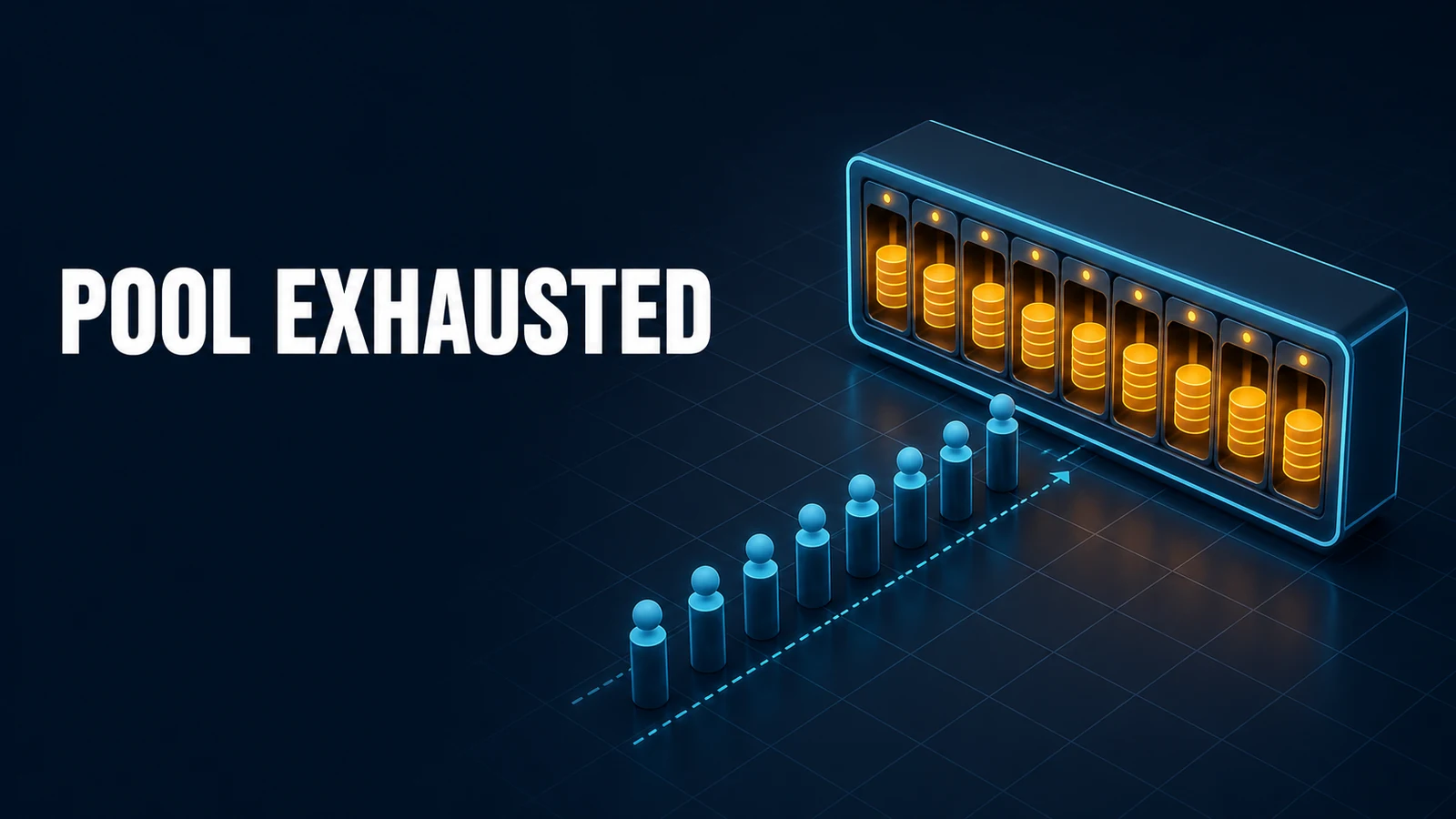
The HikariCP pool ran out of connections for the whole connectionTimeout. Read the counters, find leaks or slow queries, then size the pool.
Introduction & Quick Summary
A Spring Boot service starts returning 500s under load, and the log has one repeated cause:
java.sql.SQLTransientConnectionException: HikariPool-1 - Connection is not available,
request timed out after 30000ms.
    at com.zaxxer.hikari.pool.HikariPool.createTimeoutException(HikariPool.java:696)
    at com.zaxxer.hikari.pool.HikariPool.getConnection(HikariPool.java:193)
Quick answer: every connection in the pool was in use for the whole connectionTimeout, and the caller gave up waiting. That is an exhaustion problem, not a network problem — find out who is holding the connections:
# application.yml — make the pool observable before changing its size
spring:
  datasource:
    hikari:
      maximum-pool-size: 10
      connection-timeout: 30000
      leak-detection-threshold: 20000    # logs a stack trace when a connection is held too long
register-mbeans: true// or read the counters directly
HikariDataSource ds = (HikariDataSource) dataSource;
HikariPoolMXBean pool = ds.getHikariPoolMXBean();
log.info("active={} idle={} total={} waiting={}",
pool.getActiveConnections(), pool.getIdleConnections(),
pool.getTotalConnections(), pool.getThreadsAwaitingConnection());If active sits at maximumPoolSize and waiting grows, the pool is too small, the queries are too slow, or a code path leaks connections — three different fixes the numbers tell apart within a minute.
Core Mechanics, Signatures & Reproducible Setup
HikariCP is a fixed-size pool with a wait queue. A caller asking for a connection either gets an idle one, or blocks until connectionTimeout expires, at which point it throws SQLTransientConnectionException with the pool name.
| Setting | Default | Meaning |
|---|---|---|
maximumPoolSize | 10 | hard cap on open connections |
minimumIdle | same as max | connections kept ready |
connectionTimeout | 30000 ms | max wait before the exception |
idleTimeout | 600000 ms | retire unused connections |
maxLifetime | 1800000 ms | retire any connection, keeps failover working |
keepaliveTime | 0 (off) | ping idle connections to detect dead ones |
leakDetectionThreshold | 0 (off) | log a stack trace when held too long |
The pool name in the message identifies which datasource starved: HikariPool-1 is created first, so a replica or reporting datasource can be the one failing while the primary looks healthy.
A pool of one reproduces it:
HikariConfig cfg = new HikariConfig();
cfg.setJdbcUrl("jdbc:postgresql://localhost:5432/app");
cfg.setMaximumPoolSize(1);
cfg.setConnectionTimeout(1000);

try (HikariDataSource ds = new HikariDataSource(cfg)) {
    Connection first = ds.getConnection();      // never closed
    try (Connection second = ds.getConnection()) {
        // never reached: HikariPool-1 - Connection is not available, request timed out after 1000ms.
    }
    first.close();
}
Little's law gives the connections a workload needs: connections ≈ queries per second × average query duration in seconds. Thirty queries per second at 20 ms fits one connection; 200 per second at 50 ms needs ten, and a single two-second query removes one connection from the pool for two seconds.
Key Comparison Table
| Message variant | Cause | First check |
|---|---|---|
Connection is not available, request timed out after 30000ms | pool exhausted | active vs max, waiting count |
| same message, low load | one leaked connection per request | leak-detection-threshold |
Connection reset / Communications link failure | connection died in the pool | keepaliveTime, maxLifetime |
Connection refused | database down or wrong host | pg_isready, firewall |
too many connections from the database | pool larger than the server allows | max_connections × instances |
| message appears only after idle periods | firewall or proxy dropped idle sockets | keepaliveTime, validationTimeout |
| Symptom | Likely cause | Fix |
|---|---|---|
| active = max, waiting grows with traffic | undersized pool or slow queries | tune queries, then size the pool |
| active = max, waiting grows with no traffic | leak or long transaction | leak detection, thread dump |
| active fluctuates, timeouts under bursts | bursts exceed pool | queue or raise size within DB limits |
| every instance times out together | database saturated | check server sessions and locks |
| one endpoint times out, others fine | that endpoint holds connections | inspect its transaction scope |
| Timeout | Where it applies | Typical value |
|---|---|---|
connectionTimeout | waiting for a pooled connection | 30000 ms |
validationTimeout | checking a connection is alive | 5000 ms |
idleTimeout | retiring idle connections | 600000 ms |
maxLifetime | retiring any connection | 1800000 ms |
statement_timeout (Postgres) | a single query | per endpoint |
Practical Edge Cases, Error Fixes & Deep Dive Code Examples
1. Read the pool state before resizing
Raising maximumPoolSize without evidence usually moves the failure into the database, where it becomes too many connections. Log the counters on a schedule and correlate them with the error:
@Component
class PoolMetrics {
    private final HikariPoolMXBean pool;

    PoolMetrics(DataSource ds) {
        this.pool = ((HikariDataSource) ds).getHikariPoolMXBean();
    }

    @Scheduled(fixedRate = 10_000)
    void log() {
        log.info("pool active={} idle={} total={} waiting={}",
                 pool.getActiveConnections(), pool.getIdleConnections(),
                 pool.getTotalConnections(), pool.getThreadsAwaitingConnection());
    }
}
If active stays below max while timeouts occur, the problem is not capacity: it is a connection that is unusable (dead socket, blocked query) or a caller with a shorter timeout than the pool's.
2. Leaks that survive code review
The classic leak is a Connection or EntityManager obtained outside a scope that closes it. In Spring, @Transactional closes the connection when the method returns, so a method that starts a transaction and waits on a remote call holds a connection for the whole call:
@Transactional
public void importOrders(List<Long> ids) {
    for (Long id : ids) {
        Order o = remote.fetch(id);    // network call inside the transaction
        repo.save(o);                  // connection held the entire time
    }
}
Fetch outside the transaction and save in batches, or use a JdbcTemplate that returns rows quickly. With plain JDBC, try-with-resources on every Connection, PreparedStatement and ResultSet is the only reliable rule:
try (Connection c = ds.getConnection();
     PreparedStatement ps = c.prepareStatement("select id from orders where state = ?")) {
    ps.setString(1, "open");
    try (ResultSet rs = ps.executeQuery()) {
        while (rs.next()) { ids.add(rs.getLong(1)); }
    }
}
Streaming a large result set without closing it early, or returning a Stream from a repository and consuming it later, keeps a connection open far longer than the query runtime.
3. Size the pool against the database
The pool must fit both the workload and the server. Three replicas with maximumPoolSize: 20 are 60 connections before admin sessions; PostgreSQL's default max_connections is 100.
-- PostgreSQL: who is connected and what they are doing
select state, count(*) from pg_stat_activity where datname = 'app' group by state;
select pid, now() - query_start as duration, left(query, 80)
from pg_stat_activity where state = 'active' order by duration desc limit 10;
If the long-running queries belong to your service, fix them first; a bigger pool mostly multiplies the same slow queries. Consider a pool in front of the database (PgBouncer) when many instances are required.
4. Timeouts that must line up
Three timeouts sit on the same path, and a mismatch produces confusing failures: the HTTP client timeout, connectionTimeout, and the database statement timeout. If the HTTP timeout is 5 seconds and connectionTimeout is 30, clients disconnect long before the pool reports anything, and the logs stay empty.
spring:
  datasource:
    hikari:
      connection-timeout: 3000        # fail fast when the pool is exhausted
      validation-timeout: 1000
  jpa:
    properties:
      jakarta.persistence.query.timeout: 5000
A short connectionTimeout turns an exhaustion event into a fast, visible error instead of a 30-second queue that cascades into thread starvation.
5. Spring-specific traps and dead idle connections
- Multiple
DataSourcebeans mean multiple pools, each sized against the same database. spring.jpa.open-in-view=true(the default) keeps anEntityManagerbound to the request, so lazy loading during rendering holds a connection until the response completes.Connection resetinside the pool means infrastructure dropped idle sockets: setmax-lifetimebelow the NAT or load-balancer idle timeout andkeepalive-timeto a few minutes.
When the failing queries need to be read side by side, the text diff tool compares two slow query logs, and the SQL formatter makes a long statement readable before you decide whether to index or rewrite it.
Common Compilation/Runtime Mistakes & Version Gotchas
- Raising the pool first. It converts a queue into database saturation and often hits
max_connectionson the server. - Leaving
connectionTimeoutat 30 seconds. Requests stack up for half a minute before failing, turning a slow query into an outage. - Closing the
Connectionbut not theStatement. Close all three in nested try-with-resources. - Ignoring the database side.
pg_stat_activity,SHOW PROCESSLISTand lock waits explain most exhaustion that looks like a pool bug. - Version notes. HikariCP 5 requires Java 11 and is the default pool in Spring Boot 3; HikariCP 6 requires Java 11+ and is used by Boot 3.4+.
connectionTimeouthas a 250 ms minimum, and values below it are rejected at startup.leakDetectionThresholdadds overhead and should stay above the longest legitimate query.
Official documentation: HikariCP configuration and Spring Boot SQL data access.
Official references
primary documentationThe Java documentation that defines the behaviour this guide explains.
Try matching browser tools
All toolsSmall utilities that fit Java work — they run entirely in this browser tab, so nothing you paste leaves your device.
Related Java guides
All Java guidesSpring Boot: No qualifying bean of type available
The context could not satisfy a constructor argument. Scan boundaries, missing stereotypes, ambiguous candidates and test slices are the usual reasons.
Method Scope in Java: How Local Variables Work
Understand how variables behave inside Java methods: local variable boundaries, block scope, parameter scope, shadowing, and lifetime implications.
Java: DateTimeParseException: Text could not be parsed
The formatter pattern and the input disagree. Check the index in the message, the locale, and whether the text needs a ZonedDateTime instead.
Java: java.net.BindException: Address already in use
The kernel refused the listening socket. Find the process holding the port, check the bound interface and privileged ports, then restart cleanly.
More in Java
All Java guidesThe guides filed next to this one in Java, in library order.