Java ListIterator add set remove: Modifying Lists
Learn how to use Java's ListIterator add, set, and remove methods to safely modify a list during iteration, including constraints, ordering rules, and examples.
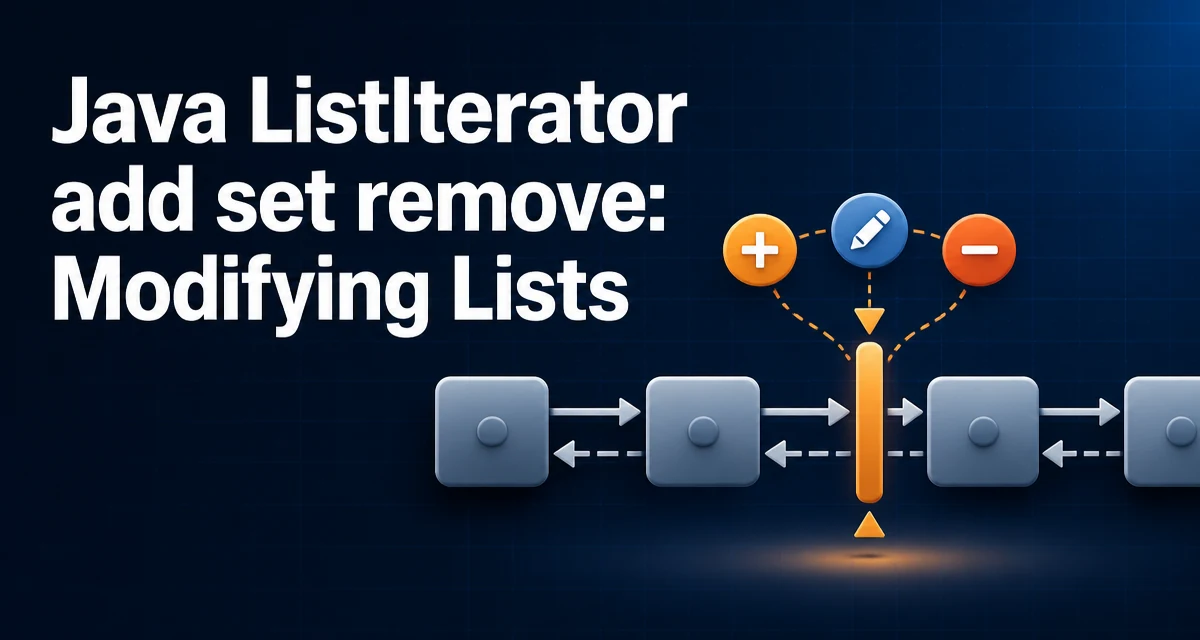
The ListIterator interface lets you add, set, or remove elements while iterating over a Java List. Its add(E e), set(E e), and remove() methods are designed to modify the list through the iterator itself, avoiding the ConcurrentModificationException that direct structural changes to the list can cause during traversal.
This article explains how these methods behave, the constraints around their use, and practical examples.
Why ListIterator Instead of Iterator?
The standard Iterator interface only supports remove() during iteration. If you call add() or remove() on the underlying list directly while using an Iterator, the list's structural modification count changes and the iterator may throw a ConcurrentModificationException. ListIterator extends Iterator and adds add(E e) and set(E e) methods that are designed to work with the iterator's internal cursor. It also supports bidirectional traversal with previous() and next(), making it a good choice when you need to insert or replace elements at the current position.
Here is a quick comparison of the two interfaces:
| Feature | Iterator | ListIterator |
|---|---|---|
| Traversal direction | Forward only | Bidirectional |
remove() | Yes | Yes |
add() | No | Yes |
set() | No | Yes |
| Index access | No | Yes (nextIndex(), previousIndex()) |
How the add Method Works
The add(E e) method inserts the specified element into the list immediately before the element that would be returned by next() and after the element that would be returned by previous(). It then advances the cursor so a subsequent call to previous() returns the newly added element.
List<String> list = new ArrayList<>(List.of("a", "c"));
ListIterator<String> it = list.listIterator();
it.next(); // returns "a"
it.add("b"); // inserts "b" after "a"
System.out.println(list); // [a, b, c]
In this example, it.next() moves the cursor to after "a". The add call inserts "b" at that position. The cursor now points between "b" and "c". Calling it.previous() would return "b".
Using set to Replace the Last Returned Element
The set(E e) method replaces the last element returned by next() or previous(). It can only be called after a call to next() or previous(), and not after a subsequent remove() or add() call; otherwise it throws IllegalStateException. This method does not change the cursor position.
List<Integer> numbers = new ArrayList<>(List.of(1, 2, 3));
ListIterator<Integer> it = numbers.listIterator();
it.next(); // returns 1
it.set(10); // replaces 1 with 10
System.out.println(numbers); // [10, 2, 3]
The set method is particularly useful when you need to update elements in place without creating a new list. It works with both next() and previous(), so you can modify elements during reverse iteration as well.
The remove Method and Its Constraints
The remove() method removes the last element returned by next() or previous(). Like set(), it must follow a next() or previous() call, and it can be called only once before another traversal. After calling remove(), you must call next() or previous() again before calling remove() or set(). Calling remove() twice without an intervening traversal throws IllegalStateException.
List<String> list = new ArrayList<>(List.of("x", "y", "z"));
ListIterator<String> it = list.listIterator();
it.next(); // returns "x"
it.remove(); // removes "x"
System.out.println(list); // [y, z]
Note that remove() removes an element but does not return one. The cursor position after the removal is not part of the ListIterator contract, so avoid relying on an exact previous() result immediately after remove(); instead, call next() or previous() explicitly and verify the resulting list state.
Order of Operations and Common Pitfalls
The three methods have strict ordering rules that are easy to violate. The table below summarizes the valid sequences:
| Operation | Allowed after next()/previous() | Allowed after add() | Allowed after remove() |
|---|---|---|---|
set() | Yes | No | No |
remove() | Yes | No | No |
add() | Yes | Yes | Yes |
A common mistake is calling set() or remove() after add(). The ListIterator contract requires that set and remove operate on the element most recently returned by next() or previous(). Since add() does not return an element, it invalidates any previous next() or previous() result. Similarly, calling remove() twice without an intervening traversal is illegal.
Another pitfall is using ListIterator on a fixed-size list such as Arrays.asList. The add and remove methods throw UnsupportedOperationException because these lists do not support structural modification. set works fine on such lists, but you must be aware of the list's implementation before using add or remove.
Practical Example: Filtering and Replacing in One Pass
A common use case is to iterate over a list and both remove certain elements and replace others. With ListIterator, you can do this in a single pass without creating a separate collection.
List<String> words = new ArrayList<>(List.of("apple", "banana", "cherry", "date"));
ListIterator<String> it = words.listIterator();
while (it.hasNext()) {
    String word = it.next();
    if (word.startsWith("a")) {
        it.remove();
    } else if (word.length() > 5) {
        it.set(word.toUpperCase());
    }
}
System.out.println(words); // [BANANA, CHERRY]
In this example, "apple" is removed, and "banana" and "cherry" are converted to uppercase. The ListIterator handles the cursor correctly across both operations, so you don't need to manage index offsets manually.
Performance and Thread-Safety Considerations
For non-concurrent List implementations such as ArrayList and LinkedList, ListIterator is not thread-safe. If multiple threads modify the same list concurrently, you must synchronize externally or use a concurrent collection. The iterator's internal cursor and the list's modCount are not protected, so concurrent modification can still cause a ConcurrentModificationException even when you use ListIterator; fail-fast behavior is best-effort, not guaranteed.
Complexity depends on the list implementation. For an ArrayList, add() and remove() through a ListIterator are O(n) because elements may need to be shifted, while set() is O(1) because it updates the element already returned by the iterator. A LinkedList offers O(1) add() and remove() at the current iterator position. Choose the collection implementation based on your access and modification patterns, and measure when performance matters.
In non-concurrent lists, ListIterator is fail-fast, not a snapshot. If you modify the list through the list's own methods after creating the iterator, the iterator may throw ConcurrentModificationException on its next traversal. Always use the iterator's own methods to modify the list while iterating.
For a LinkedList, using a ListIterator with previous() and set() can avoid the cost of repeated index-based access. For an ArrayList, index-based access is O(1), so iterator-based modification is mainly a convenience and a way to keep the cursor synchronized. Measuring with your own data is the reliable way to decide.