Java StringBuilder Capacity Explained
Understand Java StringBuilder capacity, including its default value, growth behavior, and how to set it to avoid unnecessary reallocations.
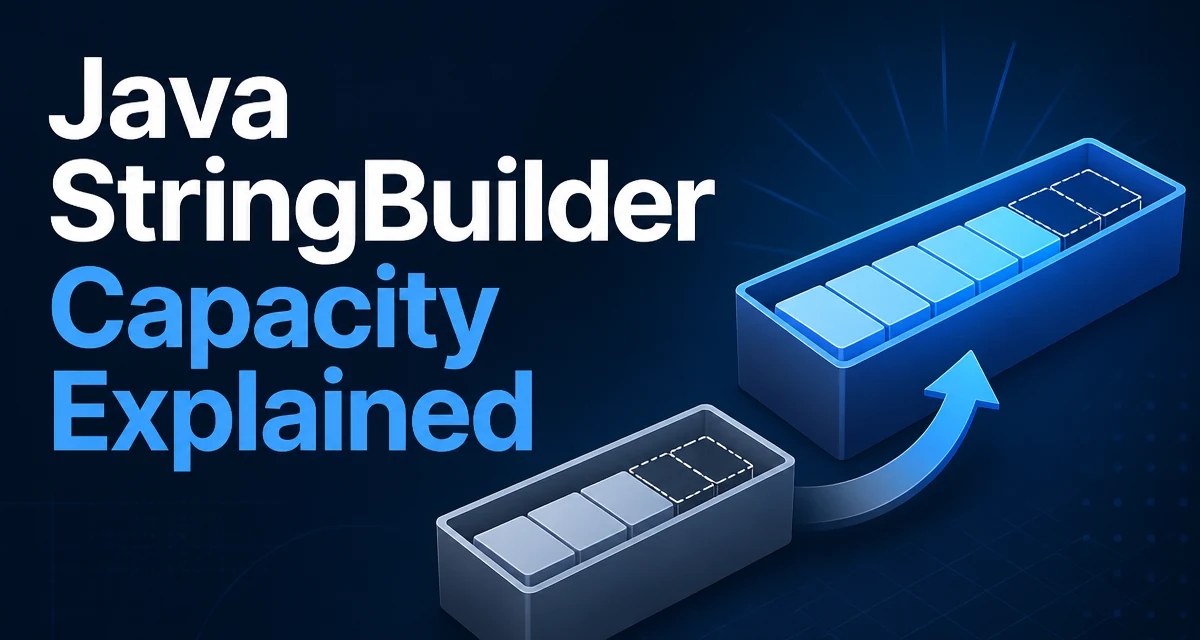
In Java, StringBuilder capacity is the number of characters the internal buffer can hold without reallocating, while length is the number of characters currently in use. The distinction matters because every reallocation copies the existing characters, which adds cost in loops that build large strings. Knowing how capacity works helps you avoid unnecessary copies and tune memory usage.
How StringBuilder Capacity Differs from Length
The length() method returns the number of characters currently stored in the sequence. The capacity() method returns the number of characters the current buffer can hold before a reallocation is needed. When you append characters, the length increases, but the capacity stays the same as long as the current buffer has enough room. If an append needs more space than remains, the buffer is reallocated.
StringBuilder sb = new StringBuilder();
System.out.println(sb.length());    // 0
System.out.println(sb.capacity());  // 16 (default)

sb.append("hello");
System.out.println(sb.length());    // 5
System.out.println(sb.capacity());  // 16 (unchanged)
The capacity is an implementation detail, but it directly affects performance because reallocation copies the existing characters. If you know the approximate final size of the string, you can set the initial capacity to avoid multiple copies.
Default Capacity and Growth Behavior
When you create a StringBuilder with the no-argument constructor, the initial capacity is 16. As you append characters, the buffer fills. If an append needs more room than remains, the StringBuilder grows by roughly doubling the current capacity and adding 2. For example, starting at 16, the next capacity becomes 34, then 70, and so on.
StringBuilder sb = new StringBuilder();
for (int i = 0; i < 20; i++) {
    sb.append('a');
}
System.out.println(sb.capacity()); // 34 after the 17th append
The exact growth formula is not guaranteed by the Java specification, but the OpenJDK implementation uses oldCapacity * 2 + 2. Relying on this exact formula is risky because other JVM implementations may differ. What matters is that growth is amortized constant time per append, but each reallocation copies the existing characters.
Setting the Initial Capacity
You can pass an initial capacity to the constructor: new StringBuilder(int capacity). This is the most direct way to control capacity. If you know the approximate final length, setting the initial capacity to that value prevents most reallocations.
StringBuilder sb = new StringBuilder(100);
System.out.println(sb.capacity()); // 100
For example, when building a SQL query from a known number of parts, you can estimate the total length and set the capacity accordingly. This is especially useful in tight loops where reallocations would otherwise dominate the cost.
StringBuilder query = new StringBuilder(256);
query.append("SELECT ");
query.append("id, name ");
query.append("FROM users ");
query.append("WHERE active = true");
If the estimate is too low, the StringBuilder will still grow, but you avoid the common case of multiple small reallocations.
Using ensureCapacity to Reserve Space
The ensureCapacity(int minimumCapacity) method lets you reserve space after the object has been created. If the current capacity is less than the requested minimum, it grows the buffer to at least that size. This is useful when you don't know the final size at construction time but discover it later.
StringBuilder sb = new StringBuilder();
// later in the code
sb.ensureCapacity(200);
System.out.println(sb.capacity()); // at least 200
Note that ensureCapacity does not guarantee the exact capacity. It guarantees that the capacity is at least the requested value. The actual capacity may be larger due to the growth formula. This method is helpful when you are about to append a large block of data and want to avoid multiple reallocations.
Releasing Extra Space with trimToSize
If you allocated a large capacity but ended up with a short string, you can call trimToSize() to shrink the internal buffer to the current length. This reduces memory usage, but it forces a reallocation if you later append more characters. Use it only when you are confident the string will not grow again, or when memory footprint is more important than future append cost.
StringBuilder sb = new StringBuilder(1000);
sb.append("short");
sb.trimToSize();
System.out.println(sb.capacity()); // 5
After trimToSize(), the capacity is equal to the length, so the next append will trigger a reallocation. This is a tradeoff between memory and CPU. In long-lived objects that hold a small final string, trimming can reduce heap usage.
Performance Implications of Capacity Management
Reallocations are the main performance cost in StringBuilder usage. Each reallocation allocates a new internal buffer and copies all existing characters. If you append one character at a time in a loop, the amortized cost is still linear, but the constant factor can be high. Setting an appropriate initial capacity or using ensureCapacity reduces the number of copies.
Consider a loop that builds a string from a list of items:
List<String> items = getItems();
StringBuilder sb = new StringBuilder();
for (String item : items) {
    sb.append(item);
}
If items has 10,000 entries, the default capacity will grow many times, causing many buffer copies. If you know the average item length and the count, you can pre-size:
int estimatedSize = items.size() * 20; // rough estimate
StringBuilder sb = new StringBuilder(estimatedSize);
This is a simple heuristic that often eliminates most reallocations. The exact number depends on the data, but the principle is to match the capacity to the expected output size.
Another performance consideration is thread safety. Because StringBuilder is not synchronized, it avoids synchronization overhead in single-threaded code. If you need thread safety, use StringBuffer, but its capacity behavior is otherwise the same. In single-threaded contexts, StringBuilder is the usual choice.
Common Mistakes and Edge Cases
One common mistake is confusing capacity with length. For example, using capacity() to determine the number of characters in the string can give the wrong result if the buffer has spare capacity. Always use length() for that purpose.
Another edge case is creating a StringBuilder with a negative initial capacity. The constructor throws NegativeArraySizeException because it attempts to allocate a negative-sized array. Always validate the input if it comes from user data.
// This throws NegativeArraySizeException
StringBuilder sb = new StringBuilder(-1);
When using ensureCapacity, passing a negative value is ignored; the method does nothing. That is consistent with the documentation, but it can mask bugs if you expect a specific capacity.
The growth behavior can also surprise you if you assume a fixed doubling. For example, if you append a single very large string, the capacity may jump directly to at least the needed size rather than simply doubling. The exact algorithm is implementation-defined, so do not write code that depends on the precise capacity after growth.
Finally, if the capacity is already equal to the length, trimToSize() has no unused capacity to reclaim, so it does not shrink the buffer. Calling it after the string is final is harmless, but it is only useful when the buffer is larger than the current length.