Java System.arraycopy: How to Copy Arrays Efficiently
Learn how to use Java System.arraycopy to copy array segments, avoid common pitfalls, and understand how it compares with manual loops and Arrays.copyOf.
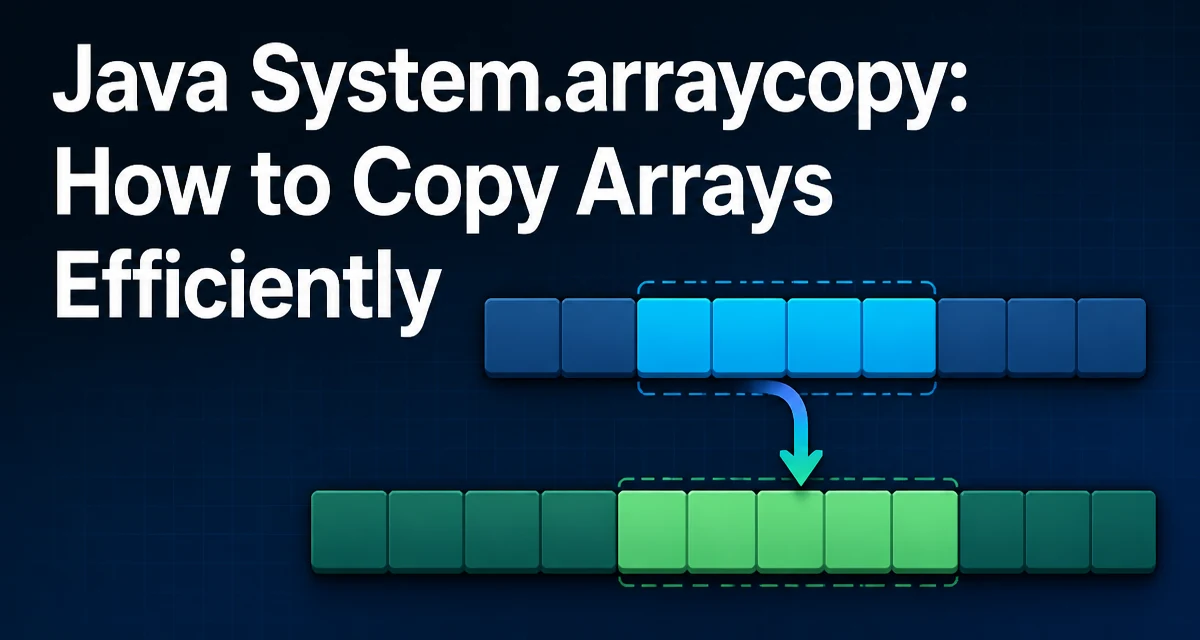
Java's System.arraycopy is a native method that copies elements from a source array to a destination array. It is a low-level operation developers use when they need to copy a range of elements without writing a manual loop. Understanding its exact behavior is important because it handles type compatibility, overlapping ranges, and performance differently from a simple for loop.
How System.arraycopy Works
The method signature is:
public static native void arraycopy(Object src, int srcPos, Object dest, int destPos, int length)
It copies length elements from src starting at index srcPos to dest starting at index destPos. The destination array must be large enough to hold the copied elements, and its component type must be able to store the source elements; the method checks this compatibility at runtime. The method performs a shallow copy: for reference types, it copies the references, not the underlying objects.
One key detail is that System.arraycopy handles overlapping regions correctly. If the source and destination ranges overlap, the copy behaves as if the elements were first copied to a temporary buffer and then written to the destination. A manual loop that copies overlapping ranges in the wrong direction can corrupt data instead.
Basic Usage Example
Here is a minimal example that copies a segment of an integer array:
int[] source = {1, 2, 3, 4, 5};
int[] destination = new int[5];

System.arraycopy(source, 1, destination, 0, 3);

// destination now contains {2, 3, 4, 0, 0}
The copy starts at source[1] and writes three elements to destination starting at index 0. The remaining elements of destination retain their initial values. This is a common pattern when you need to extract a subarray or merge data into an existing buffer.
Common Mistakes and Edge Cases
System.arraycopy throws several exceptions when its arguments are invalid. The most frequent are:
NullPointerExceptionif either array isnull.ArrayStoreExceptionif the source and destination types are not compatible. For example, copying aString[]into anInteger[]fails.IndexOutOfBoundsExceptionif any of the index parameters are negative, or if the requested range extends beyondsrc.lengthordest.length.
A subtle issue is that the method performs a shallow copy for object arrays. If you copy an array of mutable objects, both arrays reference the same objects. Modifying an object through one array affects the other. For a deep copy, you must clone or recreate the objects manually.
Performance Considerations
System.arraycopy is a native call, so JVM implementations can often turn it into an optimized memory-copy routine. For large arrays, it is typically faster than a manual for loop because it avoids repeated bounds checks and can use vectorized instructions. It is still an O(n) operation, and the native call has some overhead, so for very small arrays a simple loop can be comparable. In practice, the difference is negligible for many applications, but if you are copying arrays in a tight loop, System.arraycopy is usually the safer choice: it is idiomatic and leaves low-level details to the JVM.
Exact performance behavior is implementation-specific, so profile your own use case if it matters. A common JVM optimization is to turn System.arraycopy calls on primitive arrays into a fast memory operation, but you should not treat that as a fixed guarantee on every platform.
Comparing System.arraycopy with Arrays.copyOf
Java's Arrays.copyOf is a higher-level convenience method; in common JVM implementations, it builds on System.arraycopy. The key difference is that Arrays.copyOf creates a new array of a specified length and copies the elements into it. It is simpler when you need a new array, but it does not allow copying into an existing array or specifying a source range directly. If you want a new array from a specific source range, Arrays.copyOfRange is a related option, but it also creates a new destination array.
| Feature | System.arraycopy | Arrays.copyOf |
|---|---|---|
| Destination array | Provided by caller | Created internally |
| Source range | Explicit srcPos and length | Copies from index 0 to newLength |
| Overlapping ranges | Handled correctly | Not applicable (new array) |
| Return value | void | New array |
| Use case | Copy into existing buffer | Create a new array of a given size |
Use System.arraycopy when you need to copy into a pre-allocated array, such as when implementing a custom collection that maintains a backing array. Use Arrays.copyOf when you simply want a new array that is a copy of the original or a truncated/expanded version.
Copying Multi-Dimensional Arrays
System.arraycopy works on any array type, but for multi-dimensional arrays, it only copies the top-level references. Consider a 2D array:
int[][] matrix = {{1, 2}, {3, 4}};
int[][] copy = new int[2][];
System.arraycopy(matrix, 0, copy, 0, 2);
This copies the references to the two inner arrays. The inner arrays are shared between matrix and copy. If you need a deep copy, you must iterate over the rows and copy each inner array separately, or use a utility that handles deep cloning.
When to Use System.arraycopy in Production Code
System.arraycopy is commonly used in low-level data manipulation, such as:
- Implementing dynamic arrays or buffer resizing, where you need to move existing elements into a new larger array.
- Parsing binary data from a
byte[]into separate segments without creating intermediate objects. - Combining multiple arrays into a single array, as in
byte[]concatenation.
In these scenarios, the method's ability to copy into an existing array and its JVM-level optimization make it a practical choice. It also avoids creating temporary arrays that Arrays.copyOf might introduce when you only need to move a portion of data.
One production consideration is that System.arraycopy does not perform type checking beyond the runtime compatibility check. If you are copying an array of a generic type, you must ensure that the destination array is of the correct type, because generic type erasure can hide mismatches until runtime. This is a common source of ArrayStoreException in generic code, so it is worth validating the array types before calling the method.
Another practical detail is that the method is native, so its exact performance characteristics depend on the JVM implementation and the underlying platform. On modern JVMs, it is highly optimized, but you should not assume it is always the fastest option for every array size. Profiling your specific use case is the only way to know for sure, but for most production code, System.arraycopy remains the idiomatic and reliable choice for copying array segments.