UnsupportedClassVersionError: Class File Version 61 vs 65
Bytecode newer than the JVM fails before main runs. --release, not -source/-target, keeps the class version and the API surface in agreement.
Introduction & Quick Summary
Symptom. A jar that runs perfectly in the IDE fails on the server with java.lang.UnsupportedClassVersionError: com/example/App has been compiled by a more recent version of the Java Runtime (class file version 65.0), this version of the Java Runtime only recognizes class file versions up to 61.0. The application never starts, no log line from your code appears, and java -version on the box looks like a version you thought was supported.
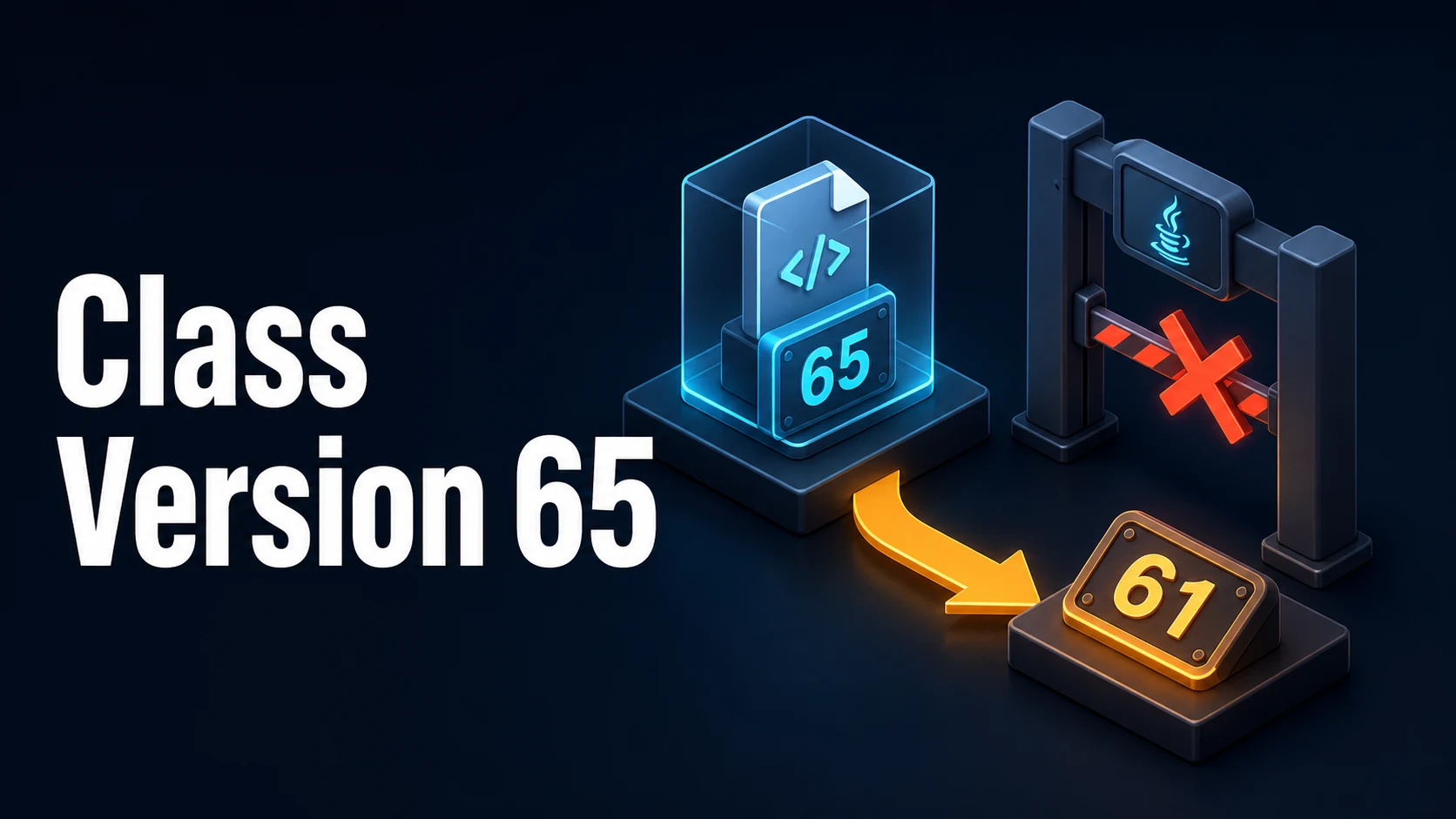
Cause. Class file version 65 is Java 21 bytecode; 61 is Java 17. The compiler that produced the classes is newer than the JVM that is loading them. The two versions are decided in different places — a build container, a CI toolchain, an IDE setting, a base image — and nothing forces them to agree.
Fix. Compile for the oldest JVM you must run on: javac --release 17 (or Maven <release>17</release>, Gradle options.release = 17), which also restricts the API surface to that version. Or raise the runtime to the build's version. -source/-target alone are not enough: they change the bytecode version but still allow calls to newer APIs, which then fail at runtime with NoSuchMethodError instead.
Core Mechanics, Signatures & Reproducible Setup
The class file header carries major_version, and the JVM refuses anything newer than itself before main runs:
javap -verbose -cp target/classes com.example.App | grep -E "major|minor"
# major version: 65      -> Java 21
javap -verbose -cp app.jar com.example.App | head -8
The reproducible failure, using two installed JDKs:
# Compile with 21, run with 17
/path/to/jdk-21/bin/javac --release 21 -d out src/com/example/App.java
/path/to/jdk-17/bin/java -cp out com.example.App
# java.lang.UnsupportedClassVersionError: com/example/App has been compiled by a
# more recent version of the Java Runtime (class file version 65.0), this version
# of the Java Runtime only recognizes class file versions up to 61.0# The portable build: same JDK, an older target
/path/to/jdk-21/bin/javac --release 17 -d out src/com/example/App.java
/path/to/jdk-17/bin/java -cp out com.example.App # runsMaven and Gradle express the same intent, and the property names matter because source/target do not enforce the API level:
<plugin>
  <artifactId>maven-compiler-plugin</artifactId>
  <configuration>
    <release>17</release>          <!-- not source/target: --release checks APIs too -->
  </configuration>
</plugin>// build.gradle.kts
java {
toolchain { languageVersion = JavaLanguageVersion.of(17) }
}
tasks.withType<JavaCompile> { options.release = 17 }Key Comparison Table
Class file versions and the runtimes they require:
| Major version | Java release | Notes |
|---|---|---|
| 52 | 8 | Still common in Android tooling |
| 55 | 11 | Last LTS with Java 8-style tooling assumptions |
| 61 | 17 | Current LTS baseline for most libraries |
| 62 | 18 | Non-LTS |
| 63 | 19 | Non-LTS |
| 64 | 20 | Non-LTS |
| 65 | 21 | LTS; virtual threads, pattern matching for switch |
| 66 | 22 | Non-LTS |
| 67 | 23 | Non-LTS |
| 68 | 24 | Non-LTS |
| 69 | 25 | LTS (2025) |
The related failures that are not UnsupportedClassVersionError:
| Error | Meaning | Fix |
|---|---|---|
UnsupportedClassVersionError | Bytecode newer than JVM | Recompile with --release, or upgrade the JVM |
NoSuchMethodError | Compiled against a newer API, running on older | --release (which checks the API) |
NoClassDefFoundError: … wrong name | Class found, package path mismatch | Fix the classpath root |
Unsupported class file major version 65 from a library | ASM/ByteBuddy too old to read the class | Upgrade the agent or test library |
Preview features are not enabled | Class compiled with --enable-preview | Recompile without previews for release |
Practical Edge Cases, Error Fixes & Deep Dive Code Examples
1. Build container newer than the runtime image
The most common production version of this error: CI builds on a maven:3.9-eclipse-temurin-21 image and the runtime stage is eclipse-temurin:17-jre. Nothing in either Dockerfile is wrong on its own.
FROM maven:3.9-eclipse-temurin-21 AS build
WORKDIR /src
COPY . .
RUN mvn -B -DskipTests package
FROM eclipse-temurin:21-jre # match the build JDK, or set --release 17 above
COPY /src/target/app.jar /app.jar
ENTRYPOINT ["java", "-jar", "/app.jar"]If the runtime must stay on 17, set <release>17</release> and run the unit tests on 17 too — a test that passes only on 21 has already exercised APIs you cannot ship.
2. -source/-target produced bytecode but not API safety
javac -source 17 -target 17 on JDK 21 emits version 61 classes, which load on 17, and then fail later with NoSuchMethodError: java.util.List.reversed() — an API added in 21. --release 17 compiles against the 17 API definitions and turns that call into a compile error, which is the failure you want:
javac -source 17 -target 17 App.java   # warns, compiles, breaks at runtime
javac --release 17 App.java            # refuses the 21-only API
3. Gradle daemon and toolchains disagreeing
A Gradle daemon started with JDK 21 keeps using it even after JAVA_HOME changes, and java.toolchain only takes effect if the toolchain block is on the project. Verify which compiler actually ran rather than trusting the configuration:
./gradlew -q javaToolchains
./gradlew compileJava --info | grep -i "compiling with"
java -XshowSettings:properties -version 2>&1 | grep java.vendor.version
4. Spring Boot's maven.compiler.release
Spring Boot's parent sets java.version and the compiler release together. Overriding only one of them, or setting maven.compiler.source in a child module, produces a mixed build where some modules target a newer version:
<properties>
  <java.version>17</java.version>   <!-- parent maps this to <release> -->
</properties>
Check the effective value with mvn help:evaluate -Dexpression=maven.compiler.release -q -DforceStdout.
5. Agents and test libraries reading new class files
Running Java 21 classes under a Java 21 JVM can still fail with Unsupported class file major version 65 — this time from ASM, ByteBuddy, Mockito or JaCoCo reading the bytecode with a parser that predates Java 21. The fix is in the library version, not the JDK:
mvn dependency:tree | grep -E "byte-buddy|asm|mockito|jacoco"
# upgrade to a release that lists Java 21 support in its release notes
mvn dependency:tree -Dincludes=net.bytebuddy:byte-buddy
6. Fat jars and shaded dependencies
An uber jar built on JDK 21 that bundles a library compiled for 22 fails the same way, and the stack trace names the bundled class rather than your own. jdeps shows the class file versions inside the archive:
unzip -l app.jar | grep '\.class$' | head
unzip -p app.jar BOOT-INF/classes/com/example/App.class | xxd | head -1
# bytes 7-8 after the magic CAFEBABE are the major version
Rebuild the offending library for the older release, or upgrade the runtime; shading cannot lower a version number.
Common Compilation/Runtime Mistakes & Version Gotchas
- Reading
java -versioninstead of the JVM that runs the app. Systemd units, containers and IDEs each pick their ownJAVA_HOME;JAVA_TOOL_OPTIONSand wrapper scripts can change it again. PrintSystem.getProperty("java.version")from the failing process. - Assuming an LTS runtime accepts newer LTS bytecode. Version 65 on a 61 JVM fails regardless of both being LTS releases.
- Treating it as a classpath problem.
UnsupportedClassVersionErroris about the file header;ClassNotFoundExceptionis about the classpath. The first stack frame names the class that was too new. - Using
--releasewith a value above the running JDK.javac --release 25on JDK 21 fails at compile time with an "invalid target release" message; that is a compiler error, not this runtime error. - Kotlin
jvmTargetmismatch.kotlinOptions.jvmTarget = "17"whilecompileJavatargets 21 produces a module with both versions; setkotlin.jvmToolchain(17)so both agree. - IDE run configurations saved with an old SDK. The project compiles with 21, the saved run configuration launches a 17 JRE, and only that one test fails — a mismatch invisible in
pom.xml. - Multi-release jars. A library can ship version 61 classes at the root and version 65 classes under
META-INF/versions/21; on a 17 JVM it is fine, on a weird hybrid image it can still surprise.jar --describe-moduleandjdeps --multi-releasemake the layout visible.
Related tools. When a pom.xml or build.gradle change is the suspected cause, paste the two versions into the text diff tool to see whether release/toolchain moved, and use the JSON formatter when the build reads a JSON config that pins the compiler version.
Try matching browser tools
All toolsSmall utilities that fit Java work — they run entirely in this browser tab, so nothing you paste leaves your device.
Related Java guides
All Java guidesJava Final Variable: Syntax, Behavior, and Use Cases
Java final in practice: single assignment, blank final fields, effectively-final lambdas, and why a final reference is still mutable.
Java Final Keyword: Usage and Behavior
How Java's final keyword works for variables, methods, and classes, with practical examples and decision guidance for using it.
Java Duration vs Period: When to Use Each
Java Duration vs Period explained: one measures fixed seconds for timeouts, the other counts calendar days and months. Examples and common pitfalls.
Instance vs Static Variables in Java: Key Differences
Understand the difference between instance and static variables in Java, including memory, lifecycle, and when to use each.
More in Java
All Java guidesThe guides filed next to this one in Java, in library order.