Linux: Stale file handle on NFS mounts (ESTALE)
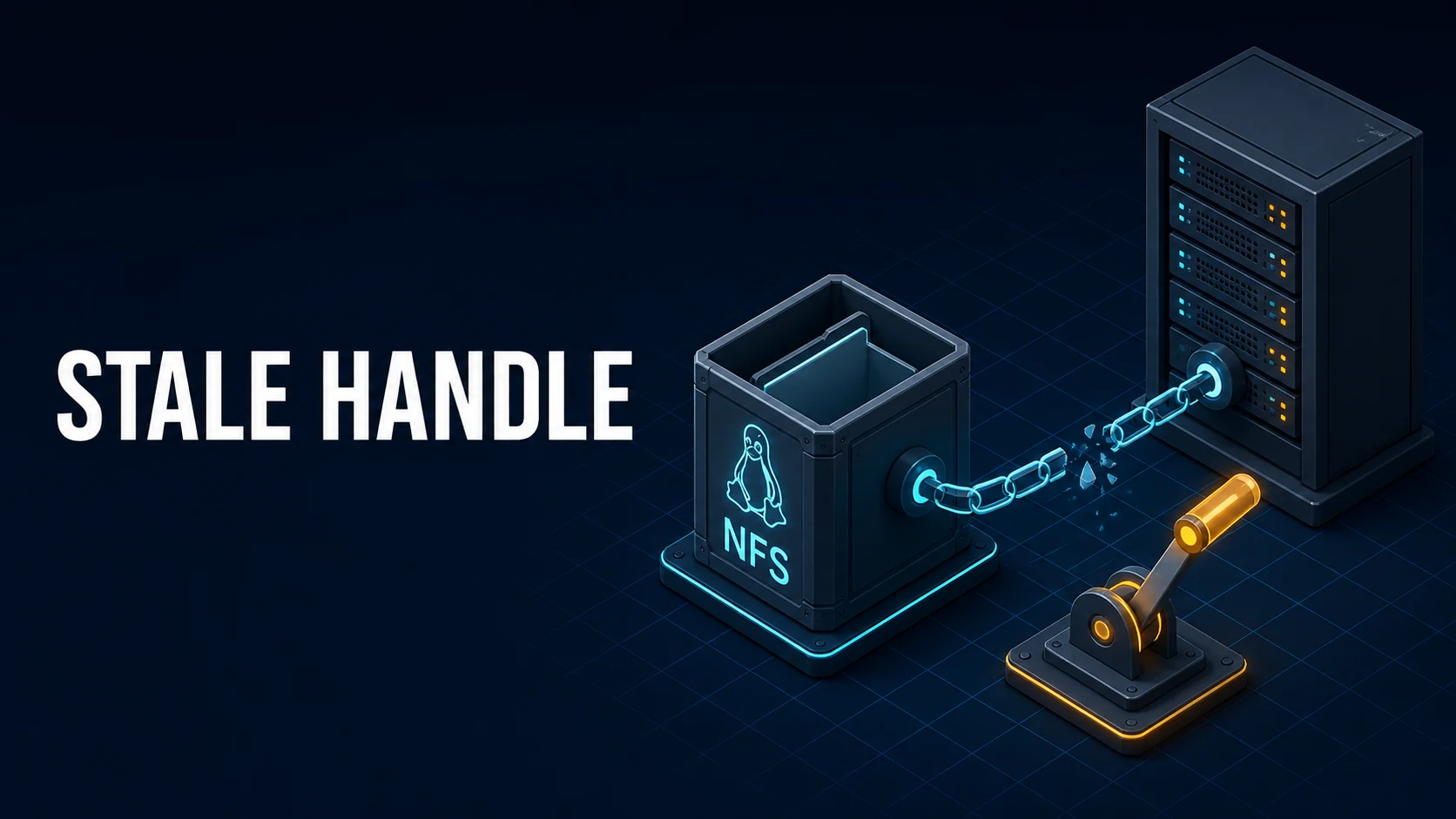
ESTALE means the server no longer resolves the file handle the client cached: a moved export, a restarted server, or a deleted inode. Remount and fix.
Introduction & Quick Summary
The shell reports a path that exists on the server and cannot be opened:
$ ls /mnt/share/reports
ls: cannot access '/mnt/share/reports/q3.csv': Stale file handle
ESTALE (errno 116) is the NFS server telling the client that a file handle it cached no longer resolves. The client never sent a path; it sent an opaque handle the server issued earlier, and the server cannot map that handle to an inode any more. The name in your command is only a name: the failure is about a handle, not about the file being missing.
What invalidates a handle:
- The server restarted or the export was unmounted and mounted again, so handles were reissued.
- The filesystem was recreated, restored from a snapshot, or replaced under the same export path.
- The file was deleted, renamed, or moved on another client while this client held an open reference.
- The export's
fsidchanged, which is common on ZFS, Btrfs, and clustered filesystems.
The immediate fix is to release the mount and let the client resolve fresh handles. The durable fix is to remove whatever keeps invalidating them, because a remount clears the symptom and not the cause.
Core Mechanics, Signatures & Reproducible Setup
An NFS file handle encodes the filesystem, inode, and a generation number. NFSv3 clients cache handles per path and per open file; NFSv4 sessions add state and a grace period after server restart. When a lookup or read on a cached handle fails, the server returns NFS3ERR_STALE, which the Linux client maps to ESTALE.
mount | grep nfs
# server:/export on /mnt/share type nfs4 (rw,relatime,vers=4.2,...)

stat -f /mnt/share                 # filesystem type and free space
nfsstat -m                         # per-mount options in use
findmnt -T /mnt/share/reports -o TARGET,SOURCE,FSTYPE,OPTIONS
Reproduce it against a test export: open a file on the client, delete and recreate the exported directory on the server, then read the open file. The error is deterministic and makes the difference between "path missing" and "handle stale" obvious.
The message changes with the runtime, but the errno does not:
| Where | Message |
|---|---|
| shell | Stale file handle |
| Python | OSError: [Errno 116] Stale file handle |
| Go | read ...: stale NFS file handle |
| C | errno == ESTALE |
| systemd unit | status=116/nfs |
Key Comparison Table
| Mount option | Behaviour on server loss | Data safety | Use when |
|---|---|---|---|
hard (default) | retries forever, may hang | writes persist | normal shared storage |
soft with timeo, retrans | returns EIO after retries | writes can be lost | read-only scratch data |
intr | interruptible waits | writes persist | interactive hosts, legacy |
actimeo=1 | shorter attribute cache | safe | testing handle churn |
| NFSv4.2 with sessions | reconnects after grace | writes persist | modern servers |
nolock | no file locking | unsafe for writers | single-writer legacy apps |
soft mounts turn stale handles into data-loss reports instead of hangs. That trade is only acceptable when the data can be regenerated; for anything that must be durable, keep hard and fix the server side.
Practical Edge Cases, Error Fixes & Deep Dive Code Examples
1. Release every holder before unmounting
umount fails with target is busy while any process holds a file inside the mount. Find them before forcing anything.
sudo lsof +D /mnt/share 2>/dev/null | head
sudo fuser -vm /mnt/share 2>&1 | head
lsof +D walks the whole tree and is slow on large exports; lsof /mnt/share/path is enough when one path is involved. Services that chdir into the mount also count as holders, which is why a shell sitting in the directory blocks the unmount in a way nobody notices.
2. Unmount a stuck mount
If a hard mount is unresponsive, a normal umount waits forever. A lazy unmount detaches it from the namespace immediately while the kernel keeps the reference until the last user closes.
sudo umount -l /mnt/share      # detach now
sudo umount -f /mnt/share      # force, for unreachable servers
sudo umount -l /mnt/share && sudo mount /mnt/share
-l does not kill processes and does not make the server reachable again. Confirm with mount | grep share that the entry is gone before mounting, otherwise the new mount stacks underneath the stale one.
3. Clear cached dentries and handles
After the mount is released, stale dentries can survive and keep returning the same error. Dropping caches forces a fresh lookup on next access.
sync
echo 2 | sudo tee /proc/sys/vm/drop_caches    # dentries and inodes
sudo mount -o remount /mnt/share
Use 3 only when page cache must also be dropped; on a busy host that is a measurable performance event, so prefer the narrower value.
4. The server side keeps invalidating handles
If the same export goes stale every night, look at what the server does at night. Snapshot rollbacks, container restarts that recreate the export, and ZFS zfs receive operations all replace the underlying objects.
# on the server
exportfs -v
cat /etc/exports.d/*.exports 2>/dev/null
zfs list -o name,mounted,mountpoint 2>/dev/null | head
For ZFS, pin a stable fsid in the export options so the handle namespace survives dataset remounts. For containerised NFS servers, mount a persistent volume for the export root instead of a container layer.
5. Containers and autofs
A container with an NFS volume keeps open handles after the pod is deleted if the mount is not cleaned up, and the next pod may mount the same path while the old references still exist.
# on the host
mount | grep -E 'nfs|kubelet'
findmnt -T /var/lib/kubelet/pods/<uid>/volumes/kubernetes.io~nfs -o TARGET,SOURCE
Restart the container runtime's mount unit or reboot the node only as a last resort. autofs adds another layer: an unmounted automount still reports the parent directory, and touching it triggers a fresh mount that resolves new handles.
6. Applications that cache file handles
Long-running processes that keep an open file descriptor across a server restart will keep failing on that descriptor even after the mount recovers. The handle is bound to a file that no longer exists in the same generation.
import errno, os, time

def read_with_retry(path: str) -> bytes:
    for attempt in range(3):
        try:
            with open(path, "rb") as fh:      # reopen each time
                return fh.read()
        except OSError as exc:
            if exc.errno != errno.ESTALE or attempt == 2:
                raise
            time.sleep(0.5)
    raise RuntimeError("unresponsive NFS mount")
The key point is reopening rather than reading again from a cached descriptor. Applications that mmap files on NFS have a harder problem: the mapping cannot be recovered, so the process must restart.
Common Compilation/Runtime Mistakes & Version Gotchas
- Deleting and recreating the file as a "fix". The new file gets a new handle; the old handle in the application stays stale, so the error returns on the same descriptor.
softmounts in databases. Asoftmount turns a network blip into a failed write that the database may interpret as a disk error. Usehardfor anything transactional.- Forcing unmount without checking holders.
umount -fon a mount with active writers can lose data that was still in the client cache. - Assuming NFSv4 has no stale handles. Sessions reduce the window, but a server restart with a changed export still invalidates handles.
- Ignoring
nfsidmapand permission errors. After a remount, uid mapping failures look like permission problems; checkidmapping separately from handles.
| Symptom | Cause | Fix |
|---|---|---|
| error on one file, others fine | file deleted or renamed on another client | reopen path |
| error on entire export | server restart or recreated export | remount |
| unmount says busy | process holds a file or cwd | find and stop it |
| error returns every night | scheduled snapshot or restore | pin fsid, reschedule |
Check permissions after a remount with the chmod reference, because a remount can change how uid and gid map, and use the regex tester to filter ESTALE lines out of large application logs before comparing incidents.
The mount semantics are documented in nfs(5), including hard, soft, and timeo, and the syscall surface is in mount(2). The errno constant itself appears in errno(3) on the same system that produced the error.
Official references
primary documentationThe Linux documentation that defines the behaviour this guide explains.
Try matching browser tools
All toolsSmall utilities that fit Linux work — they run entirely in this browser tab, so nothing you paste leaves your device.
Related Linux guides
All Linux guidesnginx 502 Bad Gateway: upstream connection refused
The log line names the address and errno, which is the diagnosis. Fix the host, the start-up order, the buffers, or the timeout that actually fired.
Linux: Read-only file system (EROFS) on a mounted volume
EROFS is a mount condition, not a permission error. Read the kernel log first: I/O errors, a full thin pool, an ro fstab entry or a read-only root.
Linux: bind: Cannot assign requested address
EADDRNOTAVAIL means the kernel had no address to bind: too many TIME_WAIT sockets, an IP missing from the interface, or a wrong listen address.
systemd: Job for X.service failed because the control process exited
systemd only reports that the process exited non-zero. Read the status line, decode the status code and compare the unit's environment with your shell.
More in Linux
All Linux guidesThe guides filed next to this one in Linux, in library order.