Next.js Environment Variables: NEXT_PUBLIC_, Build-Time Inlining, and Runtime Config
The prefix decides whether a value is compiled into the browser bundle or stays on the server. One image, two environments, and the choice that follows from it.
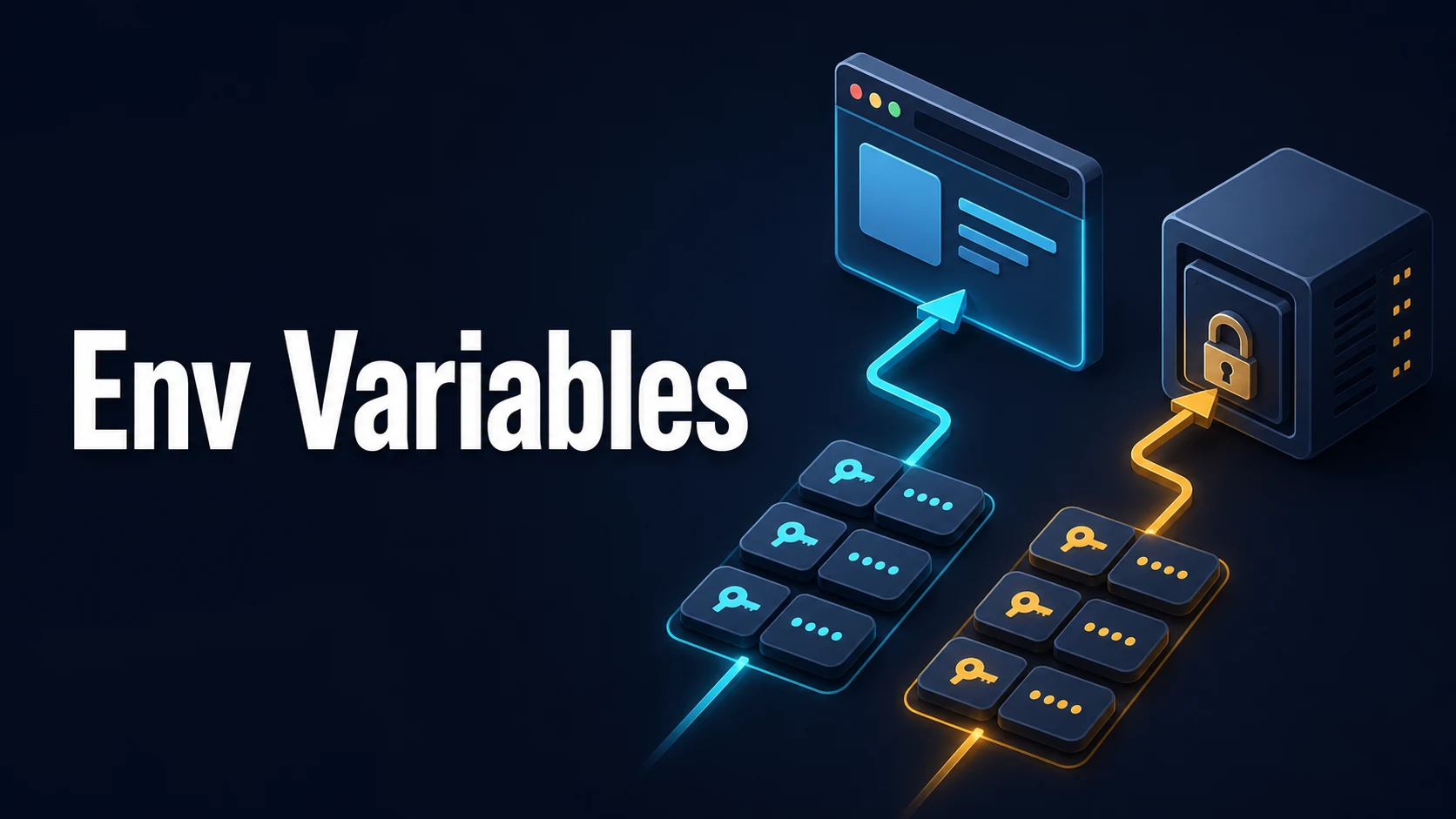
Quick Summary
An environment variable in Next.js has two possible destinies: it is inlined into the JavaScript bundle at build time, or it stays on the server and is read at request time. The NEXT_PUBLIC_ prefix decides that. There is no third option, and there is no such thing as a "secret that is only used a little" on the client.
The most expensive mistake is treating NEXT_PUBLIC_ as configuration. It is compiled in, so one Docker image cannot serve staging and production with different API URLs; you need two builds, or a runtime lookup that is not an env var.
Everything else follows from three facts: .env.local is loaded automatically and must never be committed, process.env.X on the server is evaluated when the module runs (which for a statically rendered page is at build time), and next dev reloads env changes while a running next start never does.
Basic Syntax & Core Signatures
# .env — committed defaults, no secrets
NEXT_PUBLIC_SITE_URL=https://example.com
NEXT_PUBLIC_ANALYTICS_ID=

# .env.local — never committed
DATABASE_URL=postgres://user:pass@localhost:5432/app
STRIPE_SECRET_KEY=sk_test_...
SESSION_SECRET=...// lib/env.ts — fail fast at startup, not at the third request
import { z } from "zod";
const schema = z.object({
DATABASE_URL: z.string().url(),
SESSION_SECRET: z.string().min(32),
STRIPE_SECRET_KEY: z.string().startsWith("sk_"),
NEXT_PUBLIC_SITE_URL: z.string().url(),
});
export const env = schema.parse(process.env);
// Throws at import time: a deploy with a missing variable never starts serving// instrumentation.ts — runs once per server start
export async function register() {
if (process.env.NEXT_RUNTIME === "nodejs") {
await import("./lib/env"); // validate before the first request
}
}// next.config.ts — values here are also compiled into the build
import type { NextConfig } from "next";
const nextConfig: NextConfig = {
env: {
BUILD_TIME: new Date().toISOString(), // available in both runtimes, inlined
},
output: "standalone",
};
export default nextConfig;Load order, later wins: process.env (real environment) → .env.$(NODE_ENV).local → .env.local → .env.$(NODE_ENV) → .env. So a variable exported by the platform overrides every file, and .env.development.local beats .env. Only .env.local is skipped in test.
Key Comparison Table
| Variable form | Available in browser | Inlined at build | Can be changed after build | Safe for secrets |
|---|---|---|---|---|
DATABASE_URL | No | Server bundle only | Yes, on the server | Yes |
NEXT_PUBLIC_API_URL | Yes | Yes | No, requires rebuild | No |
next.config.ts env key | Yes | Yes | No | No |
publicRuntimeConfig (Pages Router) | Yes | No | Yes | No |
unstable_runtimeEnv / dynamic lookup | Depends on call site | No | Yes | Server only |
| Non-prefixed var read in a client component | No (becomes undefined) | No | n/a | n/a |
| File | Committed | Loaded in dev | Loaded in prod | Purpose |
|---|---|---|---|---|
.env | Yes | Yes | Yes | Shared defaults |
.env.local | No | Yes | Yes | Local secrets |
.env.development | Yes | Yes | No | Dev defaults |
.env.production | Yes | No | Yes | Build-time prod values |
.env.development.local | No | Yes | No | Personal overrides |
Practical Edge Cases & Deep Dives
1. One Docker image, many environments
NEXT_PUBLIC_* is frozen at build. If the image is built once and deployed to staging and production, both will point at whichever URL was present during docker build. Two workable answers:
// Read the public config at runtime instead of baking it in
// app/layout.tsx (server component) → pass to the client as a prop
const apiBase = process.env.PUBLIC_API_BASE_URL ?? "http://localhost:3000";
export default function RootLayout({ children }: { children: React.ReactNode }) {
  return <html><body><ConfigProvider apiBase={apiBase}>{children}</ConfigProvider></body></html>;
}
Or build per environment in CI with build args. The prop approach keeps one image but adds a server render on every route that needs the value; the build-args approach keeps static output but doubles build time and image count.
# Per-environment image: the public value is baked at build
ARG NEXT_PUBLIC_API_BASE_URL
ENV NEXT_PUBLIC_API_BASE_URL=${NEXT_PUBLIC_API_BASE_URL}
RUN npm run build
Pick one and state it in the README. Teams that half-do both end up with an image built for staging and deployed to production, and the failure is silent because the URL still resolves — it just resolves to the wrong environment.
2. A secret that leaks through a shared module
Importing a module that touches process.env.SECRET into a client component does not leak the value — the reference becomes undefined — but libraries that throw on missing config at import time break the client bundle. Worse, anything you pass down as a prop is serialised into the RSC payload and readable in the HTML. The rule: secrets stay inside functions that are only called on the server, marked with import "server-only".
// lib/stripe.ts
import "server-only";                       // build fails if a client component imports this
import Stripe from "stripe";
export const stripe = new Stripe(process.env.STRIPE_SECRET_KEY!);
3. Edge runtime has no dynamic process.env
On the Edge runtime, environment variables are injected per request from a build-time map. Dynamic access such as process.env[key] or destructuring the whole object returns nothing, because the bundler cannot know which keys to include. Read them by literal name:
export const runtime = "edge";
export async function GET() {
  const key = process.env.API_KEY;          // works: literal name
  // const key = process.env[process.env.NAME!];  -> undefined at runtime
  return Response.json({ ok: Boolean(key) });
}
4. Validation that does not block the build
zod validation at module scope runs during next build for statically rendered pages, which fails CI when the deploy environment has no secrets — a common and confusing error. Two options: validate only inside request handlers, or skip during build:
const isBuild = process.env.NEXT_PHASE === "phase-production-build";
if (!isBuild) env;   // throws locally, stays quiet during build
The alternative — validating in instrumentation.ts only — keeps build and runtime separated cleanly, at the cost of discovering a bad variable on first request rather than at build.
5. Multi-tenant configuration that cannot be an env var
A per-customer API key cannot live in process.env because it is not process-wide. Store it in the database, read it through the tenant context on the server, and never send it to the client. Env vars are for deployment-level configuration only; the moment a value differs per request or per tenant, it needs a different home.
6. .env files and the standalone output
output: "standalone" copies the server into .next/standalone but does not copy .env files unless you include them. The result is a container that starts with every variable undefined. Either use real container environment variables (recommended, they override files anyway) or copy the files explicitly in the Dockerfile:
COPY /app/.next/standalone ./
COPY /app/.next/static ./.next/static
COPY /app/public ./public
# no .env copied: container env is the source of truthCommon Runtime & Configuration Mistakes
| Symptom | Cause | Fix |
|---|---|---|
undefined in the browser for a server var | Missing NEXT_PUBLIC_ prefix | Rename, or move the read to the server and pass a prop |
| Secret visible in view-source | Prefixed with NEXT_PUBLIC_ | Remove the prefix, rebuild, rotate the leaked key |
| Value did not change after deploy | Inlined at build; same image reused | Rebuild, or read at runtime on the server |
next build fails on CI, passes locally | Validation runs at build without secrets | Validate in instrumentation.ts or guard on NEXT_PHASE |
Works in next dev, not in next start | Dev reloads env files; prod reads them once at boot | Restart the server after editing, or use platform variables |
Edge route gets undefined from process.env[key] | Dynamic key access is not bundled | Use literal property names |
.env committed by accident | No .gitignore entry | Add .env*.local, rotate anything already pushed |
Try matching browser tools
All toolsSmall utilities that fit Next.js work — they run entirely in this browser tab, so nothing you paste leaves your device.
Related Next.js guides
All Next.js guidesNext.js Static Export, Standalone Output, and Docker Deployment
Export has no server, standalone has a pruned one, and the default expects a full install. The three COPY lines that decide whether a container renders CSS.
Next.js Parallel Routes and Intercepting Routes: Slot Layouts and Modals
Named slots render several pages in one layout, and (.) interception makes a click open over the page while a direct link renders the full route. Why every slot needs default.tsx.
Next.js ISR: Route Revalidate, revalidateTag, and On-Demand Invalidation
Two clocks and one trigger: route revalidate seconds, fetch-level tags, and a webhook that calls revalidateTag. A timer is a ceiling on freshness, never a guarantee.
Next.js Link and Router: useRouter, usePathname, and useSearchParams
Client navigation goes through Link and the router hooks, the server uses redirect(). The Suspense requirement, prefetch cost, and query string handling that breaks first.
More in Next.js
All Next.js guidesThe guides filed next to this one in Next.js, in library order.