npm ERESOLVE: unable to resolve dependency tree
Since npm 7 a peer conflict is a hard error. How to read the tree dump, and when to upgrade, override, use --legacy-peer-deps, or reach for --force.
Introduction & Quick Summary
Symptom. npm install stops before writing anything, with a tree dump instead of a package list:
npm error code ERESOLVE
npm error ERESOLVE unable to resolve dependency tree
npm error
npm error While resolving: my-app@1.0.0
npm error Found: react@18.3.1
npm error node_modules/react
npm error   react@"^18.3.1" from the root project
npm error
npm error Could not resolve dependency:
npm error peer react@"^19.0.0" from chart-lib@2.4.0
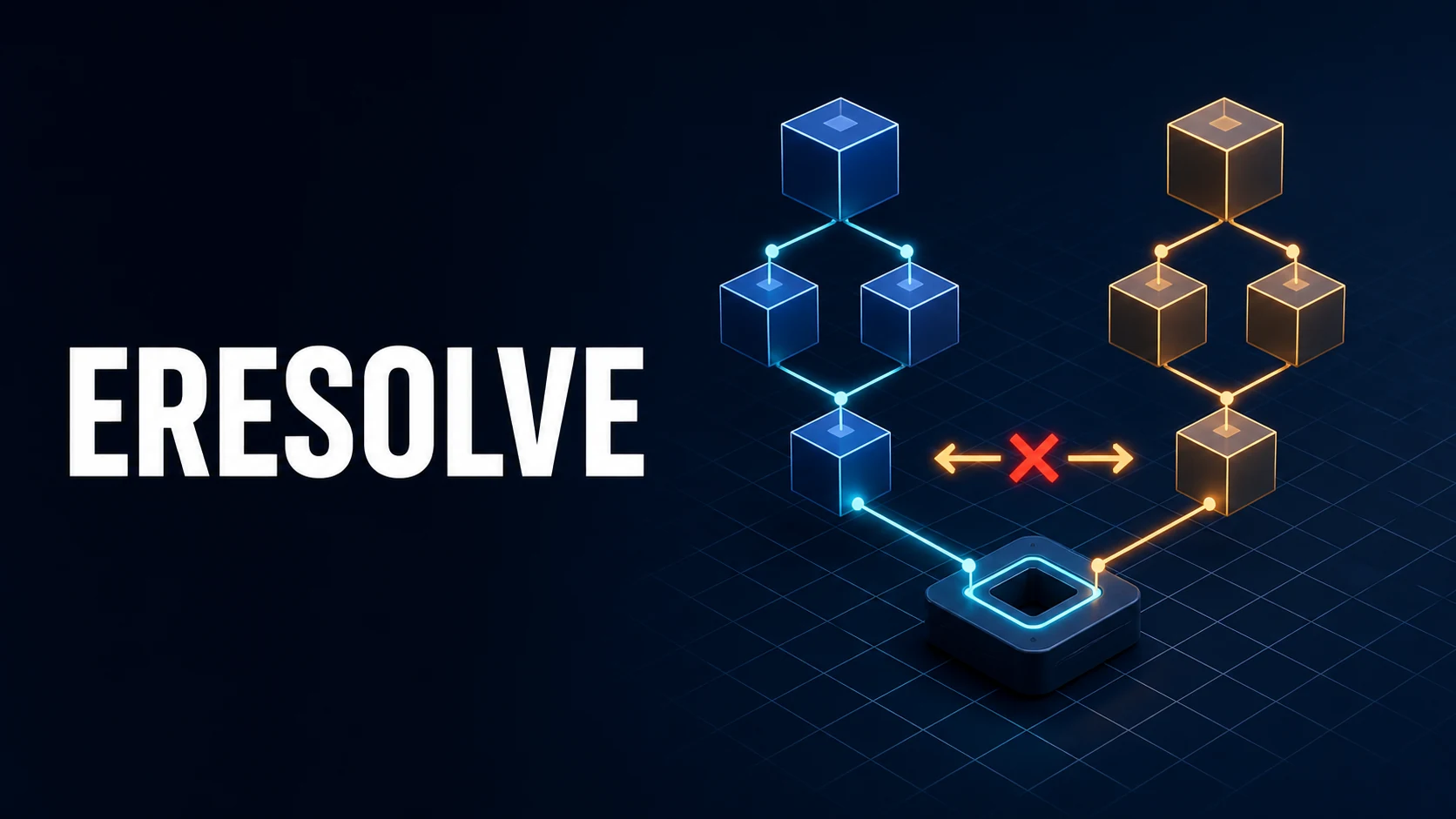
The interesting line is always peer … from …: the project asks for one version, a dependency's peerDependencies asks for another, and npm refuses to guess.
Cause. Since npm 7, peer dependencies are installed automatically and conflicts are hard errors. Two packages that both want React, but pin different majors, cannot be satisfied with a single node_modules/react. npm 6 installed peers only with a warning, so this class of failure did not exist before.
Fix. Decide which of four cases you are in: upgrade the dependent package to a version that accepts the version you run; add an overrides entry to force one version through the whole tree; accept the conflict knowingly with --legacy-peer-deps; or, only as a last resort on a throwaway tree, --force. The flag treats the symptom; overrides and upgrades fix the cause.
Core Mechanics, Signatures & Reproducible Setup
npm builds one tree per project and each package name resolves to one directory, so node_modules/react can only be one version. A peer requirement is a range that a package expects its consumer to provide. npm 7+ tries to install that range at the top of the tree; when two requirements exclude each other, resolution fails and nothing is written.
A four-file reproduction you can run in an empty directory:
mkdir eresolve-demo && cd eresolve-demo
npm init -y
npm pkg set dependencies.react="^18.3.1"
npm pkg set dependencies.chart-lib="^2.4.0"   # peer react@^19 in this version
npm install
# npm error code ERESOLVE
# npm error ERESOLVE unable to resolve dependency tree
Read the tree npm printed, top to bottom: While resolving: names the project, Found: the version already decided, Could not resolve dependency: the package whose peer range excludes it. Then ask the tree directly:
npm ls react                 # which versions of react exist, and who requires them
npm explain chart-lib        # why the package is in the tree at all
npm view chart-lib peerDependencies --json
npm view chart-lib versions --json | tail -20
npm view <pkg> peerDependencies is the fastest way to find out whether a newer patch of the dependent package widened its peer range, which is usually a cleaner fix than any override.
The three escape hatches, in the order worth trying:
npm install --legacy-peer-deps   # ignore peer ranges, install what package.json says (npm 6 behaviour)
npm install --force              # resolve conflicts by duplicating or reusing versions anyway
npm install --strict-peer-deps   # do not auto-pick on conflicting peer ranges (stricter, for CI)
Key Comparison Table
| Strategy | What it changes | Lockfile | Use when |
|---|---|---|---|
| Upgrade the dependent | The peerDependencies range itself | Clean | A release accepts your version; always try first |
overrides | Resolution for the whole tree | Clean, reproducible | A transitive package lags, or a patch pins a bad peer |
--legacy-peer-deps | Skips peer installation | Lockfile records the skipped peers | Old tree, plugin ecosystem, migration in progress |
--force | Installs despite conflicts | Can hold duplicates and broken peers | Never in CI; a local unblock while you fix properly |
npm dedupe | Hoists duplicates already installed | Updated | Tree already installed, duplicates after a merge |
How peer handling changed by version:
| npm | Peer dependencies | Conflict result |
|---|---|---|
| 6 | Warnings only, not installed | npm WARN and a working tree |
| 7 | Installed automatically | ERESOLVE (introduced here) |
| 8 | Installed automatically, overrides supported | ERESOLVE, overrides resolves it |
| 8.3+ | $package references inside overrides | Pin to the root's own version |
| 9 / 10 / 11 | Same rules, npm error prefixes | ERESOLVE, richer Could not resolve text |
The practical consequence: a package-lock.json generated by npm 6 will fail to reproduce on npm 10, because npm 6 never recorded peers.
Practical Edge Cases, Error Fixes & Deep Dive Code Examples
1. Force one version through the tree with overrides
For a dependency that has not caught up, overrides in the root package.json is the supported fix. It applies to the entire tree, including packages you do not import directly:
{
  "dependencies": {
    "react": "^19.1.0",
    "chart-lib": "^2.4.0"
  },
  "overrides": {
    "chart-lib": {
      "react": "$react"
    }
  }
}
$react means "the version this project itself depends on", so the override follows your dependencies entry instead of hard-coding a range in two places. Replace node_modules and the lockfile after editing, since npm only recomputes the tree from a clean resolution:
rm -rf node_modules package-lock.json
npm install
npm ls react          # one version, everywhere
2. --legacy-peer-deps breaks npm ci later
A lockfile built with --legacy-peer-deps does not contain the peer edges a plain npm ci expects. CI then fails with ERESOLVE again on a tree that installs fine locally, or with npm ci can only install packages when your package.json and package-lock.json are in sync. Make the setting part of the repository, not of somebody's shell history:
# .npmrc
legacy-peer-deps=true
Then regenerate the lockfile once with that file in place and commit both. The alternative is to keep the tree clean with overrides and never need the flag — preferable, because the flag also disables peer installation for packages you add later.
3. React 18 to 19 upgrades and the plugin wall
Component libraries, chart wrappers and testing helpers frequently declare peerDependencies: { "react": "^18.0.0" } long after React 19 ships. During the upgrade the tree has React 19 from the root and a handful of libraries still claiming 18. Two honest routes:
# A: find a release that accepts 19
npm view chart-lib@latest peerDependencies --json
npm install chart-lib@latest

# B: pin the peer to the root's version for the laggards
npm pkg set 'overrides.chart-lib.react=$react' 'overrides.chart-lib.react-dom=$react'
rm -rf node_modules package-lock.json && npm install
Route B works only if the library does not call APIs removed in 19. Check the changelog before shipping it; a resolved tree is not a working component.
4. Monorepos: overrides belong to the workspace root
In a workspace repo, overrides in a package's own package.json are ignored — npm resolves from the root, and the root is the only place the field has effect. The same applies to .npmrc for the install command you run:
npm pkg set 'overrides.react=$react' -w .    # writes to the root manifest
npm install --workspaces
If two workspaces genuinely need different React majors, they need separate lockfiles and separate installs, not a cleverer override.
5. Global installs and npx
npm install -g some-cli resolves peers too, and a conflict in a global prefix has no overrides field to edit. Use npx (or npm exec) for one-off tools, which installs into a temporary tree and discards it, and keep global installs to tools with no peers:
npx some-cli@latest --version
npm exec --package=some-cli@latest -- some-cli --help
6. When the conflict is only in the lockfile
A merge that combined two lockfiles can produce ERESOLVE on a tree whose package.json is fine. Inspect before deleting anything:
npm ls --all 2>&1 | grep -i "invalid\|peer\|ERR"
npm install --package-lock-only   # recompute the lockfile without touching node_modules
--package-lock-only is the safe first move after a merge: it tells you whether the manifest resolves at all, without destroying a working node_modules you may still need.
Common Compilation/Runtime Mistakes & Version Gotchas
- Reaching for
--forcefirst. It silences the error by installing conflicting copies; the failure then appears at runtime as two React instances, a broken context, or an invalid hook call. --legacy-peer-depsin some terminals only. The flag is not recorded in the lockfile's resolution rules, so the next person'snpm cifails. Put it in.npmrcor remove the need for it.- Editing
overridesand not reinstalling cleanly. npm reuses the existing tree; without removingnode_modulesand the lockfile the override may not reach a nested copy. overridesin a workspace package. Ignored silently. Root only.- Peer ranges read as dependencies.
peerDependenciesMeta: { optional: true }means the package works without the peer; npm 7+ does not fail when it is absent, so anERESOLVEnaming an optional peer usually means a second, real conflict above it in the tree. - Mixing package managers. A
yarn.lockand apackage-lock.jsonin one repo produce resolutions that disagree; commit one lockfile and delete the other. - npm version drift between local and CI. Node 20 ships npm 10, Node 18 ships npm 9, and the error text and resolution details differ; pin the Node version in CI and in
.nvmrc. npm installon a fresh clone with a stale lockfile. npm 10 updates the lockfile to matchpackage.jsonand can surface a conflict that the lockfile was hiding.npm ciis the only command that promises "exactly this lockfile or nothing".
Related tools. Paste the package.json and the failing Could not resolve block into the JSON formatter to compare the requested ranges character by character — a stray ^ or a missing $ reference in overrides is invisible in a terminal — and diff two lockfile extracts with the text diff tool when you need to see exactly which package pulled the conflicting version into the tree.
Official references
primary documentationThe Node.js documentation that defines the behaviour this guide explains.
Try matching browser tools
All toolsSmall utilities that fit Node.js work — they run entirely in this browser tab, so nothing you paste leaves your device.
Related Node.js guides
All Node.js guidesSyntaxError: Cannot use import statement outside a module
A .js file is CommonJS unless package.json says module. The three valid configurations, the __dirname cascade, JSON import attributes and the browser version of the same error.
ERR_OSSL_EVP_UNSUPPORTED: digital envelope routines on OpenSSL 3
Node 17+ ships OpenSSL 3, where md4 lives in a legacy provider webpack 4 asks for by default. Upgrade, change hashFunction, or bridge with the legacy provider.
Node.js JWT invalid signature: JWKS Rotation and Clock Skew
One message covers three bugs: the wrong key type for RS256 or ES256, a JWKS cache that never refreshes after a kid rotation, and a clock that drifted.
ERR_REQUIRE_ESM and __dirname Is Not Defined in ESM Projects
require of an ESM-only package has nothing to load, and ESM creates none of the CommonJS wrapper globals. Dynamic import, createRequire, and the path replacements.
More in Node.js
All Node.js guidesThe guides filed next to this one in Node.js, in library order.