Python Argument Unpacking: *args and **kwargs
Learn how Python argument unpacking works with *args and **kwargs, including sequence and mapping unpacking, function definitions, common errors, and performance trade-offs.
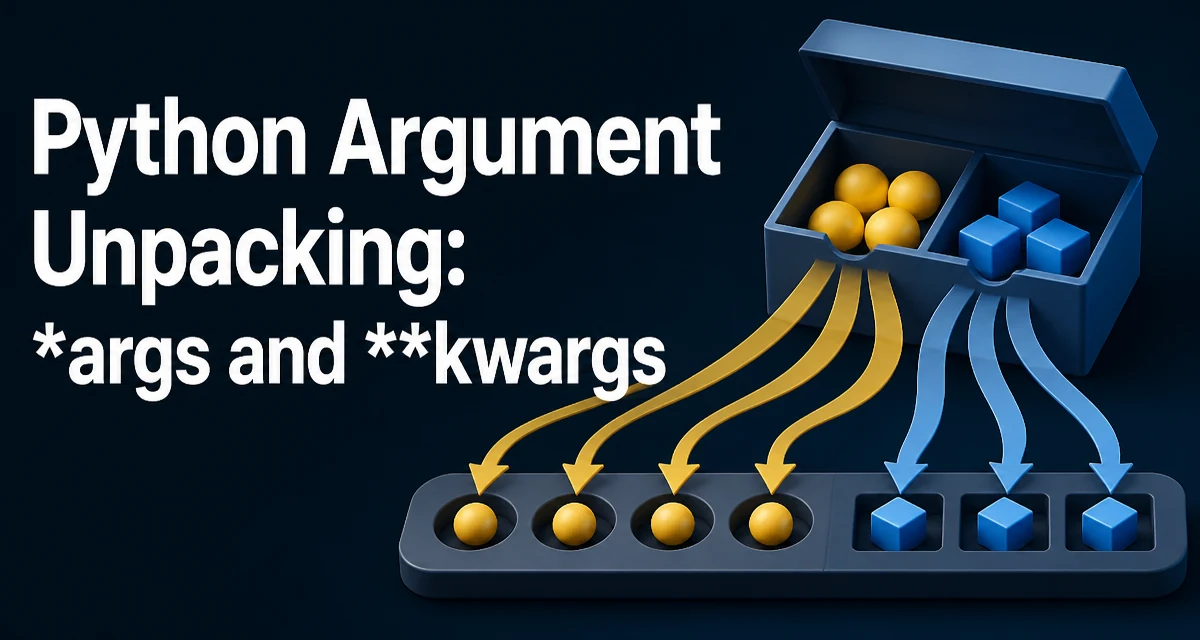
Python argument unpacking is a feature that lets you pass the elements of a sequence or the key-value pairs of a mapping as individual arguments to a function. The syntax uses a single asterisk (*) for iterables and a double asterisk (**) for mappings. This is not just a shortcut; it is a core part of Python's function-call model that shows up in library code, decorators, and everyday application logic.
Unpacking Sequences into Positional Arguments
When you write func(*values), Python iterates over values and passes each element as a separate positional argument. The sequence must supply a value for every required positional parameter. Parameters with defaults do not need a corresponding value, and a function may collect extra values with *args.
def add(a, b, c):
    return a + b + c

nums = [1, 2, 3]
result = add(*nums)  # equivalent to add(1, 2, 3)
This works with any iterable, not just lists. Tuples, sets, generators, and even strings can be unpacked. For example, print(*"abc") prints a b c because the string is iterated character by character.
The same syntax appears in function definitions. When you define def func(*args), args is a tuple containing all positional arguments passed to the function. This is how functions like print accept a variable number of arguments.
def log(*messages):
    for msg in messages:
        print(msg)
Unpacking Dictionaries into Keyword Arguments
The double asterisk ** unpacks a mapping into keyword arguments. The keys must be strings, and they must match the parameter names of the target function.
def configure(host, port, debug=False):
    print(host, port, debug)

options = {"host": "localhost", "port": 8080, "debug": True}
configure(**options)
This is common when you have a configuration dictionary and want to pass it to a function without writing out each key. It also appears in class constructors and when wrapping functions with decorators.
In function definitions, **kwargs collects all unmatched keyword arguments into a dictionary. This is useful for building flexible APIs where callers can pass options that the function does not explicitly declare.
def request(url, **headers):
    print(url, headers)
Combining *args and **kwargs
You can use both in a function call. The unpacked sequence supplies positional arguments, and the unpacked mapping supplies keyword arguments. In a call, keyword arguments and the ** mapping must follow any * expression; the common form is func(*values, **extra). For example:
def func(a, b, c, d):
    return a + b + c + d

values = [1, 2]
extra = {"c": 3, "d": 4}
result = func(*values, **extra)
The same combination works in function definitions, which is the basis of many decorators and wrappers that need to forward arbitrary arguments.
def wrapper(*args, **kwargs):
    # do something before
    return original(*args, **kwargs)
Extended Unpacking in Assignments
Python 3 introduced extended unpacking, which lets you use * in assignment targets to capture a variable-length portion of a sequence. This is not directly about function calls, but it shares the same operator and is often used together with argument unpacking.
first, *middle, last = [1, 2, 3, 4, 5]
# first = 1, middle = [2, 3, 4], last = 5
This pattern is useful when you need to split a list into a leading element, a trailing element, and the rest. It works with any iterable and can simplify code that would otherwise require slicing.
Common Mistakes and Edge Cases
One frequent mistake is unpacking a sequence whose length does not match the function's required parameters. This raises a TypeError at runtime. For example, calling add(*[1, 2]) when add expects three arguments fails. The error message identifies the mismatch.
Another issue is placing * after a keyword argument in a call. For example, func(a=1, *[2, 3]) is a syntax error. The unpacking expression must appear before any keyword arguments.
When unpacking a generator, the generator is fully consumed to produce the arguments. This can have memory and performance implications if the generator produces a large number of items. The function call must hold the expanded positional arguments in memory as a tuple.
Performance and Memory Considerations
Unpacking a large iterable into a function call materializes the expanded positional arguments as a tuple. If the iterable is not already a tuple, this allocation can be significant for very large sequences. In most applications, this is not a problem because function calls typically receive a small number of arguments. If you are processing large data sets and the function can accept the iterable as a single argument, pass the iterable directly rather than expanding it into individual parameters.
The practical cost to think about is this materialization, not micro-optimizing how the arguments are indexed. If the function can iterate over a collection itself, passing the collection directly avoids building a tuple of expanded arguments.
Advanced Unpacking Patterns
Unpacking can be combined with other Python features to create concise transformations. For example, you can merge two dictionaries using ** in a dictionary literal:
merged = {**dict1, **dict2}
This creates a new dictionary that includes all keys from both. Later keys override earlier ones. This pattern is widely used in Python 3.5+.
Another pattern is using * to unpack a list into a function that accepts a variable number of arguments, such as print(*items) to print each item on the same line.
In function definitions, you can use * to force keyword-only arguments. For example:
def func(a, *, b):
    return a + b
Here b must be passed as a keyword argument. This is a way to make the API more explicit and avoid accidental positional misuse.
These patterns show that argument unpacking is not just a convenience but a language feature that shapes how Python code is written and read. Understanding when to use * and ** correctly helps you write functions that are flexible, maintainable, and clear.