asyncpg DuplicatePreparedStatement on PgBouncer and Supabase
asyncpg caches prepared statements per connection while a transaction pooler rotates connections underneath it. The cache setting, pool sizing and retry that fix it.
Introduction & Quick Summary
Symptom. A FastAPI service using asyncpg works locally and fails in production with asyncpg.exceptions.DuplicatePreparedStatementError: prepared statement "__asyncpg_stmt_1__" already exists, or asyncpg.exceptions.ConnectionFailureError: connection is closed in the middle of a request. The database is a Supabase or PgBouncer endpoint, the connection string came from the dashboard, and nothing in the application changed.
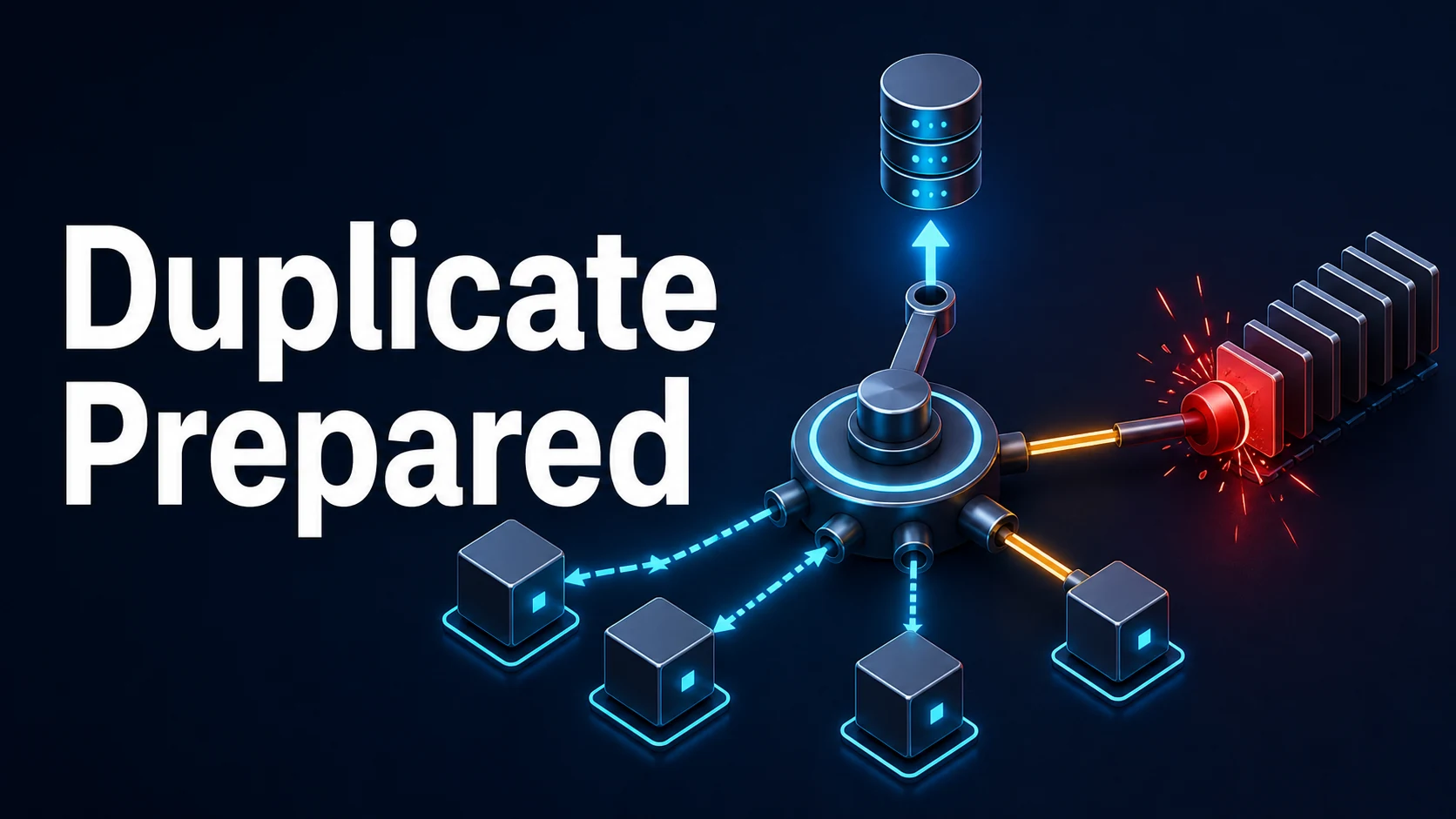
Cause. asyncpg prepares and caches statements per connection, up to statement_cache_size (100 by default), keyed by SQL text. PgBouncer in transaction pooling mode hands each transaction a different server connection, so the cache is meaningless at best: two clients that both prepared __asyncpg_stmt_1__ end up on one server session and the second prepare collides. Server-side prepared statements do not exist across transactions in that mode. The ConnectionFailureError has a separate but related cause: the pooler closed an idle server connection, and asyncpg surfaces it only when the app next uses the client it thought was alive.
Fix. Set statement_cache_size=0 on the asyncpg connection or pool when the endpoint is a transaction pooler, use prepared_statement_cache_size=0 in SQLAlchemy's asyncpg dialect, keep application pool sizes small because the pooler owns the real connections, and treat a closed connection as retryable rather than fatal.
Core Mechanics, Signatures & Reproducible Setup
asyncpg's statement cache is a client-side map from SQL text to a server-side prepared statement name generated as __asyncpg_stmt_N__. Under direct PostgreSQL the name is unique per session, so the cache is a pure win. Under transaction pooling it is not, because a session is a rotating resource.
import asyncpg

# correct for Supabase transaction pooler (port 6543) and PgBouncer in transaction mode
pool = await asyncpg.create_pool(
    dsn,
    min_size=1,
    max_size=5,              # small: the pooler multiplies, not the app
    statement_cache_size=0,  # no server-side prepared statements
    max_cached_statement_lifetime=0,
    command_timeout=30,
    server_settings={"application_name": "api"},
)
Reproduce the error without a race: point two clients at a transaction pooler, run the same query on both, and force them onto one server session within the same transaction budget. The second prepare returns SQLSTATE 42P05 (DuplicatePreparedStatement), which asyncpg maps to DuplicatePreparedStatementError.
The SQLAlchemy path needs the dialect-level switch, because SQLAlchemy creates the asyncpg pool itself:
create_async_engine(
    "postgresql+asyncpg://user:pass@host:6543/postgres",
    poolclass=NullPool,                        # let the pooler do the pooling
    connect_args={
        "statement_cache_size": 0,
        "prepared_statement_cache_size": 0,    # SQLAlchemy's own layer
        "server_settings": {"application_name": "api"},
    },
)
Both knobs exist because there are two caches: asyncpg's, and SQLAlchemy's prepared-statement cache on top of the same driver.
Key Comparison Table
| Endpoint | Port | Prepared statements | App pool size | Use for |
|---|---|---|---|---|
| Direct connection | 5432 | supported, cache them | your real budget | migrations, LISTEN/NOTIFY, admin |
| Session pooler | 5432 | supported per session | small | long-lived sessions, ORMs without pooling |
| Transaction pooler | 6543 | not supported across transactions | 1–5 per worker | most web traffic |
| Transaction pooler + cache | 6543 | collisions | any | never |
| Failure | Raised by | Real cause | Action |
|---|---|---|---|
DuplicatePreparedStatementError | asyncpg | cache against a transaction pooler | statement_cache_size=0 |
ConnectionFailureError: connection is closed | asyncpg | pooler closed an idle server connection | retry, shorter idle timeout |
InterfaceError: cannot call … after close | asyncpg | reused a closed connection object | acquire per request |
TooManyConnectionsError | PostgreSQL | app pool larger than the pooler's budget | shrink max_size |
InvalidPasswordError | asyncpg | SCRAM vs md5, or wrong pooler user | use postgres.<project-ref> user |
Practical Edge Cases, Error Fixes & Deep Dive Code Examples
1. The error only appears under concurrency
A single-worker test never reproduces it because one client cannot collide with itself. Run the same query from eight coroutines against the pooler:
async with pool.acquire() as conn:
    await asyncio.gather(*[conn.fetch("SELECT $1::int AS n", i) for i in range(50)])
If that passes with statement_cache_size=0 and fails without it, the diagnosis is confirmed. Do not "fix" it by catching DuplicatePreparedStatementError and retrying: the retry prepares the same name again on a different server connection and the error moves rather than disappears.
2. ConnectionFailureError is not a bug in your query
The pooler recycles server connections aggressively — Supabase's transaction pooler closes idle ones well before a typical web worker notices. asyncpg keeps the client object and only learns the socket is gone when it writes.
async def fetch_one(pool, sql, *args):
    for attempt in range(2):
        try:
            async with pool.acquire() as conn:
                return await conn.fetchrow(sql, *args)
        except asyncpg.ConnectionFailureError:
            if attempt:
                raise
    # second failure: let the caller see it
Retry only on ConnectionFailureError and InterfaceError, never on a query error: replaying a failed INSERT is fine because it did not commit, replaying one that timed out after commit is not.
3. Transactions and PgBouncer
Transaction pooling gives one server connection per transaction, which is exactly what an explicit async with conn.transaction() needs — and exactly what a bare SET does not survive. SET search_path leaks to the next client or vanishes mid-transaction; SET LOCAL is scoped to the transaction:
async with pool.acquire() as conn:
    async with conn.transaction():
        await conn.execute("SET LOCAL statement_timeout = '5s'")
        await conn.fetch("SELECT * FROM orders WHERE tenant_id = $1", tenant)
The same rule applies to advisory locks, LISTEN, temporary tables, and cursors: they need a session, so they belong on port 5432 or outside the pooler.
4. Supabase's direct host and IPv6
Supabase's direct connection host db.<project-ref>.supabase.co resolves to IPv6 only unless the IPv4 add-on is enabled. A container or CI runner without IPv6 gets socket.gaierror: [Errno -9] Address family for the host is not supported, which looks like a DNS failure and is not one. Use the session or transaction pooler host instead, and note that the pooler username is postgres.<project-ref>, not postgres.
5. Pool sizing when a pooler is already in front
The pooler multiplies connections across your workers. Four uvicorn workers with max_size=20 demand 80 server connections from a pooler that may allow far fewer, and the failure arrives as TooManyConnectionsError under load only.
# per worker, not global: 4 workers x 5 = 20 server connections at most
max_size = 5
Keep the app pool at a handful per worker and let the pooler queue. A NullPool with pool_pre_ping is the simplest correct choice for serverless.
6. Health checks that keep the pool alive
An idle timeout plus a pooler that closes silent connections produces a first-request failure after every quiet period. A lightweight keepalive on the pool prevents it without a query per request:
async def keepalive(pool: asyncpg.Pool) -> None:
    async with pool.acquire() as conn:
        await conn.execute("SELECT 1")
Call it every 30 seconds from a background task and set min_size to at least 1, so the pool holds a warm client rather than reconnecting on the first user request of the day.
Common Compilation/Runtime Mistakes & Version Gotchas
statement_cache_size=0applied only to the engine, not the pool. SQLAlchemy'sprepared_statement_cache_sizeis a second cache; both must go.- Port 6543 with
LISTEN, cursors, or advisory locks. They need a session; the transaction pooler will break them in ways that look random. pool_pre_pingassumed to fix pooler closes. It checks liveness at checkout, so it narrows the window but does not remove the retry requirement.- Migrating with Alembic through the transaction pooler. Advisory locks and long DDL transactions belong on port 5432.
- asyncpg below 0.27 with
statement_cache_sizeinconnect_args. The keyword is accepted by the pool but some SQLAlchemy versions drop unrecognised keys silently. server_settingswithsearch_path. It is a session setting; under transaction pooling it applies to whichever server connection you happen to get.ssl="require"for a pooler that terminates TLS differently. Supabase poolers accept TLS on a different host; the error is a confusingSSL SYSCALL error: EOF detected.
Related tools. Format the failing SQL before hunting for a syntax difference with the SQL formatter, diff two connection strings character by character with the text diff, and turn a copied postgres:// URL into its component parts and back with the URL parser.
Try matching browser tools
All toolsSmall utilities that fit Python work — they run entirely in this browser tab, so nothing you paste leaves your device.
Related Python guides
All Python guidesPython iter(): How the Built-in Function Works
Explains Python's iter() built-in: how it creates iterators, the two-argument sentinel form, custom iterator classes, and common edge cases.
Python Pika: Queues, Exchanges, Routing Keys, and Acknowledgements
Learn how to use Python's Pika client with RabbitMQ: declare queues and exchanges, publish with routing keys, consume messages, and handle acknowledgements reliably.
Python Kafka: kafka-python vs Confluent Client
python kafka python vs confluent kafka: Compare kafka-python and Confluent Kafka Python clients: API differences, performance, feature coverage, and when to choose eac...
Python Kafka Offsets, Partitions, and Manual Commits
Learn how Kafka offsets and partitions work and how to manually commit offsets in Python consumers with kafka-python and confluent-kafka. Covers sync vs async commits, rebalances, and seeking.
More in Python
All Python guidesThe guides filed next to this one in Python, in library order.