Python BaseException vs Exception: Key Differences
Understand the difference between Python's BaseException and Exception classes, when to catch each, and how to avoid swallowing system-level signals like KeyboardInterrupt and SystemExit.
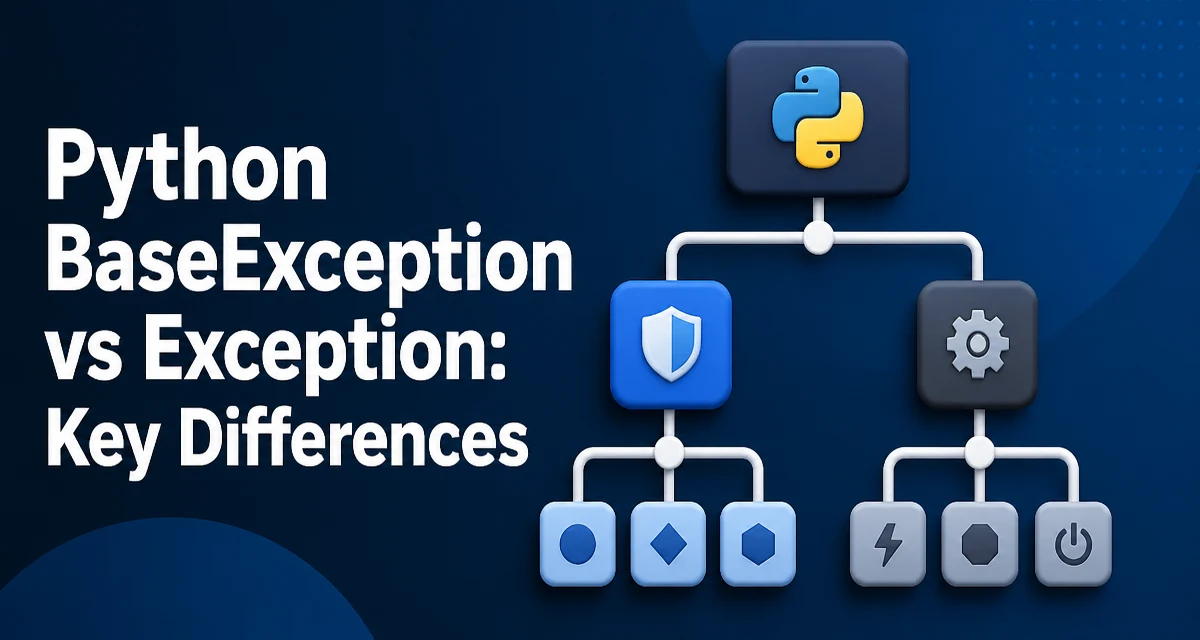
Python's exception handling is built on a class hierarchy that many developers only partially understand. The distinction between BaseException and Exception is not just a trivia question; it determines whether your try/except blocks catch system-level events like KeyboardInterrupt and SystemExit. This article explains the difference and shows when to use each.
The Exception Hierarchy in Python
At the root of the hierarchy is BaseException. Every built-in exception, as well as any custom exception you define, inherits directly or indirectly from this class. The Exception class is a subclass of BaseException and serves as the parent for most user-defined and built-in exceptions that represent recoverable errors.
class BaseException:
    pass

class Exception(BaseException):
    pass
The practical consequence is that except Exception will not catch exceptions that inherit directly from BaseException but not from Exception. The most important members of this exclusive group are KeyboardInterrupt, SystemExit, and GeneratorExit.
What BaseException Covers That Exception Does Not
KeyboardInterrupt is raised when the user presses Ctrl+C. SystemExit is raised when you call sys.exit(). GeneratorExit is raised when a generator is closed. These are not ordinary errors; they represent control flow decisions or external signals that often require special handling.
Consider this code:
try:
    raise SystemExit(1)
except Exception:
    print('Caught Exception')
This will not print anything because SystemExit is not a subclass of Exception. To catch it, you must use BaseException or explicitly catch SystemExit. The same applies to KeyboardInterrupt:
try:
    while True:
        pass
except Exception:
    print('Caught Exception')  # Never runs on Ctrl+C
except KeyboardInterrupt:
    print('Caught KeyboardInterrupt')
The second except block catches the interrupt because KeyboardInterrupt inherits from BaseException directly.
When to Catch Exception Instead of BaseException
In normal application code, you should almost always catch Exception rather than BaseException. Catching BaseException will also catch KeyboardInterrupt and SystemExit, which can make your program impossible to stop gracefully. For example, a loop that catches BaseException will swallow Ctrl+C and continue running, which is rarely the desired behavior.
# Dangerous: catches Ctrl+C and sys.exit()
while True:
    try:
        run_long_task()
    except BaseException:
        print('Something happened, but we continue')
Instead, catch Exception to handle genuine errors while leaving system-level signals intact:
try:
    run_long_task()
except Exception as e:
    print(f'Error: {e}')
This way, a user can still interrupt the program with Ctrl+C, and sys.exit() will still terminate the process as expected.
Handling KeyboardInterrupt and SystemExit
There are scenarios where you need to handle KeyboardInterrupt or SystemExit explicitly. For instance, a cleanup routine that must run before the program exits might catch SystemExit to perform final steps. Similarly, a long-running server might want to catch KeyboardInterrupt to shut down gracefully.
import sys

try:
    main_loop()
except KeyboardInterrupt:
    print('Shutting down...')
    cleanup()
    sys.exit(0)
If you need to catch both Exception and KeyboardInterrupt in the same try block, order matters. KeyboardInterrupt is not a subclass of Exception, so you can catch them separately:
try:
    risky_operation()
except KeyboardInterrupt:
    print('Interrupted')
except Exception as e:
    print(f'Error: {e}')
Catching KeyboardInterrupt first is fine because it is more specific. If you put except Exception first, it will not catch KeyboardInterrupt anyway, so the order is less critical here than when dealing with subclasses of Exception.
Custom Exceptions and the BaseException Decision
When you define your own exception class, you should almost always inherit from Exception, not BaseException. The standard practice is to create a base exception for your module or package that inherits from Exception, then have specific exceptions inherit from that.
class AppError(Exception):
    pass

class ConfigError(AppError):
    pass

class DatabaseError(AppError):
    pass
This allows callers to catch AppError to handle all application-specific errors, while still leaving KeyboardInterrupt and SystemExit untouched. If you inherit from BaseException, your custom exception will not be caught by except Exception, which will surprise most users of your code.
In rare cases, you might need a custom exception that behaves like KeyboardInterrupt — for example, a signal to unwind the call stack without being caught by generic error handlers. But such needs are extremely uncommon, and you should document them clearly if you ever do this.
Common Mistakes and Runtime Behavior
A frequent mistake is using a bare except: clause, which is equivalent to except BaseException:. This catches everything, including KeyboardInterrupt and SystemExit. The Python documentation explicitly discourages this because it hides important control flow signals.
# Bad: catches everything
try:
    do_work()
except:
    pass
Another mistake is catching BaseException in a cleanup context and then re-raising. If you do this, you must be careful to preserve the original exception. Using finally is often a better approach for cleanup:
try:
    do_work()
except Exception:
    print('Error occurred')
    raise
finally:
    cleanup()
The finally block runs whether an exception occurred or not, and it does not interfere with KeyboardInterrupt or SystemExit propagation.
Maintainability and Code Review Considerations
From a maintainability perspective, the choice between BaseException and Exception affects how future developers read your code. When someone sees except Exception, they know you are handling recoverable errors. When they see except BaseException, they should immediately ask why you need to catch system-level events.
In code reviews, flag any use of BaseException unless there is a clear justification. For example, a top-level entry point that reports uncaught exceptions and then re-raises might legitimately catch BaseException to ensure nothing escapes silently:
def main():
    try:
        run_app()
    except BaseException:
        print('Uncaught exception')
        raise
This pattern is acceptable because it re-raises after reporting. But if you catch BaseException and then swallow it, that is a code smell.
A Practical Comparison Table
The following table summarizes the key differences for quick reference:
| Aspect | BaseException | Exception |
|---|---|---|
| Root of hierarchy | Yes | No (subclass of BaseException) |
| Includes KeyboardInterrupt | Yes | No |
| Includes SystemExit | Yes | No |
| Includes GeneratorExit | Yes | No |
| Typical use | System-level signals | Recoverable errors |
| Recommended in except | Rarely | Almost always |
Use Exception as your default base class for custom exceptions and for catching errors in application logic. Reserve BaseException for special cases where you need to intercept system-level events, and always document why.
Best Practices for Exception Handling
To keep your code robust and maintainable, follow these guidelines:
- Catch
Exceptionby default, notBaseException. - If you must catch
BaseException, add a comment explaining why. - Use
finallyfor cleanup, not a bareexcept. - When defining custom exceptions, inherit from
Exceptionor a subclass of it. - In top-level entry points, you may catch
BaseExceptionto log and re-raise, but avoid swallowing.
These practices ensure that system-level signals like Ctrl+C and sys.exit() behave as expected, which is critical for command-line tools, daemons, and any interactive application.
Edge Case: GeneratorExit and Cleanup
GeneratorExit also inherits from BaseException, not Exception. It is raised when a generator is garbage-collected or explicitly closed. You will rarely need to catch it in application code. Be careful about using except BaseException inside a generator, because it can intercept GeneratorExit. A finally block is a safer place for cleanup because it runs without suppressing the close signal:
def gen():
    try:
        yield 1
    finally:
        print('Cleanup')

g = gen()
next(g)
g.close()
When g.close() is called, GeneratorExit is raised inside the generator, the cleanup runs, and the generator closes normally. Swallowing GeneratorExit by catching BaseException is usually unnecessary and can make generator cleanup harder to reason about.
Final Technical Consideration: Re-raising from BaseException
If you do catch BaseException, you should almost always re-raise it after any necessary cleanup. The pattern is to use try/finally for cleanup and let the exception propagate naturally, or to catch, log, and re-raise:
try:
    operation()
except BaseException:
    print('Fatal error')
    raise
This ensures that the program still exits or interrupts as the user intended. Swallowing a KeyboardInterrupt or SystemExit can leave your application in an undefined state, especially if it has already started shutting down resources. By re-raising, you preserve the original control flow while still gaining the opportunity to log or clean up.
Understanding the difference between BaseException and Exception means respecting the line between recoverable errors and system-level signals. Use Exception for the former, and reserve BaseException for rare cases where you need to interact with the latter. Your code will be more predictable, easier to debug, and safer to run in production.