Python dict: Dictionary Operations and Performance
A practical guide to Python dict: creation, access, merging, iteration, comprehension, and hash-table performance behavior.
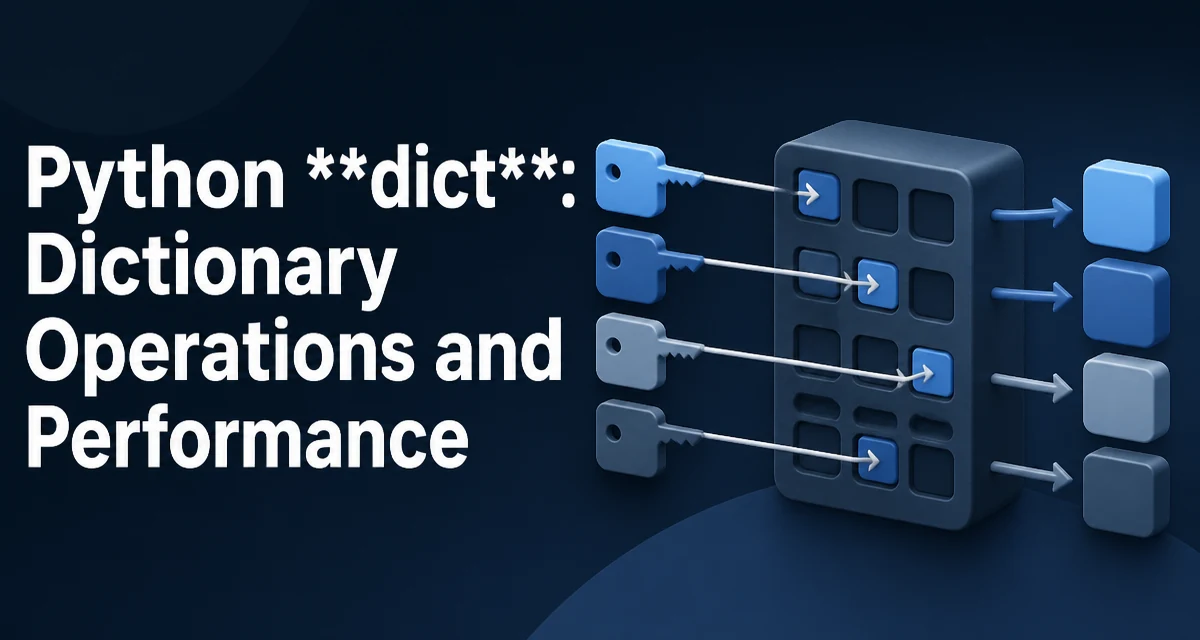
A Python dict stores key-value pairs in a hash table. Each key is hashed, and the resulting hash determines where the value is placed in an internal array. That design gives average O(1) lookup, insertion, and deletion, which is why dictionary access stays fast even when the dict holds thousands of entries. The tradeoff is memory: a dict carries more overhead per entry than a list because it must store the hash, the key, and the value for every occupied slot.
How Python dict Works Under the Hood
The hash table resizes automatically as entries are added. When the table crosses a load factor threshold, Python allocates a larger array and reinserts existing entries into new slots using their stored hashes. That rehash is why inserting many keys can occasionally pause briefly, although amortized insertion remains O(1). Because the hash determines placement, the order of keys is not related to their hash values; Python preserves insertion order, and that order is guaranteed by the language specification as of Python 3.7.
Keys must be hashable. Immutable types such as strings, integers, tuples of hashable values, and frozensets work as keys. Lists and dicts do not, because they are mutable and their equality can change after insertion, which would break the hash table invariant.
Creating Dictionaries
The literal syntax is the most common way to build a dict:
empty = {}
user = {"name": "Ada", "role": "admin"}
The dict() constructor accepts keyword arguments, an iterable of pairs, or another mapping:
from_keywords = dict(a=1, b=2)
from_pairs = dict([("a", 1), ("b", 2)])
copy = dict(user)
dict.fromkeys(iterable, value) builds a dict where every key maps to the same value. This is useful for initializing counters or lookup tables:
counts = dict.fromkeys(["up", "down", "left"], 0)
dict.fromkeys shares one value object among all keys. That is harmless for immutable values such as 0, but if you pass a mutable default such as [], every key refers to the same list; use a dict comprehension or defaultdict when each key needs its own independent container.
Accessing Values Safely
The subscript operator raises KeyError when a key is missing:
user = {"name": "Ada"}
print(user["name"])   # Ada
print(user["email"])  # KeyError
When missing keys are expected, .get(key, default) returns the default instead of raising:
email = user.get("email", "unknown@example.com")
.setdefault(key, default) goes one step further: it inserts the key with the default value when the key is absent, then returns the value. This is useful for initializing nested structures:
groups = {}
groups.setdefault("python", []).append("dict")
The collections.defaultdict type provides similar behavior at the type level, which is cleaner when the same default applies to every missing key.
Merging and Updating Dictionaries
The update method copies keys from another mapping into the current dict, overwriting existing keys:
base = {"x": 1, "y": 2}
base.update({"y": 3, "z": 4})
To create a new merged dict without mutating the inputs, use unpacking in Python 3.5 and later:
left = {"x": 1, "y": 2}
right = {"y": 3, "z": 4}
merged = {**left, **right}
Python 3.9 added the union operator, which reads more naturally:
merged = left | right
The in-place form left |= right is equivalent to calling update. The union operator is the clearest choice when both dicts should remain unchanged and the codebase targets Python 3.9 or newer.
Iteration and Dynamic Views
Iterating over a dict yields its keys by default:
for key in user:
    print(key)
To iterate over pairs, use .items():
for key, value in user.items():
    print(f"{key}: {value}")
The methods .keys(), .values(), and .items() return views rather than copies. A view reflects changes made to the dict after the view is created. Adding or removing keys during iteration raises RuntimeError, so collect keys first if you need to remove entries while iterating:
for key in list(user.keys()):
    if condition(key):
        del user[key]
Dict Comprehensions
A dict comprehension builds a dict from an iterable in one expression:
squares = {n: n**2 for n in range(10)}
Comprehensions can filter and transform:
even_squares = {n: n**2 for n in range(20) if n % 2 == 0}
They are a good fit when the mapping is derived from an existing collection. For more complex logic, a plain loop with explicit assignments is often easier to read.
Performance and Memory Behavior
Lookup, insertion, and deletion are O(1) on average because of the hash table. The constant factor is higher than a list index operation, so a dict is not a substitute for a list when positions are sequential and dense.
Memory usage is larger than a list of the same logical size. Each entry stores the key, the value, and the hash, and the table keeps spare slots to stay below the load factor. For small dicts, the overhead is proportionally significant.
The main performance risk is poor hash distribution. If many keys collide—for example, because a custom class has a weak __hash__ implementation—lookup can degrade toward O(n). In normal use, built-in types hash well, so this is usually a custom-class concern.
Common Pitfalls and Edge Cases
A list cannot be a key; use a tuple instead. A tuple containing a list is also unhashable. More generally, avoid keys whose hash depends on mutable state.
Duplicate keys in a literal are allowed syntactically, but the last value wins:
d = {"a": 1, "a": 2} # d["a"] == 2
Order is guaranteed to match insertion order in Python 3.7 and later. Code that relies on this order is safe on modern interpreters but will break on older versions.
Choosing Between dict and Alternatives
A dict is the right choice when you need to look up values by a key. A list of tuples requires a linear scan for each lookup, which is slower for large collections. A set is appropriate when you only need membership testing and have no associated value.
Use a dict when the key set is dynamic or the mapping is central to the logic. For fixed, small mappings, a dict is still simpler than a custom class. For structured records with known fields, a dataclass or NamedTuple may be clearer, especially when attribute access is more readable than string keys.