Python If Statement vs Ternary Operator
Learn the practical differences between Python if statements and ternary conditional expressions: syntax, readability, side effects, evaluation order, and when to choose each.
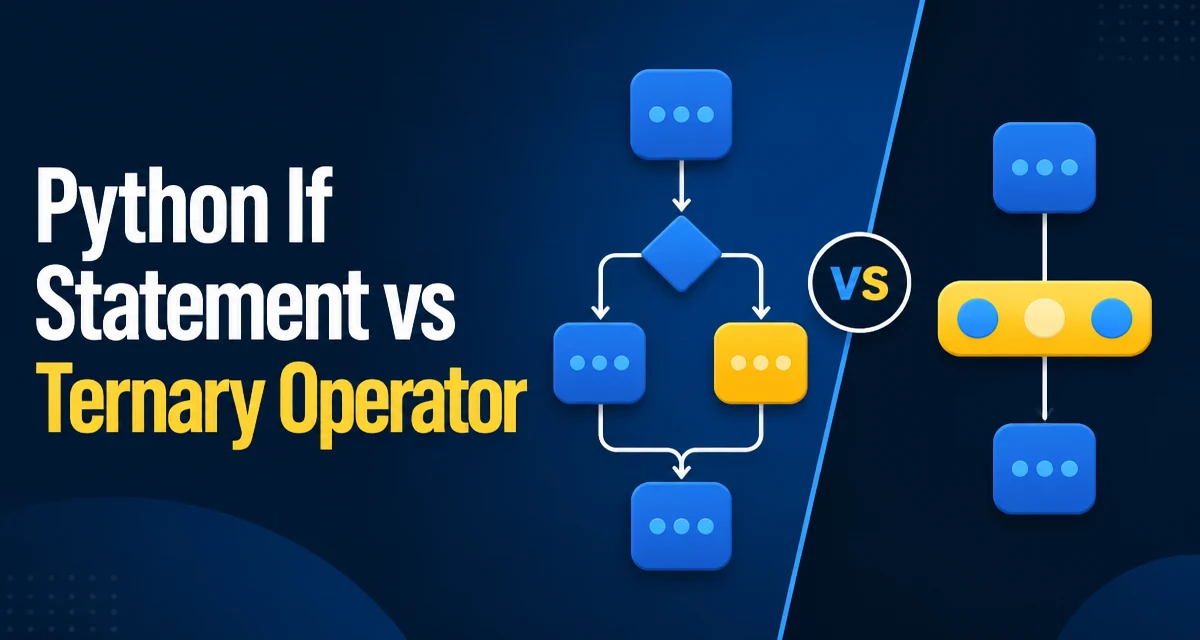
When you need to branch logic in Python, you have two primary tools: the traditional if statement and the conditional expression, commonly called the ternary operator. The choice is not about which is more powerful, but about which fits the context, improves readability, and avoids subtle bugs. This article compares their syntax, evaluation behavior, and practical tradeoffs so you can choose deliberately.
The Core Syntax Difference
The if statement is a compound statement that can contain an arbitrary block of code. The ternary operator, introduced in Python 2.5, is an expression that evaluates to a value. Here is the minimal form of each:
# Traditional if statement
if condition:
    result = "yes"
else:
    result = "no"

# Ternary operator
result = "yes" if condition else "no"
The ternary operator collapses the assignment into a single line. It is not merely a shorter version of the if statement; it is a different construct with distinct rules. The if statement can execute multiple statements, call functions, or even contain nested blocks. The ternary operator always produces a value and must be used where an expression is expected, such as in a return statement, a list comprehension, or a function argument.
Readability and Expression Context
Readability is the most common reason developers choose one over the other. The ternary operator shines when the logic is short and the result is immediately assigned or returned. For example:
def get_status(is_active):
    return "active" if is_active else "inactive"
This is concise and reads naturally. However, when the branches involve multiple steps or complex side effects, an if statement is clearer because it separates the logic into distinct blocks:
if user.is_admin:
    permissions = "full"
    log_access(user)
else:
    permissions = "limited"
    log_attempt(user)
Here, the ternary operator would force you to combine the logging and assignment into a tuple or a helper function, which reduces clarity. A good rule of thumb is to use the ternary operator only when both branches are simple expressions and the entire statement fits comfortably on one line.
Side Effects and Evaluation Order
The ternary operator evaluates only the branch that is selected. This is the same short-circuit behavior you get with if and else. However, there is a subtle difference: in an if statement, you can have multiple statements in each branch, and they all execute in order. In a ternary expression, you can only have one expression per branch. If you need to perform multiple actions, you must either use an if statement or wrap the actions in a function that returns the final value.
Consider this example where side effects matter:
# If statement: the selected branch can run multiple statements
if flag:
    cache.set("a", 1)
    result = 1
else:
    cache.set("b", 2)
    result = 2

# Ternary: each branch is one expression, so this requires a workaround
result = (cache.set("a", 1) or 1) if flag else (cache.set("b", 2) or 2)
The second version is harder to read and relies on cache.set returning a falsy value; if it returns a truthy value, the result changes. That is a strong signal that the ternary operator is not suitable for side-effect-heavy logic.
Type Consistency and Return Values
An if statement does not inherently produce a value; it controls execution flow. The ternary operator is an expression, so it always yields a value. This makes it ideal for assignments, returns, and inline usage. However, it also means that both branches should produce types that make sense in the surrounding context. For instance:
x = 5 if condition else "five"
This is valid but may cause issues later if you expect x to always be an integer. The if statement gives you more flexibility because you can reassign x with different types in each branch, though that often leads to the same type confusion. The key difference is that the ternary operator makes the type ambiguity more visible because it is a single expression.
Performance Characteristics
Performance is rarely a deciding factor between these two constructs. The bytecode generated for a conditional expression can differ from the equivalent if statement, but the difference is generally negligible for real code. The real cost is usually the condition evaluation itself, not the branching mechanism. If performance is critical, profile your code rather than guessing.
Maintainability and Code Review
In a code review, the ternary operator can be a source of contention. Some teams prefer to ban it entirely because it can be overused and lead to unreadable nested expressions. Others embrace it for its brevity. The key is consistency. If your codebase uses ternary operators for simple value assignments, stick with that pattern. If you see a nested ternary, it is almost always better to refactor into an if statement or a helper function.
Nested ternaries are particularly problematic:
result = "high" if score > 90 else "medium" if score > 70 else "low"
This is difficult to parse because the associativity is right-to-left. The equivalent if statement is far clearer:
if score > 90:
    result = "high"
elif score > 70:
    result = "medium"
else:
    result = "low"
Maintainability also involves debugging. When you step through code in a debugger, an if statement lets you inspect each branch separately. A ternary expression is a single line, so you may need to evaluate the entire expression to see which branch was taken. This is not a reason to avoid ternary operators, but it is a consideration when debugging complex logic.
Common Pitfalls and Edge Cases
Several pitfalls can trip up developers when using the ternary operator. The first is precedence. The conditional expression sits at a low level in Python's grammar, so parentheses are often needed when you combine it with other operations. For example:
result = a if condition else b == c
This parses as a if condition else (b == c), not as (a if condition else b) == c. To compare the whole conditional result to c, use parentheses:
result = (a if condition else b) == c
Another edge case is the use of the ternary operator with None. If you want to fall back to a default value, you might be tempted to write:
value = data if data is not None else "default"
This works, but it is often clearer to use or when the falsy values are not important:
value = data or "default"
However, or treats empty strings, lists, and 0 as falsy, which may not be what you want. The ternary operator gives you explicit control over the condition, which is safer when you only want to check for None.
Finally, remember that the ternary operator is an expression, so it cannot contain return, break, or continue statements. If you need one of those as a statement inside a branch, an if statement is required.
When to Use Which
Choose the ternary operator when:
- The logic is a simple value selection between two expressions.
- The condition and both branches fit on one line without losing clarity.
- The expression is used in a context that requires a value, such as a return, assignment, or list comprehension.
Choose the if statement when:
- You need to execute multiple statements in a branch.
- The branches contain side effects that are not just value assignments.
- The logic is complex or nested, and readability would suffer from a one-line expression.
- You need to use
elifchains or includereturn,break, orcontinue.
The decision is not about which is more Pythonic; both are idiomatic. Python's style guidance favors readability over brevity, so if a ternary operator makes the code harder to understand, use an if statement. Conversely, if an if statement adds unnecessary lines for a trivial assignment, the ternary operator is the better tool. As with many language features, the right choice depends on the specific context, and a consistent style guide within your team will help avoid debates over style.