Python Left Shift: How the << Operator Works
Learn how Python's left shift operator moves integer bits, with practical use cases, edge cases, and performance implications.
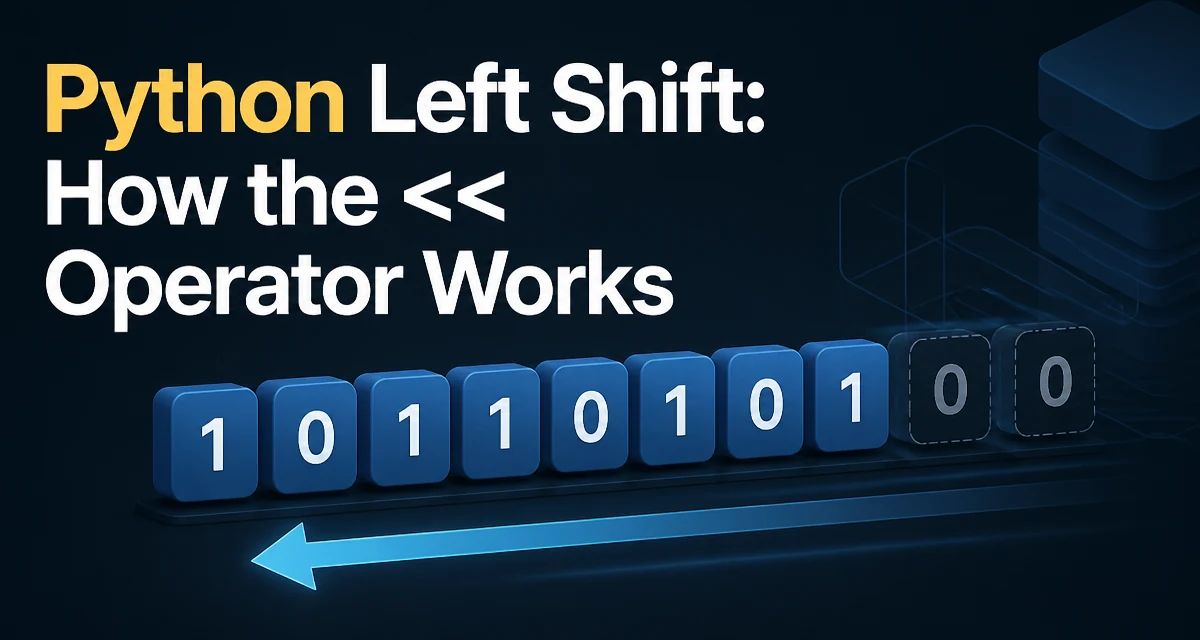
The left shift operator << in Python moves the bits of an integer left and fills the vacated low-order positions with zeros. For example, 5 << 2 shifts the binary 101 to 10100, which is 20 in decimal. The result is the same as multiplying by 2 raised to the power of the shift count: 5 << 2 == 5 * 2**2.
How the Left Shift Operator Works
In Python, x << n takes an integer x and a non-negative integer shift count n. It returns a new integer whose binary representation is the original bits shifted left by n positions. For example, 5 << 2 returns 20 because 101 becomes 10100.
>>> 5 << 2
20
The left shift operator is a bitwise operator, meaning it operates on the binary representation of integers. Python integers are arbitrary precision, so the operation does not overflow in the traditional sense; instead, it adds bits as needed.
What Happens to the Bits
During a left shift, each bit moves to a higher position and zeros are filled in on the right. Because Python integers have arbitrary precision, no bits are discarded; the result is the exact mathematical value of x * 2**n.
Negative integers behave as if represented in two's complement with an unlimited number of sign bits, so the same multiplication rule applies. For example, -1 << 1 is -2, not a wrapped or truncated value.
>>> -1 << 1
-2
Practical Use Cases for Left Shift
The left shift operator is useful whenever you need to set or test individual bits in a bitmask, encode multiple flags into one integer, or work with algorithms that rely on binary representation.
For example, in graphics programming you can pack RGB color channels into a single integer using shifts and OR operations:
r, g, b = 255, 128, 64
packed = (r << 16) | (g << 8) | b
Here r << 16 shifts the red value into the high 16 bits, g << 8 places green in the middle, and b occupies the low byte. This is a compact way to store color data.
Another common use is bitmask flags, where each bit represents a boolean option. Permission systems often use powers of two:
READ = 1 << 0
WRITE = 1 << 1
EXECUTE = 1 << 2
permissions = READ | WRITE
if permissions & EXECUTE:
    print("Can execute")
Left Shift on Negative Numbers and Overflow
Because Python integers are arbitrary precision, left shift never causes overflow in the sense of wrapping around. It can, however, create a very large integer that consumes more memory. For negative numbers, the shift operation preserves the mathematical value of multiplying by the power of two. This differs from languages like C or Java, where signed integer overflow can be undefined behavior or wrap around.
In Python, the shift count must be a non-negative integer. Shifting by a negative count raises a ValueError:
>>> 5 << -1
Traceback (most recent call last):
  File "<stdin>", line 1, in <module>
ValueError: negative shift count
Performance and Memory Considerations
Left shift is a direct integer operation. For small integers, the cost is effectively constant. For very large integers, Python allocates a new integer and copies bits, so the work is linear in the number of bits. This matters when you shift a huge integer repeatedly in a loop; consider whether you can restructure the calculation to avoid repeated shifts. Also, shifting a large integer by a large amount can create an enormous number that consumes significant memory. For example, 1 << 1000000 creates a number with over 300,000 decimal digits and may be impractical.
Common Mistakes and Edge Cases
A common mistake is confusing left shift with exponentiation: 2 << 3 is 16, not 8. Both operands must be integers; a float used as a shift count raises a TypeError. A negative shift count raises a ValueError. When using bitmasks with a fixed width, remember that Python does not enforce that width for you. If you only want 8-bit flags, shifting a value by 16 places it outside the range you intended, so you need to mask or check the value yourself.
Alternatives and When Not to Use Left Shift
For ordinary multiplication by powers of two, * or ** is clearer and usually preferable. Left shift is most appropriate when binary representation is the actual concern, such as in protocol parsing, compression, cryptographic algorithms, or low-level bit packing. In high-level application code, overusing shifts can reduce readability, so reserve them for code where bit manipulation is the natural fit.