Python lower vs casefold: Key Differences
Understand the difference between Python's str.lower() and str.casefold() for case-insensitive operations, including Unicode handling and practical examples.
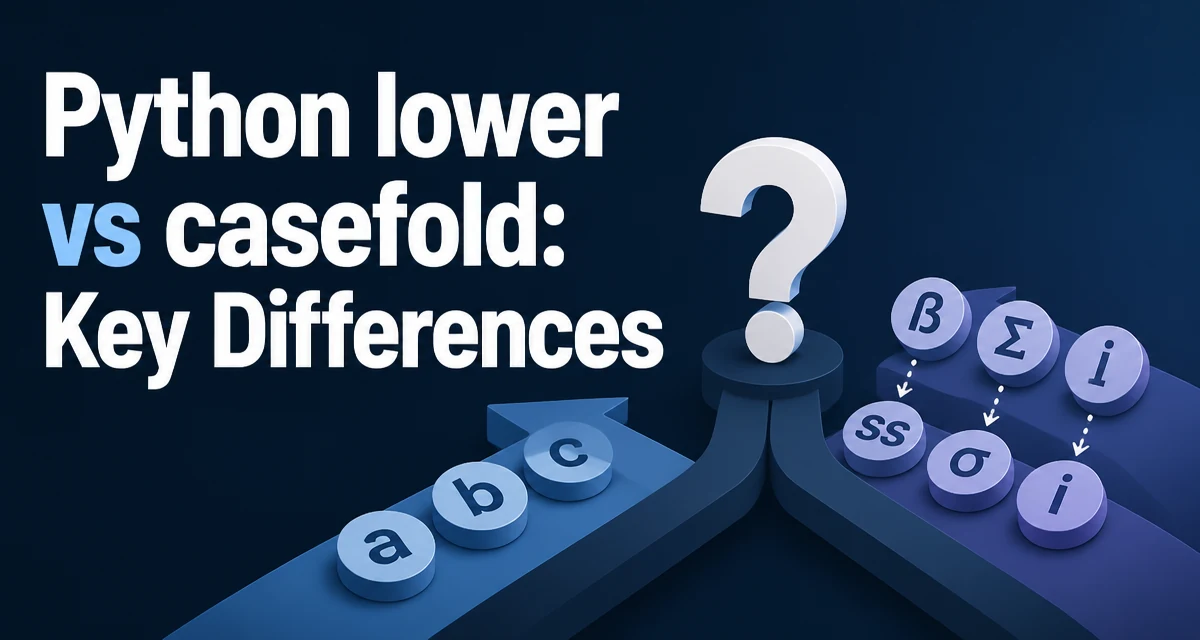
When you need case-insensitive string comparison in Python, the choice between str.lower() and str.casefold() can affect correctness. Both methods convert strings to lowercase, but they do so with different Unicode semantics. lower() performs a simple lowercase mapping, while casefold() applies Unicode case folding, which is more aggressive and designed for case-insensitive matching.
What Is the Difference Between lower() and casefold()?
At first glance, lower() and casefold() appear to do the same thing. For ASCII text, they produce identical results. The difference appears when you work with Unicode characters that have special casing rules. lower() maps each character to its lowercase equivalent according to the Unicode character database. casefold() goes further by applying case folding, a more thorough transformation that removes case distinctions entirely. This makes casefold() the better choice when you need to compare strings in a case-insensitive way, especially for languages with complex casing rules.
How str.lower() Works
str.lower() returns a copy of the string with all cased characters converted to lowercase. It uses the Unicode lowercase mapping, which is straightforward for most characters. For example, 'A'.lower() returns 'a', and 'Ä'.lower() returns 'ä'. However, some characters have no lowercase mapping, and others have contextual variants. A common example is Greek sigma: the capital letter 'Σ' can correspond to the non-final form 'σ' or the final form 'ς'. lower() always maps 'Σ' to 'σ' and leaves 'ς' unchanged, so it does not normalize Greek words that end with sigma.
How str.casefold() Works
str.casefold() is more powerful than lower() because it uses Unicode case folding. Case folding is a transformation that maps each character to a canonical form that is independent of case. For most characters, this is the same as lowercase, but for certain characters it involves additional expansions. A classic example is the German sharp s 'ß'. Its lowercase form is itself, but its casefold form is 'ss'. This means that 'ß'.casefold() == 'ss'.casefold() evaluates to True, while 'ß'.lower() == 'ss'.lower() is False. These differences matter when you are implementing search, validation, or deduplication logic that must treat equivalent strings as equal.
Practical Example: Comparing User Input
Consider a login system that compares usernames in a case-insensitive manner. If you use lower(), a user with the name 'Straße' and another with 'STRASSE' would not match, even though they represent the same word in different case forms. The following code demonstrates the issue:
username1 = "Straße"
username2 = "STRASSE"

print(username1.lower() == username2.lower())  # False
print(username1.casefold() == username2.casefold())  # True
Using casefold() ensures that these two strings are considered equal, which is the expected behavior for case-insensitive matching. In contrast, lower() would treat them as different, potentially causing user confusion or duplicate accounts.
When to Use lower() vs casefold()
The decision between lower() and casefold() depends on what you are trying to achieve. Use lower() when you need to display text in lowercase or when you are working with ASCII-only data and want predictable, simple behavior. For example, converting a file extension to lowercase for comparison is safe with lower() because file extensions are typically ASCII. Use casefold() when you need to perform case-insensitive string comparison, such as matching user input against stored values, implementing search functionality, or normalizing data for deduplication. In these scenarios, casefold() provides the correct Unicode semantics and avoids subtle bugs that can occur with lower().
Performance and Compatibility Considerations
Both methods are implemented in C and are fast. casefold() can be slightly slower because it handles more complex Unicode transformations, but for typical string lengths the performance difference is negligible. If you are processing millions of strings in a tight loop, test whether the input is likely to contain characters that require case folding; if not, lower() may be sufficient. Another consideration is Python version compatibility: casefold() was introduced in Python 3.3, so Python 2 code cannot use it. For modern Python 3 code, both methods are available. When storing normalized strings, be aware that casefold() can expand a single character into multiple characters (for example, 'ß' becomes 'ss'), which affects string length and may impact database indexing or hashing.
Edge Cases and Unicode Pitfalls
The most common pitfall is assuming that lower() is sufficient for all case-insensitive operations. The Greek sigma example is a classic failure. casefold() maps both sigma forms (non-final σ and final ς) to σ, so 'ΟΣ'.casefold() == 'ος'.casefold() is True. With lower(), 'ΟΣ'.lower() returns 'οσ', while 'ος'.lower() remains 'ος', so the two strings compare unequal. This illustrates why casefold() is the safer choice for case-insensitive matching.
Another caveat is that neither method is locale-aware. For languages with locale-specific casing rules, such as Turkish, you may need additional normalization beyond what lower() or casefold() provides. Neither method should be treated as a complete solution for every language.
Choosing Based on Your Use Case
The table below summarizes the behavior for common characters:
| Character | lower() | casefold() |
|---|---|---|
| 'A' | 'a' | 'a' |
| 'Ä' | 'ä' | 'ä' |
| 'ß' | 'ß' | 'ss' |
| 'Σ' | 'σ' | 'σ' |
| 'ς' | 'ς' | 'σ' |
For most ASCII text, the results are identical. The differences appear only with non-ASCII characters. When you are building a case-insensitive comparison function, use casefold() to get the expected Unicode behavior for most comparisons. If you are simply normalizing text for display or storage without needing to match equivalent strings, lower() is simpler and faster. A common pattern is to use casefold() for comparison keys and lower() for human-readable output. For example, you might store a username in its original form, but use casefold() when checking for duplicates or when looking up the user in a dictionary. This approach keeps the displayed name intact while providing reliable case-insensitive matching. Always test your specific input data to see which method behaves as expected, especially if your application handles international text. The choice between lower() and casefold() directly affects the correctness of your string operations.