Python msgpack: Serialize and Deserialize Python Objects
Learn how to use the Python msgpack library to serialize and deserialize objects: core API, type mapping, custom classes, limitations, and safety.
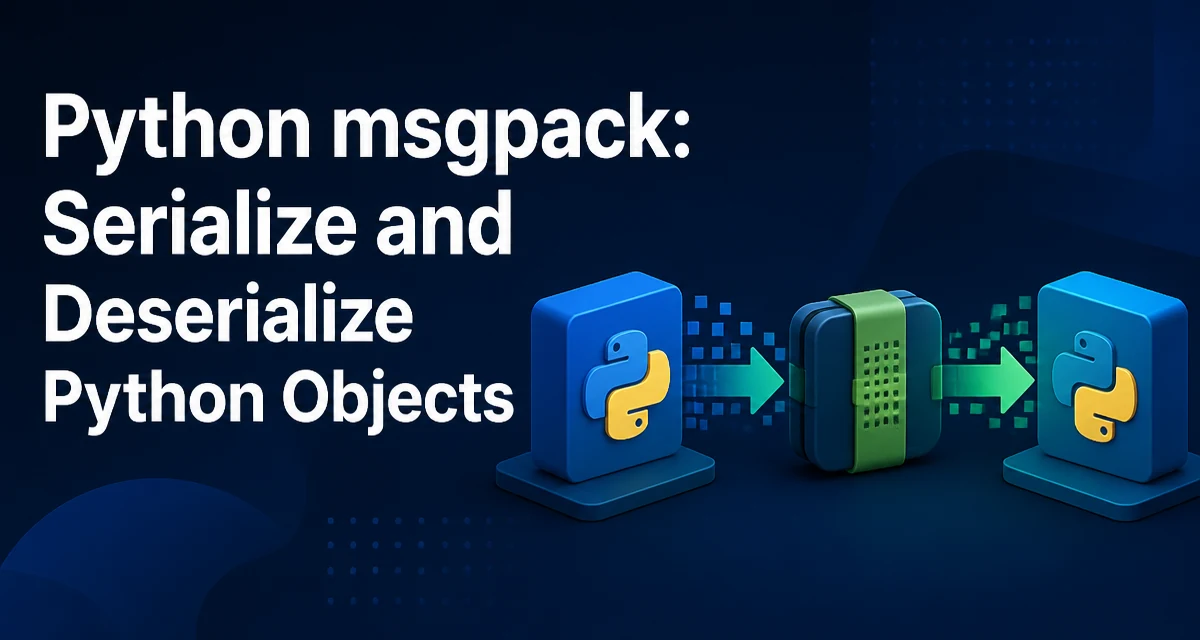
Python's msgpack library solves a common need: serializing and deserializing Python objects into a compact binary format that can be exchanged with other languages. It is not a drop-in replacement for pickle, because it does not preserve arbitrary Python object types by default. This article covers the core API, the built-in type mapping, custom objects, and safety concerns when decoding untrusted data.
Installing msgpack and Basic API
The msgpack package is available on PyPI and installs with pip:
pip install msgpack
The core functions are packb and unpackb for bytes, and pack and unpack for file-like objects. A minimal round-trip looks like this:
import msgpack

data = {'name': 'Alice', 'age': 30, 'tags': ['admin', 'dev']}
packed = msgpack.packb(data)
unpacked = msgpack.unpackb(packed)

print(unpacked)
# {'name': 'Alice', 'age': 30, 'tags': ['admin', 'dev']}
packb converts the Python object into a bytes object. unpackb parses those bytes back into a Python object. The pack and unpack counterparts work with streams, which is useful when writing to a file or socket.
What msgpack Can Serialize Natively
msgpack has a fixed set of types that map directly to its binary format. The following Python types are supported without extra configuration:
None→ msgpack nilbool→ true/falseint→ integer (including large integers, up to 64-bit unsigned)float→ float (64-bit double)str→ string (UTF-8 encoded)bytes→ binarylistandtuple→ arraydict→ map (by default, keys are decoded asstrorbytesunderstrict_map_key)
Lists and tuples are both encoded as msgpack arrays. Because the format has no distinct tuple type, unpackb returns a list for either. Sets and custom objects are not supported natively; if you try to pack one, msgpack raises a TypeError unless you provide a default callable. Dict keys are also restricted: with default settings, unpackb accepts only str or bytes keys, so integer, tuple, or custom keys need extra handling.
Deserialization and Type Recovery
When unpackb parses a msgpack buffer, it returns Python types according to the mapping above. Arrays become lists, maps become dicts, and integers become int. There is no automatic recovery of tuples or custom classes because msgpack does not store type information beyond its built-in types. This is a deliberate design choice: the format is self-describing only at the level of basic types, not Python-specific ones.
For example, if you pack a tuple, it is serialized as an array and comes back as a list:
packed = msgpack.packb((1, 2, 3))
unpacked = msgpack.unpackb(packed)
print(type(unpacked))  # <class 'list'>
If your application relies on tuples or custom classes, you must handle the conversion yourself, either at serialization time or after deserialization.
Serializing Custom Python Objects
The packb function accepts a default callable that is invoked for objects it cannot serialize natively. You can use this to convert custom objects into a dictionary or another supported type. On the deserialization side, unpackb accepts an object_hook callable that can reconstruct the original object from the dictionary.
Consider a simple Point class:
class Point:
    def __init__(self, x, y):
        self.x = x
        self.y = y

def encode_point(obj):
    if isinstance(obj, Point):
        return {'__point__': True, 'x': obj.x, 'y': obj.y}
    raise TypeError(f'Cannot serialize {obj!r}')

def decode_point(obj):
    if '__point__' in obj:
        return Point(obj['x'], obj['y'])
    return obj

point = Point(3, 4)
packed = msgpack.packb(point, default=encode_point)
restored = msgpack.unpackb(packed, object_hook=decode_point)
print(restored.x, restored.y)  # 3 4
The default function must return a msgpack-supported type. The object_hook is called for every dictionary that is decoded, so you need a marker key to identify your custom objects. This pattern works for any class, but it requires you to manage the mapping manually.
For more complex objects, you can transform an object into a dictionary and then restore it in object_hook. msgpack does not use pickle's __getstate__ and __setstate__ hooks automatically. Dataclasses are a convenient case if you want to define that conversion once, as shown later.
Performance and Memory Characteristics
msgpack is designed to be compact and fast. The binary format uses variable-length integers and short string headers, so small integers and short strings take up very little space. Compared to JSON, msgpack is typically smaller and faster to parse because it avoids text parsing overhead. Compared to pickle, it can be faster and can produce smaller payloads, but it lacks Python-specific type preservation.
The exact performance depends on the data shape and the implementation. The msgpack package includes a C extension for packing and unpacking when available, so it is generally efficient. However, you should not rely on microbenchmarks without measuring your own workload. The main operational benefit is that msgpack data can be read by other languages, which is not true for pickle.
When choosing msgpack, consider that unpackb can allocate large objects based on the input. If you are processing untrusted data, you should set limits to prevent memory exhaustion.
Security and Untrusted Data
msgpack is not a security boundary. Loading untrusted msgpack data can cause excessive memory allocation or CPU usage if the payload is crafted to exploit the format. The unpackb function accepts several parameters to mitigate this:
max_buffer_sizelimits the size of the input buffer (default is 100 MB).strict_map_key(defaultTrue) restricts map keys tostrorbyteson unpacking; disabling it allows other key types, but can be unsafe.use_list(defaultTrue) controls whether arrays are decoded as lists or tuples.
For untrusted input, always set max_buffer_size to a reasonable value and keep strict_map_key enabled. Also, be aware that object_hook runs Python code that you write, so it must not trust the data it receives.
Common Pitfalls and Edge Cases
Unsupported Dictionary Keys
With the default strict_map_key=True, msgpack accepts only str or bytes keys when unpacking maps. Integer keys can be packed, but unpacking them requires strict_map_key=False. Tuple or custom object keys must be converted to a supported type before packing if you want a clean round-trip. For example, you can convert tuple keys to strings:
def encode_dict(obj):
    if isinstance(obj, dict):
        return {str(k): v for k, v in obj.items()}
    return obj
Set Serialization
Sets are not natively supported. You can encode a set as a list and decode it back to a set using object_hook or by post-processing. The default function can convert a set to a list, but you lose the type information unless you add a marker.
Large Integers and Unsigned Values
msgpack supports integers up to 64-bit unsigned. If you need larger integers, you must serialize them as strings or bytes. The msgpack library will raise an error if an integer exceeds the format's range.
Tuples vs Lists
As mentioned, tuples become lists after deserialization. If your application relies on tuple immutability, you need to convert lists back to tuples manually. You can do this in object_hook by checking for a marker, or by post-processing the result.
A Complete Example with Dataclasses
A practical pattern is to serialize dataclasses using a generic encoder that converts any dataclass to a dictionary and back. This keeps the code maintainable and avoids repetitive marker logic.
from dataclasses import dataclass, asdict
import msgpack

@dataclass
class User:
    id: int
    name: str
    roles: list

def encode_dataclass(obj):
    if hasattr(obj, '__dataclass_fields__'):
        return {'__dataclass__': obj.__class__.__name__, 'data': asdict(obj)}
    raise TypeError(f'Cannot serialize {obj!r}')

def decode_dataclass(obj):
    if '__dataclass__' in obj:
        # In a real app, you would map the class name to the actual class
        if obj['__dataclass__'] == 'User':
            return User(**obj['data'])
    return obj

user = User(1, 'Alice', ['admin'])
packed = msgpack.packb(user, default=encode_dataclass)
restored = msgpack.unpackb(packed, object_hook=decode_dataclass)
print(restored)
This approach gives you a compact binary representation while keeping your code type-safe. The default function handles any dataclass generically, and the object_hook reconstructs the correct class based on the stored name. In a production system, you would maintain a registry of class names to avoid eval or unsafe lookups.
When to Choose msgpack Over Other Formats
msgpack is a good fit when you need a compact, fast, cross-language serialization format. It is not a drop-in replacement for pickle because it does not preserve Python object identity or arbitrary class instances. Use msgpack when:
- You need to exchange data with services written in other languages.
- Payload size matters (e.g., network bandwidth, storage cost).
- You want to avoid the security risks of pickle.
If you need to serialize complex Python objects with minimal code and do not care about cross-language compatibility, pickle may be simpler. If you need human-readable output, JSON is more appropriate. msgpack sits between them: binary, compact, and language-neutral.