Python Polars LazyFrame: scan_csv, scan_parquet, and collect
Learn how to use Polars LazyFrame with scan_csv and scan_parquet, build lazy query pipelines, and call collect to execute queries.
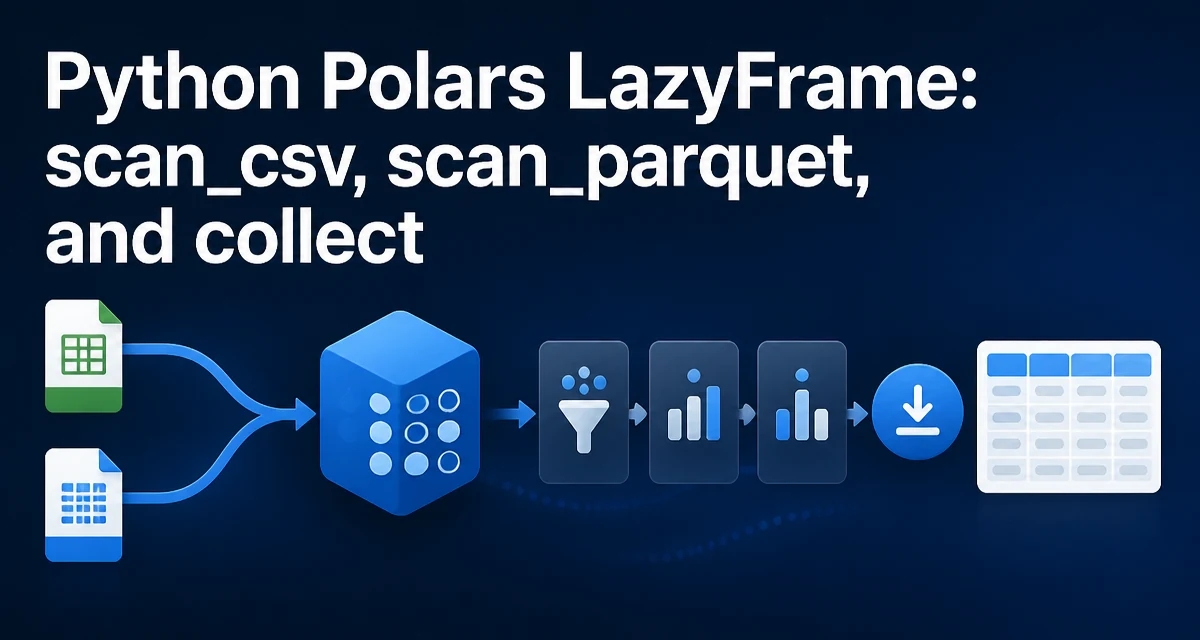
When working with large datasets in Python, Polars offers a lazy execution model that can reduce memory usage and runtime. The core idea is to defer computation until you explicitly request results. The typical pattern is to create a LazyFrame with scan_csv or scan_parquet, build a query pipeline, and then call collect to execute it. This article explains how to use LazyFrame with scan_csv, scan_parquet, and collect in real-world data processing tasks.
What Is a LazyFrame and Why Use It?
A LazyFrame is a lazy representation of a dataset. Instead of loading data into memory immediately, it records the operations you intend to perform. When you call collect, Polars optimizes the entire query graph before executing it. This can avoid loading unnecessary columns, reduce intermediate allocations, and enable parallel execution.
In contrast, read_csv and read_parquet are eager: they load the entire dataset into memory right away. For large files, this can be slow and memory-intensive. Lazy evaluation lets you filter, select, and aggregate before materializing the data, which often reduces the amount of data that must be held in memory.
Creating a LazyFrame with scan_csv and scan_parquet
To create a LazyFrame from a CSV file, use pl.scan_csv. For Parquet, use pl.scan_parquet. Both functions return a LazyFrame without loading the full dataset into memory.
import polars as pl

lazy_csv = pl.scan_csv('data.csv')
lazy_parquet = pl.scan_parquet('data.parquet')
The scan functions accept many of the same options as their eager counterparts. For CSV, that includes options such as separator and has_header; you can also supply a schema to avoid type inference, which is useful for large files where inference can be costly:
lazy_csv = pl.scan_csv('data.csv', schema={'id': pl.Int64, 'name': pl.String, 'value': pl.Float64})
For Parquet, the schema is stored in the file, so you usually do not need to specify one when scanning.
Building a Query Pipeline Without Collect
Once you have a LazyFrame, you can chain transformations just like you would with a DataFrame. The key difference is that these operations are recorded but not executed. For example:
lazy_result = (
    pl.scan_csv('sales.csv')
    .filter(pl.col('amount') > 1000)
    .group_by('region')
    .agg(pl.col('amount').sum())
)
At this point, the full dataset has not been loaded into memory. The query plan is built but not evaluated, which allows Polars to optimize it. For example, it can push filters down toward the data source; for Parquet, this can skip row groups that do not match the predicate. Even when a format cannot avoid reading all bytes, lazy planning can reduce the work done after the scan.
You can also join multiple lazy frames, add columns, or apply window functions. The entire pipeline remains lazy until you call collect.
When and How to Call collect
collect executes the lazy query and returns a DataFrame. It triggers the actual reading and processing of data. You can then convert the returned DataFrame with .to_numpy() or save it with .write_parquet().
df = lazy_result.collect()
For most synchronous workflows, standard collect is sufficient. Polars also offers other execution options for asynchronous or background work, but they do not change the basic lazy-then-collect pattern.
If you only need the first few rows, use head on the lazy frame before collecting:
preview = lazy_csv.head(5).collect()
This lets Polars push the slice down to the scan, so it does not have to build the full result just to return a handful of rows.
Performance Considerations: Lazy vs Eager
Lazy evaluation can lead to significant performance improvements, especially when operations reduce the amount of data materialized in memory. For example, filtering early in the pipeline can mean fewer rows and columns are carried through later steps. Polars also optimizes joins and aggregations by reordering operations and using columnar storage.
However, lazy execution is not always faster. If you only need to load a small file and perform a simple operation, the overhead of building a query plan may not be worth it. The real benefit comes with larger datasets, where the optimizer can avoid loading entire columns or rows and where streaming execution can keep memory usage bounded.
Common Pitfalls and How to Avoid Them
One common mistake is forgetting to call collect and then trying to print the LazyFrame or access its data. A LazyFrame is not a DataFrame; it does not support indexing or direct data access. Call collect when you need the actual data.
Another pitfall is mixing eager and lazy operations. If you call read_csv as the starting point of a query, it will eagerly load the entire file, defeating the purpose of lazy evaluation. Prefer scan_* functions when you want a lazy pipeline.
Schema inference can also be a trap. For large CSV files, Polars may infer a column as a string when it is actually numeric, leading to errors later. Explicitly specifying a schema when scanning CSV is a good practice for production pipelines.
Finally, if your goal is to write the result to disk, sink_parquet and sink_csv are alternatives to collect that write the output directly without first building a complete DataFrame in memory.
Choosing Between collect and sink
When you need to save the result of a lazy query, you have two options: call collect to get a DataFrame and then write it, or use sink_parquet or sink_csv directly. The sink methods execute the query and stream the output to disk, avoiding a full in-memory DataFrame. This is particularly beneficial for very large results.
lazy_result.sink_parquet('output.parquet')
Use sink when the output is large and you don't need the DataFrame for further in-memory processing. Use collect when you need to work with the result in Python or pass it to another library.
Understanding when to use scan_csv and scan_parquet versus their eager counterparts, and knowing how to properly call collect or sink, allows you to build efficient data pipelines that scale to large datasets without exhausting memory. The lazy API is a core feature of Polars, and mastering it is essential for serious data engineering work.