Python Sequence Unpacking: Syntax and Common Pitfalls
Learn Python sequence unpacking: tuple and list unpacking, extended unpacking with *, nested patterns, and how to avoid ValueError.
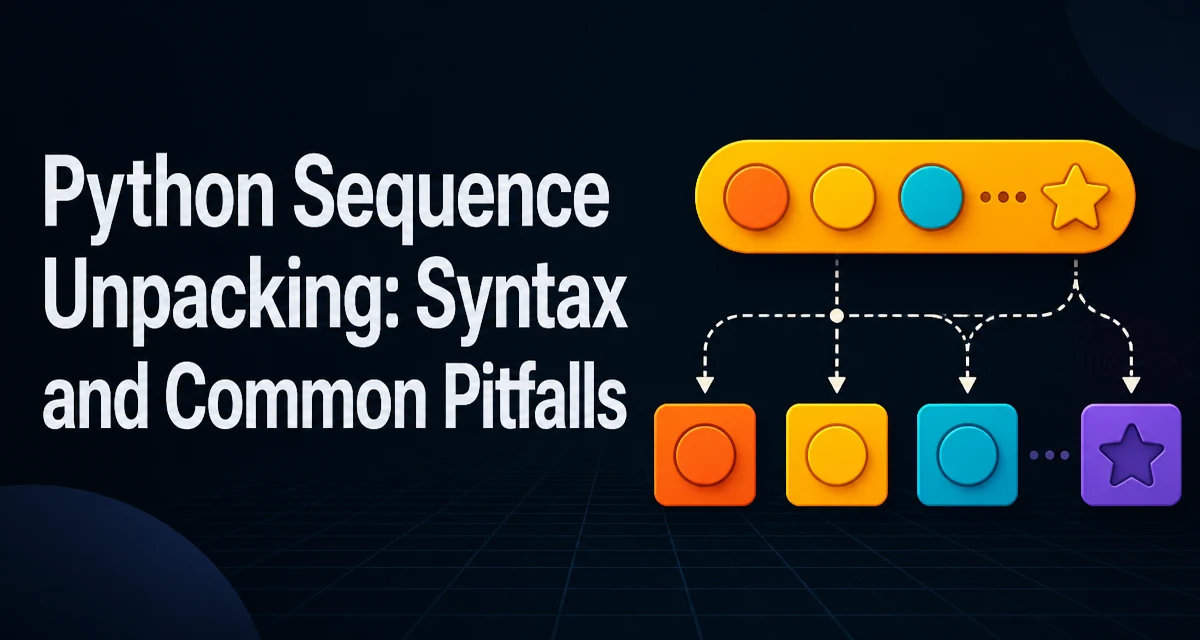
Python sequence unpacking assigns each element of an iterable to a separate variable in a single statement. The iterable can be a tuple, list, string, generator, or any other iterable. For a basic unpacking assignment without a starred target, the left side must have the same number of targets as the number of items.
point = (3, 7)
x, y = point
print(x, y)  # 3 7
This works for lists as well:
rgb = [255, 128, 0]
red, green, blue = rgb
The assignment happens element by element. If the number of variables does not match the number of items, Python raises a ValueError with a message like "too many values to unpack" or "not enough values to unpack". This strictness is a feature: it forces you to handle the full structure of the data you receive.
Extended Unpacking with the Star Operator
Python 3 extended the unpacking syntax with the * operator, introduced in PEP 3132. It lets you capture a variable-length portion of the sequence into a list.
first, *middle, last = [1, 2, 3, 4, 5]
print(first)   # 1
print(middle)  # [2, 3, 4]
print(last)    # 5
The starred target collects zero or more elements. It can appear in any position, but only once per assignment. If the sequence has fewer elements than the fixed targets require, you still get a ValueError. For example, a, *b, c = (1, 2) works with b == [], but a, b, *c = (1,) fails because there is not enough for both a and b.
Extended unpacking is particularly useful when you need to separate the first element, the last element, or both from the rest of a sequence without slicing.
Nested Unpacking for Structured Data
When a sequence contains other sequences, you can unpack them in a single statement by nesting the target patterns.
data = (("Alice", 30), ("Bob", 25))
for name, age in data:
    print(f'{name} is {age} years old')
You can also unpack a tuple of tuples directly:
(first_name, last_name), birth_year = (("John", "Doe"), 1985)
Nested unpacking reduces the need for intermediate variables and makes the structure of the data explicit. It works with any combination of iterables, including lists inside tuples, as long as the nesting depth matches.
Practical Uses in Everyday Code
Sequence unpacking appears frequently in Python code beyond simple variable assignment.
Swapping two variables is a classic use:
a, b = b, a
This works because the right side is evaluated first, producing a tuple, which is then unpacked.
Another common pattern is returning multiple values from a function:
def min_max(numbers):
    return min(numbers), max(numbers)

low, high = min_max([4, 1, 9, 2])
Unpacking also simplifies iterating over dictionary items:
for key, value in config.items():
    print(key, value)
In each case, unpacking replaces verbose indexing and temporary variables, making the intent clearer.
Common Mistakes and the ValueError They Cause
The most frequent error with sequence unpacking is a mismatch between the number of targets and the number of items. This often happens when you assume a fixed structure but receive data of a different shape.
x, y = (1, 2, 3) # ValueError: too many values to unpack (expected 2)
Here the right side has more items than targets. Either change the number of targets or use extended unpacking to capture the extra items.
Unpacking does not automatically flatten nested structures. first, second = ((1, 2), (3, 4)) assigns the two inner tuples to first and second, not the four individual numbers. If you need the inner values, use nested unpacking as shown earlier.
Another mistake is using a starred target incorrectly. For example, you cannot use two stars in the same assignment:
a, *b, *c = [1, 2, 3] # SyntaxError
Python requires exactly one starred expression per assignment.
When you intentionally want to ignore a value, the convention is to use an underscore:
_, y = point
This does not prevent the unpacking from happening; it simply assigns the first element to a throwaway name. The underscore is a regular variable name, not special syntax, so it still occupies a target position.
Unpacking in Loops, Function Calls, and Comprehensions
Unpacking is not limited to assignment statements. It works in for loops, function calls, and comprehensions.
In a for loop, each iteration unpacks the current element:
for name, score in students:
    print(name, score)
In a function call, you can unpack an iterable into positional arguments with the * operator:
def add(a, b, c):
    return a + b + c

args = [1, 2, 3]
print(add(*args))
Note that this is different from sequence unpacking in assignment; it is argument expansion. The same * syntax is reused, which can be confusing.
List comprehensions can also use unpacking when the iterable yields tuples:
pairs = [(1, 2), (3, 4)]
sums = [a + b for a, b in pairs]
These patterns all rely on unpacking, so the rules about item counts still apply.
Compatibility and Version Notes
Extended unpacking with * is available in Python 3.0 and later. It is not available in Python 2. If you maintain code that must run on Python 2, you cannot use this syntax and must rely on slicing or explicit indexing instead.
Nested unpacking and basic unpacking have existed since early Python versions, but the error messages and some edge cases changed over time. Unpacking accepts any iterable, not only sequences. For iterators such as generators, unpacking consumes the iterator:
gen = (x for x in range(3))
a, b, c = gen
This consumes the generator completely. If the generator produces fewer or more than three values, you get a ValueError.
When working with large sequences, unpacking does not copy the elements; it only binds names to the existing objects. The memory overhead is minimal, but if you unpack a very large list into many variables, you still hold references to all of them. In practice, this is rarely a concern.