Kubernetes Namespaces, ResourceQuotas, and LimitRanges
A namespace is only a boundary when quota and limit range make it one. Aggregate caps, per-pod defaults, the admission errors they produce, and namespaces stuck Terminating.
Quick Summary
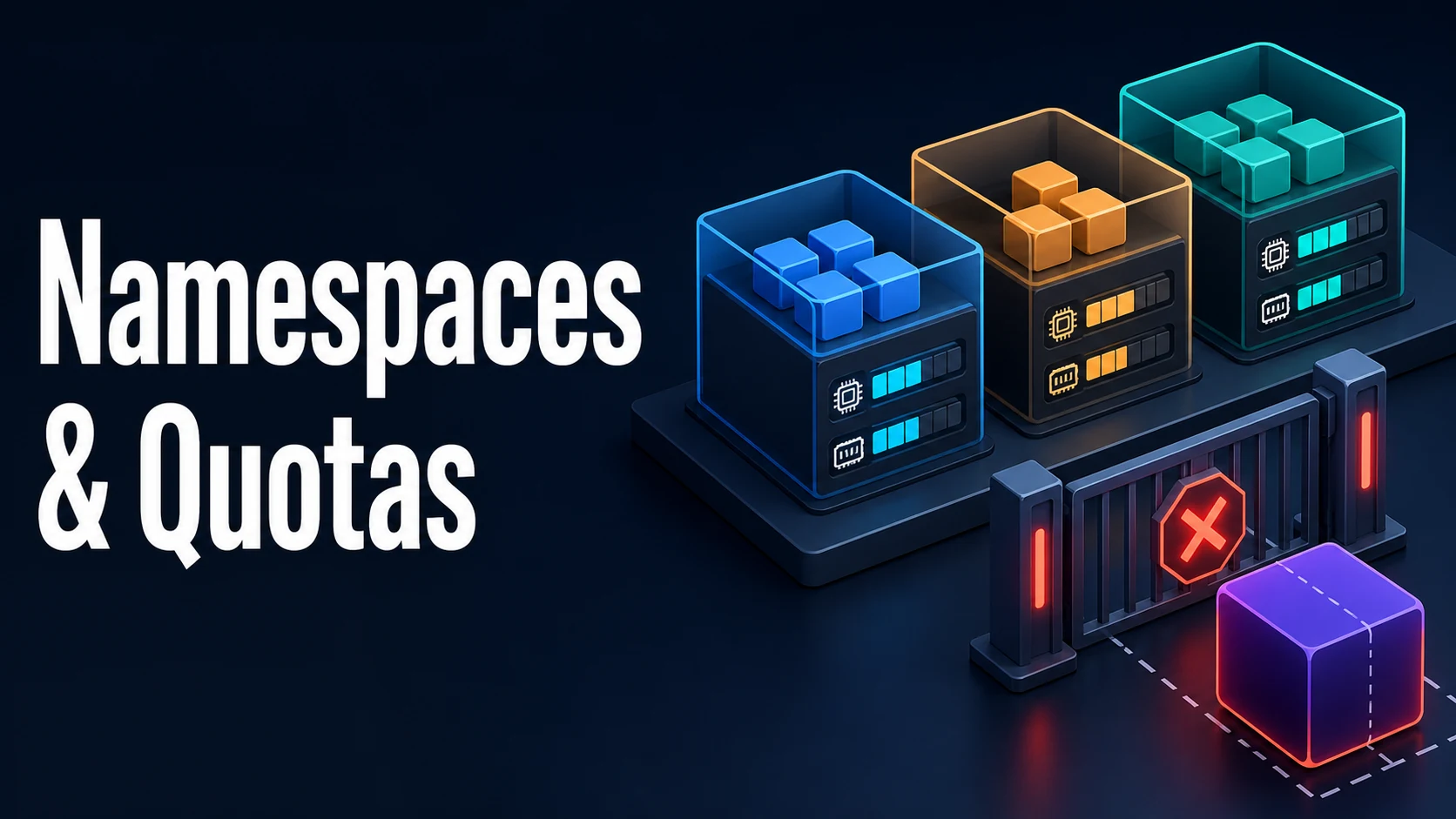
Namespaces partition a cluster's names. They do not, by themselves, partition resources, network, or permissions — that is the job of ResourceQuota, LimitRange, NetworkPolicy, and RBAC, each of which uses the namespace as its scope. Deleting a namespace deletes everything in it, asynchronously, and a namespace can sit in Terminating for a long time when a finalizer never resolves.
ResourceQuota caps aggregate consumption per namespace: total requests and limits, object counts, storage. It is enforced at admission, so a pod that would push the namespace past its quota is rejected with a message naming the exceeded resource. LimitRange sets the per-object defaults and bounds — a default requests/limits applied to containers that omit them, plus min/max and a request-to-limit ratio.
Together they close the classic gap: a quota on requests.cpu only works if every container declares a CPU request, so the namespace needs a LimitRange that supplies one, or pods without requests will be rejected at admission with must specify limits.cpu.
Basic Syntax & Core Signatures
apiVersion: v1
kind: Namespace
metadata:
  name: shop
  labels:
    pod-security.kubernetes.io/enforce: restricted
---
apiVersion: v1
kind: ResourceQuota
metadata:
  name: shop-quota
  namespace: shop
spec:
  hard:
    requests.cpu: "40"
    requests.memory: 80Gi
    limits.cpu: "80"
    limits.memory: 160Gi
    pods: "120"
    count/deployments.apps: "30"
    count/services: "20"
    services.loadbalancers: "2"
    persistentvolumeclaims: "25"
    requests.storage: 500Gi
scopes: [] # or e.g. [BestEffort], [NotTerminating]apiVersion: v1
kind: LimitRange
metadata:
name: shop-defaults
namespace: shop
spec:
limits:
- type: Container
default: # applied when limits are omitted
cpu: 500m
memory: 512Mi
defaultRequest: # applied when requests are omitted
cpu: 100m
memory: 128Mi
min: { cpu: 50m, memory: 64Mi }
max: { cpu: "4", memory: 8Gi }
maxLimitRequestRatio:
cpu: "10" # limit / request must be <= 10
- type: PersistentVolumeClaim
min: { storage: 1Gi }
max: { storage: 100Gi }kubectl create namespace shop --dry-run=client -o yaml | kubectl apply -f -
kubectl -n shop describe quota shop-quota
# Resource Used Hard
# -------- ---- ----
# requests.cpu 12 40
# pods 14 120
kubectl -n shop describe limitrange shop-defaults
kubectl -n shop get resourcequota -o jsonpath='{.items[*].status.used}{"\n"}'Key Comparison Table
| Object | Scope | Applied at | Effect when missing |
|---|---|---|---|
ResourceQuota | Namespace, aggregate | Admission | No limit on consumption |
LimitRange | Namespace, per object | Admission (defaulting) | Containers may have no requests |
NetworkPolicy | Namespace, per pod | CNI dataplane | All traffic allowed |
RoleBinding | Namespace | API request | Forbidden |
| PSA labels | Namespace | Admission (pod security) | No policy enforcement |
| Quota resource name | Counts | Notes |
|---|---|---|
requests.cpu, requests.memory | Sum of container requests | Requires requests on every container |
limits.cpu, limits.memory | Sum of container limits | Requires limits on every container |
pods | Pod objects | Includes init containers' peak |
count/<resource>.<group> | Objects of that kind | e.g. count/jobs.batch |
requests.storage | Sum of PVC requests | Per storage class with <class>.storageclass.storage.k8s.io/requests.storage |
services.nodeports, services.loadbalancers | Service types | Cheap protection against accidental cost |
| Symptom | Meaning |
|---|---|
exceeded quota: ... requested: requests.cpu=500m, used: ..., limited: ... | Aggregate cap reached |
must specify limits.cpu | Quota requires limits and the container has none |
failed quota: ... must be specified | Same, for requests |
pods "x" is forbidden: maximum cpu usage per Container is 4 | LimitRange max |
Namespace stuck Terminating | A finalizer on a resource inside it |
Practical Edge Cases & Deep Dives
1. Quota on requests is meaningless without a LimitRange
# Quota caps requests.cpu. A pod with no request is rejected:
Error from server (Forbidden): pods "web" is forbidden:
failed quota: shop-quota: must specify limits.cpu for: web; requests.cpu for: web
Two fixes exist and they are not equivalent. Adding a LimitRange with default/defaultRequest supplies values at admission, so pods with no resources still run and are counted. Removing requests.cpu from the quota lets those pods run uncounted — which quietly defeats the quota. The LimitRange is the one that preserves the cap.
2. Quota is admission-time: shrinking it does not shrink usage
Lower requests.cpu from 40 to 20 while 30 is in use and the quota object is accepted, the status shows used 30 / hard 20, and the next pod creation fails. Nothing is evicted. Quotas are a gate, not a reaper; reducing consumption means deleting workloads or lowering their requests.
The same applies to pods: "10" with 14 running — the namespace is over budget until pods exit naturally.
3. Scopes: BestEffort and the terminal pods
spec:
  hard:
    pods: "5"
  scopes: [BestEffort]        # only pods with no requests and no limits
A quota with a scope only counts objects matching it, which lets one namespace have a tight BestEffort cap plus a generous general cap. NotTerminating and NotBestEffort are the other common scopes. In older API versions Terminating required activeDeadlineSeconds; that requirement is gone, and a scoped quota whose scope matches no object can look broken while behaving correctly.
4. LimitRange defaults, ratios, and the silent throttling they cause
defaultRequest.cpu: 100m on a namespace with 200 pods is a 20-core reservation the cluster must satisfy. Defaults are convenient and they accumulate: a JVM service that never declared a request now runs with 100m and is throttled at 10% of a core during start-up, which shows up as a slow first request rather than an error.
kubectl -n shop get pods -o jsonpath=\
'{range .items[*]}{.metadata.name}{" "}{.spec.containers[*].resources.requests.cpu}{"\n"}{end}'
maxLimitRequestRatio is the guard against a pod requesting 100m and limiting 4 cores, which makes it a Burstable pod capable of starving neighbours. Setting cpu: "4" forces the request to be at least a quarter of the limit.
5. Namespace deletion, finalizers, and the Terminating trap
kubectl get ns shop -o jsonpath='{.status.phase}{"\n"}'
# Terminating
kubectl get namespace shop -o json | jq '.status.conditions'
# "message": "Some resources are remaining: ... apps.kubernetes.io/... finalizers"
A namespace deletes its contents and then waits for every finalizer. The usual culprits are an APIService that is unavailable (a broken metrics or custom-metrics server removes the API the finalizer needs), a PVC whose provisioner is gone, or an operator that never reconciles. kubectl api-resources --verbs=list --namespaced -o name piped through kubectl get -n shop --show-kind finds what remains. Editing the namespace's spec.finalizers to [] is a last resort that can orphan real resources.
Common Runtime & Configuration Mistakes
| Symptom | Cause | Fix |
|---|---|---|
Pods rejected: must specify limits.cpu | Quota needs limits on every container | Add a LimitRange default |
exceeded quota on deploy | Aggregate cap reached | Raise the quota or lower requests |
| Quota shows over 100% used | Cap lowered after usage | Delete workloads; quotas do not evict |
Pod rejected by max | LimitRange ceiling per container | Lower the limit or raise max |
| Every pod throttled in a new namespace | LimitRange defaultRequest too small | Set realistic defaults or remove them |
count/deployments.apps rejected | Object-count quota, not resource | Raise the count or consolidate |
Namespace Terminating for hours | Stuck finalizer | Find the remaining resource, fix the API |
| PVC rejected | persistentvolumeclaims or storage quota | Raise requests.storage |
| Service of type LoadBalancer denied | services.loadbalancers quota | Raise it, or use NodePort |
| Two teams interfere on CPU | No quota at all | Quota per namespace with LimitRange defaults |
A namespace is a boundary only when you add the objects that make it one. Quota caps the total, LimitRange fixes the per-pod unit, and both are enforced at admission — which is why the right question after any rejection is which one refused, and what the used/hard numbers were at that moment.
Try matching browser tools
All toolsSmall utilities that fit Kubernetes work — they run entirely in this browser tab, so nothing you paste leaves your device.
Related Kubernetes guides
All Kubernetes guideskubectl Output: jsonpath, custom-columns, and the Debugging Commands Worth Knowing
jsonpath for one value in a script, custom-columns for tables people read, and kubectl debug when the container has no shell. Includes the three quoting layers that break jsonpath.
Kubernetes StatefulSets: Ordinal Identities, Headless Services, and PVC Lifecycle
Why each StatefulSet pod keeps a name, a DNS record, and its own PVC; how OrderedReady gates startup on readiness; and how partition-based updates canary a single quorum member.
Kubernetes securityContext, Capabilities, and Pod Security Standards
The five fields that remove most container escapes, which of them only exist at container level, and how the restricted profile enforces the same settings at admission.
Kubernetes PodDisruptionBudgets and Graceful Node Drains
A PDB paces voluntary disruption only. The percentage rounding that silently blocks every drain, the eviction API versus kubectl delete, and unhealthy pods that lock a node.
More in Kubernetes
All Kubernetes guidesThe guides filed next to this one in Kubernetes, in library order.