PersistentVolumes, PVCs, StorageClasses, and Access Modes (RWO/RWX)
RWO is one node, not one pod. WaitForFirstConsumer is not a stuck PVC. Binding, dynamic provisioning, expansion, reclaim policies, and the Multi-Attach error that stops a second replica.
Quick Summary
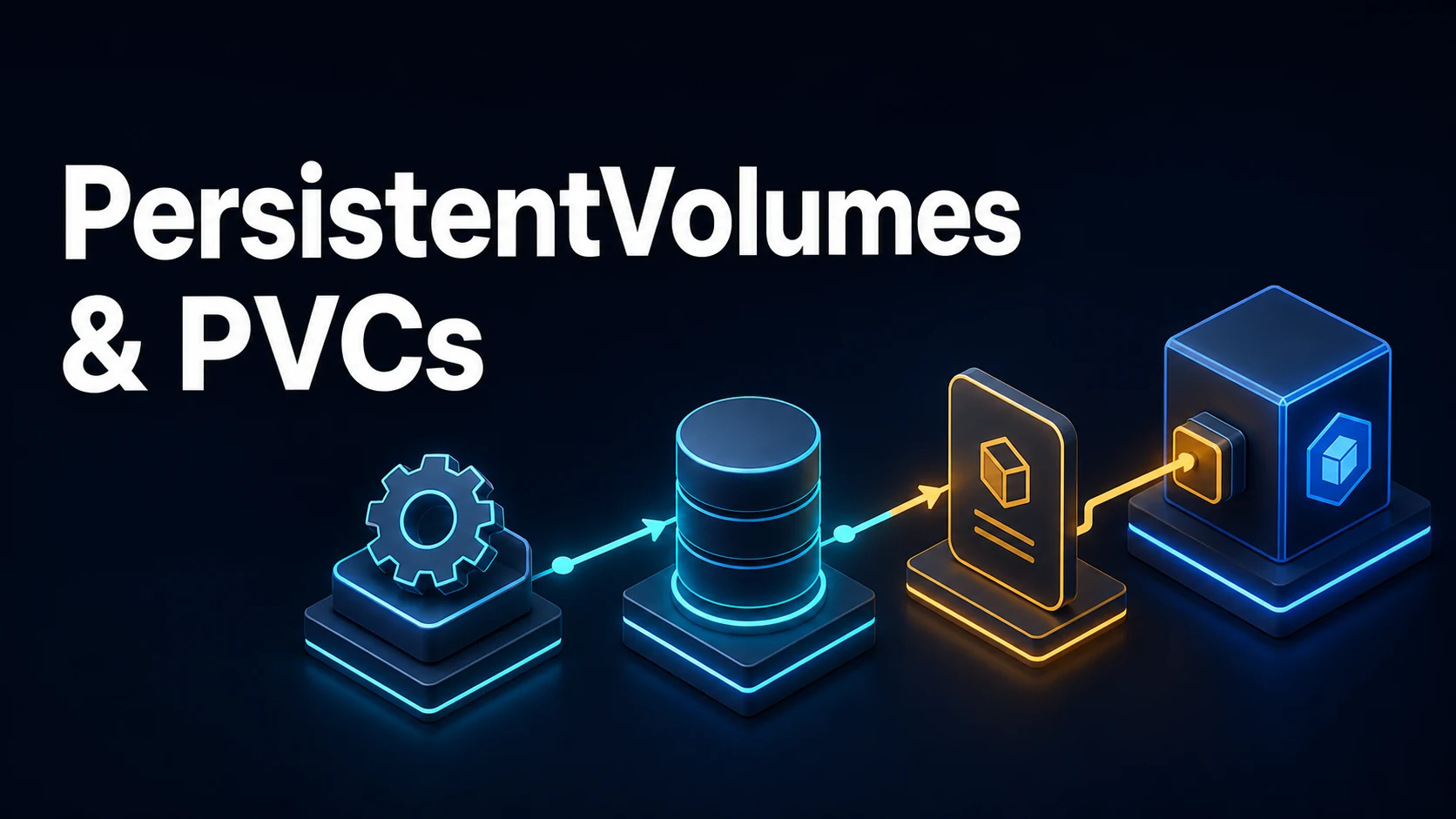
A PersistentVolume (PV) is storage described as a cluster resource; a PersistentVolumeClaim (PVC) is a request for storage by a workload; a StorageClass describes how to create PVs on demand. With dynamic provisioning, a workload declares a PVC, the StorageClass's CSI driver creates the underlying disk, a PV is generated to represent it, and the PVC binds to that PV. With static provisioning, an administrator creates PVs by hand and PVCs bind to the matching one.
Binding is a match on three things: capacity (the PV must be at least the request), access modes (the PV must support the requested mode), and storage class (unless the PVC pins a specific volumeName). volumeBindingMode: WaitForFirstConsumer delays provisioning until a pod using the PVC is scheduled, which is what keeps the disk in the same zone as the node — the reason a Pending PVC that becomes bound only after a pod exists is correct behaviour, not a bug.
Access modes describe node-level attachment, not application semantics: ReadWriteOnce is one node, ReadOnlyMany and ReadWriteMany require a shared filesystem (NFS, CephFS, EFS, Azure Files), and ReadWriteOncePod is one pod. This guide covers the PV/PVC/StorageClass fields, binding and provisioning flows, expansion and reclaim policies, the Pending PVC debugging sequence, and the StatefulSet volume patterns.
Basic Syntax & Core Signatures
apiVersion: storage.k8s.io/v1
kind: StorageClass
metadata:
  name: fast-ssd
  annotations:
    storageclass.kubernetes.io/is-default-class: "true"
provisioner: ebs.csi.aws.com        # or pd.csi.storage.gke.io, disk.csi.azure.com, ...
parameters:
  type: gp3
  fsType: ext4
reclaimPolicy: Delete               # Delete | Retain
volumeBindingMode: WaitForFirstConsumer   # Immediate | WaitForFirstConsumer
allowVolumeExpansion: trueapiVersion: v1
kind: PersistentVolumeClaim
metadata:
name: data
spec:
accessModes: [ReadWriteOnce]
storageClassName: fast-ssd
volumeMode: Filesystem # or Block
resources:
requests:
storage: 20GiapiVersion: v1
kind: PersistentVolume # static provisioning: created by an admin
metadata:
name: pv-nfs-01
spec:
capacity:
storage: 100Gi
accessModes: [ReadWriteMany]
persistentVolumeReclaimPolicy: Retain
storageClassName: nfs
nfs:
server: 10.0.0.20
path: /exports/app
mountOptions: [nfsvers=4.1, hard, timeo=600]# StatefulSet: one PVC per replica, named <template>-<statefulset>-<ordinal>
volumeClaimTemplates:
- metadata: { name: data }
spec:
accessModes: [ReadWriteOnce]
storageClassName: fast-ssd
resources: { requests: { storage: 50Gi } }kubectl get storageclass
kubectl get pv,pvc -A
kubectl describe pvc data
kubectl describe pv pv-nfs-01
kubectl get pvc data -o jsonpath='{.spec.volumeName}{"\n"}{.status.phase}{"\n"}'
kubectl patch pvc data -p '{"spec":{"resources":{"requests":{"storage":"40Gi"}}}}'Key Comparison Table
| Mode | Short | Meaning | Requires |
|---|---|---|---|
ReadWriteOnce | RWO | Read-write by a single node | Block storage (EBS, PD, local) |
ReadOnlyMany | ROX | Read-only by many nodes | Shared filesystem support |
ReadWriteMany | RWX | Read-write by many nodes | NFS, CephFS, EFS, Azure Files |
ReadWriteOncePod | RWOP | Read-write by a single pod | CSI driver support |
| Setting | Where | Effect |
|---|---|---|
reclaimPolicy: Delete | StorageClass / PV | Underlying disk deleted with the PVC |
reclaimPolicy: Retain | StorageClass / PV | PV goes Released, data kept, manual cleanup |
volumeBindingMode: Immediate | StorageClass | Provision as soon as the PVC exists |
volumeBindingMode: WaitForFirstConsumer | StorageClass | Provision when a pod is scheduled (zone-aware) |
allowVolumeExpansion | StorageClass | PVC can grow |
volumeMode: Block | PVC | Raw block device, no filesystem |
storageClassName: "" | PVC | No dynamic provisioning; bind to a classless PV |
| PVC phase | Meaning |
|---|---|
Pending | Not bound yet: no PV, waiting for a consumer, or the provisioner failed |
Bound | Attached to a PV |
Lost | The bound PV disappeared |
Practical Edge Cases & Deep Dives
1. A Pending PVC with WaitForFirstConsumer is not broken
$ kubectl get pvc data
NAME   STATUS    VOLUME   CAPACITY   ACCESS MODES   STORAGECLASS
data   Pending                                      fast-ssd
$ kubectl describe pvc data | tail -3
Events:
  <none>          # no events at all
With WaitForFirstConsumer, no PV is created until a pod references the PVC and is scheduled, because only then is the node (and its zone) known. describe pvc shows no events and the provisioner logs show nothing, which looks like a failure and is not. Create the pod, and the PVC binds. With Immediate, a Pending PVC means the opposite: the provisioner ran and failed, and its error is in the events (waiting for a volume to be created) and in the CSI controller's logs.
kubectl get events --field-selector involvedObject.name=data --sort-by=.lastTimestamp
kubectl -n kube-system logs deploy/ebs-csi-controller -c csi-provisioner --tail=50
2. RWO is per node, not per pod
Two pods on the SAME node mounting the same RWO PVC: allowed.
Two pods on DIFFERENT nodes mounting the same RWO PVC: the second stays ContainerCreating
with a Multi-Attach error.$ kubectl describe pod api-2 | grep -A2 Multi-Attach
Warning FailedAttachVolume ... Multi-Attach error for volume "pvc-3f2a..."
Volume is already exclusively attached to one node and can't be attached to anotherThis is the classic consequence of scaling a Deployment that mounts a persistent disk: the first replica schedules on one node, the second on another, and the second pod never starts. The answers are a workload that does not need shared storage (object storage, a database), ReadWriteMany on a shared filesystem, or a StatefulSet where each replica has its own PVC. A Deployment with an RWO PVC and more than one replica is nearly always a mistake.
3. Retain leaves a Released PV that nothing can bind
$ kubectl get pv
NAME      CAPACITY  STATUS     CLAIM      RECLAIMPOLICY
pv-data   100Gi     Released   default/data   Retain
$ kubectl delete pvc data
$ kubectl get pv          # still there, still Released, still holding the data
Retain is the right policy for data that must survive an accidental PVC deletion — and it means the PV keeps a claimRef to the deleted claim, so no new PVC can bind to it. Reclaiming it for reuse is a deliberate two-step:
kubectl patch pv pv-data -p '{"spec":{"claimRef": null}}'
kubectl delete pv pv-data     # after copying the data somewhere if it is needed
Deleting the PV after removing the reference deletes the underlying disk according to the driver, so copy first. The reverse mistake is Delete on a StorageClass holding a database: kubectl delete pvc then removes the disk, and no amount of Kubernetes troubleshooting brings it back.
4. Growing a PVC: what expansion actually requires
$ kubectl patch pvc data -p '{"spec":{"resources":{"requests":{"storage":"40Gi"}}}}'
$ kubectl get pvc data
NAME   STATUS   VOLUME   CAPACITY   ACCESS MODES
data   Bound    pvc-...  20Gi       RWO        # request updated, capacity not yet

$ kubectl describe pvc data | grep -i -A2 'FileSystemResizePending'
Three conditions must hold: the StorageClass has allowVolumeExpansion: true, the driver supports expansion, and the filesystem supports online growth (ext4/xfs do; some drivers need the pod restarted to finish the resize). Shrinking is never supported — a smaller request is rejected by the API server — so a mistyped size costs a new PVC and a data copy. With WaitForFirstConsumer, the resize similarly waits for the next pod start on some drivers.
5. StatefulSets, volumeClaimTemplates, and the PVCs that outlive the app
$ kubectl get pvc -l app=db
NAME        STATUS   VOLUME     CAPACITY
data-db-0   Bound    pvc-9a1c   50Gi
data-db-1   Bound    pvc-b3d2   50Gi
Each replica gets a stable PVC named from the template, the StatefulSet and the ordinal; deleting the StatefulSet does not delete those PVCs (by design, to protect data), so a helm uninstall leaves disks behind and a reinstall rebinds to them. Scaling down keeps the PVCs of the removed ordinals, which is why scaling back up reattaches the same data. Cleanup is explicit:
kubectl delete pvc -l app=db # after the StatefulSet is gone6. The default class, and the PVC that picks the wrong one
$ kubectl get sc
NAME                 PROVISIONER             RECLAIMPOLICY   VOLUMEBINDINGMODE
fast-ssd (default)   ebs.csi.aws.com         Delete          WaitForFirstConsumer
slow-hdd             ebs.csi.aws.com         Retain          Immediate
$ kubectl get pvc data -o jsonpath='{.spec.storageClassName}{"\n"}'
slow-hdd
A PVC with no storageClassName gets the default class at creation time; if the cluster's default changes later, existing PVCs keep the class they were created with. Setting storageClassName: "" explicitly opts out of dynamic provisioning entirely, which is what static PVs without a class need. Two classes marked default make the cluster choose arbitrarily, and the API server only warns.
Common Runtime & Configuration Mistakes
| Symptom | Cause | Fix |
|---|---|---|
PVC Pending with WaitForFirstConsumer | No consumer pod yet | Create the pod; this is expected |
PVC Pending with events | Provisioner error, quota, unsupported parameters | Read the events, then the CSI controller logs |
PVC Pending, no events, Immediate | No matching PV for a static claim | Capacity, access mode, class, selector |
Multi-Attach error on a second pod | RWO attached to another node | One replica, RWX storage, or a StatefulSet |
FailedMount on a pod | PVC not bound, or the node cannot reach the storage | describe pod, CSI node plugin logs |
PVC stuck Terminating | A pod or finalizer still uses it | Delete the pod first |
| Resize rejected | allowVolumeExpansion false | Enable it on the StorageClass |
| Capacity unchanged after resize | Filesystem resize pending | Restart the pod, check driver support |
| Shrink rejected | Not supported by any driver | New smaller PVC and copy |
PV Released and unboundable | Retain with a stale claimRef | Clear claimRef, then reuse or delete |
Data gone after helm uninstall | reclaimPolicy: Delete | Retain for stateful data |
| RWX claim never binds | Storage backend has no shared filesystem | NFS/CephFS/EFS class |
| PVC binds to an unexpected class | Default class, or an explicit one in the template | Set storageClassName explicitly |
Storage in Kubernetes is safe when the policy is chosen before the data exists: Retain for anything that cannot be regenerated, WaitForFirstConsumer for zone-aware disks, RWO with a single replica (or a StatefulSet) rather than a Deployment, and expansion enabled from the start. Almost every storage incident is a Pending or Multi-Attach that traces back to one of those four settings being the default instead of a decision.
Try matching browser tools
All toolsSmall utilities that fit Kubernetes work — they run entirely in this browser tab, so nothing you paste leaves your device.
Related Kubernetes guides
All Kubernetes guideskubectl Output: jsonpath, custom-columns, and the Debugging Commands Worth Knowing
jsonpath for one value in a script, custom-columns for tables people read, and kubectl debug when the container has no shell. Includes the three quoting layers that break jsonpath.
Kubernetes Namespaces, ResourceQuotas, and LimitRanges
A namespace is only a boundary when quota and limit range make it one. Aggregate caps, per-pod defaults, the admission errors they produce, and namespaces stuck Terminating.
Kubernetes StatefulSets: Ordinal Identities, Headless Services, and PVC Lifecycle
Why each StatefulSet pod keeps a name, a DNS record, and its own PVC; how OrderedReady gates startup on readiness; and how partition-based updates canary a single quorum member.
Kubernetes securityContext, Capabilities, and Pod Security Standards
The five fields that remove most container escapes, which of them only exist at container level, and how the restricted profile enforces the same settings at admission.
More in Kubernetes
All Kubernetes guidesThe guides filed next to this one in Kubernetes, in library order.