Kubernetes RBAC: Role, ClusterRole, RoleBinding, and ServiceAccount
Four objects, additive only, no deny rules. The empty apiGroup that silently voids a rule, why list is not get, and how a default ServiceAccount becomes cluster-admin.
Quick Summary
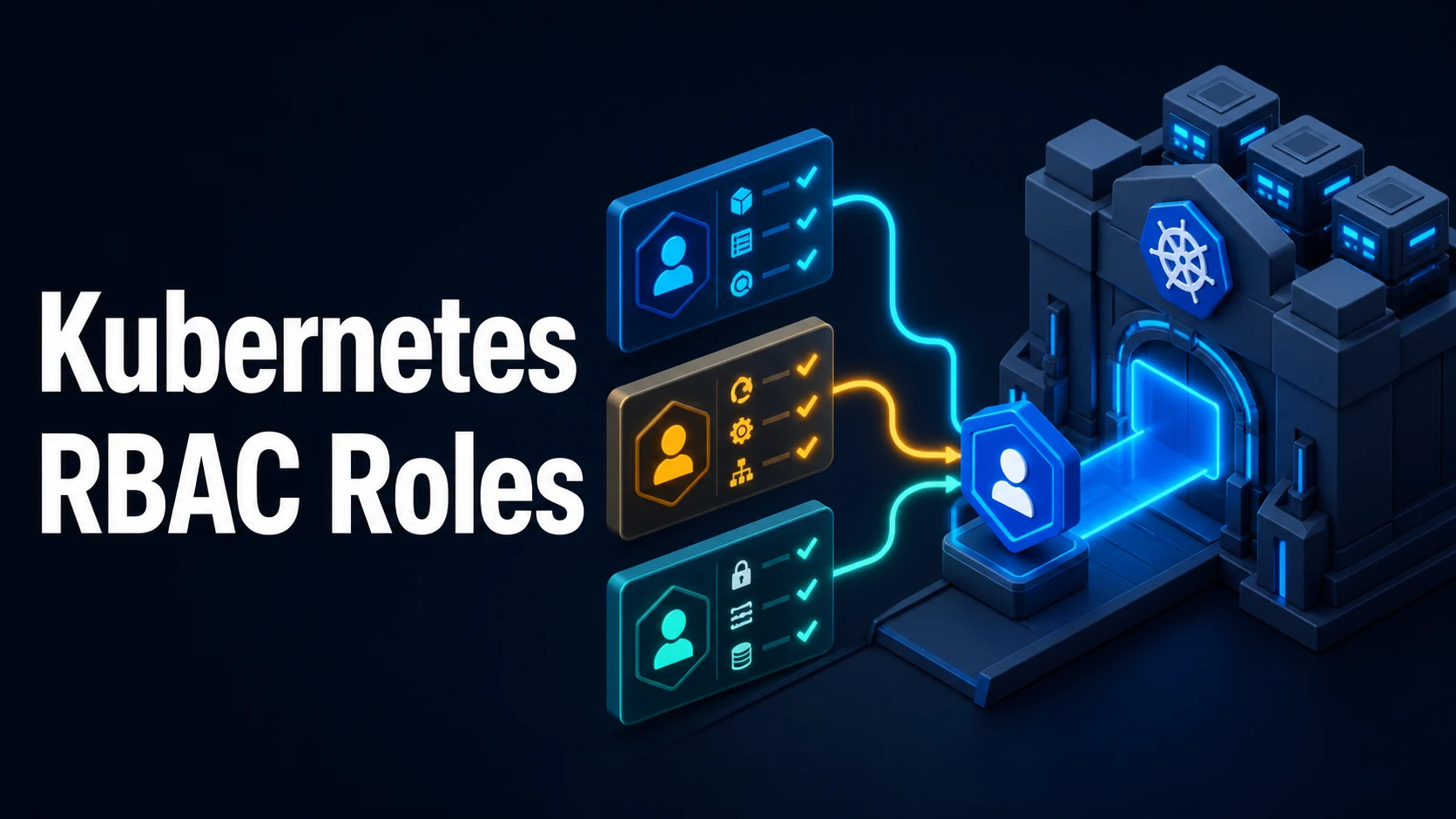
Kubernetes RBAC has four objects. A Role is a set of permissions inside one namespace; a ClusterRole is the same set without a namespace boundary. A RoleBinding grants a Role (or a ClusterRole) to subjects within its own namespace; a ClusterRoleBinding grants a ClusterRole to subjects across the whole cluster. Permissions are purely additive: there are no deny rules, effective access is the union of every binding that matches the user, group, or ServiceAccount.
A rule names apiGroups, resources, and verbs, optionally narrowed by resourceNames and nonResourceURLs. The core API group is the empty string "" — pods, services, configmaps, secrets live there, while deployments are in apps and ingresses in networking.k8s.io. That empty-string detail is the single most common reason a Role "does not work".
ServiceAccounts are the identity workloads use. Every namespace has a default ServiceAccount, and pods get a projected token mounted unless automountServiceAccountToken: false is set. Binding cluster-admin to a default ServiceAccount in a namespace hands every pod in it full cluster control, which is the most frequent privilege-escalation finding in real clusters. This guide covers the object structure, verbs and resources, subjects and groups, aggregation, token mechanics, and the audit commands (kubectl auth can-i) that answer "what can this identity actually do".
Basic Syntax & Core Signatures
apiVersion: rbac.authorization.k8s.io/v1
kind: Role
metadata: { name: pod-reader, namespace: prod }
rules:
  - apiGroups: [""]                 # core group
    resources: ["pods", "pods/log"]
    verbs: ["get", "list", "watch"]
  - apiGroups: ["apps"]
    resources: ["deployments"]
    verbs: ["get", "list", "patch"]
    resourceNames: ["api"]          # only this object
  - nonResourceURLs: ["/healthz", "/metrics"]
verbs: ["get"]apiVersion: rbac.authorization.k8s.io/v1
kind: RoleBinding
metadata: { name: pod-reader, namespace: prod }
subjects:
- kind: ServiceAccount
name: api
namespace: prod
- kind: User
name: alice@example.com
- kind: Group
name: devs
roleRef:
apiGroup: rbac.authorization.k8s.io
kind: Role # or ClusterRole, still limited to this namespace
name: pod-readerapiVersion: rbac.authorization.k8s.io/v1
kind: ClusterRole
metadata: { name: node-reader }
rules:
- apiGroups: [""]
resources: ["nodes", "persistentvolumes"]
verbs: ["get", "list", "watch"]
- apiGroups: ["storage.k8s.io"]
resources: ["storageclasses"]
verbs: ["get", "list"]# Imperative equivalents
kubectl create role pod-reader --verb=get,list,watch --resource=pods -n prod
kubectl create rolebinding pod-reader --role=pod-reader --serviceaccount=prod:api -n prod
kubectl create clusterrole node-reader --verb=get,list --resource=nodes
kubectl create clusterrolebinding node-reader --clusterrole=node-reader --group=ops
# ServiceAccount tokens
kubectl create serviceaccount api -n prod
kubectl create token api -n prod --duration=1h # TokenRequest, short-lived
kubectl get sa api -n prod -o yaml# Auditing
kubectl auth can-i get pods -n prod
kubectl auth can-i '*' '*' --as=system:serviceaccount:prod:api
kubectl auth can-i --list -n prod
kubectl auth can-i create rolebindings --as=system:serviceaccount:prod:api -n prod
kubectl auth reconcile -f rbac.yaml --dry-run=serverKey Comparison Table
| Object | Scope | Grants | Bindable to |
|---|---|---|---|
Role | One namespace | Permissions in that namespace | RoleBinding |
ClusterRole | Cluster | Cluster-wide or reusable permission set | RoleBinding (namespaced) or ClusterRoleBinding |
RoleBinding | One namespace | Role or ClusterRole, inside that namespace | — |
ClusterRoleBinding | Cluster | ClusterRole, everywhere | — |
| Verb | Operation |
|---|---|
get | Read one object by name |
list | Read a collection (kubectl get pods) |
watch | Stream changes (controllers need it) |
create | Create objects |
update | Replace an object |
patch | Modify fields |
delete | Delete one object |
deletecollection | Delete many at once |
use | Reference a resource (PSP, SCC) |
bind / escalate | Grant permissions / bypass escalation checks |
impersonate | Act as another user or group |
| Built-in ClusterRole | Effect |
|---|---|
cluster-admin | Everything, including RBAC |
admin | Full access in a namespace, including RBAC there |
edit | Read/write workloads, not RBAC |
view | Read-only, secrets excluded |
system:auth-delegator | Token review and subject access review |
Practical Edge Cases & Deep Dives
1. The empty apiGroups for core resources
# Wrong: pods are not in "v1" as an API group
rules:
  - apiGroups: ["core"]
    resources: ["pods"]
    verbs: ["get"]

# Right
rules:
  - apiGroups: [""]
    resources: ["pods"]
    verbs: ["get"]
kubectl api-resources prints the group for every kind; pods, services, configmaps, secrets, namespaces, nodes, and persistentvolumes all belong to "". Deployments, ReplicaSets, and StatefulSets are in apps; Jobs in batch; Ingresses in networking.k8s.io; RBAC objects in rbac.authorization.k8s.io. A rule with the wrong group is silently inert, and kubectl auth can-i reports "no" without explaining why.
kubectl api-resources | grep -E '^(pods|deployments|ingresses) '2. list is not implied by get, and watch is what controllers need
$ kubectl auth can-i get pods -n prod
yes
$ kubectl get pods -n prod
Error from server (Forbidden): pods is forbidden: User "..." cannot list resource "pods"
kubectl get pods issues a list, not a series of gets. A subject with only get can read a pod it already knows the name of and cannot enumerate. Controllers and operators additionally need watch on the resources they reconcile, which is why a Role granting get,list lets a human debug but not a controller run.
resourceNames cannot restrict list or watch — the API server has no way to filter a collection by name for authorization — so those verbs with resourceNames are ineffective, and create ignores resourceNames entirely because the name does not exist yet.
3. RoleBinding to a ClusterRole is namespaced
kind: RoleBinding
metadata: { name: view-prod, namespace: prod }
subjects:
  - { kind: Group, name: devs }
roleRef:
  { apiGroup: rbac.authorization.k8s.io, kind: ClusterRole, name: view }
This is the most useful pattern in RBAC: reuse a ClusterRole's permission set (view, edit, admin) inside one namespace. The same roleRef in a ClusterRoleBinding grants it everywhere, including future namespaces, which is the distinction that turns a harmless-looking binding into cluster-wide read access.
4. ServiceAccount tokens: mounted, projected, and minted
$ kubectl exec deploy/api -- cat /var/run/secrets/kubernetes.io/serviceaccount/token | cut -d. -f2 | base64 -d 2>/dev/null | head -c 200
{"aud":["https://kubernetes.default.svc"],"iss":"https://kubernetes.default.svc",
 "kubernetes.io":{"namespace":"prod","pod":{"name":"api-6d9f"},"serviceaccount":{"name":"api"}},
 "exp":1763200000 ...}
Modern clusters project a short-lived, audience-bound token that rotates automatically; it is bound to the pod, expires, and is refreshed. automountServiceAccountToken: false at the pod or ServiceAccount level removes it entirely, which is the right default for workloads that never call the API. The default ServiceAccount is mounted by every pod in the namespace unless disabled, and any binding to it silently applies to all of them.
apiVersion: v1
kind: ServiceAccount
metadata: { name: api, namespace: prod }
automountServiceAccountToken: false
5. Escalation prevention and the bind verb
$ kubectl create rolebinding admin --clusterrole=cluster-admin --user=alice -n prod
Error from server (Forbidden): rolebindings.rbac.authorization.k8s.io is forbidden:
User "bob" cannot create resource "rolebindings" ... cannot escalate to cluster-admin
The API server refuses a binding that grants permissions the creator does not already hold, unless the creator has bind on the target role or the escalate verb on roles. This blocks the obvious privilege escalation and stops a team lead with namespace admin from granting themselves cluster-wide rights. kubectl auth reconcile applies RBAC manifests safely and reports what would change, which is preferable to apply for permission objects.
6. Aggregated ClusterRoles and the built-in groups
kind: ClusterRole
metadata: { name: monitoring }
aggregationRule:
  clusterRoleSelectors:
    - matchLabels: { rbac.example.com/aggregate-to-monitoring: "true" }
rules: []          # filled in automatically by the aggregated rules
The controller populates rules from every ClusterRole carrying the label, so a platform team can add permissions to monitoring by labelling new ClusterRoles. The built-ins use the same mechanism: admin, edit, and view aggregate the system:aggregate-to-* roles.
Groups worth knowing: system:authenticated (everyone with credentials), system:unauthenticated, system:serviceaccounts (all ServiceAccounts), system:masters (cluster-admin by group, unmodifiable through RBAC), and system:serviceaccounts:<namespace> (one namespace's accounts). A ClusterRoleBinding to system:unauthenticated opens the API to the network.
Common Runtime & Configuration Mistakes
| Symptom | Cause | Fix |
|---|---|---|
forbidden: cannot list resource | Missing list (only get granted) | Add list and watch |
cannot get resource "pods" | Wrong apiGroups ("core"/"v1") | apiGroups: [""] |
| Permission granted but not effective | Binding in another namespace | Bind in the target namespace |
| Cluster-wide access where namespace access was intended | ClusterRoleBinding instead of RoleBinding | Use a RoleBinding |
| Every pod has API access | default ServiceAccount bound, token auto-mounted | Dedicated SA, automount: false |
| Controller cannot watch | watch missing | Add watch on the reconciled resources |
resourceNames has no effect | Used with list/watch/create | Restrict only get/update/patch/delete |
cannot escalate to cluster-admin | Creating a binding above your own rights | Grant bind/escalate deliberately |
system:masters group ignored by RBAC | Hard-coded cluster-admin group | Manage membership in the authenticator |
| Deleted RBAC returns after a while | GitOps reapplies it | Remove it from the repository |
secrets in the view role | Not included by design | Create a narrow role for secrets |
| Token not available in the pod | automountServiceAccountToken: false | Use TokenRequest and a projected volume |
RBAC is a union of allow rules over four object types, and every "it doesn't work" question resolves by naming the identity (user, group, ServiceAccount with its namespace), naming the request (verb plus resource plus API group namespaced correctly), and then finding a binding that connects them. kubectl auth can-i --as=system:serviceaccount:ns:sa <verb> <resource> answers exactly that, which is a faster audit than reading YAML and hoping the union adds up.
Try matching browser tools
All toolsSmall utilities that fit Kubernetes work — they run entirely in this browser tab, so nothing you paste leaves your device.
Related Kubernetes guides
All Kubernetes guideskubectl Output: jsonpath, custom-columns, and the Debugging Commands Worth Knowing
jsonpath for one value in a script, custom-columns for tables people read, and kubectl debug when the container has no shell. Includes the three quoting layers that break jsonpath.
Kubernetes Namespaces, ResourceQuotas, and LimitRanges
A namespace is only a boundary when quota and limit range make it one. Aggregate caps, per-pod defaults, the admission errors they produce, and namespaces stuck Terminating.
Kubernetes StatefulSets: Ordinal Identities, Headless Services, and PVC Lifecycle
Why each StatefulSet pod keeps a name, a DNS record, and its own PVC; how OrderedReady gates startup on readiness; and how partition-based updates canary a single quorum member.
Kubernetes securityContext, Capabilities, and Pod Security Standards
The five fields that remove most container escapes, which of them only exist at container level, and how the restricted profile enforces the same settings at admission.
More in Kubernetes
All Kubernetes guidesThe guides filed next to this one in Kubernetes, in library order.