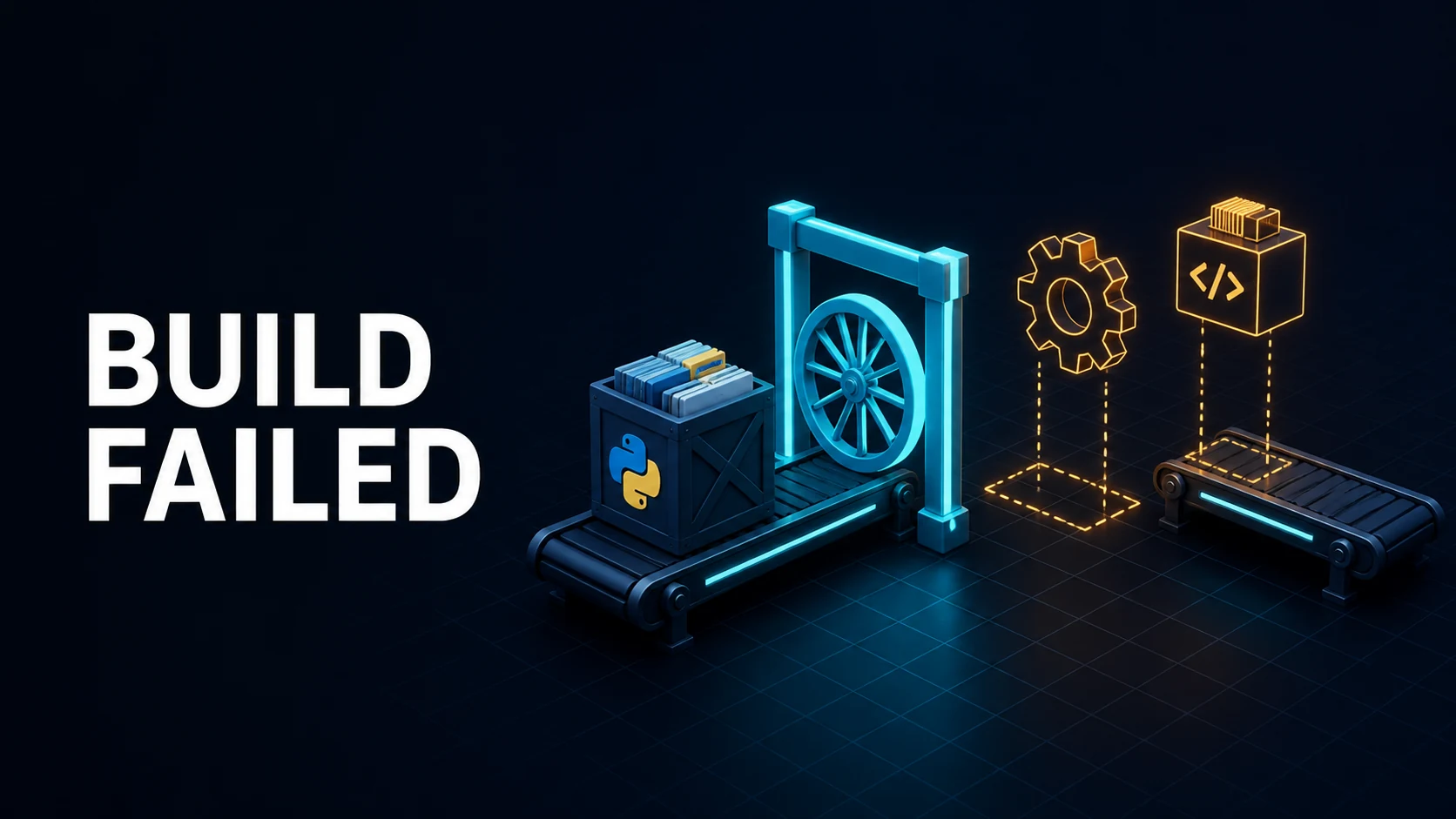
pip: Could not build wheels for a package from pyproject.toml
pip fell back to a source build and the build environment lacked a compiler or headers. Read the first error, install build deps, or use a prebuilt wheel.
Introduction & Quick Summary
pip found no prebuilt wheel, tried to compile the package, and the build failed:
  × Building wheel for psycopg2 (pyproject.toml) did not run successfully.
  │ exit code: 1
  ╰─> [12 lines of output]
      running bdist_wheel
      running build_ext
      building 'psycopg2._psycopg' extension
      error: command 'gcc' failed: No such file or directory
      [end of output]

  note: This error originates from a subprocess, and is likely not a problem with pip.
ERROR: Could not build wheels for psycopg2, which is required to install
pyproject.toml-based projects
The trailing message is pip's summary, not the cause. The cause is inside the indented build log, usually the first compiler error in it. pip reached this point because no compatible wheel existed for your platform, Python version, or architecture, so it fell back to building the source distribution.
Where it appears:
- A slim or Alpine image without a C compiler or development headers.
- A brand-new Python release that packages have not built wheels for yet.
- An architecture with sparse wheel coverage, such as
linux/arm64or unusual musl images. - A package requiring a Rust or Cython toolchain during the build.
- A pinned old version whose sdist predates modern build requirements.
Quick answer: read the first error in the build log, install the build dependency it names, and prefer a version with a wheel for your platform when production does not need to compile.
Core Mechanics, Signatures & Reproducible Setup
pip installs a wheel when one matches the platform tag, otherwise it downloads an sdist and builds a wheel using PEP 517. The build runs in an isolated environment with whatever the project declares in [build-system] requires, and calls the compiler for any extension modules.
# reproduce: an image with no compiler
docker run --rm -it python:3.13-slim bash -lc '
  pip install --no-cache-dir psycopg2==2.9.9 2>&1 | tail -25
'# what a wheel tag looks like, and why it may not match
python -c "import sysconfig; print(sysconfig.get_platform())"
python -c "import sys; print(sys.version)"
pip debug --verbose | grep -E "^(cp313|manylinux|musllinux)" | headReading the log is the whole skill. The relevant lines are:
| Line in the log | What it means | Typical fix |
|---|---|---|
command 'gcc' failed: No such file or directory | no C compiler | install a build toolchain |
fatal error: Python.h: No such file or directory | no Python headers | install the python3-dev package |
fatal error: libpq-fe.h: No such file | no library headers | install libpq-dev |
error: can't find Rust compiler | the build needs Rust | install rustup or use a wheel |
No module named 'Cython' | build-time module missing | install the build requirements |
No matching distribution found | no sdist and no wheel at all | check the Python version and platform |
Permission denied on the build dir | no write access to TMPDIR | fix TMPDIR permissions |
Key Comparison Table
| Fix | Command | When it is right |
|---|---|---|
| Install a prebuilt wheel | pip install --only-binary=:all: pkg | a wheel exists for your platform |
| Pin a version with wheels | pip install "pkg==2.2.5" | the newest release dropped old wheels |
| Install build tools | apt-get install build-essential python3-dev libpq-dev | you control the build image |
| Use a base image with tools | python:3.13 instead of -slim | CI can afford the size |
| Use a package manager with binaries | uv pip install, conda install | repeatable environments matter |
| Build a wheel once, install everywhere | pip wheel . -w dist | production must stay compiler-free |
Choosing between building and avoiding the build:
| Situation | Better choice | Reason |
|---|---|---|
| Production image | install a wheel, no compiler | smaller image, fewer CVEs |
| CI runner | install build tools on demand | flexible, cached |
| New Python release | wait or pin the previous minor | ecosystem lag is normal |
| arm64 or musl host | check musllinux and aarch64 wheels | many packages lag on those tags |
Practical Edge Cases, Error Fixes & Deep Dive Code Examples
1. Get the full log and find the first error
pip hides most of the build output. -v shows it, and the first error: line is the one that matters.
pip install -v --no-cache-dir psycopg2==2.9.9 2>&1 | tee build.log
grep -n -m5 -E "error:|fatal error:" build.log# the summary lines are below the cause; read upward from here
grep -n "Building wheel" build.logThe last error is often a consequence: a failed link after a missing header. Fix the first one and rebuild.
2. Upgrade the toolchain before assuming a package bug
On a new Python minor, old pip and setuptools may not know the current wheel tags or the current build backend.
python -m pip install --upgrade pip setuptools wheel
python -m pip install --upgrade build# check what tags pip will accept
python -m pip debug --verbose 2>/dev/null | sed -n '/Compatible tags/,+3p'If the tag list shows only source tags and manylinux entries are missing, the platform or the Python build is unusual, and pinning versions is more reliable than fighting the tags.
3. Install the right system dependencies per distribution
The package's own documentation lists them, and the translation to package names is mechanical.
# Debian and Ubuntu: python headers, C compiler, common -dev libraries
apt-get update && apt-get install -y --no-install-recommends \
  build-essential python3-dev libpq-dev libffi-dev libssl-dev

# Alpine: musl needs its own toolchain and headers
apk add --no-cache build-base python3-dev postgresql-dev libffi-dev openssl-dev

# Fedora
dnf install -y gcc python3-devel postgresql-devel libffi-devel openssl-devel
Keep the toolchain in a builder stage and copy only the installed packages into the runtime stage, so compilers never ship to production.
4. Handle packages that need Rust or a compiler at build time
cryptography newer releases build with Rust, and pydantic-core too. A missing Rust toolchain fails the build even though the C compiler is present.
FROM python:3.13-slim AS builder
RUN apt-get update && apt-get install -y --no-install-recommends \
build-essential python3-dev libffi-dev libssl-dev curl \
&& curl -sSf https://sh.rustup.rs | sh -s -- -y --profile minimal
ENV PATH="/root/.cargo/bin:${PATH}"
RUN pip wheel --no-cache-dir -w /wheels -r requirements.txt
FROM python:3.13-slim
COPY /wheels /wheels
RUN pip install --no-cache-dir --no-index --find-links=/wheels -r requirements.txtThe builder stage compiles once; the runtime stage installs only wheels. This is the pattern that also makes builds reproducible when a dependency later drops a wheel.
5. Pin versions that match the interpreter
When the project supports several Python versions, resolving against the wrong one produces this error in CI and not locally.
python -V
pip install -r requirements.txt --dry-run# requirements.txt: keep the resolution explicit
psycopg2-binary==2.9.10 ; python_version >= "3.9"
cryptography==43.0.3 ; python_version < "3.13"psycopg2-binary exists precisely to avoid the compile step; use it when the build image should not carry libpq headers. Check the environment that CI actually runs with the environment tool before changing requirements, because a stale PIP_INDEX_URL or PIP_CONSTRAINT often explains a resolution that works locally and fails in the pipeline.
Common Compilation/Runtime Mistakes & Version Gotchas
Installing the compiler in the production image. It fixes the error and adds hundreds of megabytes and a set of build-only vulnerabilities. Build wheels in a builder stage, install them without a compiler.
Using --no-build-isolation to skip a missing dependency. It reuses the current environment, so the build may find a stray compiler or library and succeed in a way that is not reproducible. Only use it when you deliberately pin the build requirements in the same environment.
Reading only the last line. ERROR: Could not build wheels for X is a summary. The compiler message above it names the missing header, and that is the actionable part.
Assuming --only-binary=:all: will work for every package. Some packages publish only an sdist. The flag turns a build failure into a resolution failure with No matching distribution found, which is a cleaner signal but still a failure.
Forgetting zero-length or mismatched index configurations. A private index that mirrors only some wheels, or a pip.conf that disables binary wheels, causes source builds that look unexplained. Check pip config list and the index URL in the failing environment.
Version differences worth knowing. PEP 517 build isolation became the default for sdists in pip 19, and pip 23 tightened some resolver behaviour, so an old pinned pip may build differently from a new one. Python 3.13 arrived without wheels for several packages at release; a requirements file that installs fine on 3.12 may fail here for months. manylinux_2_28 wheels do not install on distributions older than glibc 2.28, which surfaces as a source build rather than a clear platform error.
Verifying the fix. After the install, check that the extension actually loaded: python -c "import psycopg2; print(psycopg2.__version__)". A wheel that installed but cannot import fails at the first query in production, and comparing the installed file list before and after with Diff shows whether the package came from a wheel or an sdist.
Reference material: pip install and Installing packages.
Official references
primary documentationThe Python documentation that defines the behaviour this guide explains.
Try matching browser tools
All toolsSmall utilities that fit Python work — they run entirely in this browser tab, so nothing you paste leaves your device.
Related Python guides
All Python guidesPython Typer Rich Integration and Progress Bars
python typer rich integration and progress bars: Learn to integrate Rich progress bars into Typer CLI applications, covering track, Progress, dynamic.
Python 3.14 PEP 649: NameError from lazy annotations
Annotations are no longer strings. A NAME only imported under TYPE_CHECKING now raises when FastAPI or Pydantic reads the signature.
asyncpg DuplicatePreparedStatement on PgBouncer and Supabase
asyncpg caches prepared statements per connection while a transaction pooler rotates connections underneath it. The cache setting, pool sizing and retry.
Python Tabulate: Markdown Grid Headers and Alignment
Use Python's tabulate library to format Markdown tables, set custom headers, and control column alignment with pipe and grid formats.
More in Python
All Python guidesThe guides filed next to this one in Python, in library order.