SQLite: database is locked (SQLITE_BUSY) under concurrent writes
SQLite allows one writer. Set a busy timeout, switch to WAL, start write transactions as IMMEDIATE, and reduce to a single writer connection.
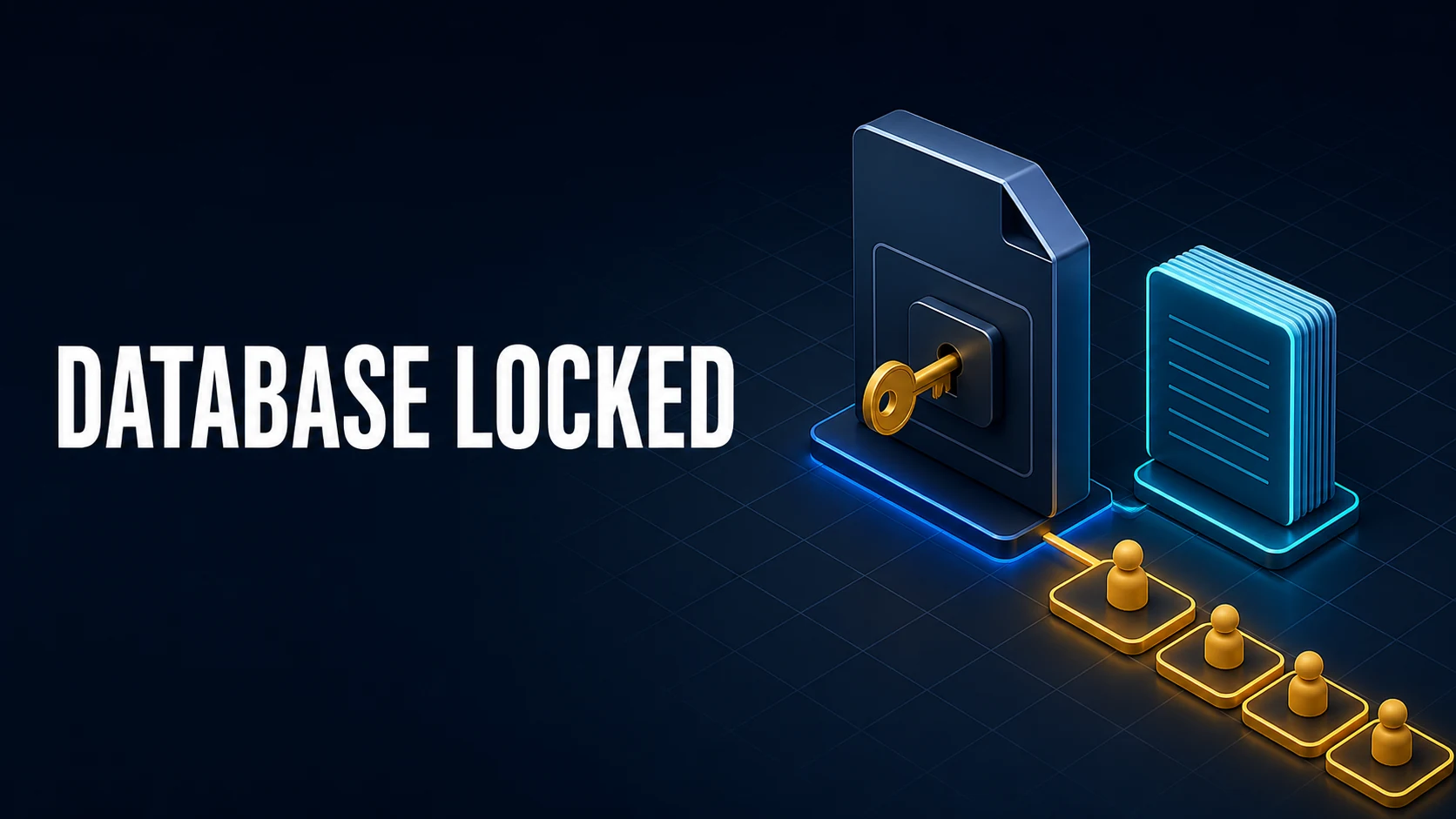
Introduction & Quick Summary
sqlite3.OperationalError: database is locked and SQLITE_BUSY mean one connection wanted a lock that another connection held. SQLite allows exactly one writer at a time, so "locked" is not a crash: it is a scheduling conflict, and the fix is almost always about how long a lock is held and how long a writer is willing to wait.
The four causes worth checking, in order:
- The busy timeout is zero. Without
PRAGMA busy_timeout, a conflicting write fails immediately instead of waiting for the other transaction to finish. - A read transaction is long. In the default rollback journal mode, a writer must wait for every reader; a report query holding a shared lock blocks every insert.
- A deferred transaction upgraded from read to write. SQLite answers
SQLITE_BUSYat once here, because waiting could deadlock two such transactions. - The process uses several connections, or a network filesystem. Two connections in one app serialize with each other, and file locking over NFS or SMB is unreliable.
| Error | Code | Meaning | First fix |
|---|---|---|---|
database is locked | SQLITE_BUSY (5) | Another connection holds a conflicting lock | busy_timeout, then BEGIN IMMEDIATE |
database table is locked | SQLITE_LOCKED (6) | Same connection, shared cache conflict | Do not use shared cache |
database is locked on commit | SQLITE_BUSY | Upgrade from read to write while another writer waits | Start write transactions as IMMEDIATE |
| Locked only under load | SQLITE_BUSY | Contention, not corruption | WAL mode plus a single writer |
Core Mechanics, Signatures & Reproducible Setup
In rollback journal mode, a writer takes an exclusive lock to modify the database file, and a reader holds a shared lock while it reads. Writers and readers are mutually exclusive, and a writer must also wait for existing readers to finish. WAL mode changes the shape: readers use a snapshot in the -wal file, so a reader never blocks a writer and a writer never blocks a reader. What remains in WAL is one writer at a time, which is why "database is locked" still appears in WAL, just less often and only between writers.
Two pragmas decide how the conflict resolves. busy_timeout tells SQLite how long to wait before returning SQLITE_BUSY; the default is zero. journal_mode=WAL changes what blocks what. Neither removes the single-writer rule.
A reproducible conflict needs one writer that holds the lock longer than the other is willing to wait:
import sqlite3, threading, time

def writer(delay):
    con = sqlite3.connect("app.db", timeout=0)  # busy_timeout = 0
    con.execute("PRAGMA journal_mode=WAL")
    con.execute("INSERT INTO events(kind) VALUES ('start')")
    time.sleep(delay)
    try:
        con.execute("INSERT INTO events(kind) VALUES ('end')")
        con.commit()
        print("committed")
    except sqlite3.OperationalError as error:
        print("failed:", error)
The second writer prints failed: database is locked immediately, even though the first would have committed a second later.
Key Comparison Table
Journal mode decides which conflicts are possible, so it is the first decision rather than a tuning knob.
| Mode | Readers block writer | Writer blocks readers | Writers at once | Crash safety |
|---|---|---|---|---|
DELETE (default) | Yes | Yes | 1 | Full |
TRUNCATE | Yes | Yes | 1 | Full |
PERSIST | Yes | Yes | 1 | Full |
WAL | No | No | 1 | Full |
MEMORY | n/a | n/a | 1 | None |
The transaction style decides whether the writer waits or fails, and this is the part most code gets wrong.
| Begin style | Lock taken at BEGIN | SQLITE_BUSY when contended | Right for |
|---|---|---|---|
BEGIN (deferred) | None | Immediately on upgrade | Read-only work |
BEGIN IMMEDIATE | Write lock | After busy_timeout | Any transaction that will write |
BEGIN EXCLUSIVE | Write lock, blocks readers | After busy_timeout | Bulk maintenance, not app traffic |
Practical Edge Cases, Error Fixes & Deep Dive Code Examples
Set a busy timeout and WAL together
The pair fixes the majority of real-world occurrences: writers wait instead of failing, and readers stop blocking writers.
import sqlite3

con = sqlite3.connect("app.db", timeout=5.0)  # busy_timeout = 5000 ms
con.execute("PRAGMA journal_mode=WAL")
con.execute("PRAGMA synchronous=NORMAL")
con.execute("PRAGMA foreign_keys=ON")PRAGMA journal_mode=WAL;
PRAGMA busy_timeout=5000;
PRAGMA wal_autocheckpoint=1000;synchronous=NORMAL in WAL mode keeps the database consistent across application crashes and only risks the last transactions on a power loss; the default FULL is slower for a durability guarantee most web apps do not need. Never combine NORMAL with rollback journal mode for write-heavy workloads.
Start write transactions as IMMEDIATE
A deferred transaction that reads first and writes later is the case SQLite refuses to wait on. The write can only proceed if no other writer is active, and waiting would let two transactions deadlock, so SQLite returns SQLITE_BUSY immediately regardless of busy_timeout.
with con:  # implicit BEGIN, deferred
    row = con.execute("SELECT balance FROM accounts WHERE id = 1").fetchone()
    con.execute("UPDATE accounts SET balance = balance - 10 WHERE id = 1")
# another writer between the two statements -> database is lockedcon.execute("BEGIN IMMEDIATE")
try:
con.execute("UPDATE accounts SET balance = balance - 10 WHERE id = 1")
con.execute("UPDATE accounts SET balance = balance + 10 WHERE id = 2")
con.commit()
except Exception:
con.rollback()
raiseThe IMMEDIATE form takes the write lock at BEGIN, so contention is handled by busy_timeout instead of surfacing as an immediate failure. It also serialises the transaction, which is what makes the balance update correct.
One writer connection, many readers
In a threaded server, giving every request its own connection turns normal traffic into lock contention. The design that scales on SQLite is a single write connection (or a queue in front of it) plus a reader connection per thread in WAL mode.
import queue, threading, sqlite3

write_queue: "queue.Queue[tuple[str, tuple]]" = queue.Queue()

def writer_loop(path: str) -> None:
    con = sqlite3.connect(path, timeout=5.0)
    con.execute("PRAGMA journal_mode=WAL")
    while True:
        sql, params = write_queue.get()
        try:
            with con:
                con.execute(sql, params)
        finally:
            write_queue.task_done()
This removes the lock entirely for writes: one connection means one writer, and the queue provides ordering. Reads can still open their own connections and never wait.
Node: enable WAL once, then serialise
better-sqlite3 is synchronous and does not have a busy handler exposed the way Python does, so the order of operations matters: set pragmas at startup, keep one database handle, and let the event loop serialise.
import Database from "better-sqlite3";

const db = new Database("app.db");
db.pragma("journal_mode = WAL");
db.pragma("synchronous = NORMAL");
db.pragma("busy_timeout = 5000");

const insert = db.prepare("INSERT INTO events(kind, at) VALUES (?, ?)");
const write = db.transaction((kind, at) => insert.run(kind, at));
write("start", Date.now());
The synchronous API cannot deadlock against itself, and the busy_timeout covers other processes such as a backup tool or the CLI.
Network filesystems and multiple processes
SQLite's locking depends on POSIX or Windows file locks behaving as documented. NFS, SMB, and some container volume drivers do not, and the result is either database is locked under trivial load or, worse, a corrupted file. Two rules follow: keep the database on local disk, and never mount the same SQLite file into two containers that both write.
# detect a shared mount before blaming the code
findmnt -T /data/app.db -o TARGET,SOURCE,FSTYPE
If the file must live on a network share, stop treating SQLite as the database and move the writes to a server.
Common Compilation/Runtime Mistakes & Version Gotchas
Retrying in a tight loop. A while True: try: ... except OperationalError: pass burns CPU and keeps the lock hot. Retry with backoff, and only for SQLITE_BUSY, never for SQLITE_CORRUPT or SQLITE_IOERR.
Setting busy_timeout per statement instead of per connection. It is a connection setting. A connection taken from a pool without the pragma reverts to waiting zero milliseconds.
Assuming WAL removes the single-writer limit. It removes reader-writer blocking. Two writers still conflict, and a WAL file that grows without checkpointing slows everything down; wal_autocheckpoint handles the common case.
Leaving a read transaction open. An ORM or a generator that yields rows inside a BEGIN keeps a snapshot alive, and in WAL mode that prevents checkpointing, so the WAL grows until the disk fills. Close cursors and commit read transactions.
Using PRAGMA locking_mode=EXCLUSIVE to "fix" contention. It holds the lock indefinitely, which turns a transient conflict into a permanent one for every other process.
Opening a connection per request without closing it. File handles accumulate until the process hits its limit, and the error at that point is not SQLITE_BUSY but a failure to open the file at all.
Version behaviour. WAL has been available since SQLite 3.7.0; wal_autocheckpoint since 3.7.0; the Python timeout parameter maps to busy_timeout in every supported version; SQLITE_BUSY_SNAPSHOT appears only in WAL mode when a deferred read transaction tries to upgrade after the snapshot moved.
The order that resolves an incident: confirm the journal mode, set busy_timeout, convert write transactions to BEGIN IMMEDIATE, then reduce connections to one writer. When you inspect the data afterwards, the SQL formatter keeps the diagnostic queries readable, and the CSV/JSON converter is a quick way to export a table for review without opening the live file.
Official references: SQLite result codes and Write-ahead logging.
Official references
primary documentationThe SQL documentation that defines the behaviour this guide explains.
Try matching browser tools
All toolsSmall utilities that fit SQL work — they run entirely in this browser tab, so nothing you paste leaves your device.
Related SQL guides
All SQL guidesMySQL: ERROR 1040 (HY000) Too many connections
The server is out of slots because pools are too large or leaking. Read the counters, size pools against replicas, then raise the limit.
MySQL 8: Public Key Retrieval is not allowed over JDBC
The driver never sent the password. Use verified TLS, or allow key retrieval only where the network is trusted.
Postgres: invalid input syntax for type uuid
An empty filter or a legacy id reaches a uuid parameter. Treat absent as no filter and validate before the query.
MySQL: Lock wait timeout exceeded, and how to find the blocker
The waiter is the symptom. Find the blocker, shorten the transaction that holds locks, and stop raising the timeout as a fix.
More in SQL
All SQL guidesThe guides filed next to this one in SQL, in library order.