TS1294: This syntax is not allowed when erasableSyntaxOnly is enabled
Enums, namespaces and parameter properties emit code, so erasable mode rejects them. Convert each to an erasable form without changing call sites.
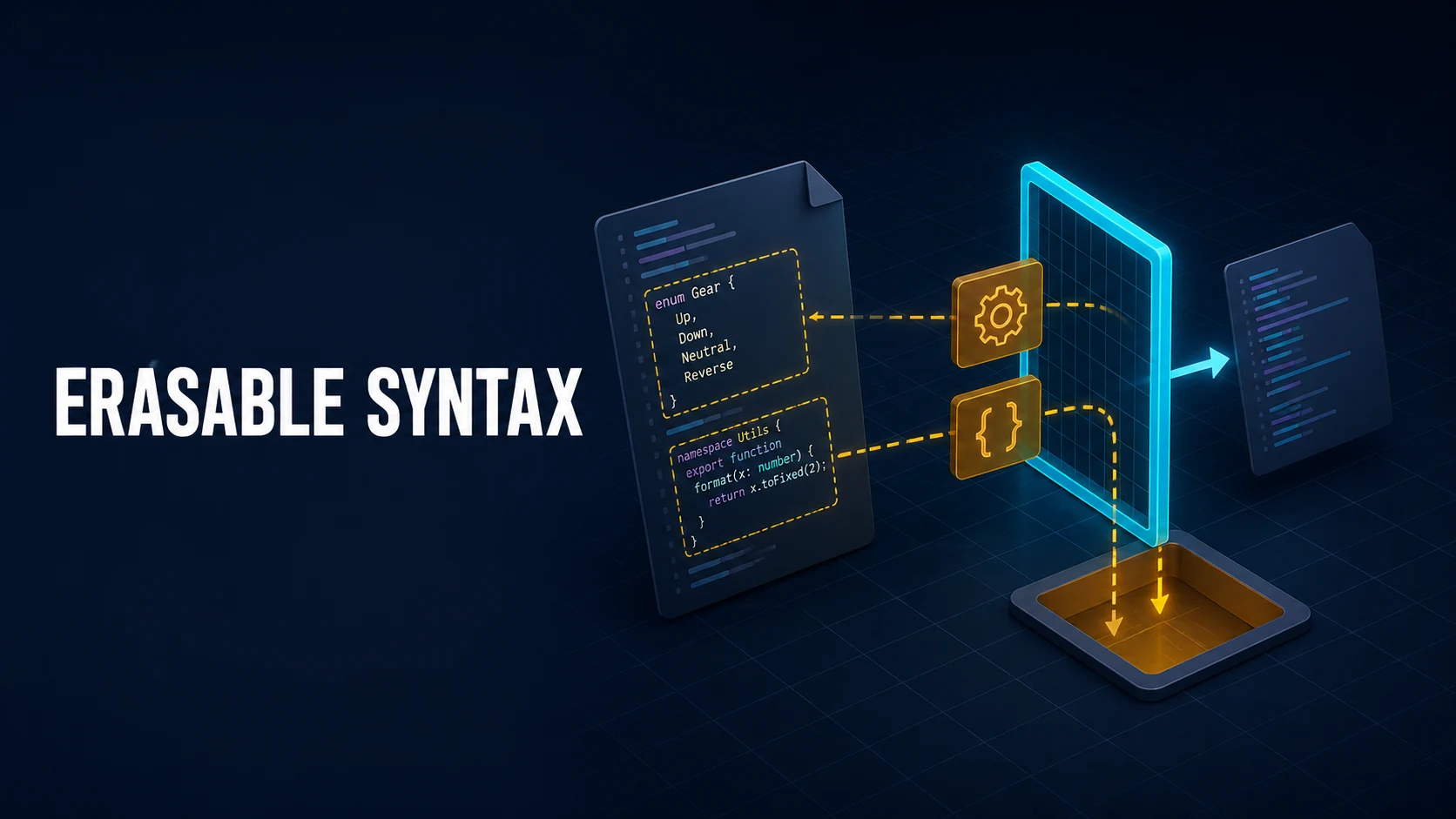
Introduction & Quick Summary
error TS1294: This syntax is not allowed when 'erasableSyntaxOnly' is enabled appears the moment you enable erasableSyntaxOnly in tsconfig.json, or when Node's type stripping hands a file to TypeScript with the same rule. It is not a type error. The compiler is saying a construct in the file cannot be removed by deleting characters: enum, namespace, constructor parameter properties and import = forms all emit JavaScript, and erasable syntax may not.
The fix depends on the construct that tripped the check: enum becomes an as const object plus a union type, namespace becomes ES modules, constructor parameter properties become an explicit field and assignment, and import x = require() becomes a standard import. declare fields, abstract, override and type-only imports are already erasable and stay as they are.
Core Mechanics, Signatures & Reproducible Setup
TypeScript normally type-checks and emits JavaScript. Erasable-syntax-only mode splits those jobs: with erasableSyntaxOnly: true, the compiler rejects any syntax that survives into emit, so every file can be handled by a transformer that blanks out annotation ranges instead of generating code.
Node.js does exactly that. Since 22.6 with --experimental-strip-types, and by default since 22.18 and 23.6, .ts files run by erasing type ranges. The runtime never rewrites enums or namespaces, so a file containing them cannot run without a full compiler. The same constraint reaches tsx, Bun's strip mode and @typescript/native-preview.
{
  "compilerOptions": {
    "target": "ES2022",
    "module": "NodeNext",
    "moduleResolution": "NodeNext",
    "strict": true,
    "erasableSyntaxOnly": true,
    "verbatimModuleSyntax": true,
    "noEmit": true
  },
  "include": ["src"]
}
verbatimModuleSyntax is the natural companion: it forces import type for type-only imports, so a stripper never has to guess whether a name is a value.
A minimal reproduction needs Node 22 or newer and TypeScript 5.8 or newer:
npm init -y && npm install --save-dev typescript@5.9 @types/node
npx tsc --init --strict --module nodenext --moduleResolution nodenext
src/roles.ts holds the construct that fails:
export enum Role {
  Admin = "admin",
  Editor = "editor",
}

const user = { name: "ada", role: Role.Editor };
console.log(user.role);
Add the flag to tsconfig.json and run npx tsc --noEmit. The line number points at the keyword, not the type:
src/roles.ts:1:8 - error TS1294: This syntax is not allowed when 'erasableSyntaxOnly' is enabled.

1 export enum Role {
         ~~~~
Running the same file on Node shows the runtime face of the same rule, useful when a teammate reports a SyntaxError instead of a compiler error:
node --experimental-strip-types src/roles.ts
# TypeScript enum is not supported in strip-only mode
Node reports ERR_UNSUPPORTED_TYPESCRIPT_SYNTAX, TypeScript reports TS1294. Two views of one constraint, so treat whichever arrives first as the same ticket.
Key Comparison Table
The first decision is not how to silence TS1294 but whether the project needs runtime-emitting TypeScript at all.
| Configuration | Emits JS constructs | Runs on Node directly | Best fit |
|---|---|---|---|
erasableSyntaxOnly, noEmit | No | Yes, with type stripping | Services, scripts, libraries on Node 22+ |
Default tsc build to dist/ | Yes (enum, namespace) | No, needs a build step | Published packages on older runtimes |
Bundler (tsup, Vite, esbuild) | Yes | No | Browser code with a bundler already present |
The second decision is the replacement per construct; it should preserve the public shape so call sites do not change.
| Banned construct | Erasable replacement | Call-site impact |
|---|---|---|
enum Role { A = "a" } | const Role = { A: "a" } as const + type Role | Role.A stays identical |
namespace Util { export function f() {} } | src/util/f.ts with export function f | Import path changes once |
constructor(private id: string) | Field declaration + body assignment | None |
import fs = require("fs") | import * as fs from "node:fs" | None |
declare global { ... } | Unchanged, already ambient | None |
Nothing here asks you to give up type safety: an as const object is a real value, and literal unions still narrow in switch.
Practical Edge Cases, Error Fixes & Deep Dive Code Examples
Enums: keep the call sites with as const
The mechanical replacement for a string enum is one object plus one type. Values stay literal, so exhaustiveness checks still work.
// before: export enum Role { Admin = "admin", Editor = "editor" }

export const Role = {
  Admin: "admin",
  Editor: "editor",
} as const;

export type Role = (typeof Role)[keyof typeof Role];

export function canPublish(role: Role): boolean {
  switch (role) {
    case Role.Admin:
    case Role.Editor:
      return true;
    default: {
      const never: never = role;
      return never;
    }
  }
}
Because Role is a value and a type, Role.Admin and role: Role behave as before and imports do not change. Numeric enums also need a reverse lookup (Role[0] === "Admin"); needing it suggests the ordering belongs in an array.
Namespaces: one module per unit
Namespaces predate ES modules, so splitting one is a file move.
// after: src/math-util.ts (a namespace of these two functions is now the module)
export const clamp = (value: number, min: number, max: number): number =>
  Math.min(Math.max(value, min), max);

export const round = (value: number, digits: number): number =>
Number(value.toFixed(digits));import { clamp } from "./math-util.js";
export const width = clamp(1400, 320, 1280);Note the .js extension under NodeNext: the source runs directly, so the specifier must be the runtime path, not the .ts path. This is the most common follow-up error after fixing TS1294.
Parameter properties in constructors
Parameter properties are the quietest offender because they look like annotations. They are not: the compiler writes this.id = id.
// before
class Repo {
  constructor(private readonly client: Client, private table: string) {}
}

// after
class Repo {
  private readonly client: Client;
  private readonly table: string;

  constructor(client: Client, table: string) {
    this.client = client;
    this.table = table;
  }
}
Two extra lines are the whole cost, and readonly still works because it is erased after checking. A constructor with five injected services is a hint that the class does too much, not a reason to re-enable decorator injection.
import = and export = forms
import fs = require("node:fs") is CommonJS syntax that emits a require call. Under NodeNext the equivalent is a namespace import.
// before
import path = require("node:path");

// after
import * as path from "node:path";
import { readFile } from "node:fs/promises";
For a package that still ships export =, createRequire is the escape hatch inside ESM: const require = createRequire(import.meta.url).
Type-only imports, declare, and what survives
Erasable syntax is not "no advanced types". Interfaces, aliases, satisfies, generics, declare fields, abstract members and override all pass:
export abstract class Worker {
  declare readonly name: string;
  abstract handle(job: Job): Promise<void>;
  override toString(): string {
    return `Worker(${this.name})`;
  }
}
With verbatimModuleSyntax, split a mixed import instead of relying on elision: import type { Job } from "./job.js" followed by import { createWorker } from "./worker.js".
Decide per project, not per file
The flag is a project-wide contract, so a package that ships to npm and also runs scripts needs two configs: tsconfig.build.json extends the base file with noEmit: false, erasableSyntaxOnly: false, outDir and declaration, while scripts and tests keep the base file with the flag on. CI then runs tsc -p tsconfig.build.json for consumers and tsc --noEmit for the stripper-safe surface: two commands, far cheaper than a SyntaxError in production.
Common Compilation/Runtime Mistakes & Version Gotchas
Enabling the flag before upgrading TypeScript. The option arrived in 5.8; on 5.7 the compiler rejects it with Unknown compiler option, which reads like a typo rather than a version problem. Check npx tsc --version in the failing environment.
Expecting the flag to change emit. With emit enabled, tsc still produces JavaScript; it only errors when it meets a banned construct, so dist/ keeps its class downleveling helpers.
Forgetting the .js extension after the rename. Erasable projects run the source directly, so Cannot find module './math-util' right after a successful TS1294 fix is NodeNext resolution asking for the runtime specifier.
Using const enum to dodge the error. It is banned by the same rule, and isolatedModules already forbade it in most bundler setups. preserveConstEnums does not help: it is an emit option, and erasable mode has no emit to preserve.
Mixing decorated classes with strip mode. Legacy decorators emit __decorate helpers, so a decorated class cannot run through a stripper even though decorators are neither enum nor namespace. Angular or NestJS with legacy decorators needs a real build step; put that in the README.
Version floor. TypeScript 5.8 for the flag, Node 22.6 for --experimental-strip-types, Node 22.18 or 23.6 for stripping by default, and Bun 1.x, which strips by default and still needs a build for enums.
TS1294 cannot be fixed with a cast, because it is not a type error: it is the compiler declining to invent runtime behavior in a file that promised not to need any. Convert in order of payoff: enums first, parameter properties second, namespaces last, since only the last one churns import paths.
For the review step, the diff tool makes a mechanical enum rewrite easy to read, and the JSON formatter validates the tsconfig edits. Official references: the erasableSyntaxOnly compiler option and Node's TypeScript type stripping.
Official references
primary documentationThe TypeScript documentation that defines the behaviour this guide explains.
Try matching browser tools
All toolsSmall utilities that fit TypeScript work — they run entirely in this browser tab, so nothing you paste leaves your device.
Related TypeScript guides
All TypeScript guidesTS2742: the inferred type cannot be named without a reference
Type checking passes and only declaration emit fails. Annotate the exported boundary so consumers can resolve the emitted type.
ESLint 9: the flat config error and why .eslintrc stopped loading
Flat config is one array, one root file, and no string extends. Here is the conversion, the four settings with no equivalent, and the editor trap.
TypeScript 7 native tsc: moduleResolution, baseUrl and API errors
The native compiler changes three defaults and drops the compiler API. Fix tsconfig first, then alias TypeScript 6 for eslint and ts-node.
TypeScript TS2769: No overload matches this call
Every overload rejected an argument. Read the failing signature, fix the one incompatible property, and know when a cast is honest.
More in TypeScript
All TypeScript guidesThe guides filed next to this one in TypeScript, in library order.