Python guides
Every published Python guide, newest first, with practical examples you can copy into your own project.
3,965 guides across 14 topics
Topics
Popular Python guides
Most read


Latest Python guides
Page 38 of 179
Python OpenCV: Color Conversion, Grayscale, and Thresholding
Convert images to grayscale and apply thresholding with OpenCV in Python. Covers fixed, Otsu, and adaptive thresholding.
Python OpenCV: Read, Write, Resize, Crop, and Rotate Images
A practical walkthrough of reading, writing, resizing, cropping, and rotating images with Python OpenCV, covering BGR order, interpolation choices, and memory behavior.
Python Pillow vs OpenCV: Choosing the Right Image Library
Compare Python Pillow and OpenCV for image processing: API differences, performance behavior, and when to choose each library.
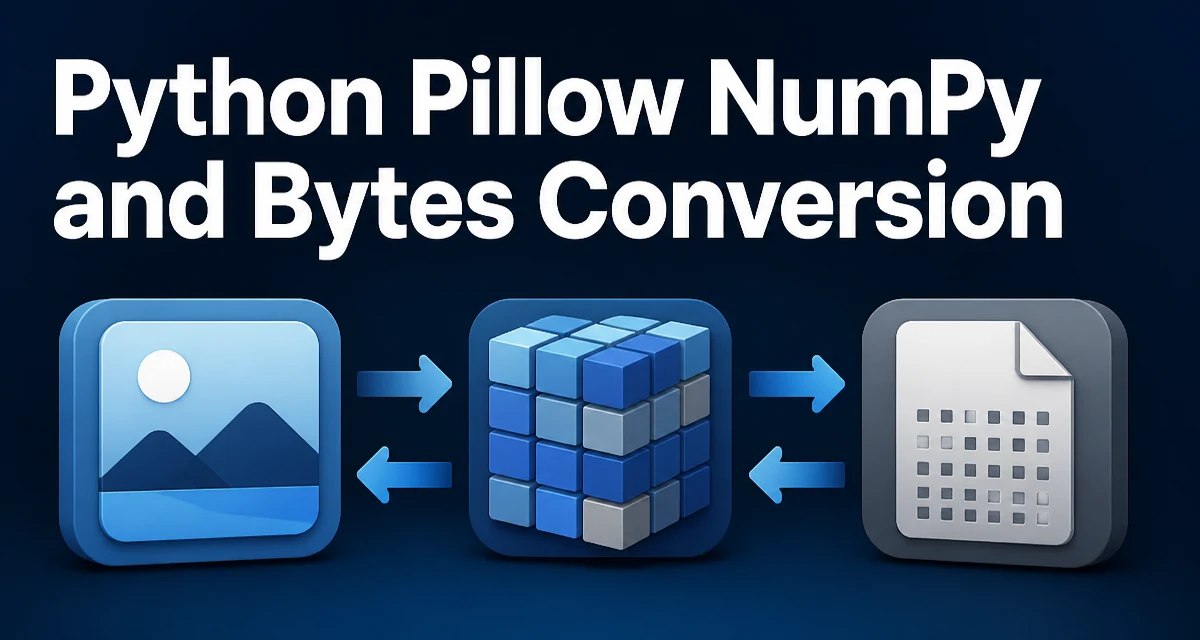
Python Pillow NumPy and Bytes Conversion
python pillow numpy and bytes conversion: Learn how to convert between Pillow images, NumPy arrays, and raw bytes in Python, including mode, dtype, and memory consider...
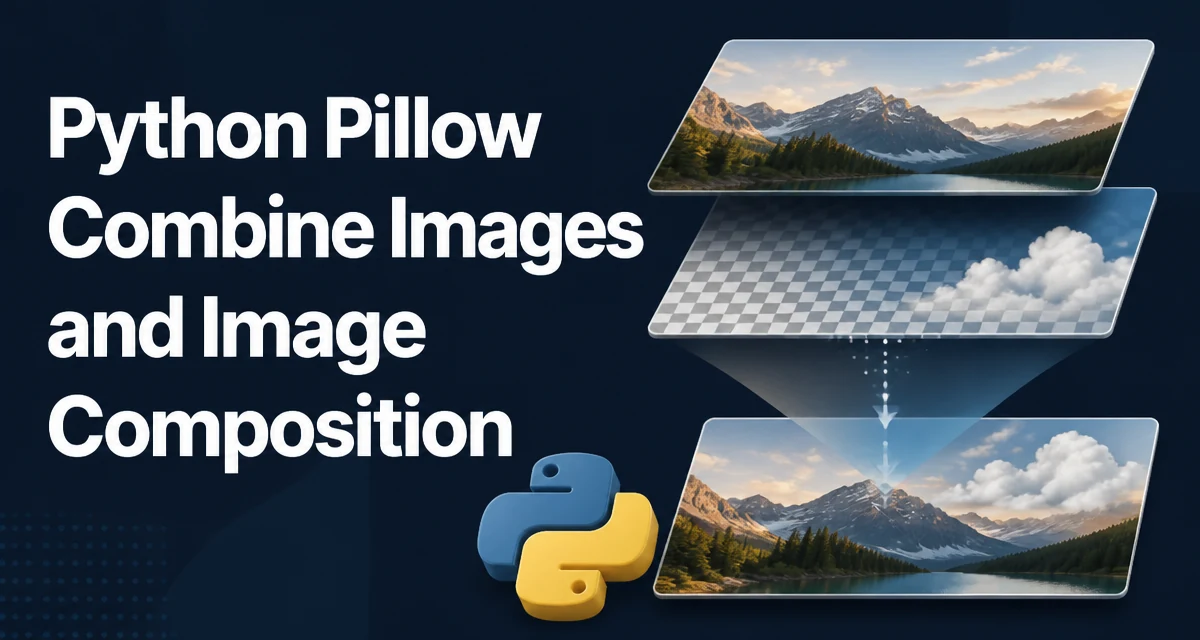
Python Pillow: Combining Images with paste, blend, and alpha_composite
Learn how to combine images with Python Pillow using paste for placement, blend for cross-fades, and alpha_composite for per-pixel transparency.
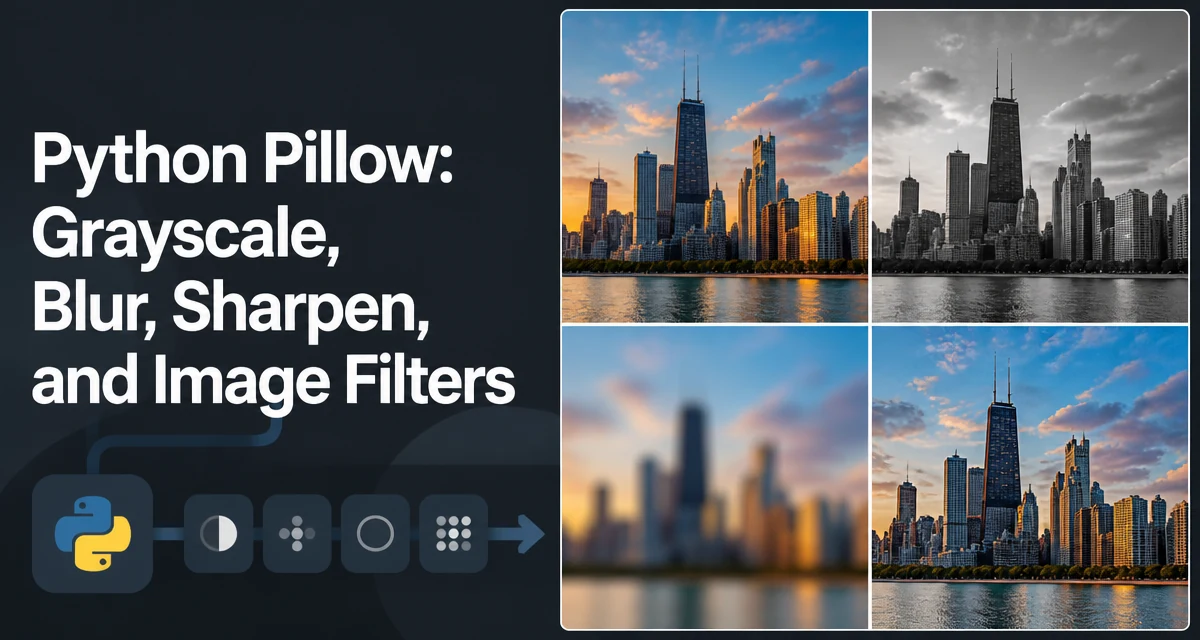
Python Pillow: Grayscale, Blur, Sharpen, and Image Filters
Use Pillow's ImageFilter module to convert images to grayscale, apply Gaussian or box blur, sharpen images, and run built-in edge-detection filters. Includes Python examples.
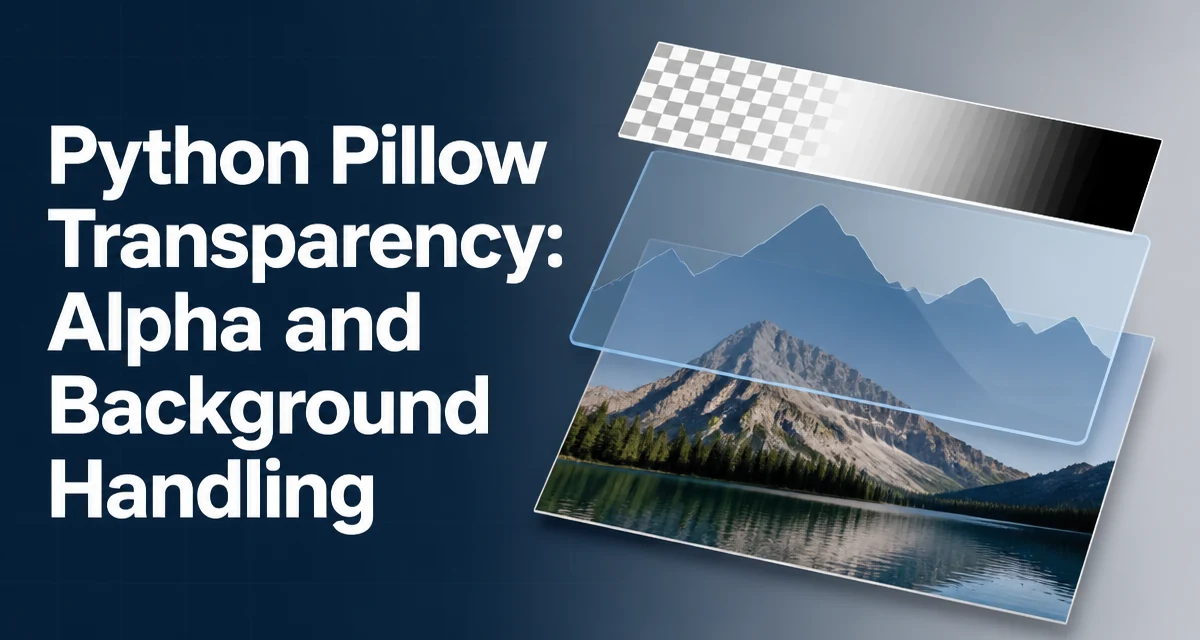
Python Pillow Transparency: Alpha and Background Handling
Learn how to handle alpha channels in Pillow: convert to RGBA, composite images, paste with masks, flatten transparency, and save with the correct format limitations.
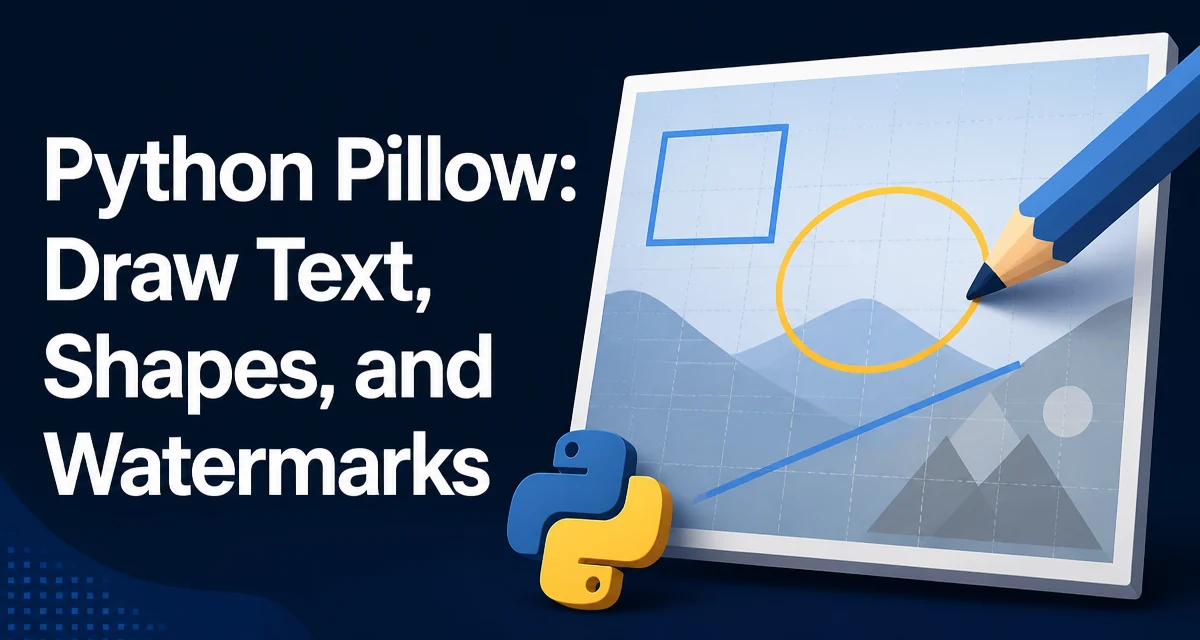
Python Pillow: Draw Text, Shapes, and Watermarks
Use Python Pillow's ImageDraw module to draw text and shapes and create semi-transparent watermarks. Includes practical code examples.
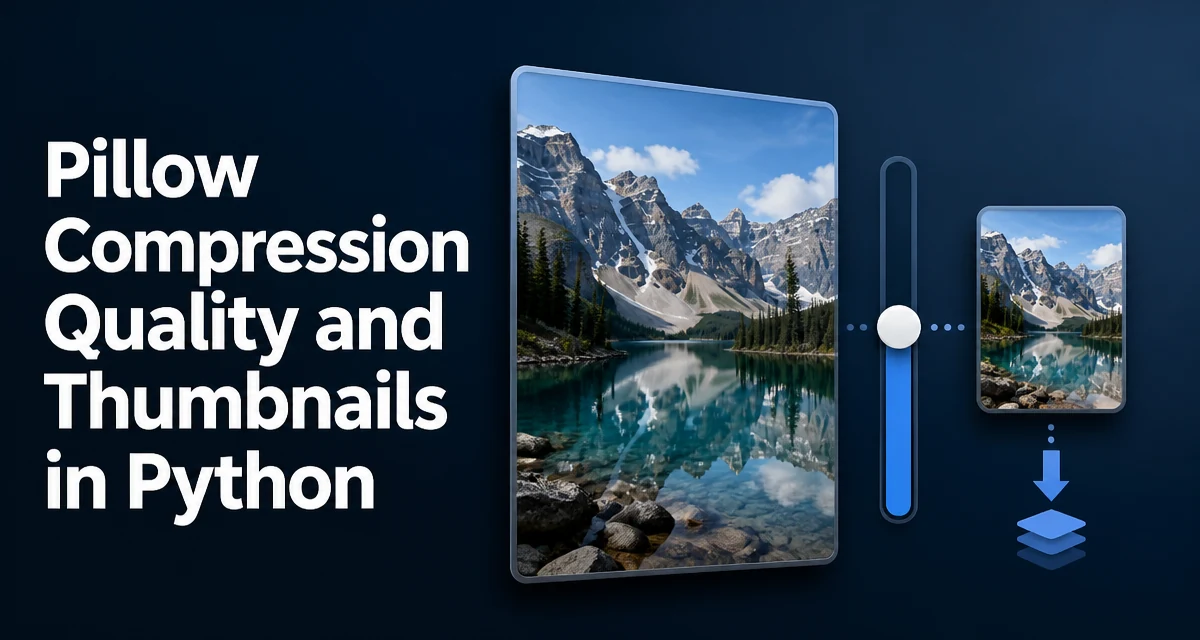
Pillow Compression Quality and Thumbnails in Python
python pillow compression quality and thumbnails: Learn how to control JPEG quality, use the optimize flag, and generate thumbnails with Pillow while balancing file si...
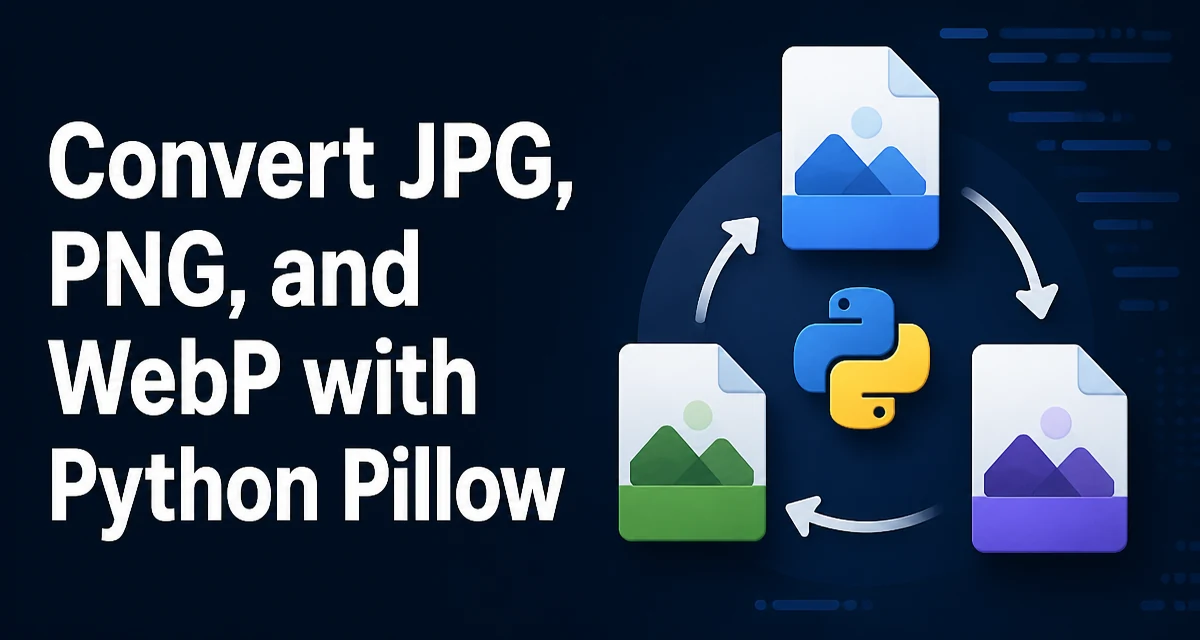
Convert JPG, PNG, and WebP with Python Pillow
Convert JPG, PNG, and WebP images with Python Pillow. Covers save options, transparency handling, metadata preservation, batch conversion, and choosing the right output format.