CrashLoopBackOff: Reading Exit Codes and Debugging Restart Loops
The backoff is only the waiting state. The evidence is in Last State, the exit code, and the previous container's last log line, and each points to a different fix.
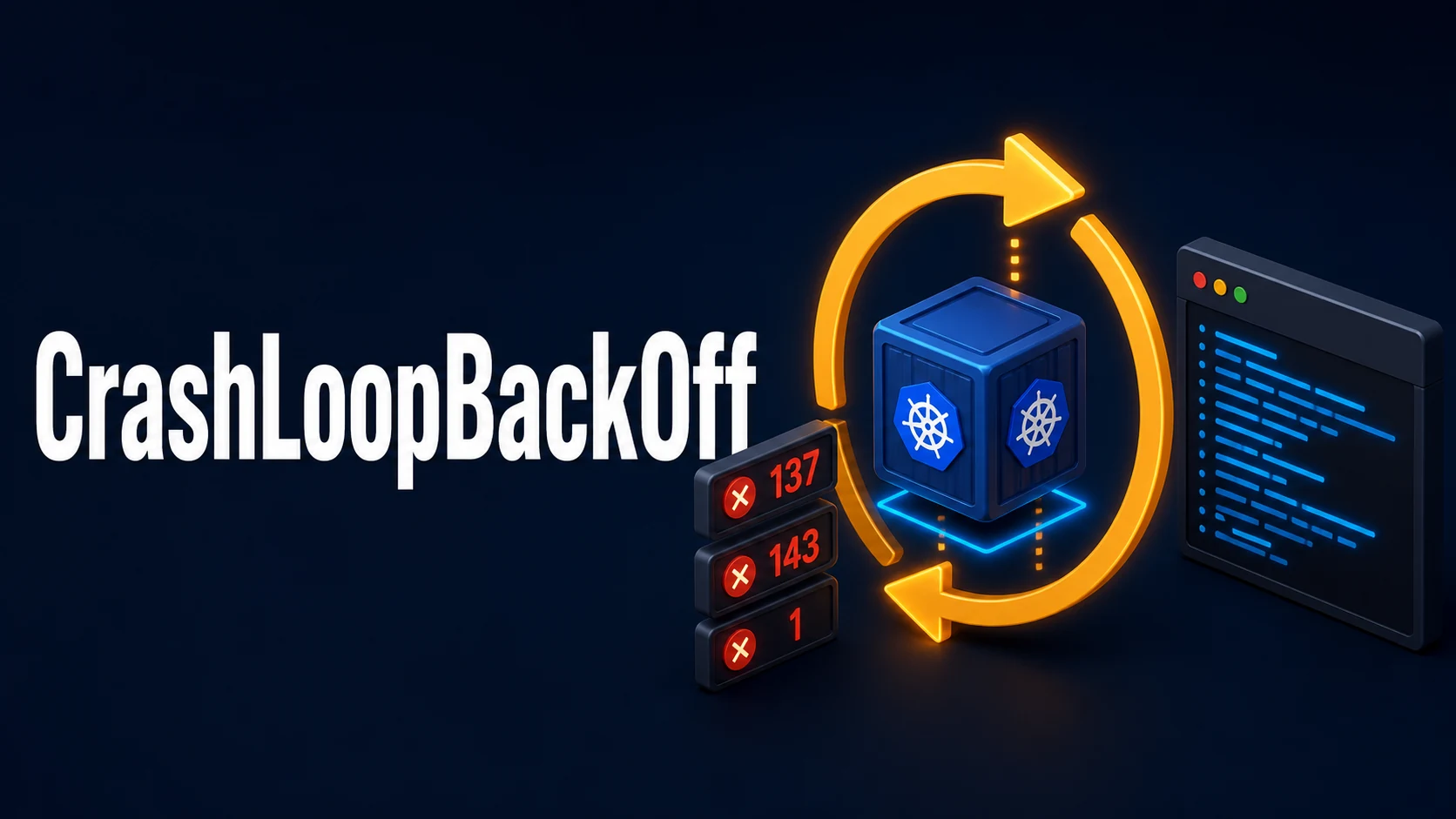
Introduction & Quick Summary
Symptom. kubectl get pods reports CrashLoopBackOff with a rising RESTARTS count, and kubectl describe pod repeats Back-off restarting failed container <name> in pod <pod>_<ns>(<uid>). The container starts, exits, and the kubelet restarts it with exponential backoff that starts at 10 seconds and doubles to a 5-minute ceiling. The application is not hung and the node is not full — the process itself is exiting.
Cause. Five things produce it: the process exits with a non-zero code because of a misconfiguration or a missing dependency; the container is killed for exceeding its memory limit (OOMKilled, exit 137); a probe kills a process that is alive but too slow to answer; the command or entrypoint does not exist in the image (exit 127); or the process exits 0 because it is a one-shot job running under restartPolicy: Always.
Fix. Read Last State and Exit Code from describe, then read the previous container's log. Exit code and log together identify the class of failure within seconds. Change one thing — a value, a probe threshold, a memory limit — and confirm that RESTARTS stops increasing.
Core Mechanics, Signatures & Reproducible Setup
The kubelet restarts a container according to restartPolicy (Always by default), doubling the delay after each failure: 10s, 20s, 40s, 80s, 160s, then 300s indefinitely. CrashLoopBackOff is only the waiting interval; while the container runs it shows Running, which is why a slow crash looks intermittent in dashboards that sample every minute.
The useful evidence lives in four places:
kubectl get pod api-7d9c8f-x2vqn -o wide
kubectl describe pod api-7d9c8f-x2vqn | sed -n '/Containers:/,/Conditions:/p'
kubectl logs api-7d9c8f-x2vqn --previous --tail=100          # last dead instance
kubectl logs api-7d9c8f-x2vqn --previous --all-containers    # include sidecars
kubectl get events --field-selector involvedObject.name=api-7d9c8f-x2vqn --sort-by=.lastTimestamp
Reproduce a controlled crash loop to learn the signatures:
apiVersion: v1
kind: Pod
metadata:
  name: crash-demo
spec:
  restartPolicy: Always
  containers:
    - name: app
      image: busybox:1.36
      command: ["/bin/sh", "-c"]
      args: ["echo starting; sleep 2; echo missing config; exit 1"]
      resources:
        limits: { memory: "32Mi" }
After about a minute kubectl get pod crash-demo shows CrashLoopBackOff with RESTARTS around 4, and --previous returns starting then missing config. The line before the exit is the actual error in roughly half of real incidents; when the container dies before logging anything, the exit code and the events are the only evidence.
kubectl get pod crash-demo -o jsonpath='{.status.containerStatuses[0].lastState.terminated.exitCode}{"\n"}'
# 1
Key Comparison Table
| Exit code | Signal / meaning | Typical cause | Next check |
|---|---|---|---|
| 0 | Clean exit | One-shot process under Always | restartPolicy: OnFailure or a Job |
| 1 | Application error | Unhandled exception, missing env var | The log line before exit |
| 126 | Permission denied | Entrypoint not executable | chmod +x, shebang, file mode in the image |
| 127 | Command not found | Wrong command, missing binary | kubectl run … --image=<img> -- which <bin> |
| 137 | SIGKILL, often OOM | Memory limit exceeded | describe → Reason: OOMKilled; raise limit or fix the leak |
| 139 | SIGSEGV | Native crash, incompatible binary | Architecture and libc of the image |
| 143 | SIGTERM | Probe failure or eviction | livenessProbe thresholds, terminationGracePeriodSeconds |
| Status | Meaning | Where to look |
|---|---|---|
CrashLoopBackOff | Container exits repeatedly | Previous log, exit code |
OOMKilled | Memory limit hit | resources.limits.memory, heap settings |
Error | Non-zero exit, no backoff yet | Application log |
Completed | Exit 0 under Always | Restart policy |
Practical Edge Cases, Error Fixes & Deep Dive Code Examples
1. Reading the previous container, not the current one
kubectl logs without --previous attaches to the container that is currently starting, which usually has one line and then dies; the crash reason is in the previous instance.
# All instances, newest first, with timestamps
kubectl logs api-7d9c8f-x2vqn --previous --timestamps --tail=200
# Init containers have their own log and their own exit code
kubectl logs api-7d9c8f-x2vqn -c migrate --previous
If both are empty the process died before writing to stdout — check reason/message in status.containerStatuses[0].lastState.terminated, which carries the runtime's own message when it refuses to start the process.
2. Distinguishing 137 from 143 from 1
Exit 137 means SIGKILL, and the usual sender is the kernel OOM killer: describe says Reason: OOMKilled when the limit was the trigger, and nothing when the node was under pressure. Exit 143 is SIGTERM, which is a graceful shutdown request: a failed liveness probe, a rollout, or an eviction. Exit 1 is your code. Getting this wrong sends you to the wrong fix — raising a memory limit for a SIGTERM problem changes nothing.
kubectl describe pod api-7d9c8f-x2vqn | grep -A3 'Last State'
#     Last State:     Terminated
#       Reason:       OOMKilled
#       Exit Code:    137
For a JVM, OOMKilled with a heap that fits usually means the container limit ignores non-heap memory; set -XX:MaxRAMPercentage=75 rather than a fixed -Xmx. For Node.js, the equivalent is --max-old-space-size below the limit.
3. A probe that kills a healthy process
# Broken: 1s initial delay, 3s timeout, 3 failures — a 20s boot never survives
livenessProbe:
  httpGet: { path: /healthz, port: 8080 }
  initialDelaySeconds: 1
  periodSeconds: 3
failureThreshold: 3# Fixed: startup probe owns the slow boot, liveness owns steady state
startupProbe:
httpGet: { path: /healthz, port: 8080 }
periodSeconds: 5
failureThreshold: 24 # up to 120s to become healthy
livenessProbe:
httpGet: { path: /healthz, port: 8080 }
periodSeconds: 10
failureThreshold: 3The log signature is a normal startup line followed by nothing and a SIGTERM — no exception at all. kubectl describe shows Liveness probe failed: Get "http://…": context deadline exceeded in the events, which is the tell.
4. Missing ConfigMap or Secret keys
# Pod never starts, or the app exits on the first query
kubectl describe pod api-7d9c8f-x2vqn | grep -i 'configmap\|secret'
# Error: configmap "api-config" not found
A missing non-optional envFrom reference stops the container from being created (CreateContainerConfigError), which is easier to spot. The harder case is a key that exists but is empty: the app starts, fails its first database call, and exits 1 with a message deep in the log. Verify the mounted content without executing your app:
kubectl exec -it api-7d9c8f-x2vqn -- env | grep -c '^DB_'   # if it stays up long enough
kubectl run cfgcheck --rm -it --image=busybox:1.36 --restart=Never \
  --overrides='{"spec":{"containers":[{"name":"c","image":"busybox:1.36","command":["sh","-c","env | sort"],"envFrom":[{"configMapRef":{"name":"api-config"}}]}]}}'
5. Read-only root filesystem and non-root permission errors
Exit 126/1 with EACCES or mkdir: cannot create directory '/app/tmp': Read-only file system is a security-context problem, not a code problem. The process needs a writable path that the image expects to be writable.
securityContext:
  runAsNonRoot: true
  runAsUser: 10001
  readOnlyRootFilesystem: true
volumeMounts:
  - { name: tmp, mountPath: /tmp }
  - { name: cache, mountPath: /app/.cache }
volumes:
  - { name: tmp, emptyDir: {} }
  - { name: cache, emptyDir: {} }
6. Crash loop that only happens in the cluster
Common when a dependency is reachable from a laptop but not from a pod: a DNS name only resolvable outside the cluster, a network policy blocking egress, or an unset proxy variable. Debug from inside the namespace with an ephemeral container:
kubectl debug -it api-7d9c8f-x2vqn --image=nicolaka/netshoot --target=app -- \
  sh -c 'nslookup db.internal; nc -zv db.internal 5432; curl -sS -m 3 http://metadata'
No CrashLoopBackOff follows from a network failure alone if the app retries; it follows when the app exits on the first failed connection at boot. Make boot-time dependency checks retry with a deadline, so a slow dependency delays the pod rather than killing it.
Common Compilation/Runtime Mistakes & Version Gotchas
| Mistake | Effect | Correct approach |
|---|---|---|
| Raising memory limits for exit 143 | Wrong signal class | Check Last State first |
restartPolicy: Always on a batch script | Completed then restart loop | OnFailure, or a Job/CronJob |
imagePullPolicy: Always with a latest tag | Unexpected new image on restart | Immutable tags and digests |
No startupProbe for a slow boot | Liveness kills it | Add one |
emptyDir for data the app needs at boot | Empty after every restart | A PVC, or regenerate on boot |
Ignoring terminationGracePeriodSeconds | SIGKILL mid-shutdown, exit 137 | Raise grace period, handle SIGTERM |
Version notes: Kubernetes 1.29+ treats sidecar containers (init containers with restartPolicy: Always) as always-running, so their crashes show up as their own restarts inside the pod rather than in RESTARTS for the app container — check each containerStatus separately. kubectl debug with --target needs the ephemeral containers feature, stable since 1.25 and enabled by default on current clusters; on older kubelets the flag is rejected. Pod Security Standards at the restricted level reject pods that do not set runAsNonRoot and seccompProfile, and the resulting failure is a FailedCreate on the ReplicaSet rather than a crash loop — check kubectl describe rs when no pods appear at all.
Validate the manifest before applying it: the YAML validator catches duplicate keys and indentation that kubectl apply sometimes accepts silently, the base64 tool decodes a Secret value that looks empty after mount, and the JSON formatter makes a -o json pod dump readable when the status block is a few hundred lines deep.
Try matching browser tools
All toolsSmall utilities that fit Kubernetes work — they run entirely in this browser tab, so nothing you paste leaves your device.
Related Kubernetes guides
All Kubernetes guidesImagePullBackOff and ErrImagePull: Reading the Real Pull Error
ImagePullBackOff hides five different failures. The event text names which one: wrong reference, missing credentials, wrong architecture, unreachable registry, or a rate limit.
kubectl Output: jsonpath, custom-columns, and the Debugging Commands Worth Knowing
jsonpath for one value in a script, custom-columns for tables people read, and kubectl debug when the container has no shell. Includes the three quoting layers that break jsonpath.
Kubernetes Namespaces, ResourceQuotas, and LimitRanges
A namespace is only a boundary when quota and limit range make it one. Aggregate caps, per-pod defaults, the admission errors they produce, and namespaces stuck Terminating.
Kubernetes StatefulSets: Ordinal Identities, Headless Services, and PVC Lifecycle
Why each StatefulSet pod keeps a name, a DNS record, and its own PVC; how OrderedReady gates startup on readiness; and how partition-based updates canary a single quorum member.
More in Kubernetes
All Kubernetes guidesThe guides filed next to this one in Kubernetes, in library order.