Kubernetes Ingress: Path Types, Controller Annotations, and TLS Termination
Prefix matching is element-wise, the controller answers its own 404s, and the TLS Secret has to live in the same namespace. What each status code says about which layer failed.
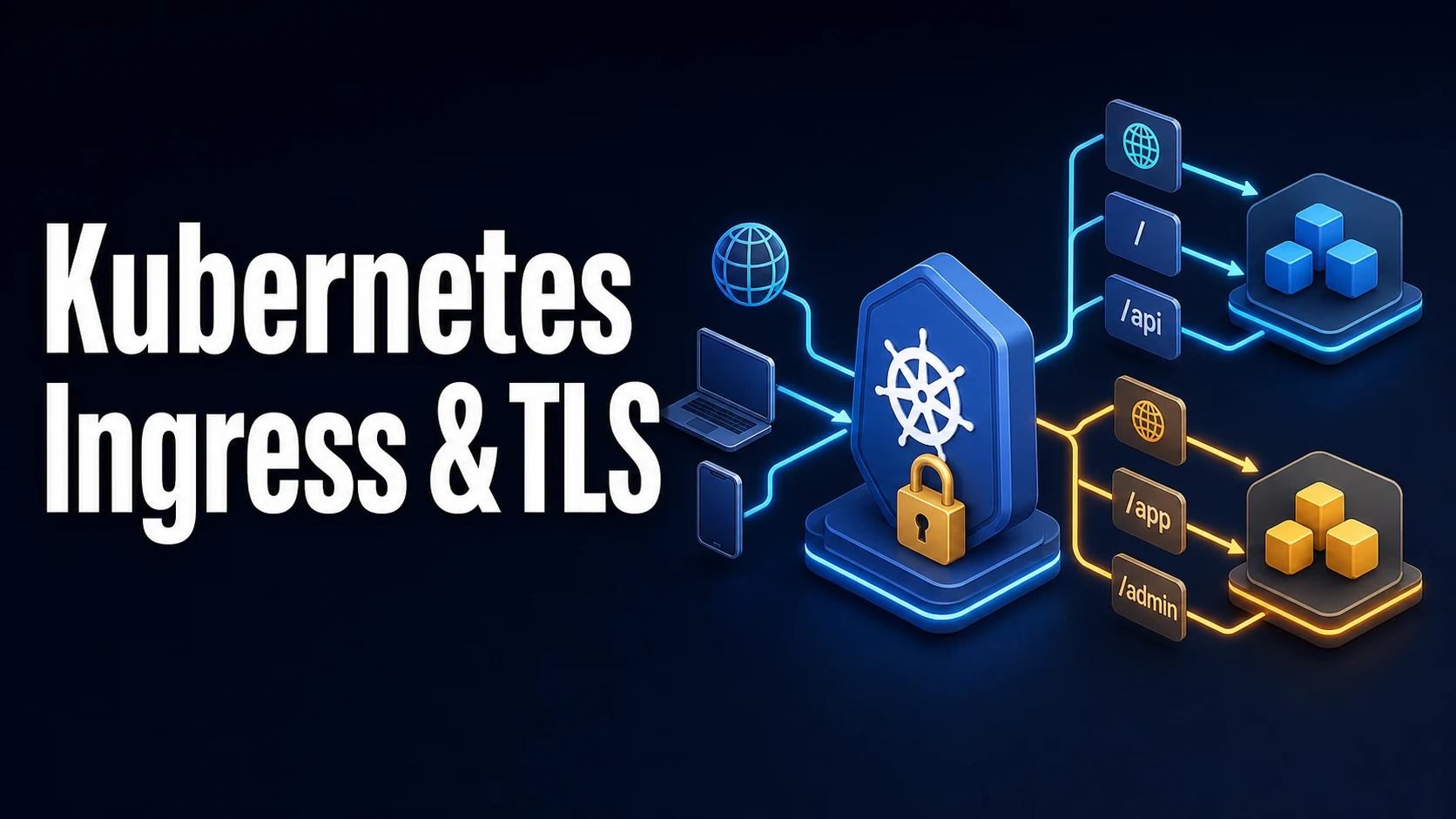
Quick Summary
An Ingress is a routing declaration: host and path rules mapping HTTP requests to Services, plus a TLS section naming a Secret. It does nothing on its own. An Ingress controller — ingress-nginx, Traefik, HAProxy, a cloud provider's own — watches Ingress objects, configures a shared reverse proxy, and is the component that actually terminates TLS and forwards traffic. kubectl get ingress showing an address means a controller claimed the object; showing nothing means no controller with that ingressClassName is running.
pathType decides how paths match, and it is required in networking.k8s.io/v1. Prefix matches element by element: /api matches /api and /api/v1 but not /apiv1. Exact matches only the literal path. ImplementationSpecific hands the decision to the controller, which is where regular expressions and annotation-driven rewrites live. A missing or wrong pathType is the most common reason a rule does not fire.
TLS terminates at the controller: the secretName in spec.tls must be a kubernetes.io/tls Secret in the same namespace with tls.crt and tls.key, and the controller serves that certificate for the listed hosts. Backend TLS is separate (backend-protocol: HTTPS in ingress-nginx), and certificate issuance is cert-manager's job, not the Ingress's. This guide covers the rule structure, path type semantics, annotations that change behaviour, TLS termination and re-encryption, and the status codes that identify which layer failed.
Basic Syntax & Core Signatures
apiVersion: networking.k8s.io/v1
kind: Ingress
metadata:
  name: api
  annotations:
    nginx.ingress.kubernetes.io/ssl-redirect: "true"
    nginx.ingress.kubernetes.io/proxy-body-size: "8m"
    nginx.ingress.kubernetes.io/proxy-read-timeout: "60"
spec:
  ingressClassName: nginx
  tls:
    - hosts: [api.example.com]
      secretName: api-tls
  rules:
    - host: api.example.com
      http:
        paths:
          - path: /v1
            pathType: Prefix
            backend:
              service:
                name: api
                port:
                  number: 80
          - path: /legacy
            pathType: Exact
            backend:
              service:
                name: legacy
                port:
                  name: http
  defaultBackend:                 # unmatched hosts/paths
    service:
      name: fallback
      port:
number: 80kubectl get ingressclass
kubectl get ingress -A
kubectl describe ingress api # rules, TLS, and the resolved endpoints
kubectl get ingress api -o jsonpath='{.status.loadBalancer.ingress}'
kubectl -n ingress-nginx logs deploy/ingress-nginx-controller --tail=100# Regex rewrite (ingress-nginx): strip /api prefix before forwarding
metadata:
annotations:
nginx.ingress.kubernetes.io/use-regex: "true"
nginx.ingress.kubernetes.io/rewrite-target: /$2
spec:
rules:
- host: api.example.com
http:
paths:
- path: /api(/|$)(.*)
pathType: ImplementationSpecific
backend: { service: { name: api, port: { number: 80 } } }# Re-encrypt to the backend
metadata:
annotations:
nginx.ingress.kubernetes.io/backend-protocol: "HTTPS"Key Comparison Table
pathType | /api matches | Does not match | Regex |
|---|---|---|---|
Prefix | /api, /api/, /api/v1/users | /apiv1, /API | No |
Exact | /api only | /api/, /api/v1 | No |
ImplementationSpecific | Controller-defined | Controller-defined | ingress-nginx: with use-regex |
| Need | Where it is configured |
|---|---|
| Route by host and path | spec.rules |
| Terminate TLS | spec.tls + a kubernetes.io/tls Secret |
| Redirect HTTP to HTTPS | ssl-redirect annotation (ingress-nginx) |
| Request body size | proxy-body-size |
| Timeouts | proxy-read-timeout, proxy-send-timeout |
| IP allowlist | whitelist-source-range / allowlist-source-range |
| Rate limit | limit-rps, limit-burst |
| Sticky sessions | affinity: cookie + session-cookie-name |
| Basic auth | auth-type: basic, auth-secret |
| Rewrite path | rewrite-target (needs use-regex for capture groups) |
| Response | Layer that produced it |
|---|---|
404 from the controller's default page | No rule matched (host or path) |
404 from your app | Rule matched; the app has no such route |
503 Service Temporarily Unavailable | Service or endpoints missing/empty |
502 Bad Gateway | Backend unreachable, or TLS mismatch to the backend |
504 Gateway Timeout | Backend too slow for proxy-read-timeout |
413 Request Entity Too Large | proxy-body-size too small |
400 The plain HTTP request was sent to HTTPS port | TLS enforced, client used HTTP |
default backend - 404 | Controller served its fallback |
Practical Edge Cases & Deep Dives
1. Prefix matching is element-wise, not string-prefix
path: /api
pathType: Prefix
This matches /api, /api/, and /api/v1/items, but not /apiv1 — the comparison happens per path segment, which is what most people want and few expect. A rule written as path: / with Prefix catches everything, so a specific rule placed after it in a different Ingress may lose: controllers order rules internally (ingress-nginx sorts by host and path length), but two Ingresses on the same host with overlapping paths are resolved by creation timestamp, which is fragile. Keep all routes for a host in one Ingress object, or use one host per team.
$ kubectl describe ingress api | sed -n '/Rules:/,/Annotations:/p'
Host             Path  Backends
api.example.com
                 /v1   api:80 (10.244.1.9:8080,10.244.2.3:8080)
The endpoint list in describe is the fastest proof that a rule resolves to a live backend; an empty list is a Service problem, not an Ingress one.
2. The 404 that is not yours
$ curl -sI https://api.example.com/v1/health
HTTP/2 404
server: nginx
$ kubectl get ingress api -o jsonpath='{.spec.rules[0].http.paths[0].path}{"\n"}'
/v1/
A trailing slash mismatch — the rule is /v1/ while the request is /v1 — produces a 404 from the controller with its own server: header (nginx for ingress-nginx, envoy for others). Distinguish the two sources by the body: the controller's 404 is a plain HTML page or default backend - 404, while the application's 404 is your framework's JSON. A 404 on some paths and 200 on others from the same host means the rule exists and the path matching is the problem, not the backend.
3. TLS: termination, secrets, and issued certificates
$ kubectl get secret api-tls -o jsonpath='{.type}'
kubernetes.io/tls
$ kubectl get secret api-tls -o jsonpath='{.data.tls\.crt}' | base64 -d | openssl x509 -noout -subject -dates -ext subjectAltName
The Secret must be of type kubernetes.io/tls with tls.crt (leaf plus intermediates) and tls.key. A common failure is a certificate whose SAN list lacks the host in spec.tls.hosts, which browsers reject even though the controller serves it. Another is a name mismatch between the Ingress namespace and the Secret namespace: secretName is namespace-local, so an Ingress in prod cannot reference a certificate in cert-manager.
# cert-manager issues into a Secret that the Ingress references
metadata:
  annotations:
    cert-manager.io/cluster-issuer: letsencrypt-prod
spec:
  tls:
    - hosts: [api.example.com]
      secretName: api-tls      # cert-manager creates and renews this
For end-to-end encryption, backend-protocol: HTTPS makes the controller re-encrypt to the Service, which then needs a certificate the controller trusts (proxy-ssl-verify, proxy-ssl-secret to pin a CA). Passthrough (no termination) requires the TLS SNI-based route and is controller-specific; in ingress-nginx it is a separate mechanism, not a field on the Ingress.
4. Rewrites, prefixes, and the redirect loop
# Strip /api before forwarding: request /api/v1/items -> backend /v1/items
nginx.ingress.kubernetes.io/use-regex: "true"
nginx.ingress.kubernetes.io/rewrite-target: /$2
# path: /api(/|$)(.*)
Two rules interact badly here. First, use-regex makes every path in that Ingress a regular expression, which changes the meaning of other literal paths in the same object. Second, an application that itself redirects to an absolute path can create a loop when the prefix is stripped: the app returns Location: /login, the client requests /login, no rule matches /login, and the controller answers 404 — or the rewrite sends it back to /api/login. The workable pattern is to keep the public path and the backend path identical, or to configure the app with a base path matching the public one.
5. Multiple Ingresses on one host, and the winning rule
$ kubectl get ingress -A -o custom-columns=NS:.metadata.namespace,NAME:.metadata.name,HOST:.spec.rules[*].host,CREATED:.metadata.creationTimestampControllers merge rules from all Ingresses that share a class. When two Ingresses declare the same host and path, ingress-nginx picks the oldest by creation timestamp, silently. Nothing warns, and a typo in one team's Ingress can shadow another's route for as long as it exists. Host-level ownership by namespace (one host per Ingress) removes the ambiguity; kubectl describe on each candidate shows which one the controller chose, because only one will have the endpoints attached.
6. Reading the controller's logs and the request id
kubectl -n ingress-nginx logs deploy/ingress-nginx-controller -f | grep -E ' 404 | 503 | 502 '
# 10.244.0.1 - - [15/Nov/2026:07:12:44 +0000] "GET /v1/items HTTP/2.0" 503 0.001
#   [api-v1-items-abc] [] 10.244.2.3:8080, 10.244.1.9:8080 : connect() failed
The log line names the upstream addresses and the failure (no live upstreams, connect() failed, upstream timed out), which separates "no endpoints" from "endpoints exist but refuse connections". Request-level access logs also prove whether the request reached the controller at all — a request that never appears there was stopped by DNS, a firewall, or a different load balancer in front.
Common Runtime & Configuration Mistakes
| Symptom | Cause | Fix |
|---|---|---|
| Ingress has no address | No controller with that ingressClassName | Install a controller; check get ingressclass |
| 404 from the controller | pathType/path/host mismatch or wrong class | Compare with describe; match exactly |
| 404 with the app's JSON body | Rule matched, app route missing | Fix the app or the path |
| 503 with endpoints listed | Backend refuses connections | Check targetPort and the app listener |
| 503 with no endpoints | Selector or readiness | Fix the Service/readiness |
| 502 on HTTPS backend | Backend cert not trusted, or plain HTTP expected | backend-protocol, proxy-ssl-verify |
| 413 on uploads | proxy-body-size default 1m | Raise the annotation |
| 504 after exactly 60s | proxy-read-timeout | Raise it, or fix the slow backend |
| Certificate warning for a host | SAN list missing the host | Reissue with the host, check spec.tls.hosts |
| Secret not found | Wrong namespace | Secret must be in the Ingress namespace |
| Rewrite produces a redirect loop | Prefix stripped, app redirects to an absolute path | Keep paths aligned, or set a base path |
| Some routes randomly 404 | Two Ingresses own the same host | One Ingress per host |
An Ingress is a declaration that only a running controller can honour, and every failure belongs to one of three layers: no controller claimed the object, the rule did not match the request, or the rule matched and the Service behind it had no reachable endpoint. The controller's access log and kubectl describe ingress name the layer in one line each, which is faster than changing annotations and hoping.
Try matching browser tools
All toolsSmall utilities that fit Kubernetes work — they run entirely in this browser tab, so nothing you paste leaves your device.
Related Kubernetes guides
All Kubernetes guideskubectl Output: jsonpath, custom-columns, and the Debugging Commands Worth Knowing
jsonpath for one value in a script, custom-columns for tables people read, and kubectl debug when the container has no shell. Includes the three quoting layers that break jsonpath.
Kubernetes Namespaces, ResourceQuotas, and LimitRanges
A namespace is only a boundary when quota and limit range make it one. Aggregate caps, per-pod defaults, the admission errors they produce, and namespaces stuck Terminating.
Kubernetes StatefulSets: Ordinal Identities, Headless Services, and PVC Lifecycle
Why each StatefulSet pod keeps a name, a DNS record, and its own PVC; how OrderedReady gates startup on readiness; and how partition-based updates canary a single quorum member.
Kubernetes securityContext, Capabilities, and Pod Security Standards
The five fields that remove most container escapes, which of them only exist at container level, and how the restricted profile enforces the same settings at admission.
More in Kubernetes
All Kubernetes guidesThe guides filed next to this one in Kubernetes, in library order.