Browse by Topic
Popular
Popular Posts

Latest
Latest Posts
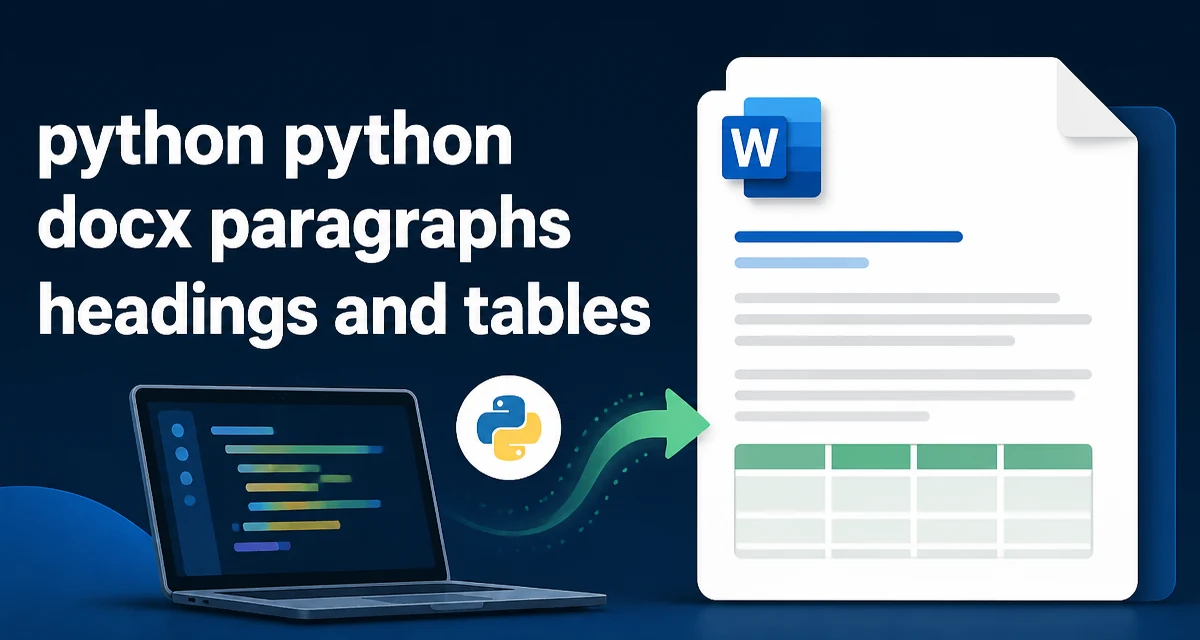
Working with Paragraphs, Headings, and Tables in python-docx
Use python-docx to add and style paragraphs, headings, and tables in Word documents. Includes practical code examples for cells, merging, and common pitfalls.
python-docx: Create, Read, and Edit Word Documents
Learn how to create, read, and edit Word documents programmatically with python-docx. Covers paragraphs, runs, styles, tables, images, headers, and footers.
Python ReportLab Multipage PDF and Custom Fonts
Generate multipage PDFs with custom fonts in Python ReportLab by registering TTF fonts, using Platypus flowables, controlling page breaks, and handling Unicode.
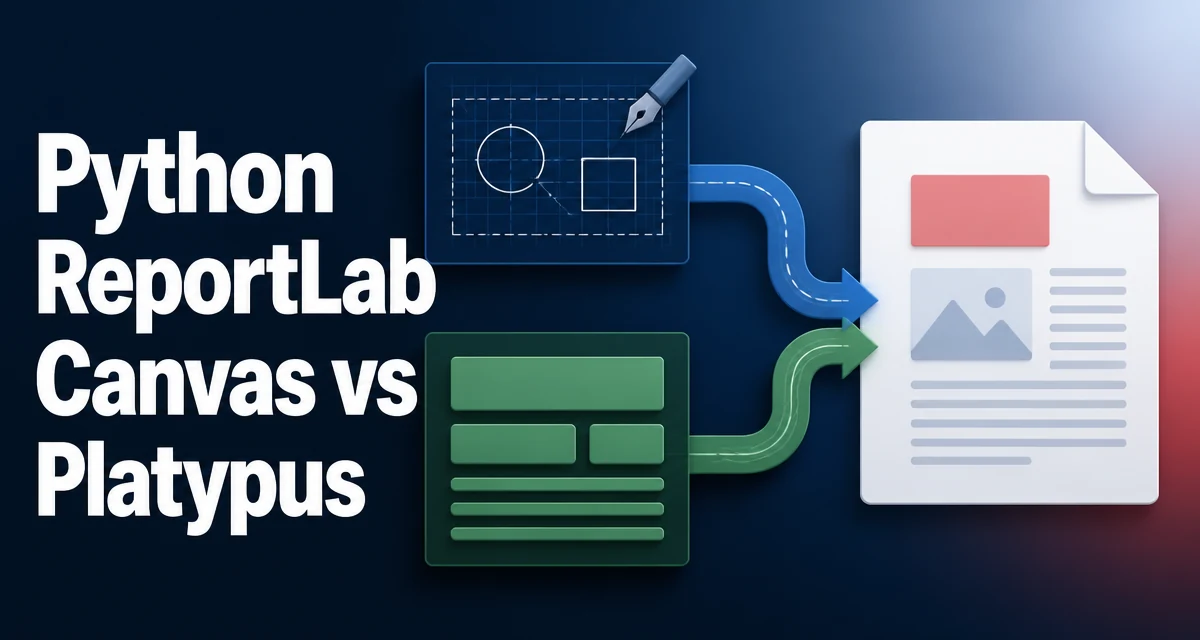
Python ReportLab Canvas vs Platypus
Compare ReportLab's Canvas and Platypus APIs for Python PDF generation: imperative drawing vs. automatic document flow, and how to choose the right approach for your project.
Python ReportLab: Create PDFs with Text, Tables, and Images
Learn how to generate PDFs with Python ReportLab: add text with Paragraph, build tables with Table and TableStyle, insert images, and control layout with flowables.
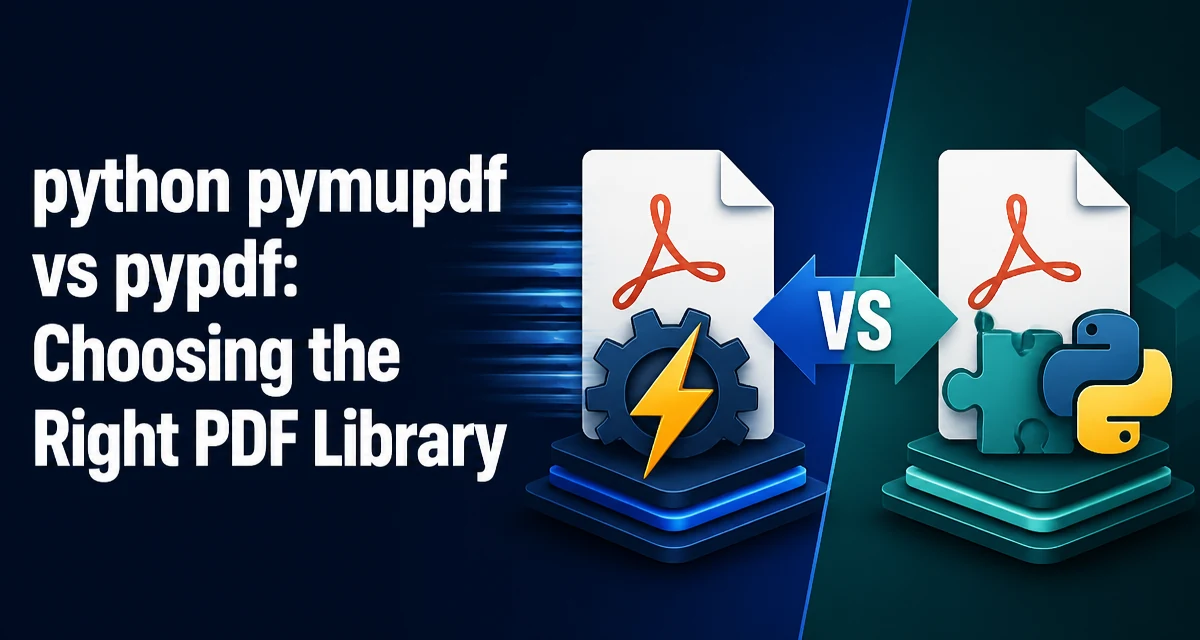
python pymupdf vs pypdf: Choosing the Right PDF Library
python pymupdf vs pypdf: A practical comparison of pymupdf and pypdf for Python developers, covering text extraction, page manipulation, rendering, and performance tra...
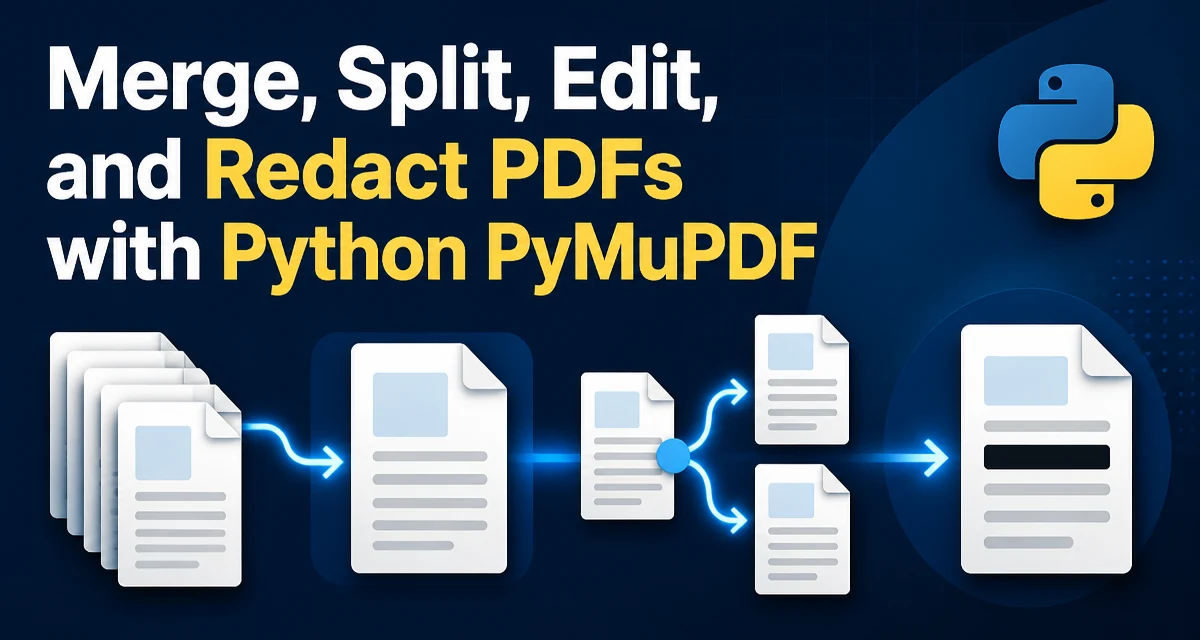
Merge, Split, Edit, and Redact PDFs with Python PyMuPDF
Learn to merge, split, edit, and redact PDFs with Python PyMuPDF. Practical code examples cover inserting pages, splitting ranges, adding text, and applying permanent redactions.
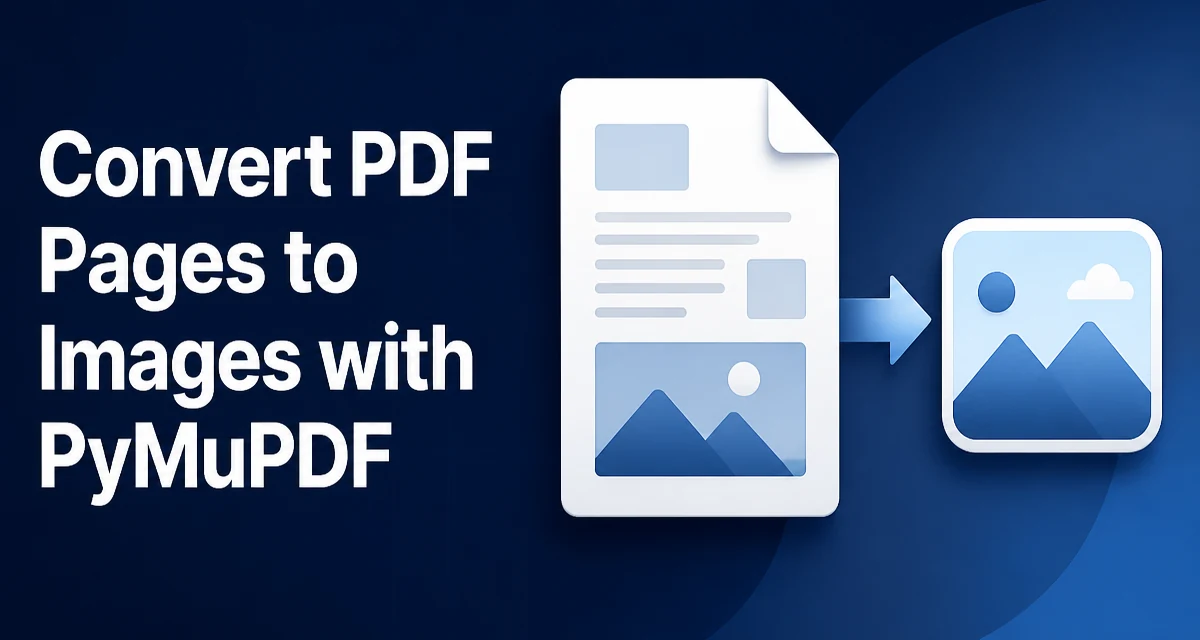
Convert PDF Pages to Images with PyMuPDF
Use PyMuPDF to render PDF pages as PNG or JPEG images in Python. Set DPI and zoom, choose formats, and manage memory during batch conversion.
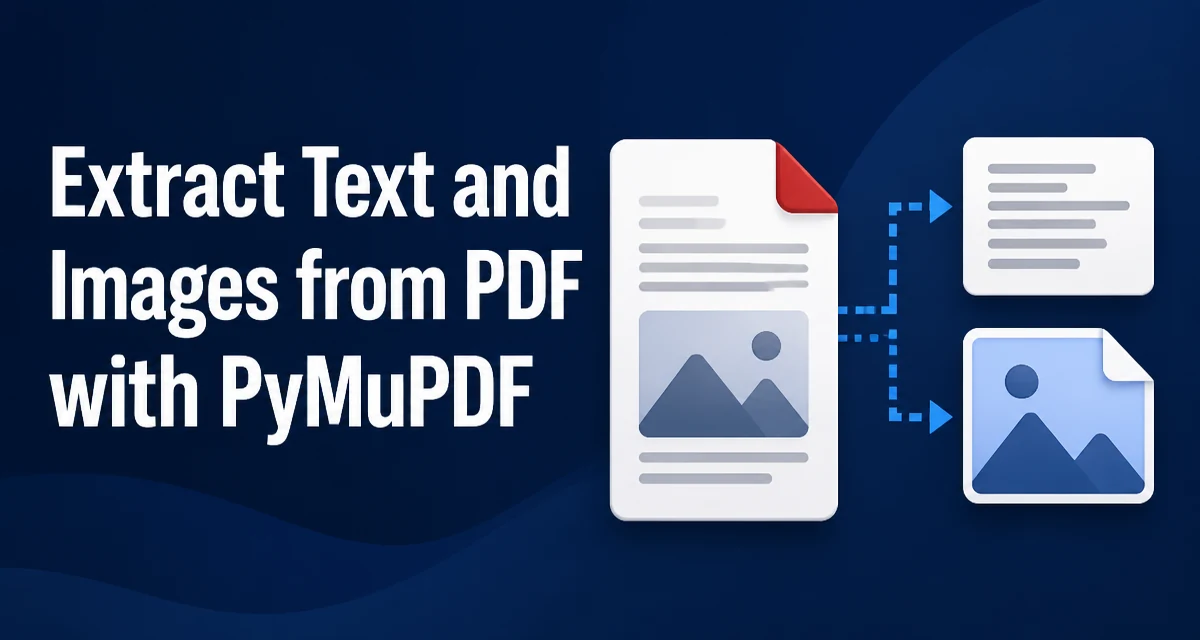
Extract Text and Images from PDF with PyMuPDF
Learn how to extract text and images from PDF files using PyMuPDF in Python. Includes code examples for text blocks, embedded images, and common edge cases.
Python pypdf Metadata and Watermarks
Read and write PDF metadata and add watermarks with Python pypdf. Includes code for page positioning, rotated pages, and error handling.