Browse by Topic
Popular
Popular Posts
Latest
Latest Posts
Python Selenium Headless Chrome: User Agent and Proxy
Configure Selenium headless Chrome with a custom user agent and proxy in Python. Learn how to set Chrome options, handle proxy authentication, and diagnose common failures.
Python Selenium Cookies for Login Session Automation
Save Selenium cookies after login, restore them in later runs, and handle expiry, domain restrictions, and re-authentication.
Python Selenium: Iframes, Tabs, Windows, and Alerts
Learn how to switch between iframes, browser tabs, and JavaScript alerts in Python Selenium. This guide includes practical code examples, common failure modes, and production tips.
Python Selenium Waits: Implicit, Explicit, and WebDriverWait
python selenium waits explicit implicit and webdriverwait: Understand Selenium waits in Python: how implicit and explicit waits work, when to use WebDriverWait, and ho...
Python Selenium: CSS Selector vs XPath for Finding Elements
python selenium css selector xpath find element: Learn how to find elements in Python Selenium using CSS selectors and XPath, with syntax, examples, and guidance on ch...
Python Selenium WebDriver Element Selection and Interaction
Practical guide to selecting and interacting with elements in Python Selenium WebDriver: find_element vs find_elements, By locators, interaction methods, waits, and handling dynamic DOMs.
Python lxml: XML Namespaces and Validation
Learn how lxml represents XML namespaces, how to query namespaced elements with XPath, and how to validate documents with XSD and DTD schemas.
Python lxml XPath Selectors and Attributes
Use lxml XPath selectors and attributes in Python to extract data from XML and HTML, with practical examples covering text, namespaces, and performance.
Python BeautifulSoup with requests Web Sc scraping
python beautifulsoup with requests web scraping: Learn to to scrape websites with Python by combining requests for HTTP and BeautifulSoup for HTML parsing, including s...
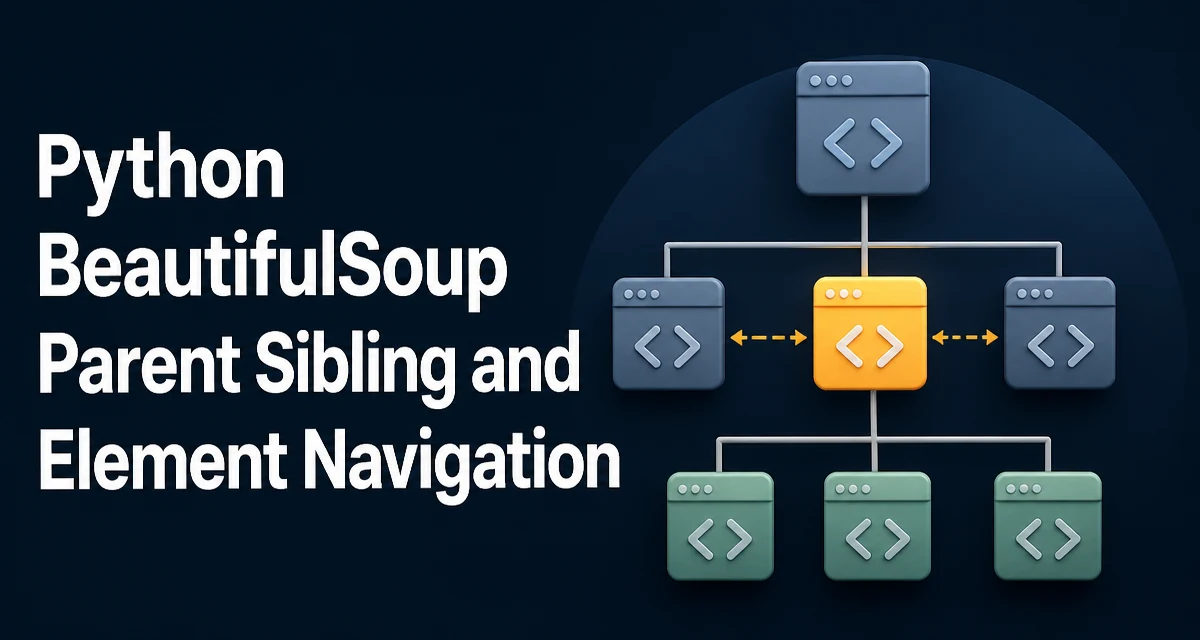
Python BeautifulSoup: Parent, Sibling, and Element Navigation
Learn how to move between parent, sibling, and other elements in a Python BeautifulSoup parse tree, with practical examples and common pitfalls.