Docker Compose: bind: address already in use and Port Conflicts
A published port is a host socket, and two projects cannot own it. How to find the real owner, why an override file merged instead of replacing, and how to publish dynamically.
Introduction & Quick Summary
Symptom. docker compose up stops with Error starting userland proxy: listen tcp4 0.0.0.0:8080: bind: address already in use, or the daemon reports driver failed programming external connectivity on endpoint api-1 (9f2c...): Bind for 0.0.0.0:8080 failed: port is already allocated. One service starts, the rest of the stack never comes up, and docker compose ps shows the same containers from an earlier run still holding the port.
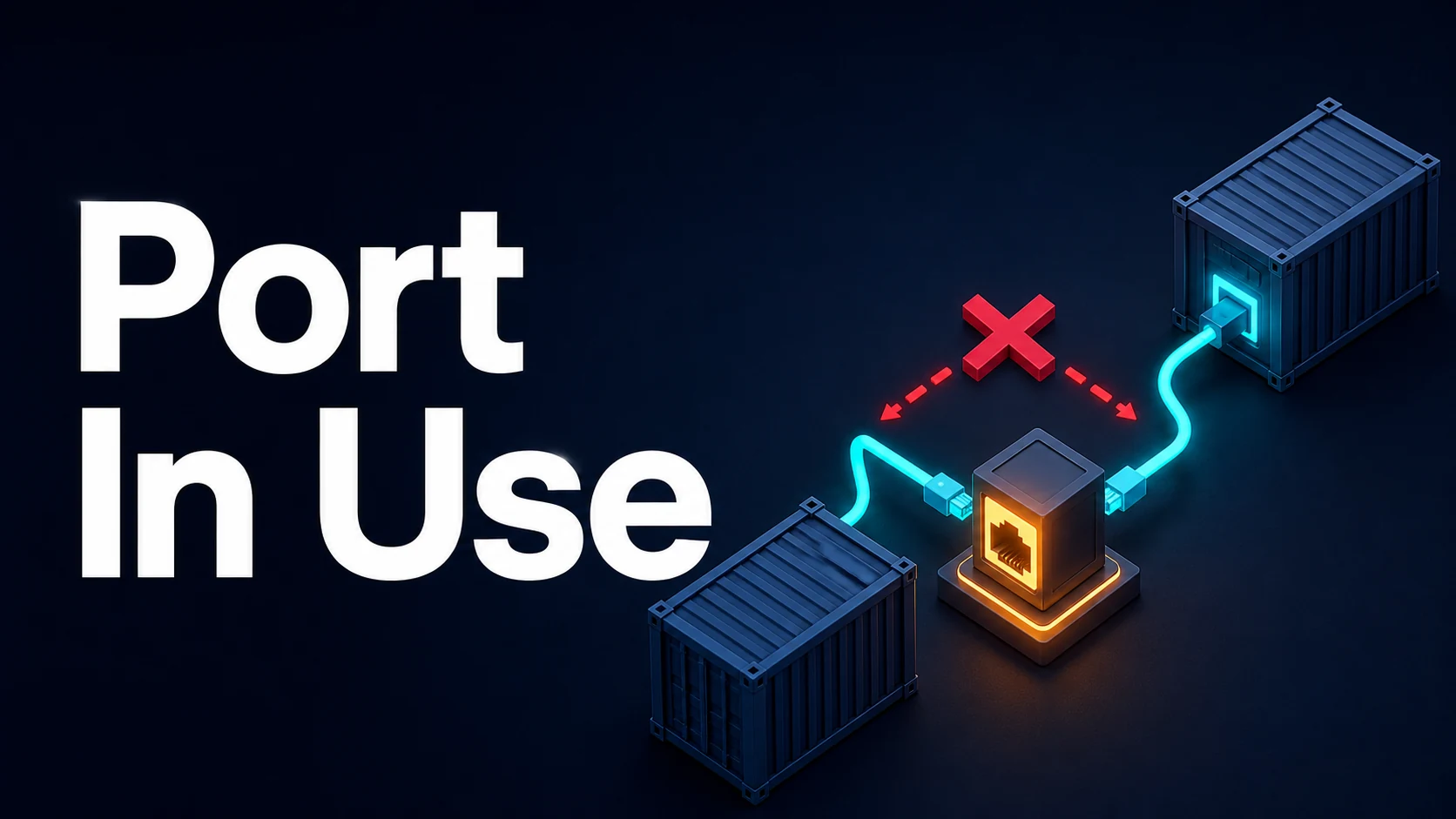
Cause. Publishing a port with the short syntax "8080:80" asks Docker to bind 0.0.0.0:8080 and [::]:8080 on the host before the container starts. Two different owners compete for that single host port: a process running outside Docker, or another container — including a container from a different Compose project, a stopped-but-not-removed container, or a stale docker-proxy left by a crashed dockerd. Compose project names isolate networks and volumes, never host ports.
Fix. Find the current owner before changing anything. ss -tlnp (or lsof -i :8080) names the host process; docker ps --filter publish=8080 names the container. Then pick one: stop the owner, remove the orphaned container with docker compose down --remove-orphans, or move the host side of the mapping ("18080:80") — the container port stays 80, only the left number changes.
Core Mechanics, Signatures & Reproducible Setup
The short syntax has three parts, and only the first is a host port:
services:
  api:
    image: myorg/api:1.4.2
    ports:
      - "8080:80"        # HOST:CONTAINER
      - "127.0.0.1:5433:5432"   # loopback only, no [::] bind
      - "9000:9000/udp"  # protocol matters: udp and tcp are separate sockets
    expose:
      - "80"             # documentation only: no host bind at all
Every published port creates a host listener, and on a dual-stack kernel a bare 0.0.0.0 mapping also binds [::]. A process bound only to 127.0.0.1:8080 will not conflict with a container binding [::]:8080, which is why the error can appear to come from nowhere while curl localhost:8080 still works.
A reproducible two-project collision, which is the most common real-world version of this error:
# Terminal 1: a stack that owns 8080
docker compose -f stack-a.yaml up -d      # api publishes "8080:80"

# Terminal 2: a second checkout of the same repo, different project name
docker compose -p review up -d            # COMPOSE_PROJECT_NAME isolates volumes only
# => Bind for 0.0.0.0:8080 failed: port is already allocated
The diagnostic sequence that answers "who owns it" in one pass:
ss -tlnp 'sport = :8080'                  # host process and PID
docker ps --filter publish=8080 --format 'table {{.Names}}\t{{.Ports}}\t{{.Status}}'
docker inspect --format '{{.Name}} {{json .NetworkSettings.Ports}}' $(docker ps -q) | grep 8080
docker compose ls                          # which projects are running here at all
ss shows a docker-proxy process for each published port on Linux, so a container port looks like a host process too. Cross-check with the container list before killing anything.
Key Comparison Table
The four errors that follow a port problem look similar and have different fixes.
| Message | Meaning | First check | Fix |
|---|---|---|---|
bind: address already in use | Host socket taken before the container starts | ss -tlnp on the host port | Stop owner or change host port |
port is already allocated | Docker's own port allocator sees the port booked | docker ps --filter publish=PORT | Remove the other container |
driver failed programming external connectivity | iptables/proxy setup failed after a partial start | docker inspect the endpoint | Remove the half-created container, recreate |
connect: connection refused (from another container) | Service listens on 127.0.0.1 inside its container | app bind address, not the mapping | Bind 0.0.0.0 inside the container |
The Compose syntax choices that cause it:
| Syntax | Host bind | Conflict surface | Use when |
|---|---|---|---|
"8080:80" | 0.0.0.0 and [::] | Any host process, any project | Default for a stack you own |
"127.0.0.1:8080:80" | Loopback only | Only local users of the port | Local dev, no LAN exposure |
"8080" (single value) | Random free host port | None | Tests that discover ports |
expose: ["80"] | None | None | Service-to-service only |
network_mode: host | Docker publishes nothing | Everything the app binds | Linux-only perf-sensitive cases |
Practical Edge Cases, Error Fixes & Deep Dive Code Examples
1. The stopped container that still holds the port
docker compose stop keeps the container and its network; only down removes it. A stopped container does not hold a listening socket, but a container that is restarting in a loop does, intermittently:
docker compose ps -a                 # Restarting / Exited states matter
docker compose down --remove-orphans # removes containers from deleted services
docker compose up -d --force-recreate
--remove-orphans is the flag people forget after renaming a service in compose.yaml: the old container keeps its port and Compose no longer knows it belongs to the project.
2. Two ports merged from multiple Compose files
ports is a sequence, and Compose appends sequences across files rather than replacing them. An override file that "moves" a port therefore publishes both:
# compose.yaml
services:
  web:
    ports: ["8080:8080"]

# compose.override.yaml — both ports end up published
services:
  web:
    ports: ["9090:8080"]
Compose 2.24 and later add the !reset and !override tags. !override replaces the whole list; !reset removes it so a later file can start clean:
services:
  web:
    ports: !override
      - "9090:8080"
Without the tag, the fix is to remove the port from the base file with a profile-specific compose file, not to add a second mapping.
3. A host service that legitimately needs the port
Postgres on the host and Postgres in Compose both default to 5432. Rather than stopping the host database, publish the container on a different host port and keep the container port intact:
services:
  db:
    image: postgres:17
    ports:
      - "127.0.0.1:5433:5432"   # psql -h 127.0.0.1 -p 5433
Application containers on the same Compose network keep using db:5432; only host-side tools need the new number. This is also the safest default: loopback-only means the database is not reachable from the LAN.
4. network_mode: host collisions
A container with network_mode: host binds directly on the host namespace, so ports: is ignored and the app must choose a free port itself. Combined with a Compose-published port for the same service, the second start fails with the same message and a confusing hint about host mode:
services:
  metrics:
    network_mode: host
    environment:
      LISTEN_ADDR: "127.0.0.1:9100"   # must be free on the host
Host networking is supported on Linux; on Docker Desktop for macOS and Windows it is emulated or unsupported, so a stack that works there will not behave the same in CI on Linux.
5. Reading the real owner from inside a namespace
On Linux the published port is owned by docker-proxy in the host namespace, and the container's own listener is in a network namespace that ss on the host cannot see. When a port seems free but Docker refuses it, check for a socket in TIME_WAIT or a lingering proxy:
ss -tan state time-wait 'sport = :8080' | head
sudo systemctl restart docker        # clears orphaned proxies; stops all containers
Restarting the daemon is a blunt tool: it restarts every container on the host. Prefer removing the single container with docker rm -f when you know which one it is.
6. Dynamic ports for parallel test stacks
Fixed host ports are the reason two CI jobs on one runner collide. Let Docker choose, then read the port back:
services:
  api:
    image: myorg/api:test
    ports:
- "8080" # container port only; host port is randomdocker compose up -d --wait
PORT=$(docker compose port api 8080 | cut -d: -f2)
curl -fsS "http://127.0.0.1:${PORT}/healthz"--wait blocks until healthchecks pass, which removes the second classic failure of this workflow: a test that starts before the app is listening and reports a connection error that has nothing to do with ports.
Common Compilation/Runtime Mistakes & Version Gotchas
- Assuming a Compose project owns its host ports. Project names isolate networks, volumes and container names only. Two projects, one port range: the second
upfails. - Editing the wrong side of the mapping.
"18080:80"changes the host port; changing the right-hand number breaks the container's own listener and producesconnection refusedinstead of a bind error. docker compose restartafter changingports:. Restart keeps the existing container and its port bindings. Onlyup -d(which recreates on config change) applies a new mapping.- Compose v1 vs v2 semantics.
docker-compose1.29 and thedocker composeplugin differ in merge rules for sequences and in--remove-orphansdefaults; scripts that assume v1 behaviour fail silently in v2. - Publishing the same container port twice.
"8080:80"and"8080:81"fail immediately;"8080:80"plus"8081:80"is fine and is the usual way to serve the same container on two host ports. - Firewall and rootless Docker. Rootless mode binds ports above 1024 only, so
"80:80"fails withpermission deniedrather than an address conflict — a different error for the same class of problem. - Orphans after a
git checkout. Switching branches rewrites service names incompose.yaml; old containers survive and hold ports.docker compose down --remove-orphansbelongs in every branch-switch script.
Related tools. When two Compose files disagree, paste both into the text diff tool to see every ports: entry that will be merged; when the app's startup fails because it cannot parse its own configuration, run the mapped environment JSON through the JSON formatter to confirm the values Docker actually injected before you blame the port mapping.
Try matching browser tools
All toolsSmall utilities that fit Docker work — they run entirely in this browser tab, so nothing you paste leaves your device.
Related Docker guides
All Docker guidesAlpine musl vs Debian slim: DNS Timeouts and Native Builds
musl rejects manylinux wheels and linux-x64-gnu prebuilds, so the installer starts compiling without a toolchain. And ndots:5 in Kubernetes adds five seconds per lookup.
Docker Compose Connection Refused: localhost vs Service DNS
localhost inside a container is that container. Compose resolves service names on a shared network, depends_on does not wait for readiness, and binding loopback breaks the rest.
Docker BuildKit failed to solve: Exit Codes, Build Context, and Network
BuildKit puts every failure under one prefix. The exit code after did not complete successfully is the whole diagnosis: 100 is apt, 127 is a missing binary, and cache key is a file outside the context.
Docker Inspect: Go Templates, Format Flags, and JSON Filtering
The fields worth knowing, the array-versus-object trap, and why <no value> silently passes your monitoring check instead of failing it.
More in Docker
All Docker guidesThe guides filed next to this one in Docker, in library order.