Docker Compose Profiles: Multi-Environment Configs and Overrides
Profiles select which services exist; override files change how they run. How the two fit together, and why ports concatenate instead of replacing.
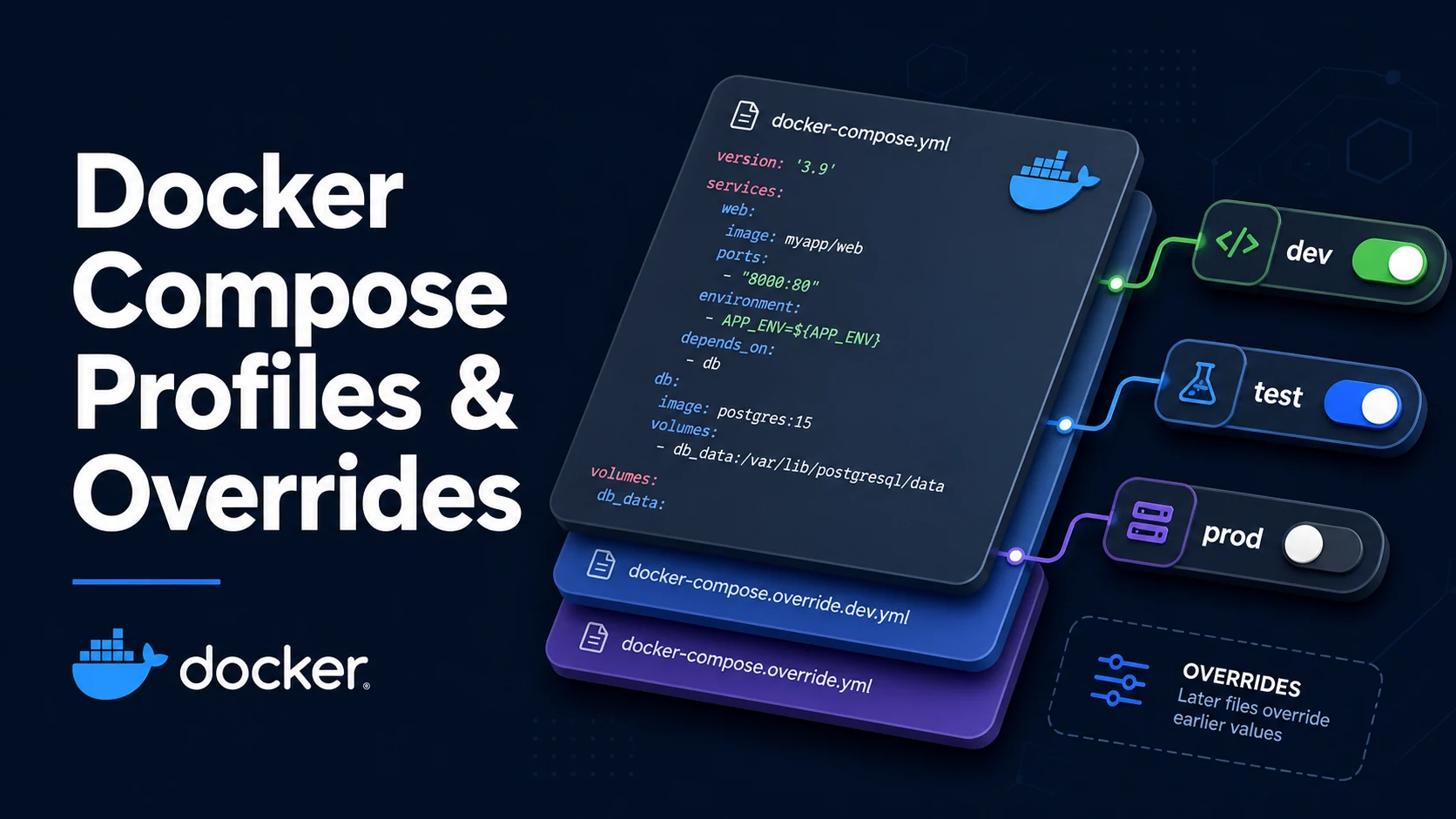
Quick Summary
Compose profiles and override files solve two different problems that people often mix up. A profile decides which services are part of the project right now — docker compose --profile debug up adds the debugger and the seed job, while a plain up starts only the always-on services. An override file decides what each included service looks like in this environment — compose.override.yaml for local development, compose.prod.yaml layered on top in production.
Services with no profiles key are always enabled. Services with one or more profile names are enabled only when at least one of those names is activated, either with --profile or the COMPOSE_PROFILES environment variable. With multiple -f files, Compose merges them in the order given: scalars later win, and the multi-value keys (ports, expose, dns, dns_search, tmpfs, external_links) are concatenated. That concatenation is the trap — a port list you meant to replace gets appended, and both ports are published.
Two rules keep this manageable. Keep profile membership in the base file, so a service's identity does not depend on which environment file was loaded. Keep environment differences in small overrides that change only what genuinely differs, rather than forking the whole YAML — a fork drifts, and the drift is discovered in production.
Basic syntax and query signatures
# compose.yaml
services:
  api:
    image: my/api:1.4
    restart: unless-stopped
    ports: ["8080:8080"]

  db:
    image: postgres:16
    volumes: ["pgdata:/var/lib/postgresql/data"]

  migrate:
    image: my/api:1.4
    command: ["/app/migrate"]
    depends_on: [db]
    profiles: ["tools"]          # only with --profile tools

  seed:
    image: my/api:1.4
    command: ["/app/seed"]
    depends_on: [db]
    profiles: ["tools", "dev"]   # enabled by either profile

  adminer:
    image: adminer:4
    ports: ["8081:8080"]
    profiles: ["debug"]

volumes:
pgdata:# Enable by flag, by environment, or everything at once
docker compose --profile tools up -d
COMPOSE_PROFILES=tools,debug docker compose up -d
docker compose --profile "*" config --services
# Which services does the current selection include?
docker compose --profile tools config --services
docker compose ps --allLayering files is ordered and explicit; the auto-loaded compose.override.yaml is appended last when no -f is given.
docker compose -f compose.yaml -f compose.prod.yaml up -d
docker compose -f compose.yaml -f compose.dev.yaml -f compose.local.yaml up -d
docker compose --env-file .env.prod -f compose.yaml -f compose.prod.yaml up -d
Since Compose 2.24, two YAML tags override the merge rules explicitly:
services:
  api:
    ports: !override             # replace the list instead of appending
      - "9090:8080"
    environment: !reset           # drop everything inherited
      LOG_LEVEL: debug
Key comparison table
| Mechanism | Question it answers | Scope | Effect on rebuild |
|---|---|---|---|
profiles | Should this service run? | Service membership | Nothing is built for disabled services |
compose.override.yaml | How does it run here? | Auto-loaded for local dev | up recreates changed services |
-f a.yaml -f b.yaml | How does it run here? | Explicit layering | Later files win on scalars |
--env-file | Which variable values? | Interpolation inputs | Recreates if values appear in config |
.env | Default interpolation | Project directory | Implicit, easy to miss |
deploy.restart_policy | Swarm-only restart | Orchestrator | Not handled by plain Compose |
| Merge behaviour | Keys | Result |
|---|---|---|
| Scalar override | image, command, restart, mem_limit | Later value replaces earlier |
| Sequence append | ports, expose, dns, dns_search, tmpfs, external_links | Union of both lists |
| Map merge | environment, labels, build.args | Merged key by key |
| Explicit replace | any list with !override | Earlier list dropped |
| Explicit reset | any key with !reset | Earlier value removed |
| Profile symptom | Cause | Command to check |
|---|---|---|
Service missing after up | Profile not activated | docker compose config --services |
service X depends on Y which is not enabled | Dependency lives under a profile | Enable the profile or move depends_on |
| Port already in use | Override appended instead of replaced | docker compose config and inspect ports |
| One-off job starts every time | Service has no profiles key | Add one |
Practical edge cases and deep dives
1. One-off tools belong under a profile
Migrations, seeders, and importers should not run on every up.
docker compose --profile tools run --rm migrateNote that run starts a new container for that service and, by default, starts its dependencies. If the database is already up and healthy, --no-deps avoids a surprise recreation:
docker compose --profile tools run --rm --no-deps migrateUse up when you want the service in the background as part of the stack, and run when you want a single execution whose exit code you can read.
2. depends_on across a profile boundary fails
services:
  api:
    depends_on: [migrate]
  migrate:
profiles: ["tools"]service "api" depends on service "migrate" which is not enabledCompose resolves the dependency graph before starting anything, so a profiled dependency must be enabled or the reference must be removed. The usual resolution is to keep depends_on limited to services that always start, and let one-off jobs declare their own dependencies.
3. Layer files by concern, not by environment
# compose.yaml — shape of the system, environments differ only in values
services:
  api:
    image: my/api:${TAG:-latest}
    environment:
DATABASE_URL: ${DATABASE_URL:?DATABASE_URL is required}# compose.prod.yaml — production-only additions
services:
api:
restart: always
deploy:
resources:
limits: { cpus: "1.5", memory: 1g }
logging:
driver: json-file
options: { max-size: "20m", max-file: "5" }# compose.dev.yaml — developer conveniences
services:
api:
build: .
command: ["npm", "run", "dev"]
volumes: ["./src:/app/src"]
ports: ["9229:9229"]A ports entry in the dev file will be added to any entry in the base file, not replace it. Either keep published ports out of the base file or use !override.
4. Compose interpolation fails fast with :?
environment:
  DATABASE_URL: ${DATABASE_URL:?must be set}
docker compose config then refuses to render without the variable, which turns a misconfigured production deploy into an immediate error rather than a container that connects to localhost. This is the cheapest guard against the failure mode where an override was forgotten and the service silently used defaults.
docker compose -f compose.yaml -f compose.prod.yaml config > /tmp/effective.yaml
grep -A3 DATABASE_URL /tmp/effective.yaml
docker compose -f compose.yaml -f compose.prod.yaml config --quiet && echo valid
Always read the effective config before diagnosing a "Compose ignored my file" report. It is the merged truth.
5. !reset and !override end the append surprises
# compose.local.yaml
services:
  api:
    ports: !override ["3000:8080"]
    environment: !reset {}
    environment:
      LOG_LEVEL: debug
The first environment: !reset {} drops the inherited map; the following key adds the single value. Without the tag, the base map's DATABASE_URL and everything else survives, which is normally what you want — but not when you are deliberately switching to a local SQLite file.
6. Profiles and docker compose down
docker compose down removes the services that are currently enabled. A service started earlier with --profile debug is not removed by a plain down, and the network removal fails while it is still attached.
docker compose --profile debug down        # include profiled services
docker compose --profile "*" down --remove-orphans
--remove-orphans also cleans containers from services that no longer exist in any file, which happens routinely after a rename.
7. Keep the profile list short and name it for the human
Profiles are cheap, but every extra name is another combination someone will have to remember. Three that age well: dev (hot reload, bind mounts), debug (Adminer, a shell sidecar, a profiler), and tools (migrations, seeders, one-off scripts). Environment differences do not belong in profiles — a service that exists only in production belongs in a separate override file, so the base file stays a truthful description of the system.
Common mistakes and runtime errors
| Error / symptom | Cause | Fix |
|---|---|---|
service "api" depends on service "migrate" which is not enabled | Profiled dependency | Enable the profile or drop depends_on |
| Service silently absent | Profile not active | --profile or COMPOSE_PROFILES |
| Two ports published after override | Sequences concatenate | !override or move ports to one file |
| Env var from override not applied | Base map merged over expectations | Check docker compose config |
required variable DATABASE_URL is missing | :? guard with no value | Provide it in --env-file or the shell |
| Override file ignored | Used -f and lost the implicit override | Pass every file explicitly |
down leaves containers behind | Profiled services not enabled | Add --profile or "*" |
| Recreated container lost data | Anonymous volume recreated | Named volume, or --renew-anon-volumes=false |
!override runs as a plain error | Compose older than 2.24 | Upgrade Compose |
Migrations run on every up | No profile on the one-off service | Add profiles: ["tools"] |
Try matching browser tools
All toolsSmall utilities that fit Docker work — they run entirely in this browser tab, so nothing you paste leaves your device.
Related Docker guides
All Docker guidesDocker Inspect: Go Templates, Format Flags, and JSON Filtering
The fields worth knowing, the array-versus-object trap, and why <no value> silently passes your monitoring check instead of failing it.
Docker Restart Policies: no, on-failure, always, and unless-stopped
What each policy really restarts, why on-failure ignores a clean exit, how backoff hides crash loops, and why health checks never trigger a restart.
Docker COPY vs ADD: Build Context, .dockerignore, and Cache Busting
ADD adds tar extraction and URLs nobody wants; COPY is the predictable choice. How the build context is packed, and how copy order decides rebuild time.
Docker Rootless Mode: Setup, Security Model, and Limitations
Running dockerd inside a user namespace removes the root daemon. What that buys, what it forbids, and the four prerequisites setup fails on.
More in Docker
All Docker guidesThe guides filed next to this one in Docker, in library order.