Docker Buildx: Building Multi-Architecture Images (AMD64 & ARM64) Explained
One tag, several architectures: the driver that supports it, QEMU versus cross-compilation, registry cache, and reading the manifest list.
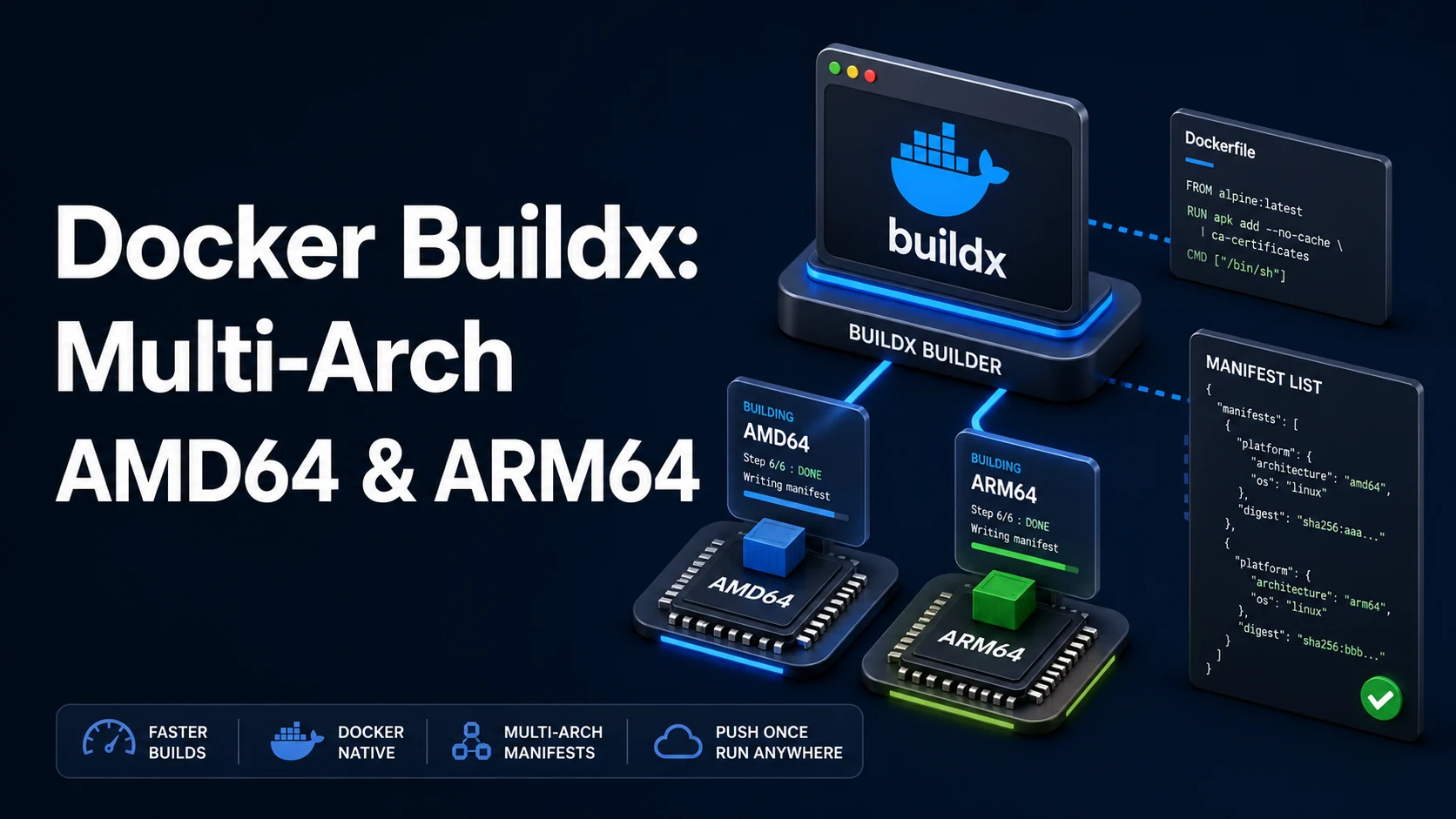
Quick Summary
docker buildx extends docker build with named builders, persistent caches, and multiple target platforms in one invocation. A multi-arch build produces one tag whose registry entry is a manifest list pointing at one image per architecture; docker pull on an Apple Silicon laptop fetches the arm64 image, the same tag on an amd64 server fetches amd64.
The mechanism is emulation or cross-compilation. With QEMU (binfmt_misc) the whole build runs as the foreign architecture, which is correct and slow. With cross-compilation (ARG TARGETARCH, GOARCH, or a compiler flag) only the output is foreign, which is fast and requires the toolchain to support it. Either way the builder needs the docker-container driver — the default docker driver cannot produce multi-platform output at all.
Basic syntax and query signatures
docker buildx create --name multiarch --driver docker-container --use
docker buildx inspect --bootstrap

docker buildx build \
  --platform linux/amd64,linux/arm64 \
  --tag registry.example.com/app/api:1.4.2 \
--push .# Load one platform into the local image store (single platform only)
docker buildx build --platform linux/arm64 --load -t app/api:dev .
# Inspect what a tag actually points at
docker buildx imagetools inspect registry.example.com/app/api:1.4.2Inside the Dockerfile, BuildKit injects platform arguments automatically:
FROM golang:1.23 AS build
ARG TARGETOS
ARG TARGETARCH
RUN CGO_ENABLED=0 GOOS=$TARGETOS GOARCH=$TARGETARCH go build -o /out/api ./cmd/api$BUILDPLATFORM is the builder's own architecture; $TARGETPLATFORM is the one being produced. Building on the build platform and producing for the target is what avoids QEMU for compiled languages.
Key comparison table
| Driver | Multi-platform | Cache export | Loads to docker images | Use |
|---|---|---|---|---|
docker (default) | No | No | Yes | Ordinary local builds |
docker-container | Yes | Yes | No (--load needed) | Multi-arch, CI |
remote | Yes | Yes | No | Build on another machine |
| Flag | Effect | Note |
|---|---|---|
--platform a,b | Build one image per platform | Requires --push or --output |
--push | Push images and the manifest list | The normal CI path |
--load | Load into the local store | Rejected with more than one platform |
--cache-to type=registry | Export build cache | mode=max includes intermediate stages |
--build-arg TARGETARCH | Cross-compile | Faster than emulation |
| Symptom | Cause |
|---|---|
Build works on your laptop, fails on the server with exec format error | Image built for the laptop's architecture only |
multiple platforms feature is currently not supported for docker driver | Default builder in use |
warning: No output specified with docker-container driver | Neither --push nor --load given |
Practical edge cases and deep dives
1. The default driver cannot do this
docker buildx build --platform linux/amd64,linux/arm64 -t app:1 .
# ERROR: multiple platforms feature is currently not supported for docker driver.
# Please switch to a different driver (e.g. use "docker buildx create --use")
The docker driver builds through the local daemon's image store, which holds one platform per tag. The docker-container driver starts a BuildKit container and can write a manifest list. Create it once per machine:
docker buildx create --name multiarch --driver docker-container --use
docker buildx inspect --bootstrap      # downloads the builder image, starts it
Note the consequence: images built with the container driver are not in docker images unless --load is passed, and --load refuses multi-platform output because the local store cannot represent a manifest list. CI pushes; developers load.
2. QEMU emulation, and how much it costs
docker run --privileged --rm tonistiigi/binfmt --install allWithout binfmt_misc handlers, running an arm64 binary on an amd64 host fails with exec format error. With them, the kernel hands foreign binaries to QEMU, and the whole build runs — correctly, and several times slower. A native two-minute build can take fifteen under emulation, and anything CPU-heavy (compiling C dependencies, npm ci with native modules) is where the time goes.
Two ways out. Cross-compile when the language supports it (Go, Rust, C with the right toolchain), or run the build natively on both architectures with a CI matrix and stitch the manifests afterwards:
docker buildx imagetools create -t registry.example.com/app/api:1.4.2 \
  registry.example.com/app/api:1.4.2-amd64 \
  registry.example.com/app/api:1.4.2-arm64
The stitching approach is the fastest for anything with a compiled dependency tree, and it keeps each architecture's cache warm on its own runner.
3. Platform-specific base images and CI cache
FROM node:22-alpine AS deps
WORKDIR /app
COPY package.json package-lock.json ./
RUN npm ci
FROM node:22-alpine AS runtime
WORKDIR /app
COPY /app/node_modules ./node_modules
COPY . .
CMD ["node", "server.js"]The --platform on FROM matters when native modules are involved: installing under $BUILDPLATFORM and then running on $TARGETPLATFORM breaks any package that compiled a .node binary. The safe rule is to pin the runtime stage to $TARGETPLATFORM and to install dependencies in a stage with the same platform as the runtime, unless every dependency is pure JavaScript.
Registry cache keeps rebuilds fast in CI, which otherwise starts from nothing:
docker buildx build \
  --platform linux/amd64,linux/arm64 \
  --cache-from type=registry,ref=registry.example.com/app/api:cache \
  --cache-to   type=registry,ref=registry.example.com/app/api:cache,mode=max \
  --push -t registry.example.com/app/api:1.4.2 .
mode=max caches intermediate stages (the dependency layers), not just the final image; mode=min caches only what the final image needs. With mode=max the cache ref grows, so give it its own tag and prune it periodically.
4. Reading the manifest
docker buildx imagetools inspect registry.example.com/app/api:1.4.2
# Manifest: application/vnd.oci.image.index.v1+json
#   Platform: linux/amd64  Digest: sha256:…
#   Platform: linux/arm64  Digest: sha256:…

docker pull --platform linux/arm64 registry.example.com/app/api:1.4.2
The tag points at an index, not an image, so anything that reads a single digest — a policy engine, a FROM with a pinned digest, a scanner — has to resolve the platform first. Pinning by digest on a multi-arch tag pins the index; pinning image@sha256:… from one platform's digest silently fixes the architecture, which is a common way a "pinned, reproducible" build ends up amd64-only.
5. Running the wrong architecture
docker run --rm --platform linux/amd64 registry.example.com/app/api:1.4.2 node -v
# on Apple Silicon: works via QEMU, ~5× slower, some native modules crash
--platform at run time is a diagnostic, not a fix. The real fix is publishing both architectures and letting the runtime pick. If an image only has amd64 and the target host is arm64, Kubernetes reports no match for platform in manifest, and Docker falls back to emulation only when the host has binfmt installed — which is true on Docker Desktop and usually false on a plain Linux server.
6. Attestations ride along with the manifest
docker buildx build --platform linux/amd64,linux/arm64 \
  --provenance=mode=max --sbom=true --push -t app/api:1.4.2 .
docker buildx imagetools inspect app/api:1.4.2 --format '{{json .Provenance}}'
Modern BuildKit attaches provenance and SBOM attestations as extra entries in the same index, so the tag now resolves to more than two manifests. Most registries accept them; a few older ones reject the index or silently drop the attestations, and some signature tooling treats the unexpected entries as a failure. If a downstream scanner or policy engine breaks after a buildx upgrade, --provenance=false is the switch that restores the plain two-platform index.
Common mistakes and runtime errors
| Error or symptom | Cause | Fix |
|---|---|---|
multiple platforms feature is currently not supported for docker driver | Default builder | docker buildx create --driver docker-container --use |
exec format error at run time | Wrong architecture image | Publish both platforms; check with imagetools inspect |
exec format error during build | No binfmt handlers | tonistiigi/binfmt --install all, or cross-compile |
No output specified with docker-container driver | No --push/--load/--output | Add --push (CI) or --load (single platform) |
--load fails with two platforms | Local store holds one platform per tag | Push instead, or split into two builds |
no match for platform in manifest on Kubernetes | Image lacks the node's architecture | Build and push both, or pin a node pool |
| Build takes 15× longer in CI | Full QEMU emulation | Cross-compile, or native runners per arch |
no space left on device during build | BuildKit cache and QEMU layers | docker buildx prune, smaller base images |
Native module crashes at runtime only on arm64 | Dependencies installed for the wrong platform | Install in a $TARGETPLATFORM stage |
| Cache never hits in CI | No --cache-from/--cache-to | Registry cache with mode=max |
The one-line summary: buildx is how one tag becomes two images; whether it is fast depends entirely on whether you cross-compile or emulate, and the --platform arguments in the Dockerfile are where that decision is made.
Try matching browser tools
All toolsSmall utilities that fit Docker work — they run entirely in this browser tab, so nothing you paste leaves your device.
Related Docker guides
All Docker guidesDocker Inspect: Go Templates, Format Flags, and JSON Filtering
The fields worth knowing, the array-versus-object trap, and why <no value> silently passes your monitoring check instead of failing it.
Docker Restart Policies: no, on-failure, always, and unless-stopped
What each policy really restarts, why on-failure ignores a clean exit, how backoff hides crash loops, and why health checks never trigger a restart.
Docker Compose Profiles: Multi-Environment Configs and Overrides
Profiles select which services exist; override files change how they run. How the two fit together, and why ports concatenate instead of replacing.
Docker COPY vs ADD: Build Context, .dockerignore, and Cache Busting
ADD adds tar extraction and URLs nobody wants; COPY is the predictable choice. How the build context is packed, and how copy order decides rebuild time.
More in Docker
All Docker guidesThe guides filed next to this one in Docker, in library order.