Docker Compose: docker-compose.yml Syntax, Services, Networks, and Volumes
depends_on starts containers but does not wait for readiness, .env configures the YAML rather than the container, and down -v deletes your data.
Quick Summary
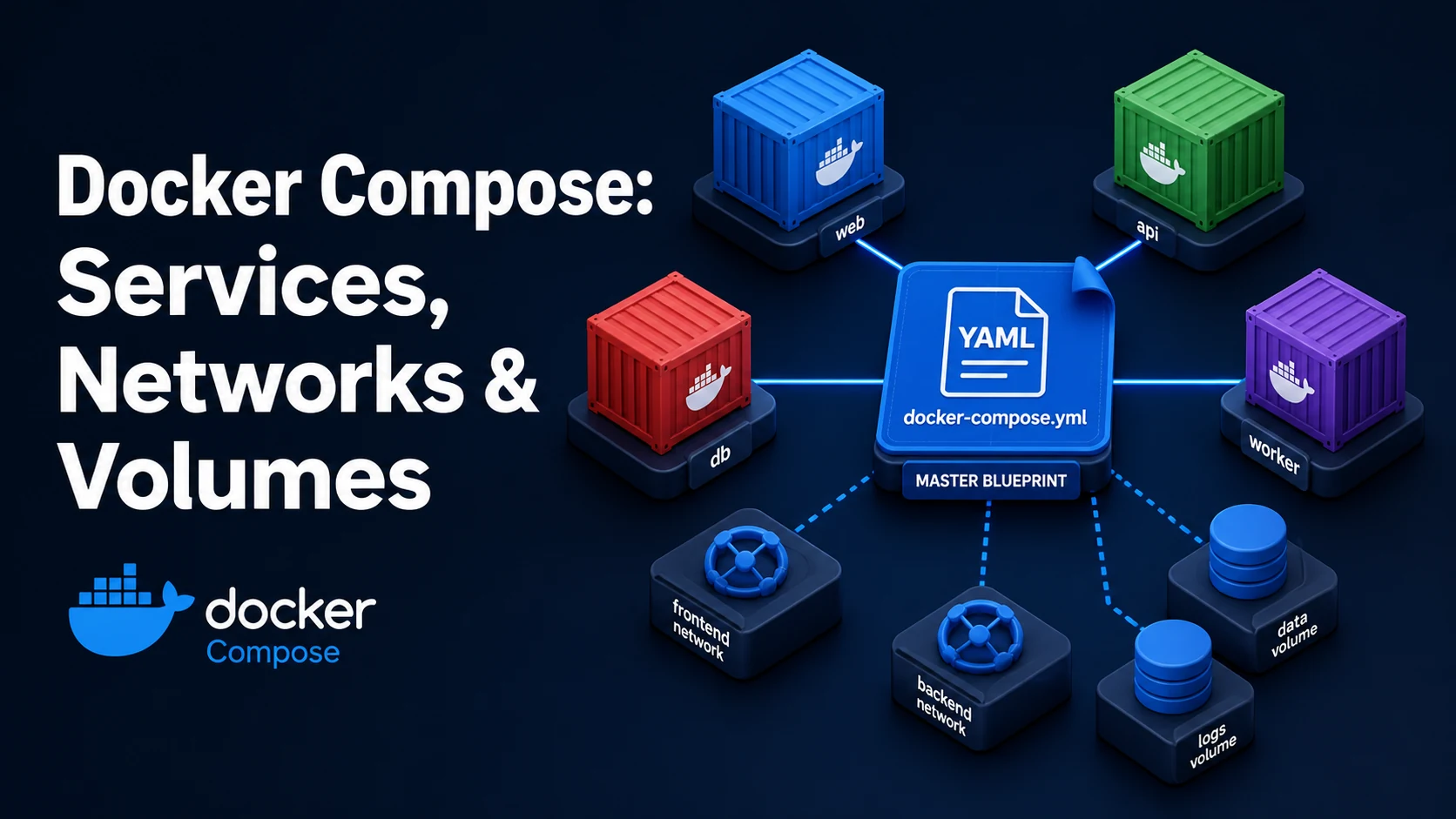
docker-compose.yml describes a set of services, the networks they share, and the volumes that outlive them. docker compose up builds or pulls the images, creates one container per service, and attaches them to a project-scoped network where each service is reachable by its name. One file replaces a dozen docker run flags, and the same file is what CI uses.
Three things behave differently from what people expect. depends_on controls start order, not readiness — a database that takes eight seconds to accept connections will still see its client fail. Compose interpolation (${VAR}) reads .env and the shell, while env_file puts variables inside the container, and the two are not interchangeable. And the top-level version: key is obsolete; keeping it produces a warning and no benefit.
Basic syntax and query signatures
services:
  api:
    build:
      context: .
      dockerfile: Dockerfile
      args:
        NODE_ENV: production
    image: registry.example.com/app/api:1.4.2
    restart: unless-stopped
    depends_on:
      db:
        condition: service_healthy
    environment:
      DATABASE_URL: postgres://app:pw@db:5432/app
      LOG_LEVEL: ${LOG_LEVEL:-info}
    env_file:
      - .env.api
    ports:
      - "127.0.0.1:8080:3000"
    networks: [backend]
    volumes:
      - uploads:/var/lib/app/uploads

  db:
    image: postgres:17-alpine
    environment:
      POSTGRES_PASSWORD: pw
      POSTGRES_DB: app
    healthcheck:
      test: ["CMD-SHELL", "pg_isready -U app -d app"]
      interval: 5s
      timeout: 3s
      retries: 10
    volumes:
      - pgdata:/var/lib/postgresql/data
    networks: [backend]

volumes:
  pgdata:
  uploads:

networks:
  backend:
    driver: bridge
Compose maps nearly one-to-one onto docker run flags: ports is -p, environment is -e, volumes is -v, networks is --network, build is the build context. Anything not covered belongs under deploy (Swarm semantics that Compose honours partially) or x- extension fields.
Key comparison table
| Concern | Compose key | Effect | Common mistake |
|---|---|---|---|
| Startup order | depends_on | Order only, no readiness | Assuming the DB is ready |
| Readiness | depends_on: condition: service_healthy | Waits for the healthcheck | No healthcheck defined → error |
| Hostname | service name | DNS alias inside the network | Using localhost to reach another service |
| Persistence | top-level volumes: + mount | Survives down, not down -v | Anonymous volume, data lost on recreate |
| Config | environment | Highest precedence for the container | Expecting env_file to win |
| Interpolation | ${VAR} from .env/shell | Substituted into the YAML text | Confusing it with env_file |
| Image | image: | Tag to pull/push | Relying on latest |
| Command | Container lifecycle | Volume lifecycle |
|---|---|---|
docker compose up -d | Creates/recreates changed services | Kept |
docker compose stop | Stopped | Kept |
docker compose down | Removed | Kept (named volumes) |
docker compose down -v | Removed | Deleted |
docker compose restart | Restarted | Kept |
Practical edge cases and deep dives
1. depends_on does not wait for readiness
services:
  api:
    depends_on:
      db:
        condition: service_healthy
  db:
    image: postgres:17-alpine
    healthcheck:
      test: ["CMD-SHELL", "pg_isready -U app -d app"]
      interval: 5s
      retries: 10
Plain depends_on: [db] only guarantees the container was created before the API starts. The Postgres entrypoint initialises the data directory on first boot, which takes seconds; the API then fails to connect and either crashes or backs off. The service_healthy condition makes Compose poll the healthcheck until it passes, which is the only reliable wait. Without a healthcheck, Compose raises dependency failed to start: container … is unhealthy or waits forever, depending on the version.
Application-level retry is still required. Compose starts services in order once; a database restart at 3 a.m. does not restart the API, and the API's connection pool must reconnect on its own.
2. .env is for the YAML, env_file is for the container
# .env (next to docker-compose.yml), used for ${...} interpolation
TAG=1.4.2
POSTGRES_PASSWORD=secretservices:
api:
image: app/api:${TAG}
env_file: [.env.api] # variables inside the container's environment
environment:
LOG_LEVEL: debug # overrides env_fileFour layers decide a container's environment, highest first: environment, env_file, the image's ENV, and the Dockerfile default. .env never reaches the container — it only feeds ${...} substitution in the YAML, which is why image: app/api:${TAG} works while a ${TAG} reference in the app's code does not.
Interpolation also happens before YAML parsing on the raw text, so a value containing : or # can break the file. Quote it: LOG_LEVEL: "${LEVEL}", and use ${VAR:-default} for optional values so a missing variable does not produce an empty string where you expected a default.
3. Reaching one service from another
services:
  api:
    environment:
      DATABASE_URL: postgres://app:pw@db:5432/app
db resolves because Compose creates a network named <project>_<network> and registers each service as an alias on it. localhost inside the api container is the api container itself — the single most common "connection refused" in a first Compose setup. The port in the URL is the container's internal port (5432), not the host-published one.
Publishing a port is a separate decision: ports: ["5432:5432"] exposes the database on the host, which is convenient locally and a security incident on a server. Bind to loopback (127.0.0.1:5432:5432) or drop the mapping and use docker compose exec db psql instead.
4. Named volumes, anonymous volumes, and down -v
services:
  db:
    volumes:
      - pgdata:/var/lib/postgresql/data      # named: survives down
      # - /var/lib/postgresql/data           # anonymous: recreated, data lost
volumes:
  pgdata:
An anonymous volume (a bare container path) is created fresh when the container is recreated, so a docker compose up after a config change silently starts from an empty database. The named volume with a top-level declaration is what makes the data outlive the container. The trade-off: docker compose down -v deletes named volumes too, and there is no confirmation prompt — it is a one-word difference from the command people run dozens of times a day.
5. Multiple files and per-environment overrides
# docker-compose.override.yml — applied automatically with docker-compose.yml
services:
  api:
    build: .
    volumes:
      - ./src:/app/src
    command: npm run dev
Compose merges docker-compose.yml with docker-compose.override.yml automatically, which is the conventional way to keep hot-reload settings out of the production file. Merging rules are list-append for most keys and replace for scalars; command and image are replaced, ports and volumes are concatenated. Explicit files (-f base.yml -f prod.yml) skip the automatic override and make the layering visible in CI, which is worth the extra flag.
Ports are merged by concatenation, so a base file publishing 8080:3000 and an override publishing 9090:3000 both end up attached — two mappings, no conflict, and a confusing docker compose ps output.
6. docker compose config is the source of truth
docker compose config --quiet # CI: fails on a missing required variableThe rendered configuration — interpolation resolved, overrides merged, defaults applied — is what Compose will act on, and it is the only honest answer to "why is this container using that image?". In CI, --quiet turns an unset ${TAG} into a failure instead of a blank string, which is the difference between a build that refuses to run and one that quietly publishes app/api:. Profiles (--profile) behave the same way: services behind a profile are absent from the default configuration, so a missing service in compose up is usually a profile that was never enabled.
Common mistakes and runtime errors
| Error or symptom | Cause | Fix |
|---|---|---|
service "api" depends on undefined service db | Typo in depends_on or the service is in another file | Match the service key exactly |
dependency failed to start: container … is unhealthy | service_healthy with a failing or missing healthcheck | Fix the healthcheck command and interval |
yaml: line 12: found character that cannot start any token | Tab indentation | Use spaces only |
Bind for 0.0.0.0:8080 failed: port is already allocated | Host port in use by another process or project | Change the host port, or stop the other container |
pull access denied for app/api | Private image without docker login, or wrong name | Log in; check the registry path |
The "TAG" variable is not set. Defaulting to a blank string. | Missing .env entry | Add it, or use ${TAG:-latest} |
| Container cannot reach a service by name | Wrong network, or localhost used | Use the service name, join the same network |
Data disappears after up | Anonymous volume | Declare a named volume |
Data disappears after down -v | -v deletes named volumes | Use down without -v |
no configuration file provided: not found | Wrong directory or missing -f | Run from the file's directory, or pass -f |
Every up recreates the container | Changing a build arg or a mounted path hash | Expected; use --no-deps on unchanged services |
The version: key deserves one line of its own: Compose v2 ignores it and warns that it is obsolete. Removing it from an old file is safe and stops the warning from hiding a real one.
Try matching browser tools
All toolsSmall utilities that fit Docker work — they run entirely in this browser tab, so nothing you paste leaves your device.
Related Docker guides
All Docker guidesDocker Inspect: Go Templates, Format Flags, and JSON Filtering
The fields worth knowing, the array-versus-object trap, and why <no value> silently passes your monitoring check instead of failing it.
Docker Restart Policies: no, on-failure, always, and unless-stopped
What each policy really restarts, why on-failure ignores a clean exit, how backoff hides crash loops, and why health checks never trigger a restart.
Docker Compose Profiles: Multi-Environment Configs and Overrides
Profiles select which services exist; override files change how they run. How the two fit together, and why ports concatenate instead of replacing.
Docker COPY vs ADD: Build Context, .dockerignore, and Cache Busting
ADD adds tar extraction and URLs nobody wants; COPY is the predictable choice. How the build context is packed, and how copy order decides rebuild time.
More in Docker
All Docker guidesThe guides filed next to this one in Docker, in library order.