Docker Inspect: Go Templates, Format Flags, and JSON Filtering
The fields worth knowing, the array-versus-object trap, and why <no value> silently passes your monitoring check instead of failing it.
Quick Summary
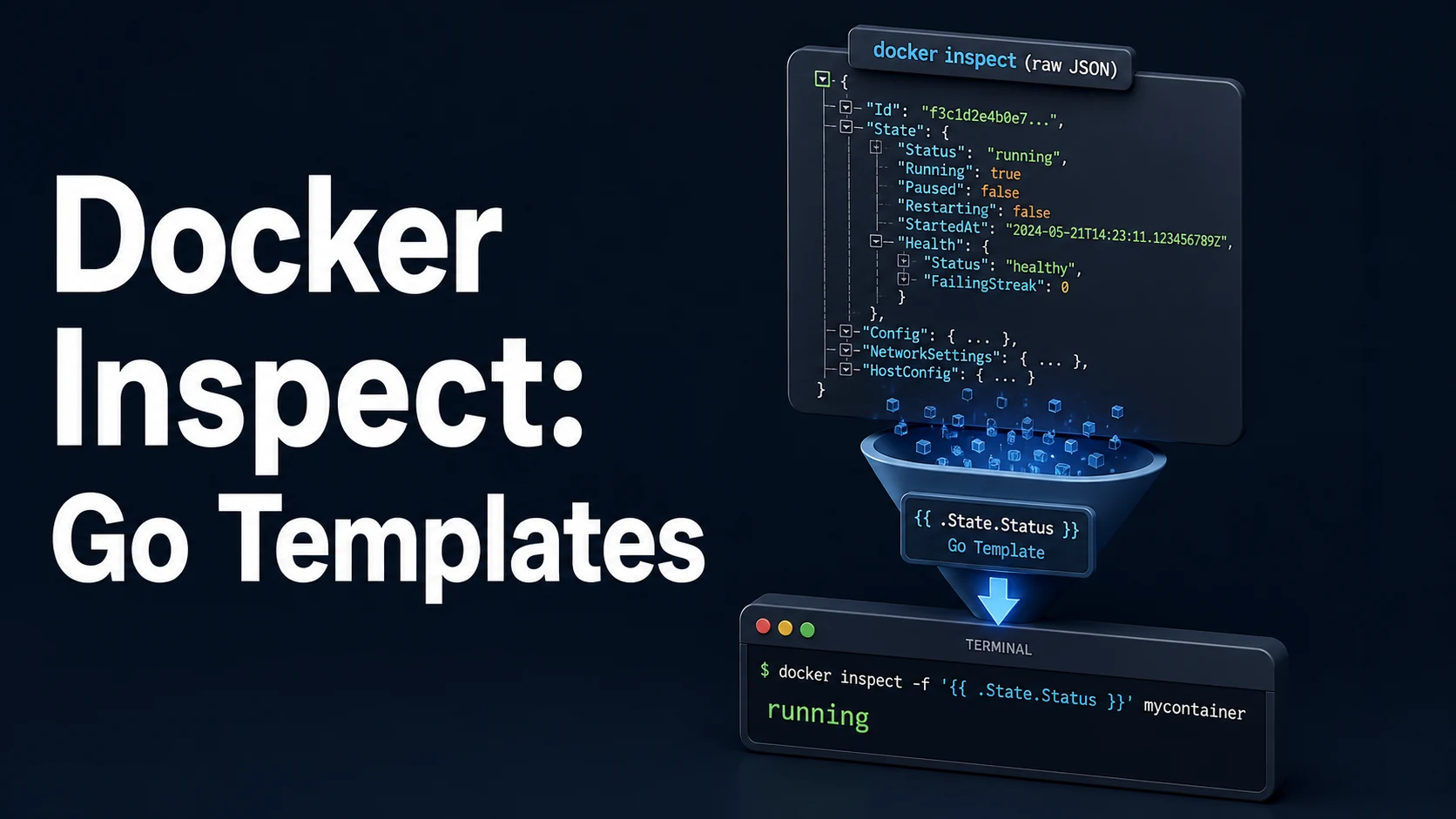
docker inspect returns the daemon's full JSON object for a container, image, network, or volume, and --format runs a Go text/template over that object so you can pull out one field instead of piping through jq. The template has access to the whole struct: .State.Status, .Config.Image, .NetworkSettings.Ports, .Mounts, .HostConfig.RestartPolicy.Name, .Config.Labels.
Two habits make it dependable. First, inspect returns an array when you name several objects, so a template that works on one container prints an error on two — use range or index deliberately. Second, a missing field renders as <no value> rather than an error, so .State.Health.Status on a container without a health check silently produces <no value> in your monitoring output instead of failing loudly.
The template functions Docker exposes are deliberately small: json, join, split, lower, upper, title, pad, truncate, println, plus Go's index, len, printf, if/else, eq/ne, range, and with. For anything more complex, --format '{{json .}}' and a real JSON tool is the honest approach.
Basic syntax and query signatures
# Single scalar fields
docker inspect -f '{{.State.Status}}' api
docker inspect -f '{{.State.ExitCode}}' api
docker inspect -f '{{.Config.Image}}' api
docker inspect -f '{{.RestartCount}}' api

# Nested fields
docker inspect -f '{{.HostConfig.RestartPolicy.Name}}' api
docker inspect -f '{{.State.Health.Status}}' api
docker inspect -f '{{index .Config.Labels "com.docker.compose.project"}}' api

# Whole sub-objects as JSON
docker inspect -f '{{json .NetworkSettings.Ports}}' api
docker inspect -f '{{json .Mounts}}' api

# Tab-aligned output; the leading "table" switches on the tabwriter
docker inspect -f 'table {{.Name}}\t{{.State.Status}}\t{{.RestartCount}}' api db worker

# Loops over slices
docker inspect -f '{{range .Mounts}}{{.Type}} {{.Source}} -> {{.Destination}}{{"\n"}}{{end}}' api
docker inspect -f '{{range $k, $v := .NetworkSettings.Networks}}{{$k}}={{$v.IPAddress}} {{end}}' api

# Conditionals
docker inspect -f '{{if eq .State.Status "running"}}UP{{else}}DOWN{{end}}' api
docker inspect -f '{{if .State.Health}}health={{.State.Health.Status}}{{else}}no-healthcheck{{end}}' api

# Several containers in one call, addressed by index
docker inspect -f '{{(index . 0).Name}}' api
The built-in json and string helpers compose into short pipelines:
docker inspect -f '{{join .Config.Env "\n"}}' api | sort
docker inspect -f '{{range .Config.Env}}{{println .}}{{end}}' api | grep -E '^(PATH|HOME)='
docker inspect -f '{{lower .Config.Labels.com_docker_compose_service}}' api
docker inspect -f '{{json .Config}}' api | jq -r '.Env[] | select(startswith("DATABASE_URL="))'
Key comparison table
| Goal | Template | Note |
|---|---|---|
| Status | {{.State.Status}} | created, running, exited, restarting |
| Exit code | {{.State.ExitCode}} | Meaningful after exit |
| Restart count | {{.RestartCount}} | Integer, increments per restart |
| Image reference | {{.Config.Image}} | Tag as requested, not digest |
| Image digest | {{index .RepoDigests 0}} | Slice, may be empty locally |
| IP address | {{range .NetworkSettings.Networks}}{{.IPAddress}}{{end}} | Empty for host/none networks |
| Published ports | {{json .NetworkSettings.Ports}} | Map keyed by container port |
| Container IP | {{.NetworkSettings.IPAddress}} | Empty with user-defined networks |
| Log driver | {{.HostConfig.LogConfig.Type}} | json-file, journald, ... |
| Health | {{.State.Health.Status}} | <no value> without a health check |
| Labels | {{index .Config.Labels "key"}} | Map access needs index |
| Expression | Behaviour |
|---|---|
{{.Field}} | Direct field; error if the type has no such field |
{{index .Map "k"}} | Map or slice access; empty string for a missing key |
{{range .Slice}}...{{end}} | Iterates slices and maps |
{{with .Ptr}}...{{end}} | Skips the block when the pointer is nil |
{{if .Slice}} | Falsy for nil, empty slice, zero, empty string |
{{json .X}} | Compact JSON of any value |
{{printf "%d" .RestartCount}} | Explicit formatting for numbers |
Practical edge cases and deep dives
1. <no value> is not an error
docker inspect -f '{{.State.Health.Status}}' api
# <no value>          <- no HEALTHCHECK in the image
A monitoring script that compares the output to healthy sees <no value>, treats it as unhealthy, and pages someone. Guard with if:
docker inspect -f '{{if .State.Health}}{{.State.Health.Status}}{{else}}none{{end}}' apiThe same applies to .NetworkSettings.IPAddress, which is empty for containers on user-defined networks — the address lives under .NetworkSettings.Networks.<name>.IPAddress.
2. One object versus an array
docker inspect -f '{{.State.Status}}' api db
# template: :1:8: executing "" at <.State.Status>: can't evaluate field State in type []interface {}
inspect with multiple names returns a JSON array. Either loop or format each object:
docker inspect -f '{{range .}}{{.Name}} {{.State.Status}}{{"\n"}}{{end}}' api dbFiltering with docker ps first is usually cleaner, because ps already speaks in rows:
docker ps -q --filter label=com.docker.compose.project=shop \
  | xargs -r docker inspect -f '{{.Name}} {{.RestartCount}}'
3. Extracting a single environment variable
Config.Env is an array of KEY=value strings, not a map, so index does not help directly.
# Readable one-liner with grep on the array dump
docker inspect -f '{{range .Config.Env}}{{println .}}{{end}}' api | sed -n 's/^DATABASE_URL=//p'

# Or let jq handle the JSON
docker inspect -f '{{json .Config.Env}}' api | jq -r '.[] | select(startswith("DATABASE_URL=")) | sub("^[^=]*="; "")'
Never echo a full Config.Env into CI logs; it routinely contains tokens that were set at docker run time.
4. Published ports, and why NetworkSettings.IPAddress is empty
docker inspect -f '{{range $p, $conf := .NetworkSettings.Ports}}{{$p}} -> {{(index $conf 0).HostPort}}{{"\n"}}{{end}}' api.NetworkSettings.Ports is a map from container port/protocol to a slice of host bindings, which is why the inner index $conf 0 is needed. With the default bridge network, .NetworkSettings.IPAddress is populated; with any user-defined network (including every Compose project) it is empty and the address must be read per network.
5. Labels are the stable join key
# Everything belonging to one Compose service
docker ps -q --filter label=com.docker.compose.service=api \
  | xargs -r docker inspect -f '{{range .Config.Labels}}{{println .}}{{end}}'
Compose labels (com.docker.compose.project, com.docker.compose.service, com.docker.compose.container-number) survive recreation, so they are better identifiers than container names, which change with scale and recreation.
6. Filtering inside the template is possible but shallow
docker inspect -f '{{range .Mounts}}{{if eq .Type "volume"}}{{.Name}}{{end}}{{end}}' apiThe template language has no regex, no sorting, and no array filtering beyond if. When the query needs more than one condition, emit JSON and filter outside:
docker inspect -f '{{json .Mounts}}' api | jq -r '.[] | select(.Type=="bind" and (.RW|not)) | "\(.Source) ro"'This is not a workaround for a limitation in Docker so much as the right division of labour: inspect serialises, jq queries.
7. Non-obvious fields worth knowing
docker inspect -f '{{.State.StartedAt}} {{.State.FinishedAt}}' api     # RFC 3339 timestamps
docker inspect -f '{{.State.OOMKilled}}' api                           # true on memory kill
docker inspect -f '{{.HostConfig.Memory}} {{.HostConfig.NanoCpus}}' api
docker inspect -f '{{.GraphDriver.Name}}' api                          # storage driver per container
docker inspect -f '{{.LogPath}}' api                                   # json-file location
docker inspect --type image -f '{{.Config.ExposedPorts}}' nginx:alpine
OOMKilled distinguishes "the app crashed" from "the kernel killed it", and LogPath explains why logs are absent when a remote logging driver is configured.
Common mistakes and runtime errors
| Error / symptom | Cause | Fix |
|---|---|---|
cant evaluate field State in type []interface {} | Multiple objects, single-object template | range or one name at a time |
<no value> in monitoring output | Field absent (no health check, no IP) | Guard with if/with |
index of untyped nil | Accessing a map entry of a nil pointer | Wrap in with first |
Empty .NetworkSettings.IPAddress | User-defined network | Read .Networks.<name>.IPAddress |
{{.Config.Env.DATABASE_URL}} errors | Env is a slice, not a map | range + sed, or json + jq |
| Quoting breaks in PowerShell | Nested double quotes | Escape or use --format with single quotes in bash |
Header missing with table | Tabwriter needs \t separators | Use \t between columns |
Template works for ps, not inspect | ps objects are flat rows | Use the inspect struct fields |
| Secrets leaked into CI logs | Dumping .Config.Env wholesale | Select one key |
| Timestamps unreadable | RFC 3339 with nanoseconds | date -d or jq fromdateiso8601 |
| Restart loop not visible | Looking only at Status | Check RestartCount and StartedAt |
Try matching browser tools
All toolsSmall utilities that fit Docker work — they run entirely in this browser tab, so nothing you paste leaves your device.
Related Docker guides
All Docker guidesDocker Restart Policies: no, on-failure, always, and unless-stopped
What each policy really restarts, why on-failure ignores a clean exit, how backoff hides crash loops, and why health checks never trigger a restart.
Docker Compose Profiles: Multi-Environment Configs and Overrides
Profiles select which services exist; override files change how they run. How the two fit together, and why ports concatenate instead of replacing.
Docker COPY vs ADD: Build Context, .dockerignore, and Cache Busting
ADD adds tar extraction and URLs nobody wants; COPY is the predictable choice. How the build context is packed, and how copy order decides rebuild time.
Docker Rootless Mode: Setup, Security Model, and Limitations
Running dockerd inside a user namespace removes the root daemon. What that buys, what it forbids, and the four prerequisites setup fails on.
More in Docker
All Docker guidesThe guides filed next to this one in Docker, in library order.