Docker Init and Zombie Processes: Using --init and Tini for Signal Handling
PID 1 ignores SIGTERM without a handler, so docker stop waits ten seconds and kills with exit 137. --init, tini -g, and clearing defunct children.
Quick Summary
The first process in a container is PID 1, and the Linux kernel treats PID 1 differently from every other process. Signals whose default action is to terminate are ignored for PID 1 unless the program installs a handler, and PID 1 is responsible for reaping orphaned children. Most applications do neither: a Node or Python server started as PID 1 has no SIGTERM handler, so it never sees the signal, docker stop waits out its ten-second grace period, and the runtime sends SIGKILL — exit code 137.
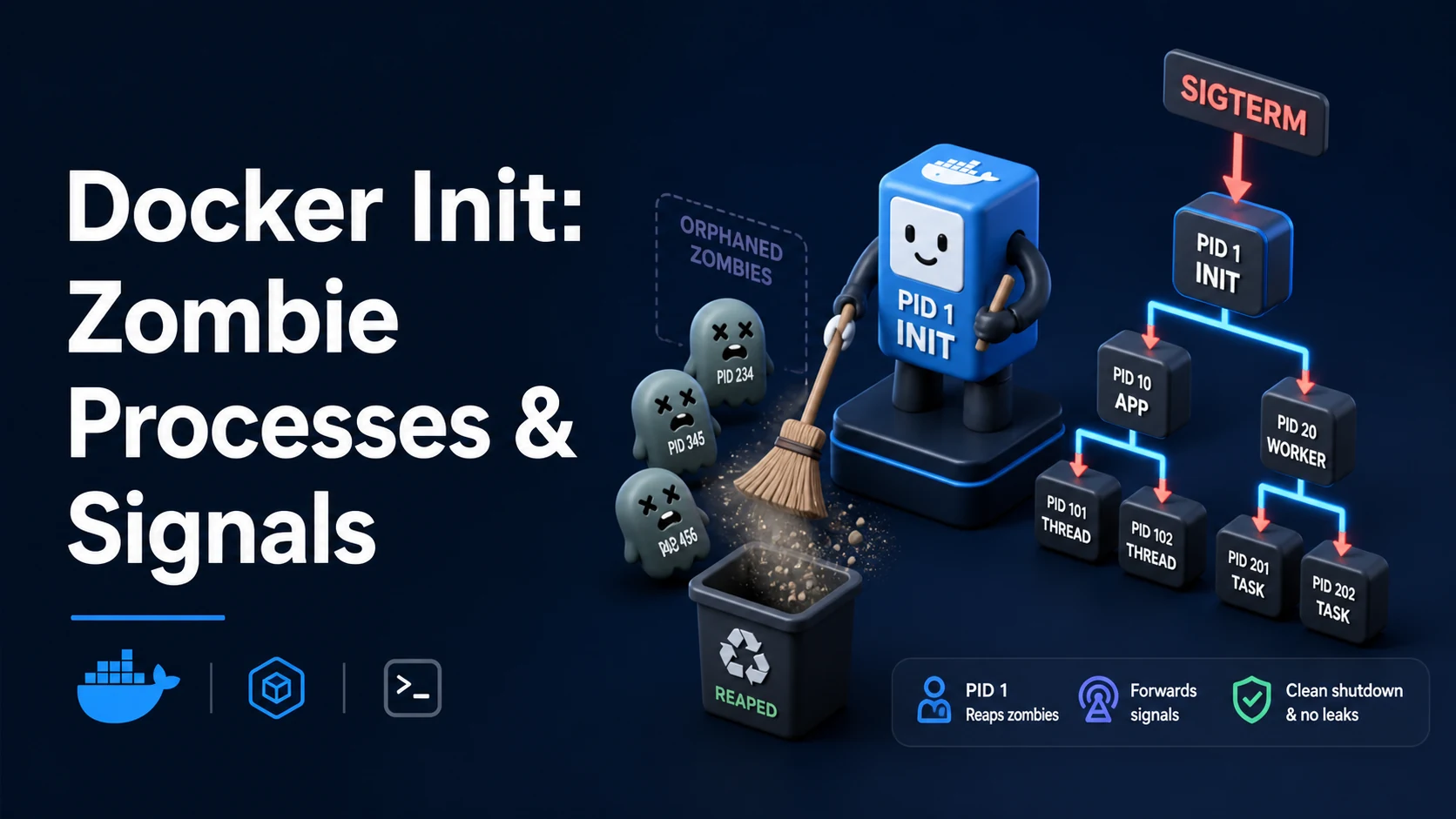
Two problems, one fix. docker run --init (or init: true in Compose) puts a tiny init process, docker-init — a build of Tini — in front of your command as PID 1. It forwards signals to the child, reaps orphans that would otherwise become zombies, and exits with the child's status. The same binary can be baked into the image with ENTRYPOINT ["/sbin/tini", "--", "node", "server.js"] for orchestrators that start the image without an init wrapper.
The second half of the problem is form. CMD node server.js in shell form makes /bin/sh PID 1, and the shell does not forward SIGTERM to its child, so --init fixes nothing. Exec form, or exec inside the shell form, is what makes signal handling work at all.
Basic syntax and query signatures
docker run -d --name api --init example/api:1.4.2
docker run -d --name api --init --stop-timeout 30 example/api:1.4.2
docker stop -t 30 api# compose.yaml
services:
api:
image: example/api:1.4.2
init: true
stop_grace_period: 30s
stop_signal: SIGTERM
pids_limit: 256# Tini baked into the image: works under Kubernetes and any runtime
FROM node:22-bookworm-slim
RUN apt-get update && apt-get install -y --no-install-recommends tini \
&& rm -rf /var/lib/apt/lists/*
WORKDIR /app
COPY . .
USER 10001:10001
ENTRYPOINT ["/usr/bin/tini", "--", "node", "server.js"]# exec form: the process is PID 1 directly, no shell in between
ENTRYPOINT ["node", "server.js"]
# shell form: /bin/sh is PID 1 and owns the signal, so it must exec
CMD ["sh", "-c", "exec node server.js"]# what is actually PID 1, and are there zombies?
docker exec api ps -o pid,ppid,stat,comm
docker top api
docker run --rm --init alpine sh -c 'echo pid=$$; exec sleep 1'Key comparison table
| No init | --init / init: true | Tini in the image | dumb-init | s6 / supervisord | |
|---|---|---|---|---|---|
| PID 1 | Your command | docker-init (Tini) | Tini | dumb-init | Supervisor |
| Forwards signals | Only if the app does | Yes | Yes | Yes | Yes, configurable |
| Reaps zombies | Only if the app does | Yes | Yes | Yes | Yes |
| Restarts crashed children | No | No | No | No | Yes |
| Runs several processes | No | No | No | No | Yes |
| Exits with the child's code | Yes | Yes (-e for signals) | Configurable | Yes | Supervisor's policy |
| Extra binary in the image | No | No, injected by the runtime | Yes | Yes | Yes |
| Exit code | Meaning | Usual cause |
|---|---|---|
| 0 | Clean exit | Process returned 0 |
| 1 | Application error | Unhandled exception, bad config |
| 125 | Docker itself failed | Invalid docker run arguments |
| 126 | Command not executable | Permissions on the binary |
| 127 | Command not found | Typo in the entrypoint, missing shell |
| 137 | 128 + 9 (SIGKILL) | docker stop timed out, or the OOM killer |
| 143 | 128 + 15 (SIGTERM) | Graceful shutdown after handling SIGTERM |
Practical edge cases and deep dives
1. Shell form hides the signal from the app
CMD node server.js # shell form -> PID 1 is /bin/sh -c "node server.js"With docker stop, the runtime sends SIGTERM to PID 1 — here, sh. Debian's sh (dash) does not forward signals to a child while it waits; it dies and leaves the node process orphaned until the namespace is torn down. The container runs for the full ten-second grace period and then exits 137, and any database connection the app held is dropped without a graceful close. --init does not help, because sh is still the one receiving the signal.
CMD ["node", "server.js"]              # exec form: node is PID 1
CMD ["sh", "-c", "exec node server.js"] # shell form, but sh replaces itself
The exec keyword is the whole trick: the shell replaces its own process image with the command, so the command becomes PID 1 and receives signals directly.
2. PID 1 ignores SIGTERM unless it handles it
Even with exec form, a process with no SIGTERM handler ignores it when it is PID 1 — the kernel's default action does not apply. A plain Python http.server, a Node server with only a process.on('exit') hook, and many CLI wrappers fall into this. The result is identical to the shell-form case: ten seconds, then SIGKILL, exit 137.
Two independent fixes, and doing both is normal. Handle the signal in the app:
process.on('SIGTERM', async () => {
  server.close(async () => { await db.end(); process.exit(0); });
});import signal, sys
def shutdown(signum, frame):
server.shutdown(); db.close(); sys.exit(0)
signal.signal(signal.SIGTERM, shutdown)And run under an init that forwards the signal, which covers the case where the app's handler is slow but present. With --init, docker stop sends SIGTERM to Tini, Tini forwards it to the child, and the app's handler runs.
3. Zombies accumulate and hit the PID limit
A child that exits stays in the process table as a zombie until its parent calls wait(). In a container, any process that forks — a shell script, a build tool, a worker manager — leaves zombies behind if PID 1 does not reap them. They consume no memory but they consume PIDs, and the PID namespace has a limit:
fork: Resource temporarily unavailable
docker exec api ps -o pid,ppid,stat,comm
#   PID  PPID STAT COMMAND
#     1     0 Ss   node
#    47     1 Z    [sh] <defunct>
#    52     1 Z    [curl] <defunct>
--init fixes this in one flag: Tini is PID 1 and calls wait() for anything that gets reparented to it. If you cannot use an init, set pids_limit so a runaway fork loop kills its own container instead of the host, and fix the app to reap its children.
4. What docker stop actually does
docker stop sends STOPSIGNAL (default SIGTERM) to PID 1, waits --time seconds (default 10), then sends SIGKILL. Three settings matter:
STOPSIGNAL SIGQUIT # nginx shuts down gracefully on SIGQUITstop_grace_period: 45s # Compose, equivalent to docker stop -t 45A Java service with a 30-second in-flight request needs a grace period longer than 30 seconds, or it is killed mid-request every deploy. A SIGKILL produces exit 137, which monitoring reads as a crash — so a badly tuned grace period turns every normal deploy into an alert.
5. Tini's flags, and the one that matters for CI
tini -g sends the signal to the child's process group rather than only to the child, which matters when the app spawns workers that also need to shut down. tini -e makes Tini exit with the child's status even when the child was killed by a signal — without it, a child killed by SIGTERM can be reported as exit 0, and a pipeline that checks exit codes cannot distinguish a graceful stop from a crash.
ENTRYPOINT ["/usr/bin/tini", "-g", "--", "node", "server.js"]docker-init is Tini compiled with -s (subreaper) and no -e by default, which is why docker run --init containers sometimes report 0 on SIGTERM. If exit codes matter, bake Tini with the flags you want instead of relying on --init.
6. Kubernetes and other orchestrators
Kubernetes sends SIGTERM to PID 1 and waits terminationGracePeriodSeconds. It does not inject an init process, so the image must provide one — ENTRYPOINT ["/sbin/tini","--", ...] — or the app must handle signals and reap. shareProcessNamespace: true is not a substitute: it makes processes visible across containers, it does not reap anything.
ECS and Cloud Run behave the same way: SIGTERM to PID 1, then SIGKILL after a timeout. A container that exits 137 on every deploy under one orchestrator and exits 0 under another is usually the init/signal difference, not the platform.
Common mistakes and runtime errors
| Error or symptom | Cause | Fix |
|---|---|---|
Every docker stop takes 10 s and exits 137 | PID 1 ignores SIGTERM, or the shell swallowed it | Exec form, a handler, and --init |
| Exit 137 on a normal deploy | Grace period shorter than shutdown | Raise stop_grace_period / -t |
| Exit 0 after a kill, hiding a crash | Tini without -e reports the signal death as 0 | Run Tini with -e |
[sh] <defunct> in docker top | Children exit and PID 1 never reaps | --init, or reap in the app |
fork: Resource temporarily unavailable | Zombies or a fork loop exhausted the PID limit | pids_limit, init, fix the loop |
exec: "docker-init": executable file not found in $PATH | Runtime cannot find the init binary | Use Tini in the image instead |
| Signal handler never runs | Shell form put sh at PID 1 | exec form |
| Workers keep running after stop | Signal sent to the child only | tini -g, or handle the group in the app |
| Shutdown twice, connections closed twice | Both the shell trap and the app handler act | One owner of the shutdown path |
SIGTERM works locally, not in the container | Locally the process is not PID 1 | Reproduce with docker run --init |
The rule to keep: a container needs exactly one process that handles signals and reaps, and everything else hangs off it. --init gives you that process for free; the part it cannot give you is application logic that closes connections before it exits, which is why SIGTERM handling belongs in the code even when the init is in place.
Try matching browser tools
All toolsSmall utilities that fit Docker work — they run entirely in this browser tab, so nothing you paste leaves your device.
Related Docker guides
All Docker guidesDocker Inspect: Go Templates, Format Flags, and JSON Filtering
The fields worth knowing, the array-versus-object trap, and why <no value> silently passes your monitoring check instead of failing it.
Docker Restart Policies: no, on-failure, always, and unless-stopped
What each policy really restarts, why on-failure ignores a clean exit, how backoff hides crash loops, and why health checks never trigger a restart.
Docker Compose Profiles: Multi-Environment Configs and Overrides
Profiles select which services exist; override files change how they run. How the two fit together, and why ports concatenate instead of replacing.
Docker COPY vs ADD: Build Context, .dockerignore, and Cache Busting
ADD adds tar extraction and URLs nobody wants; COPY is the predictable choice. How the build context is packed, and how copy order decides rebuild time.
More in Docker
All Docker guidesThe guides filed next to this one in Docker, in library order.