Browse by Topic
Popular
Popular Posts
Latest
Latest Posts
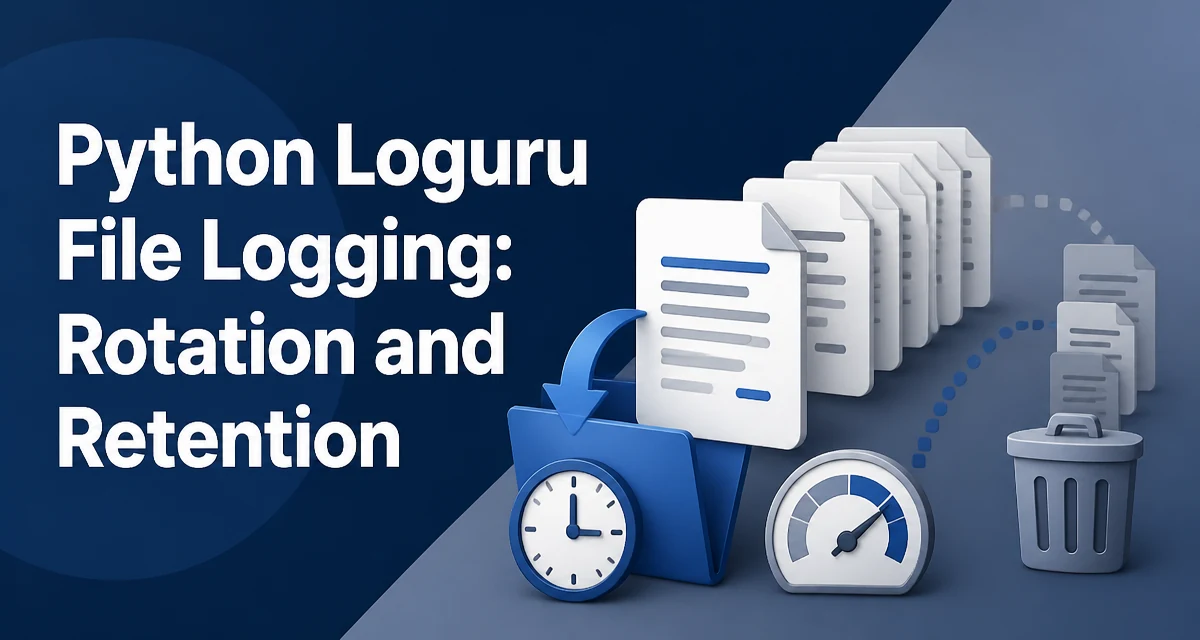
Python Loguru File Logging: Rotation and Retention
Configure Loguru file logging with rotation and retention: size and time rotation options, retention policies, compression, and common production pitfalls.
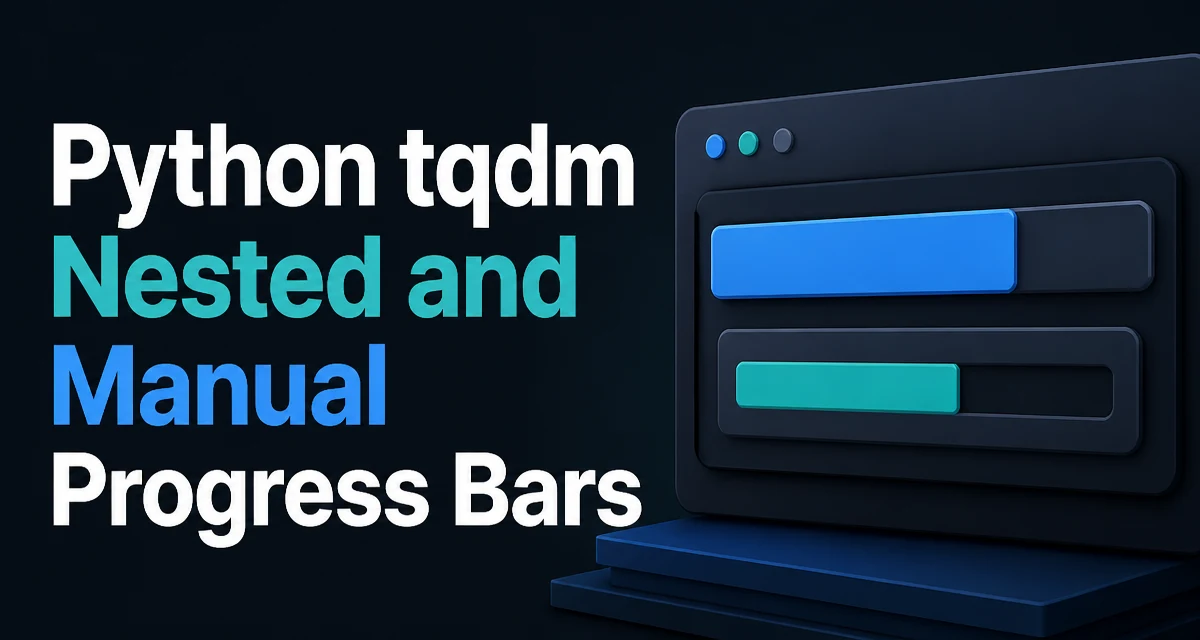
Python tqdm Nested and Manual Progress Bars
python tqdm nested and manual progress bars: Learn to build nested progress bars and manual update loops with tqdm, including position control, refresh throttling, and...
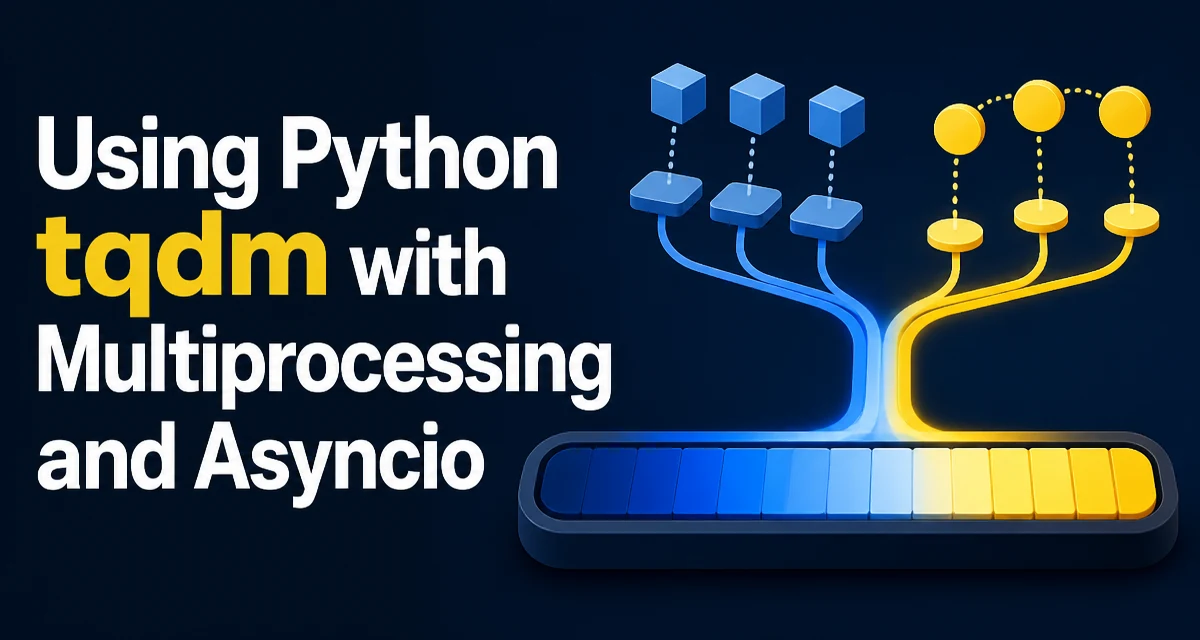
Using Python tqdm with Multiprocessing and Asyncio
Integrate tqdm progress bars with multiprocessing and asyncio in Python. Learn practical patterns for multiprocessing.Pool, asyncio.gather, and progress bar overhead control.
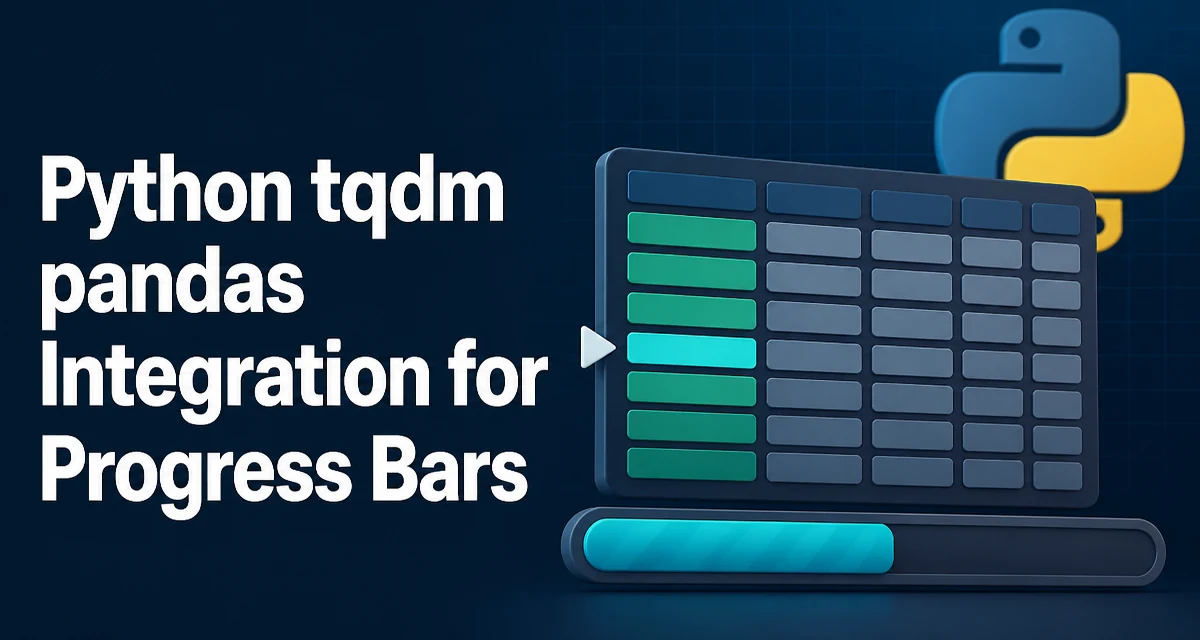
Python tqdm pandas Integration for Progress Bars
Integrate tqdm with pandas to add progress bars to apply, map, and manual iteration. Covers setup, usage, overhead, limitations, and parallel processing.
Python tqdm Progress Bars with Loops and Enumerate
Learn how to add progress bars to Python loops using tqdm, including integration with enumerate, customization options, performance trade-offs, and common pitfalls.
Python Click vs Typer: Choosing the Right CLI Library
Compare Click and Typer for building Python command-line interfaces. Understand syntax, type hints, validation, and when to choose each.
Python Click Environment Variables: Options and Defaults
Learn how to configure Click CLI options from environment variables, including defaults, automatic prefix mapping, precedence, and testing.
Python Click Groups, Subcommands, and Prompts
Learn how to structure Python Click CLIs with groups, subcommands, and interactive prompts, including shared context, validation, and testing.
Python Click CLI: Commands, Arguments, and Options
python click cli commands arguments and options: Learn how to build Python CLIs with Click: declare commands, add positional arguments and options, organize subcommand...
Python Typer vs Click: Choosing a CLI Framework
Compare how Click and Typer define commands, validate input, and handle multi-command apps to choose the right Python CLI framework.