All syntax guides
Short, practical guides on programming syntax, language fundamentals, and the tools developers reach for every day.
3,965 guides across 14 topics
Topics
Popular guides
Most read


Latest guides
Page 16 of 397
Git worktree: Multiple Checked-Out Branches in One Repository
A linked worktree has its own HEAD, index, and files while sharing objects and refs. One branch per worktree, prune for deleted directories, and submodules that stay empty.
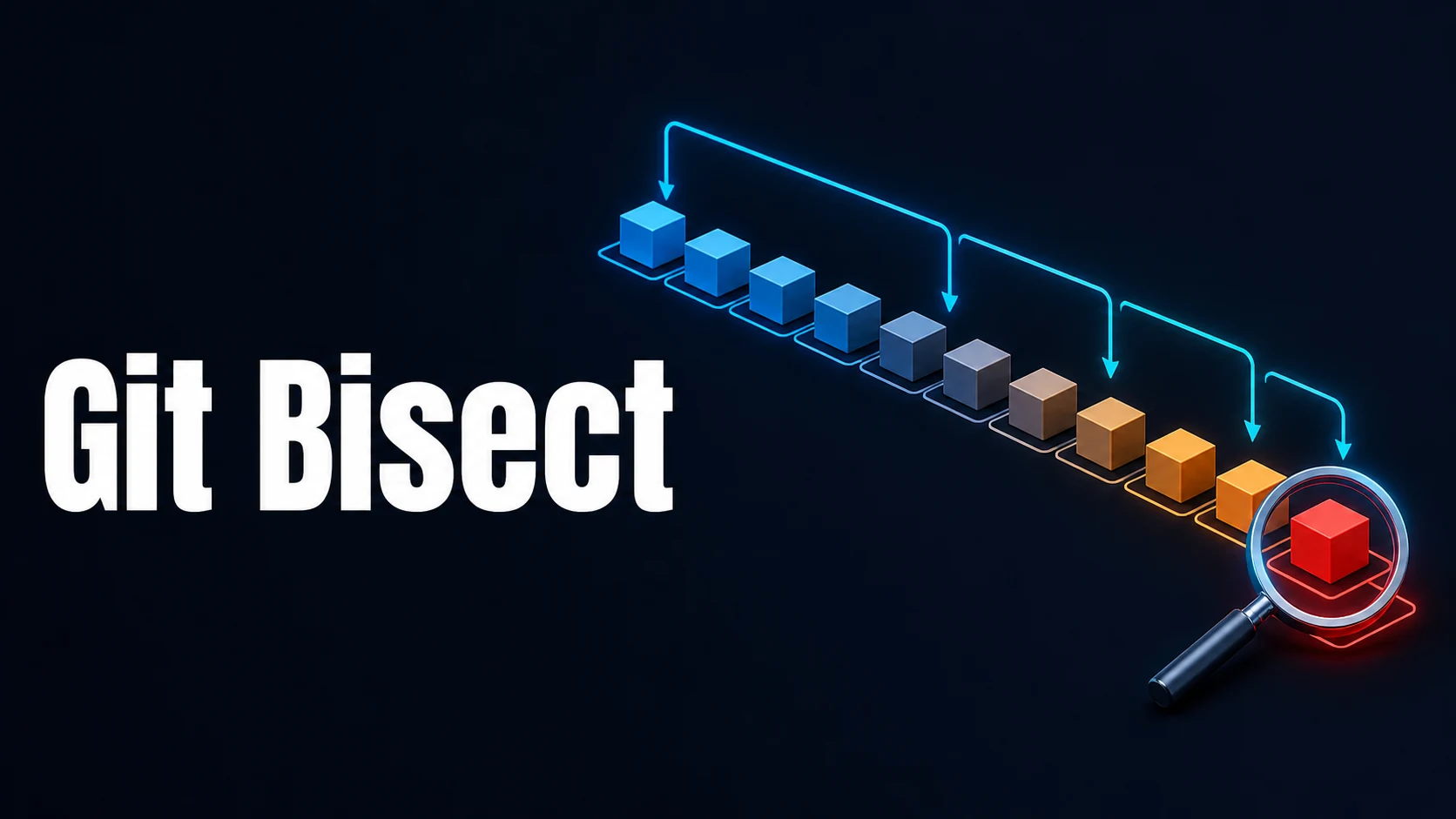
Git bisect: Binary Search, Automated Scripts, and Bug Hunting
Mark one bad and one good commit and Git halves the range each step. bisect run automates it through exit codes, and monotonicity is the assumption that must hold.

Git Tags: Lightweight vs Annotated and SemVer Release Tags
An annotated tag stores the tagger, date, and message; describe and --follow-tags only use those. How v:refname sorting and versionsort.suffix fix pre-release order.

Git push: --force-with-lease, Tags, and Deleting Remote Branches
A lease compares against your tracking ref, so a background fetch can silently pass it. Pinning the hash or --force-if-includes closes the hole; tags need their own push.

Git fetch, pull, rebase, and prune: Syncing Remote Branches
fetch moves tracking refs, pull merges or rebases on top, prune removes branches deleted upstream. Why pull now stops on divergent history, and what --ff-only protects.

Git reflog: Recovering Lost Commits and Deleted Branches
Every ref movement is logged locally for ninety days. How to undo a reset, restore an amended commit, and what fsck can still find when the log is gone.

Git log, diff, show, and blame: Searching History by Content
Two dots are asymmetric, three dots compare against the merge base, -S counts occurrences while -G matches diffs. The filters that turn a slow search into a fast one.

Git Cherry-Pick: Commits, Ranges, and Conflict Handling
A..B excludes A, -x records where the change came from, and one change with two hashes breaks later reverts. Backports need a policy, not a habit.

Git Stash: push, pop, apply, and Partial Stashing
A stash is a commit with two or three parents, and it leaves untracked files behind by default. When a temporary branch or a worktree is the better tool.

Git reset vs revert vs restore: Soft, Mixed, Hard, and Undoing Safely
Three commands with three depths: reset rewrites the branch, revert adds a commit, restore touches files. Which one is still safe after a push.