Browse by Topic
Popular
Popular Posts

Latest
Latest Posts
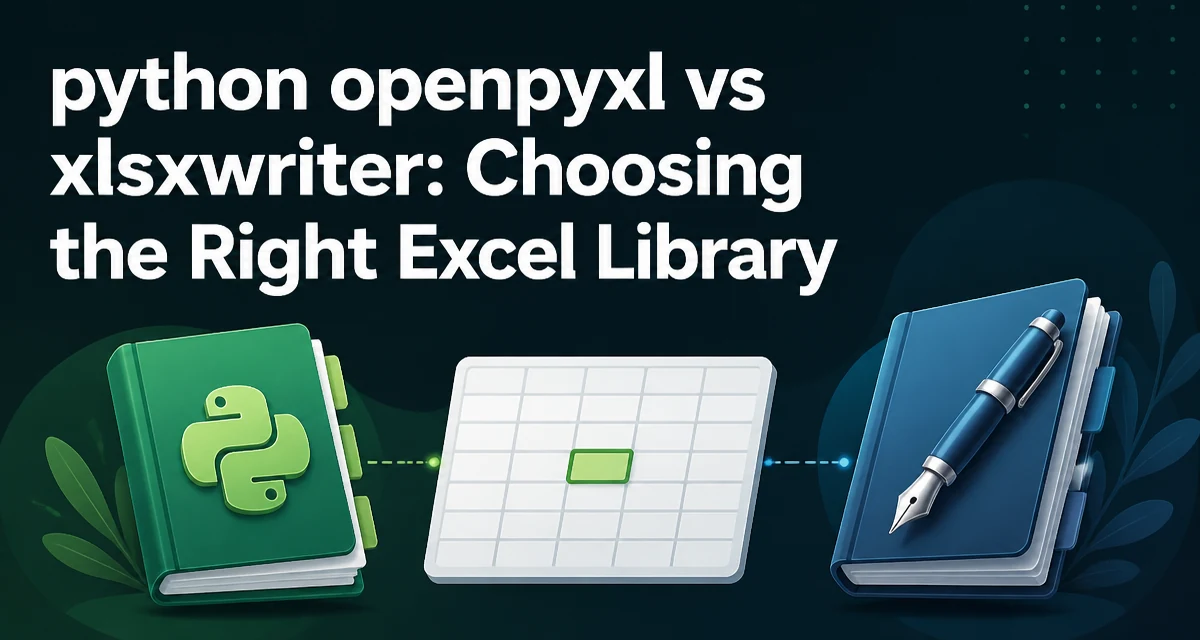
openpyxl vs xlsxwriter in Python: Choosing the Right Excel Library
Compare openpyxl and xlsxwriter for creating Excel files in Python. Learn their read/write capabilities, memory behavior, and how to choose the right library for your workflow.
Handling Large Excel Files with Python and openpyxl
Stream large Excel files with Python openpyxl using read-only and write-only modes, iterators, and memory-aware patterns.
Styling pandas DataFrames in Excel with openpyxl
Use openpyxl after calling pandas to_excel() to style cells, add formulas, handle merged cells, and control presentation in Excel exports.
Python Openpyxl Charts and Conditional Formatting
Add charts and conditional formatting to Excel workbooks with Python openpyxl. Covers chart references, common chart types, conditional formatting rules, and performance considerations.
Working with Formulas and Formula Cells in openpyxl
Learn how to read, write, and manage formulas and formula cells with openpyxl, including the data_only flag and cached-value behavior.
Python openpyxl: Merge Cells, Filters, and Data Validation
Use openpyxl to merge cell ranges, apply auto filters, and add data validation in Excel. A practical guide with code examples and tips for avoiding merged-cell and validation issues.
Python openpyxl: Column Width, Row Height, and Freeze Panes
python openpyxl column width row height and freeze panes: Learn to set column widths, row heights, and freeze panes in openpyxl to produce readable Excel reports with...
Python openpyxl: Fonts, Fills, Borders, Alignment, and Number Formats
python openpyxl fonts fills borders alignment and number formats: Learn to apply fonts, fills, borders, alignment, and number formats to Excel cells with openpyxl, inc...
Python openpyxl: Create, Delete, Copy Multiple Sheets
Learn how to create, delete, and copy multiple sheets in Excel with Python openpyxl, including code examples and important caveats.
Python openpyxl: Cells, Rows, Columns, and Worksheets
Learn to read, write, and manipulate Excel cells, rows, columns, and worksheets with Python openpyxl.