TypeScript satisfies Operator: Syntax, vs Type Annotations, and as const
How the TypeScript 4.9 satisfies operator validates an expression without widening its inferred type, why per-property types survive, and how as const changes the result.
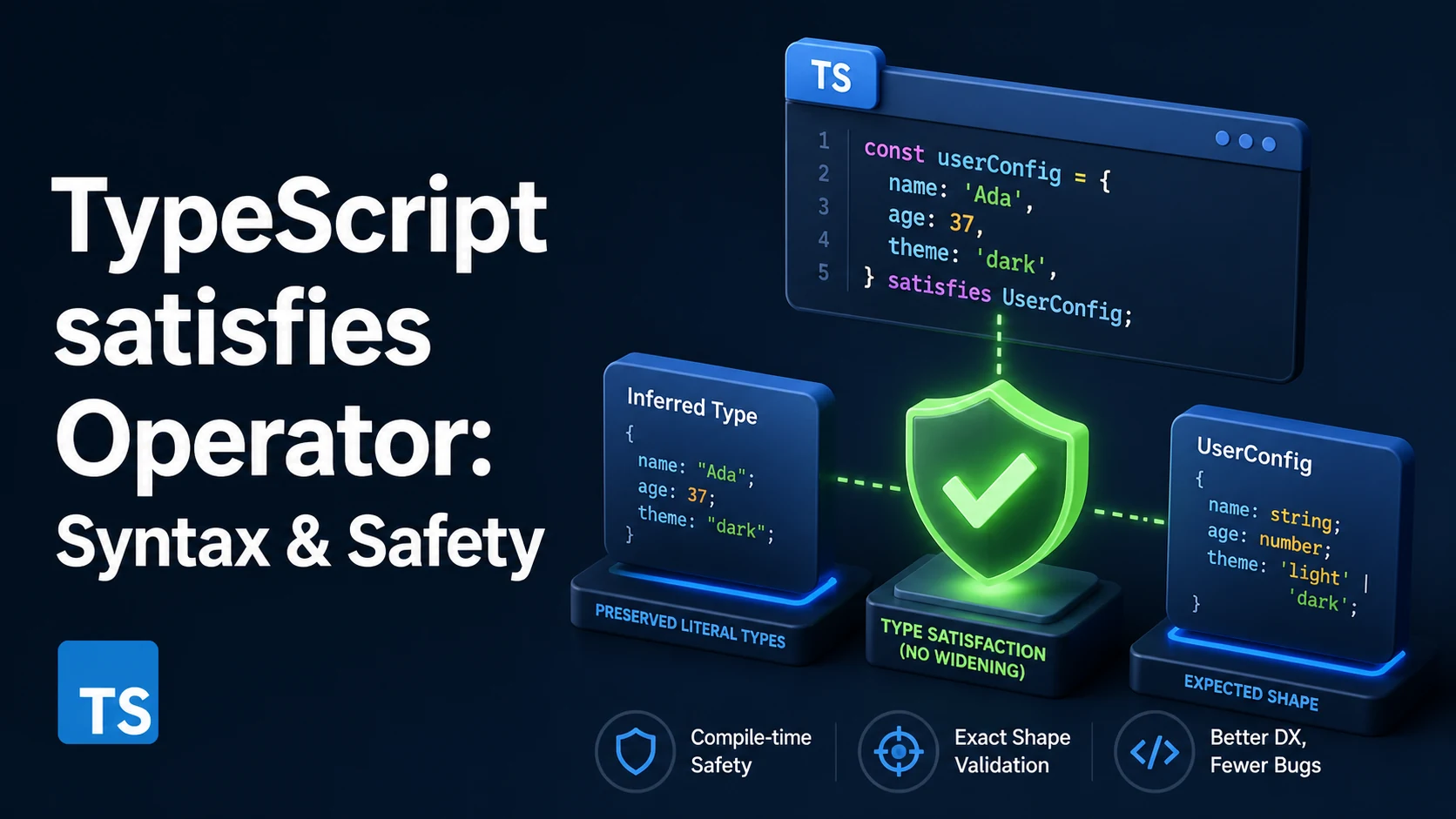
The satisfies operator, added in TypeScript 4.9, checks an expression against a type and then discards that type. The variable keeps whatever type TypeScript inferred for the expression, so const palette = { red: [255, 0, 0], green: "#00ff00" } satisfies Record<Color, string | RGB> rejects a misspelled key while palette.green stays string instead of collapsing into string | RGB. Validation without widening is the whole purpose of the operator, and every other rule follows from it.
Quick Summary
expr satisfies TypevalidatesexpragainstTypeand evaluates toexprwith the typeexpralready had, so nothing is annotated, widened, or asserted.- It applies excess property checking to object literals, which is how a typo like
bleuis caught even though the value's type is preserved. - It supplies a contextual type, so arrow parameters and nested literals are typed as if they were assigned to
Type. - The inferred type is still the widened one. Literal types appear only with
as const, and theas constmust come first. - It is erased at compile time:
x satisfies Temits exactly whatxemits. - It is not a cast, so an incompatible expression is still an error;
satisfiesnever silences a diagnostic an annotation would raise.
Basic syntax and type signature
The operator sits between an expression and a type, at the precedence of as:
type Config = { retries: number; mode: "fast" | "safe" };

const config = { retries: 3, mode: "fast" } satisfies Config;
//    ^? { retries: number; mode: string }
config is checked against Config and then typed by its own literal, so config.mode is string. If the literal "fast" matters, the expression needs as const too, and placement is part of the syntax:
const ok = { retries: 3, mode: "fast" } as const satisfies Config;
//    ^? { readonly retries: 3; readonly mode: "fast" }

const bad = { retries: 3, mode: "fast" } satisfies Config as const;
// error: a 'const' assertion can only be applied to a literal
A const assertion applies to the literal it is attached to, and satisfies produces an expression that is no longer a literal, so the order is fixed. Applied first, as const makes every property a readonly literal and satisfies Config then verifies that shape, which passes because readonly properties are assignable to mutable ones.
satisfies may appear anywhere an expression may: an initializer, a return, an argument, a class field, or an array element. It cannot appear in a declaration's type position, so const x satisfies Config = value does not parse.
satisfies, annotation, and assertion in one table
| Form | What it checks | Resulting type | Runtime effect |
|---|---|---|---|
const x: T = value | assignability, excess properties | exactly T | none |
const x = value satisfies T | assignability, excess properties, contextual typing | inferred type of value | none |
const x = value as T | only that the types overlap enough to convert | exactly T | none |
const x = value as const | nothing | readonly literal type | none |
as const satisfies T | assignability of the readonly literal | readonly literal type | none |
The first two rows differ in what the rest of the file sees. An annotation erases per-property information as it is applied: with const palette: Record<Color, string | RGB>, every read is the union and palette.green.toUpperCase() fails because the union includes RGB. With satisfies, each property keeps its inferred type and the check happens once.
The second and third differ in safety. as converts and rejects only types the compiler considers unrelated, so ({ retries: "3" } as unknown) as Config compiles and fails in production; satisfies reports the mismatch at the literal.
Practical edge cases and deep dives
1. Per-key types survive validation, which a Record cannot express
A Record over a union of handlers types every parameter as the union of all payloads. That is valid TypeScript and useless in practice:
type EventMap = { click: MouseEvent; keydown: KeyboardEvent };

// every handler receives MouseEvent | KeyboardEvent
const handlers: Record<keyof EventMap, (e: MouseEvent | KeyboardEvent) => void> = {
  click: (e) => e.clientX, // error: 'clientX' does not exist on KeyboardEvent
  keydown: (e) => e.key,
};

// each handler receives its own payload, and the check still runs
const precise = {
  click: (e) => e.clientX,
  keydown: (e) => e.key,
} satisfies { [K in keyof EventMap]: (e: EventMap[K]) => void };
The mapped type in the satisfies position gives click the parameter MouseEvent and keydown the parameter KeyboardEvent, and precise.click is inferred as (e: MouseEvent) => number, so call sites keep concrete return types. That is the practical reason satisfies replaced const x: Mapped = {...} for lookup tables.
2. Exhaustiveness against a growing union
satisfies Record<Status, string> is a compile-time checklist. Adding a variant turns every incomplete table into an error at the table itself, not at a distant undefined:
type Status = "idle" | "loading" | "error" | "done";

const labels = {
  idle: "Idle",
  loading: "Loading",
  error: "Failed",
  // error TS2741: Property 'done' is missing in type ... but required
  // in type 'Record<Status, string>'
} satisfies Record<Status, string>;

labels[("idle" as Status)].toUpperCase(); // string, never undefined
keyof typeof labels is Status only once the table is complete, so it doubles as the source of truth for a second union. An annotation raises the same missing-property error, but erases the keys and leaves string instead of a key union.
3. as const satisfies for route and theme tables
Combining the two gives literal types plus a shape contract, which is what a route table or a design-token map needs:
const routes = {
  home: { path: "/", title: "Home" },
  post: { path: "/blog/:slug", title: "Post" },
} as const satisfies Record<string, { path: string; title: string }>;

type RouteName = keyof typeof routes;   // "home" | "post"
const homePath: "/" = routes.home.path; // literal, not string
Without as const, homePath widens to string and can no longer be compared against a union of known paths; without satisfies, a missing title surfaces only where the object is consumed. The same pair keeps an array's literal elements while validating its shape: [[1, 2], [3, 4]] as const satisfies readonly (readonly number[])[] types matrix[0][0] as the literal 1.
The readonly target accepts a mutable array, because mutable arrays are assignable to readonly ones, but the reverse fails: satisfies number[][] against an as const value reports a readonly-to-mutable error.
4. Discriminated unions keep each member's literal tag
An array written into a satisfies position is contextually typed by the union, so each element is checked against the members and the discriminants survive:
type Action =
  | { kind: "add"; item: string }
  | { kind: "remove"; id: number };

const actions = [
  { kind: "add", item: "milk" },
  { kind: "remove", id: 7 },
  { kind: "add", id: 9 },
  // error TS2353: Object literal may only specify known properties, and 'id'
  // does not exist in type '{ kind: "add"; item: string; }'
] satisfies Action[];
The error names the member that matched, because the discriminant narrowed the contextual type before the remaining properties were checked. That is the cheap way to validate a fixture or menu definition without losing actions[0].kind to string.
5. Where satisfies proves nothing
Assignability from any always succeeds, so wrapping untyped data produces a value that looks validated but is not: JSON.parse(text) satisfies Config passes, and the result stays any.
The operator is a compile-time check on a static expression: it does not narrow, convert, or validate input at runtime, so a schema parser is still required at the boundary, with satisfies keeping the parser's output aligned to the intended type.
Common mistakes and compiler errors
| Symptom | Cause | Fix |
|---|---|---|
';' expected. at the operator | compiler older than 4.9 | upgrade typescript, or annotate instead |
Property is missing in type … but required in type Record<…> (TS2741) | the target lists keys the object lacks | add the key, or use Partial<Record<…>> if absence is allowed |
| Object literal may only specify known properties (TS2353) | excess property check found an unknown key | fix the typo; as only hides it |
Property 'toUpperCase' does not exist on type 'string | RGB' | the value was annotated, not satisfies-ed | move the type right of satisfies |
| Literal types never appear | satisfies keeps the widened type | add as const before satisfies |
A 'const' assertion can only be applied to a literal | wrote satisfies T as const | write as const satisfies T |
| A property that should be optional is required | Record<K, V> requires every key | use Partial<Record<K, V>> |
No error on data from JSON.parse | the expression is any, so the check is vacuous | parse, then validate at runtime |
satisfies is a static guardrail for code you already wrote, not a runtime validator. Its best use is the case an annotation handles badly: a literal whose per-property types must stay visible to the rest of the file while one contract is enforced at the declaration.
Try matching browser tools
All toolsSmall utilities that fit TypeScript work — they run entirely in this browser tab, so nothing you paste leaves your device.
Related TypeScript guides
All TypeScript guidesTypeScript Generic Parameter Defaults: Syntax, Precedence, and Inference
When a default applies and when inference wins, defaults that reference earlier parameters, and how a defaulted type parameter keeps a library change non-breaking.
TypeScript Branded Types: Nominal Typing, Type Tags, and Validation
How a phantom property makes two strings incompatible, unique symbol brands, unit-typed numbers, and the places where a brand quietly disappears.
TypeScript Ambient Declarations: .d.ts Files, declare, and declare global
How declare and .d.ts files describe runtime values, wildcard modules for assets, declare global with var, and module augmentation of third-party types.
TypeScript Discriminated Unions: Exhaustiveness Checking and the never Type
Why the discriminant must be a literal, how never closes an exhaustive switch, and the duplicate-discriminant bug that lets a missing case compile.
More in TypeScript
All TypeScript guidesThe guides filed next to this one in TypeScript, in library order.