Docker Security: Non-Root Users, Linux Capabilities, and Seccomp Profiles
Containers start as root with 14 capabilities. How to run non-root, drop ALL caps and add one, keep seccomp, and why port 80 stops working.
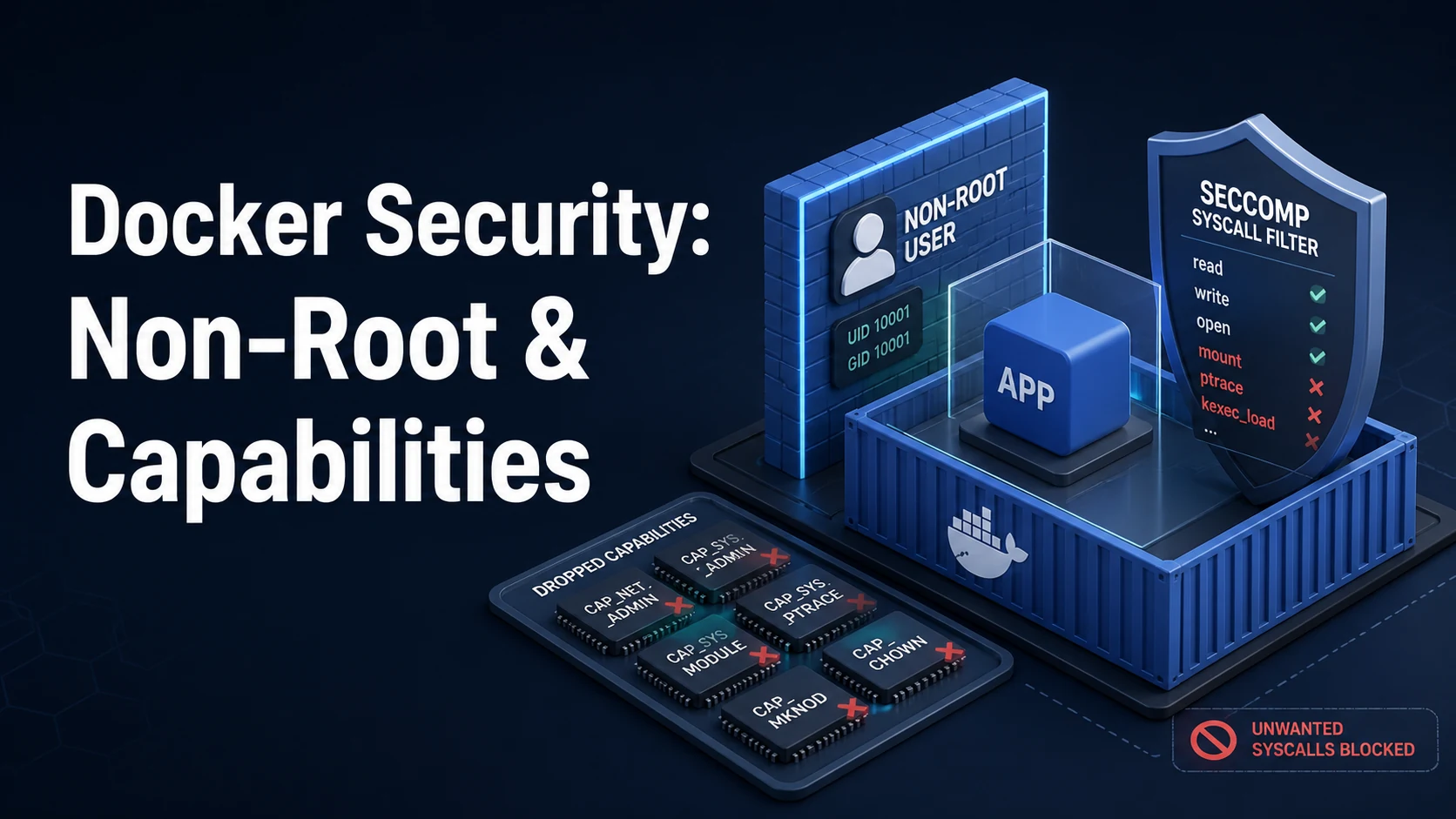
Quick Summary
A container starts as root with a set of default Linux capabilities and the default seccomp profile applied. That is a reasonable starting point and a poor ending point: root inside the namespace can write to any file in the image, CAP_NET_RAW lets it craft packets, CAP_SYS_CHROOT and a writable filesystem give an escape room to work with, and the seccomp default — while it blocks a lot — still allows most syscalls an exploit needs.
Three controls, each cheap, cover most of the exposure. Run as a non-root USER so a compromise lands with unprivileged rights. Drop every capability and add back only what the process actually calls. Keep the seccomp profile at its default and add no-new-privileges so setuid binaries and file capabilities cannot raise the process's rights.
The failure modes are all in the details: a non-root user that cannot bind port 80 any more, a chown that makes a bind-mounted volume root-owned on the host, a clone3 denial that looks like a broken runtime, and docker exec -u 0 quietly undoing the whole design.
Basic syntax and query signatures
FROM node:22-bookworm-slim AS build
WORKDIR /app
COPY package*.json ./
RUN npm ci
COPY . .
RUN npm run build
FROM node:22-bookworm-slim
ENV NODE_ENV=production
WORKDIR /app
COPY /app/dist ./dist
COPY /app/node_modules ./node_modules
USER 10001:10001
EXPOSE 8080
ENTRYPOINT ["node", "dist/server.js"]docker run -d --name api \
--user 10001:10001 \
--cap-drop=ALL \
--cap-add=NET_BIND_SERVICE \
--security-opt no-new-privileges:true \
--security-opt seccomp=/etc/docker/seccomp-api.json \
--read-only --tmpfs /tmp:rw,noexec,nosuid,size=64m \
example/api:1.4.2# compose.yaml
services:
api:
image: example/api:1.4.2
user: "10001:10001"
read_only: true
tmpfs:
- /tmp:size=64m
cap_drop: [ALL]
cap_add: [NET_BIND_SERVICE]
security_opt:
- no-new-privileges:true
- seccomp=./seccomp-api.json
volumes:
- uploads:/var/lib/app/uploads# verify what the process actually has
docker exec api id
docker exec api grep -E 'Cap(Eff|Bnd)|Seccomp|NoNewPrivs' /proc/1/status
docker exec api capsh --decode=$(docker exec api grep CapEff /proc/1/status | awk '{print $2}')
docker inspect -f '{{.HostConfig.User}} {{.HostConfig.CapDrop}} {{.HostConfig.SecurityOpt}}' apiKey comparison table
| Control | Default | Hardened | What it stops |
|---|---|---|---|
| User | root (uid 0) | USER 10001 | Writing to image files, root-owned host files |
| Capabilities | 14 default caps | --cap-drop=ALL + explicit adds | Raw sockets, chown, mount-adjacent tricks |
| Seccomp | default profile | default, or a tighter custom one | mount, kexec, bpf, keyring syscalls |
no-new-privileges | Off | On | setuid binaries, file capabilities |
| Root filesystem | Writable | --read-only + tmpfs | Persisting a payload, editing binaries |
| User namespace | Off | userns-remap | Container root equalling host root |
| Docker socket | Not mounted | Never mounted | Full host takeover from inside |
| Default capability | What it allows | Drop it when |
|---|---|---|
CHOWN | chown any file | The app never changes ownership |
DAC_OVERRIDE | Bypass file permission checks | The app runs as the file owner |
FOWNER | Modify files owned by others | Startup does not fix permissions |
SETUID / SETGID | Switch user | No su/sudo in the container |
NET_RAW | Raw and packet sockets | No ping, no custom ICMP |
NET_BIND_SERVICE | Bind ports below 1024 | The app listens on 8080 or higher |
SYS_CHROOT | chroot | Nothing legitimate in most apps |
MKNOD | Create device nodes | Almost always |
KILL | Signal other users' processes | Only matters with several uids |
SETFCAP, SETPCAP, AUDIT_WRITE | Capability and audit manipulation | Almost always |
Practical edge cases and deep dives
1. Non-root and port 80
A process that is not uid 0 has no effective capabilities, so NET_BIND_SERVICE in the container's bounding set does not help unless the binary carries the file capability — and no-new-privileges blocks exactly that:
Error: listen tcp :80: bind: permission denied
The right answer is to listen on 8080 inside the container and publish -p 80:8080; the host's port 80 is bound by the daemon, which is already privileged. The alternatives are --sysctl net.ipv4.ip_unprivileged_port_start=0 (kernel 4.11+, and it lowers the barrier for every process in that namespace) or setcap cap_net_bind_service=+ep on the binary, which no-new-privileges disables. Do not solve it by keeping the app as root.
2. chown at build time versus volume ownership
# correct: ownership baked into the layer, no runtime chown
COPY . /app
# wrong: needs root, and fails when USER is already set
RUN chown -R app:app /appA named volume inherits the ownership and permissions of the image's directory the first time it is mounted — so chown in the image is what makes a non-root container able to write to its volume. A bind mount is the opposite: it takes the host's ownership, and a uid 1000 process writing there produces files owned by uid 1000 on the host. If the app must write to a bind mount, align the container uid with the host user, or accept chmod 777, which is worse than the problem it solves.
3. docker exec -u 0 and the socket
docker exec -u 0 -it api sh # root in the container, whatever USER saysRunning as non-root is a boundary against a compromised process, not against an operator — the Docker API is root-equivalent on the host. The same logic applies to a mounted socket: a container with /var/run/docker.sock can start a privileged container and own the host, no matter which user it runs as. Treat socket mounts and --privileged as full trust, because they are.
4. Seccomp denials that look like application bugs
OCI runtime create failed: ... operation not permitted
or, more often, a program that dies with EPERM on a syscall it expects to work. The classic case is clone3: glibc 2.34+ uses it for thread creation, and seccomp profiles written before the syscall existed returned EPERM instead of ENOSYS, so the fallback to clone never happened. Updated Docker releases allow clone3 to return ENOSYS. If you maintain a custom profile, copy the current default from the moby repository and add your syscalls to it rather than starting from an old copy.
Build a minimal profile by tracing, not by guessing:
docker run --rm --security-opt seccomp=unconfined --cap-add=SYS_PTRACE \
  --entrypoint sh strace-image -c 'strace -f -c -o /tmp/strace.txt node server.js'
Then compare the syscall list against the default profile. Never ship seccomp=unconfined and never --privileged as a fix for a denial: both remove every control at once.
5. Read-only root filesystem and the directories that still need writes
--read-only turns every write into EROFS:
Error: EROFS: read-only file system, open '/app/tmp/upload'
The exceptions are known: /tmp via tmpfs, the app's data directory via a volume, and package managers that insist on writing during startup. Run the image once with --read-only and see what breaks; each failure is either a missing tmpfs or an application that should be writing to a volume. The payoff is large: a compromised process cannot modify binaries or drop a persistence script in the image.
6. User namespaces, and what they do not fix
"userns-remap": "default" in daemon.json maps container uid 0 to an unprivileged host uid (typically 100000), so an escape that lands as root in the container lands as nobody on the host. The cost is that every existing volume and bind mount now has the wrong owner, and images that chown at build time keep working while host directories do not. It also does not apply to --privileged containers and interacts badly with some storage drivers. Enable it deliberately, on a host you can rebuild, not during an incident.
Common mistakes and runtime errors
| Error or symptom | Cause | Fix |
|---|---|---|
listen tcp :80: bind: permission denied | Non-root cannot bind privileged ports | Listen on 8080, publish -p 80:8080 |
EACCES: permission denied, open '/app/x' | USER set, files owned by root | COPY --chown, or a volume with correct ownership |
| Files on the host owned by root | Container wrote as uid 0 to a bind mount | Run as the host uid, or use a named volume |
EROFS: read-only file system | --read-only without tmpfs or a volume | Add --tmpfs /tmp, mount the data dir |
operation not permitted on a syscall | Seccomp denial | Update the profile, or add the syscall |
setcap binary still fails | no-new-privileges blocks file capabilities | Remove the dependency, or drop the option knowingly |
--privileged in a compose file | Convenience fix left in | Replace with explicit cap_add and devices |
| Container root can write host files | No userns-remap | Enable userns-remap, or run non-root |
docker exec -u 0 works despite USER | The API is root-equivalent | Restrict socket access; do not rely on USER alone |
| App cannot write to its own uploads directory | Volume created before chown in the image | Recreate the volume, or fix ownership once |
The design that holds up is unglamorous: a non-root USER, cap_drop: [ALL] with at most one or two additions, the default seccomp profile, no-new-privileges, a read-only root with named volumes and tmpfs where writes are needed, and no Docker socket in any container. Verify it with id and /proc/1/status rather than trusting the compose file, because the compose file only describes what you meant.
Try matching browser tools
All toolsSmall utilities that fit Docker work — they run entirely in this browser tab, so nothing you paste leaves your device.
Related Docker guides
All Docker guidesDocker Inspect: Go Templates, Format Flags, and JSON Filtering
The fields worth knowing, the array-versus-object trap, and why <no value> silently passes your monitoring check instead of failing it.
Docker Restart Policies: no, on-failure, always, and unless-stopped
What each policy really restarts, why on-failure ignores a clean exit, how backoff hides crash loops, and why health checks never trigger a restart.
Docker Compose Profiles: Multi-Environment Configs and Overrides
Profiles select which services exist; override files change how they run. How the two fit together, and why ports concatenate instead of replacing.
Docker COPY vs ADD: Build Context, .dockerignore, and Cache Busting
ADD adds tar extraction and URLs nobody wants; COPY is the predictable choice. How the build context is packed, and how copy order decides rebuild time.
More in Docker
All Docker guidesThe guides filed next to this one in Docker, in library order.